
Most VPN apps promise digital safety. But thousands secretly collect the exact data they claim to protect.
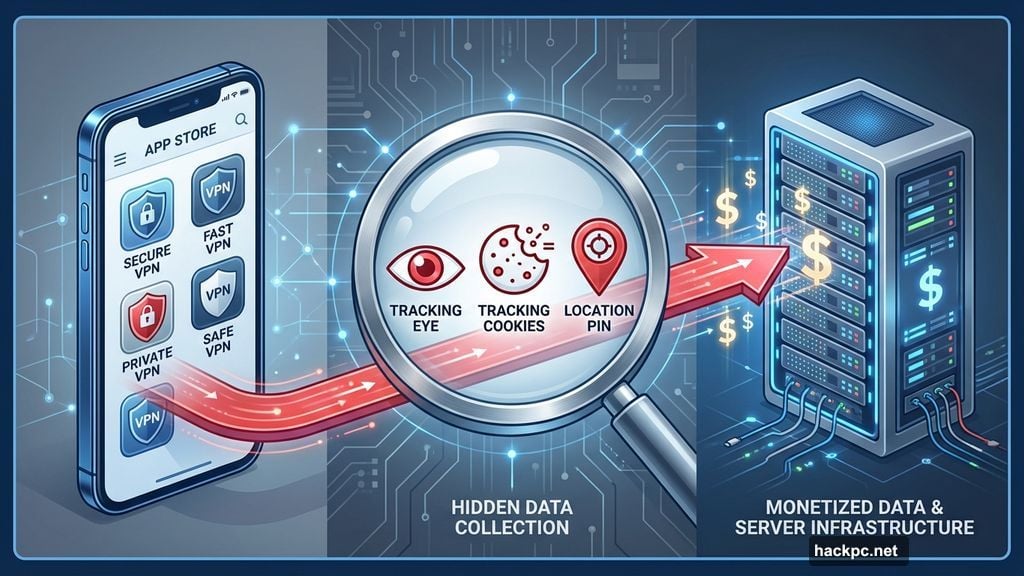
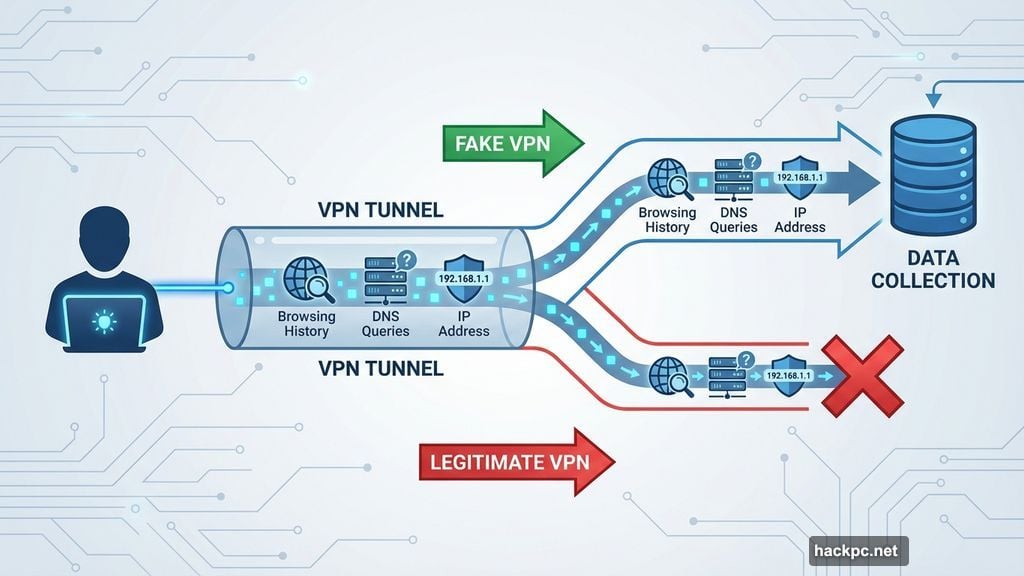
Around one-third of internet users worldwide now rely on VPNs. So naturally, shady developers flooded app stores with fake services. These impostor apps look legitimate at first glance. But they’re actually designed to harvest your browsing history, sell your data, or load malware onto your device.
Spotting a dangerous VPN takes more than reading app store reviews. You need to recognize specific red flags that separate trustworthy services from data-harvesting scams. Let’s break down the nine warning signs that reveal a VPN’s true intentions.
Missing or Vague No-Logs Policy
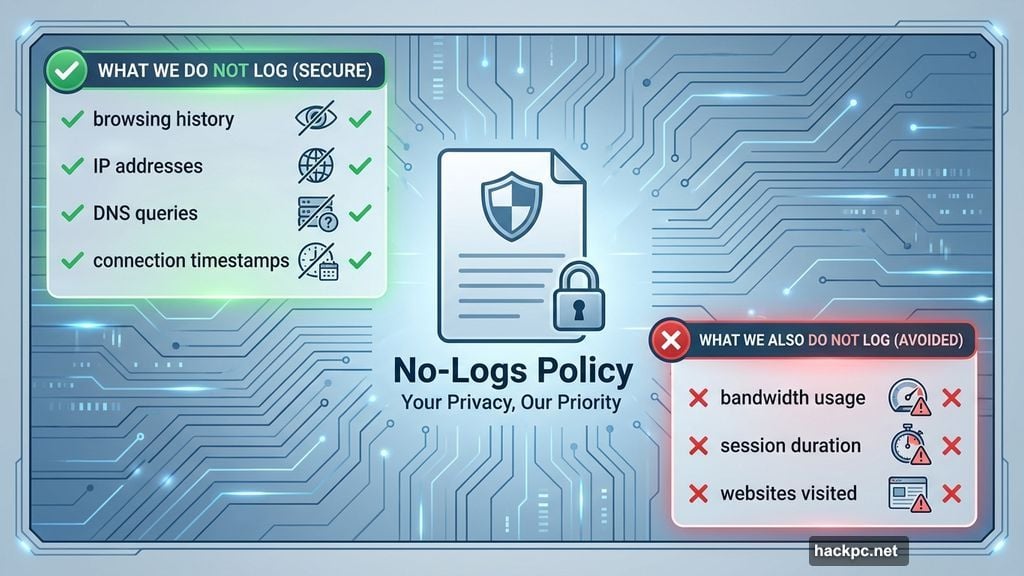
Every legitimate VPN publishes a clear no-logs policy. This document explains exactly what data they collect and what they ignore.
Shady VPNs handle this differently. They either skip the policy entirely or bury vague promises in confusing legal jargon. That’s deliberate. Overly technical language hides what they’re actually doing with your information.
So what should a proper no-logs policy include? It should state plainly that the VPN doesn’t record your browsing history, IP addresses, DNS queries, or connection timestamps. Some minimal logging is acceptable. Most VPNs track basic server performance metrics to optimize their network.
But watch for policies that claim zero logging whatsoever. That’s often a lie. Also avoid VPNs that log bandwidth usage, session duration, or specific websites you visit. Those data points compromise your privacy.
Zero Independent Security Audits
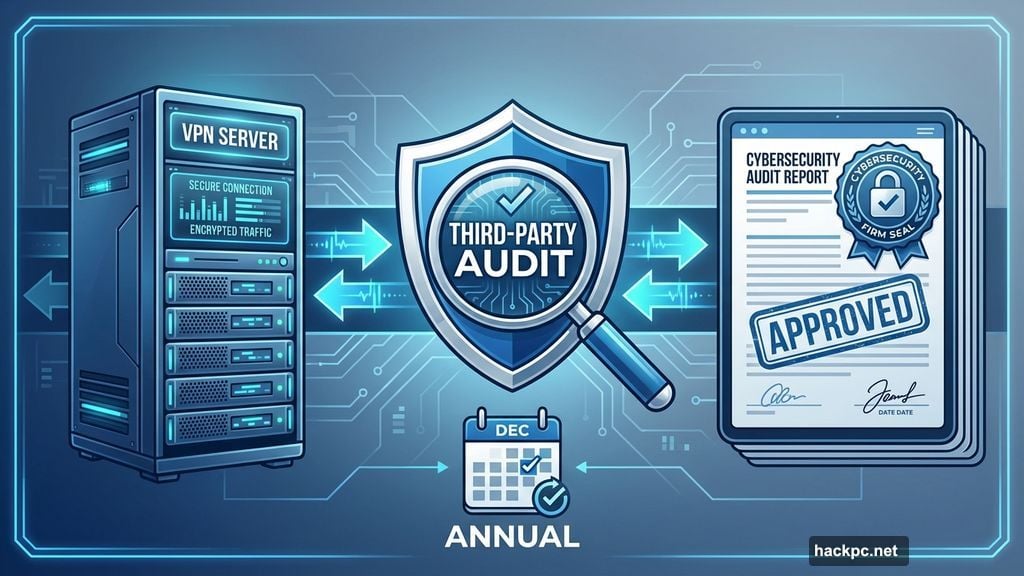
A no-logs policy means nothing without proof. That’s where independent audits come in.
Legitimate VPNs hire respected cybersecurity firms to verify their privacy claims. These third-party audits inspect server infrastructure, review code, and confirm that user data isn’t being collected or stored. Plus, top services repeat these audits annually.
However, audits aren’t perfect. They only verify practices during the audit period. A VPN could theoretically start logging data the day after an audit ends. Still, regular audits remain the strongest trust signal available.
Fake VPNs never submit to audits. Why would they? Independent inspection would expose their data collection schemes immediately. So if a VPN loudly advertises its privacy credentials but refuses to prove them through audits, that’s a massive red flag.
Dead Website or Nonexistent Customer Support
Legitimate VPN companies maintain active websites with detailed setup guides, troubleshooting FAQs, and responsive support teams. Most offer both live chat and email support with real human agents.
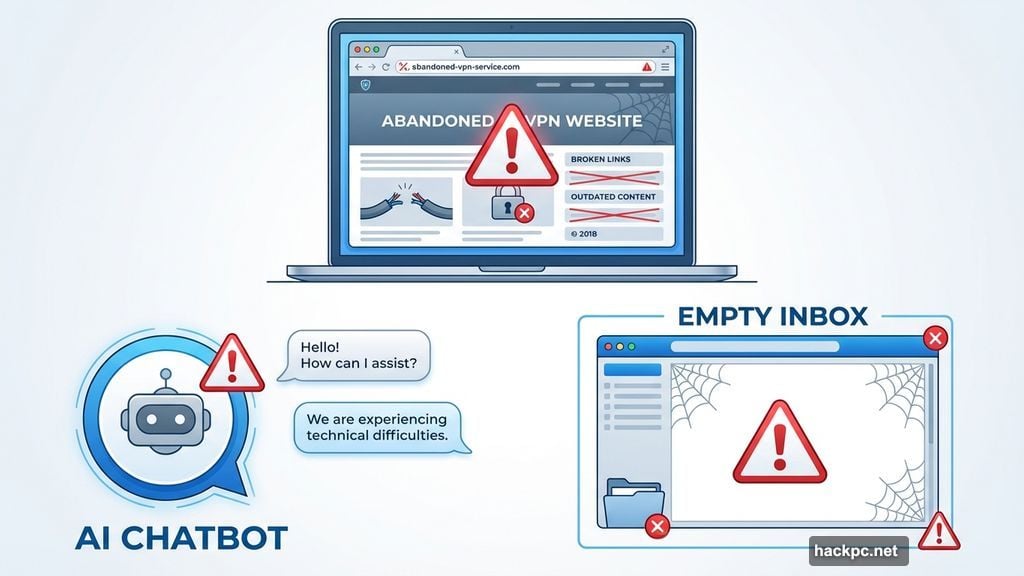
Shady VPNs operate differently. Their websites often look abandoned. Knowledge bases contain generic, unhelpful articles. Support channels either don’t exist or connect you to AI chatbots that spit out useless automated responses.
But here’s the catch. Some sophisticated scam VPNs actually provide excellent support. They deliberately build flawed apps that force users to contact them. Then fake support agents use these interactions to deploy phishing attacks or trick users into sharing sensitive information.
So evaluate customer support carefully. Good support suggests legitimacy. But amazing support paired with a buggy app might indicate a more elaborate scam.
Privacy-Hostile Jurisdiction
Where a VPN company operates legally matters enormously. Different countries have different data retention laws. Some governments force companies to log user data and hand it over on demand.
India, for example, requires VPN providers to collect and store user information. That’s why trustworthy VPNs either avoid operating servers in such countries or only offer virtual servers there. Virtual servers route traffic through privacy-friendly locations even though they appear to be in restrictive regions.
Then there’s the Five Eyes, Nine Eyes, and 14 Eyes surveillance alliances. These groups of countries share intelligence data with each other. However, membership in these alliances doesn’t automatically disqualify a VPN.
Take Mullvad VPN. It operates from Sweden, which participates in the 14 Eyes alliance. Yet Sweden has strong privacy laws that prevent forced data logging. So even if Swedish authorities request user data, Mullvad has nothing to hand over. Their strict no-logs policy ensures that.
Bottom line: Check both the VPN’s jurisdiction and that country’s specific privacy laws before making a decision.
Weak Encryption or Missing Security Features
Strong encryption is non-negotiable. Look for VPNs using either AES-256 or ChaCha20 encryption. Both standards are secure enough to protect your data from interception as it travels through the VPN tunnel.
Network protocols matter too. Modern VPNs should offer at least one of these: WireGuard, OpenVPN, or IKEv2/IPSec. Each has trade-offs. OpenVPN provides excellent security but runs slower than WireGuard. Still, all three offer solid protection.
Some VPNs develop proprietary protocols. NordVPN built NordLynx and NordWhisper. ExpressVPN created Lightway. Proton VPN offers Stealth. These custom protocols are fine if the company has undergone independent security audits to verify their safety.
But run from VPNs using outdated protocols like L2TP, SSTP, or PPTP. These legacy standards have known security vulnerabilities. Also avoid any VPN that doesn’t explicitly state which protocols it uses.
Beyond encryption and protocols, check for essential privacy features. A kill switch cuts your internet connection if the VPN fails unexpectedly. This prevents your real IP address from leaking. DNS leak protection stops your internet provider from seeing which websites you visit. Both features should come standard.
Wildly Unrealistic Marketing Claims
VPNs boost privacy. They don’t provide magical internet superpowers or complete anonymity.
So be skeptical of VPNs claiming to block all malware, guarantee total anonymity on public Wi-Fi, or unlock every streaming platform worldwide. These promises are impossible to deliver. A VPN hides your IP address and encrypts your connection. That’s powerful but limited.
For instance, a VPN can’t stop you from clicking phishing links or prevent malware infections. Those require antivirus software and tracker blockers. Some VPN companies bundle these additional security tools. But the VPN itself doesn’t provide comprehensive malware protection.
Also ignore claims about drastically improved internet speeds. While VPNs can sometimes bypass ISP throttling, they typically cause small speed reductions due to encryption overhead. Any VPN promising to quadruple your connection speed is lying.
Furthermore, VPNs don’t make you anonymous if you log into services using real credentials. Google still knows you’re you when you sign into Gmail, even if your IP address shows up as being in Germany. Your VPN masks your location from your ISP and websites you don’t log into. It doesn’t hide your identity from services where you authenticate.
Suspicious Free VPN Offers
Not every free VPN is dangerous. But most are. Research shows nearly two-thirds of free VPNs put user data at risk. In 2025, a popular free Chrome VPN extension was caught secretly monitoring user browsing activity and selling that data to advertisers.
The economics explain why. Running a global VPN network costs serious money. Servers, bandwidth, staff, development. If you’re not paying for the service, how does the company cover these expenses?
Legitimate free VPNs use a specific business model. They offer limited free versions designed to convert users to paid subscriptions. Proton VPN works this way. Its free tier provides unlimited bandwidth but restricts server selection, unblocking capabilities, and advanced features like Secure Core servers. You get enough service to test the product. Then you pay for the full experience.
But if a free VPN doesn’t offer paid plans, question how it makes money. The answer is often selling your data to third-party advertisers, data brokers, or worse. You become the product instead of the customer.
So stick to reputable free VPNs like Proton VPN that clearly monetize through paid subscriptions. Avoid mysterious free services with no apparent business model. Those exist to exploit you.
Terrible Performance and Speed
Privacy shouldn’t destroy your internet experience. Yet many fake VPNs deliver awful speeds even on fast home connections.
Legitimate VPNs occasionally cause minor slowdowns due to encryption overhead. But they shouldn’t cripple your connection. In fact, good VPNs sometimes improve speeds by preventing ISP throttling during bandwidth-intensive activities like streaming or gaming.
Poor VPN performance often indicates a small, congested server network. Quality providers invest in thousands of servers spread across dozens of countries. This distributes user load and provides geographic options. Fake VPNs skip this expensive infrastructure investment.
The result? During peak hours, you might struggle to connect at all. When you do connect, speeds crawl. Plus, a tiny server network limits your ability to access geo-restricted content. You’ll have fewer IP addresses to choose from and worse overall performance.
However, some legitimate VPNs also suffer from speed issues. Private Internet Access disappointed in recent speed tests despite being a real service. So slow performance alone doesn’t guarantee a VPN is fake. But combined with other red flags, it’s definitely concerning.
Invasive App Permissions
Check what permissions a VPN app requests before installing. Legitimate VPNs need access to your internet connection. That’s essential for their core function.
But be extremely wary of VPNs requesting access to your photos, media library, contacts, microphone, camera, or location data. These permissions have nothing to do with VPN functionality. They exist so the app can harvest personal information from your device.
Fake VPNs don’t just log your browsing history. They also scan your device for any valuable data they can steal and sell. Photos, contact lists, stored files, everything. Then they monetize this stolen information through data brokers or use it for targeted advertising.
Always review app permissions carefully. Decline any that seem unnecessary. Better yet, avoid installing VPNs that request invasive access in the first place.
Trust Takes Time and Research
Choosing a safe VPN requires digging deeper than app store ratings or flashy marketing. Read the privacy policy thoroughly. Check for independent audits. Research the company’s jurisdiction and reputation. Test performance before committing.
Yes, this takes effort. But your privacy and security depend on making the right choice. A shady VPN doesn’t just fail to protect you. It actively exploits you by collecting and selling the exact data you thought you were hiding.
So do your homework. Stick to well-established providers with proven track records. Avoid services making impossible promises or requesting suspicious permissions. Your digital privacy is worth the extra time spent choosing wisely.
Post Title: 9 Red Flags That VPN App Is Stealing Your Data
Meta Description: Most VPN apps promise digital safety. But thousands secretly collect the exact data they claim to protect. Around one-third of internet users worldwide now rely on VPNs. So


Comments (0)