
Norton has been protecting computers since 1982. That’s a long track record, and the company has clearly learned a lot along the way.
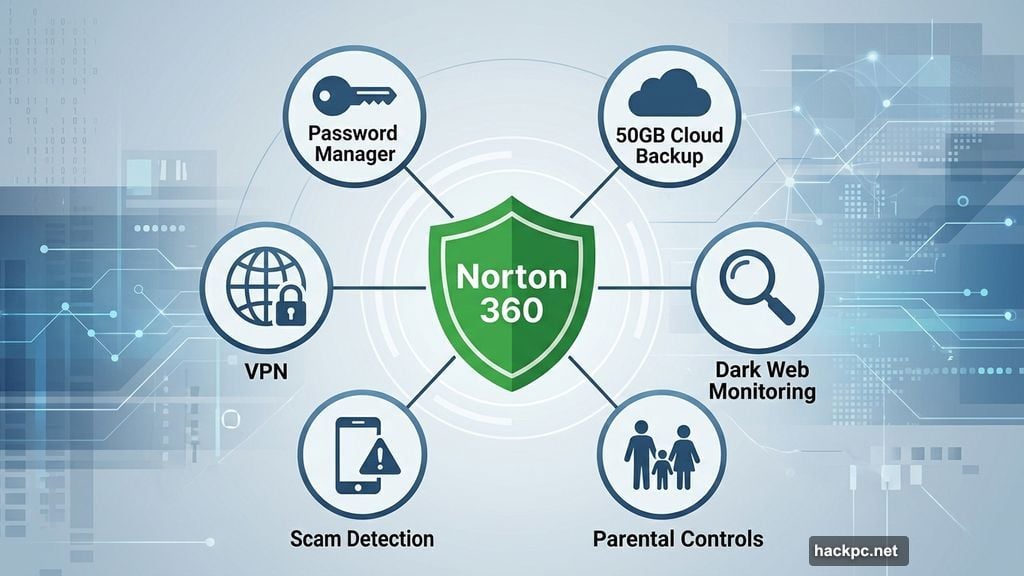
Today, Norton offers far more than just antivirus software. You get a password manager, safe browser, cloud backups, scam detection tools, and robust parental controls — all bundled into one package. Plans start at just $30 for your first year, which makes it genuinely competitive. But is Norton the right choice for you specifically? That depends on what you actually need from a security suite.
What You Get With Each Norton Plan
Norton offers six main plans, ranging from basic antivirus to full identity theft protection. Here’s a quick breakdown:
- Norton AntiVirus Plus ($30/year, 1-5 devices): Core antivirus, password manager, and 2GB of cloud backup
- Norton 360 Standard ($40/year, 3 devices): Adds VPN, dark web monitoring, and scam protection tools
- Norton 360 Deluxe ($50/year, 5 devices): Adds parental controls and 50GB of cloud storage
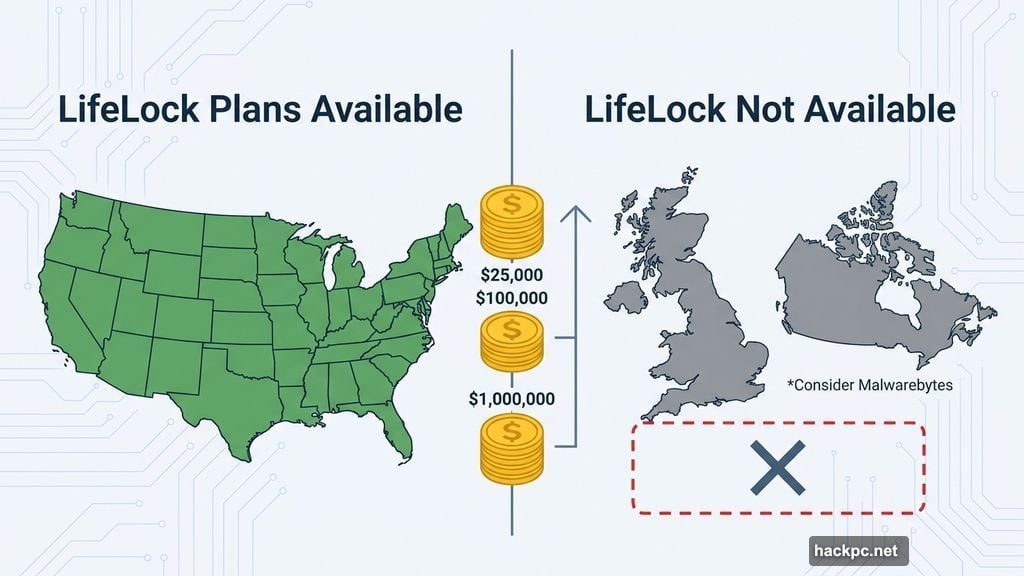
- Norton 360 with LifeLock Select Plus ($100/year, 10 devices): Adds identity theft protection, credit monitoring, and up to $25,000 in stolen funds reimbursement (US only)
- Norton 360 with LifeLock Advantage ($200/year, 10 devices): Bumps stolen funds coverage to $100,000
- Norton 360 with LifeLock Ultimate Plus ($300/year, unlimited devices): Full three-bureau credit monitoring and up to $1 million in identity theft insurance
One thing worth noting right away: the LifeLock identity theft protection plans are only available in the US. If you’re based in Canada, the UK, or anywhere else, those plans simply aren’t an option for you. Malwarebytes is worth considering if international identity protection matters to you.
Setup and Daily Use Feel Surprisingly Smooth
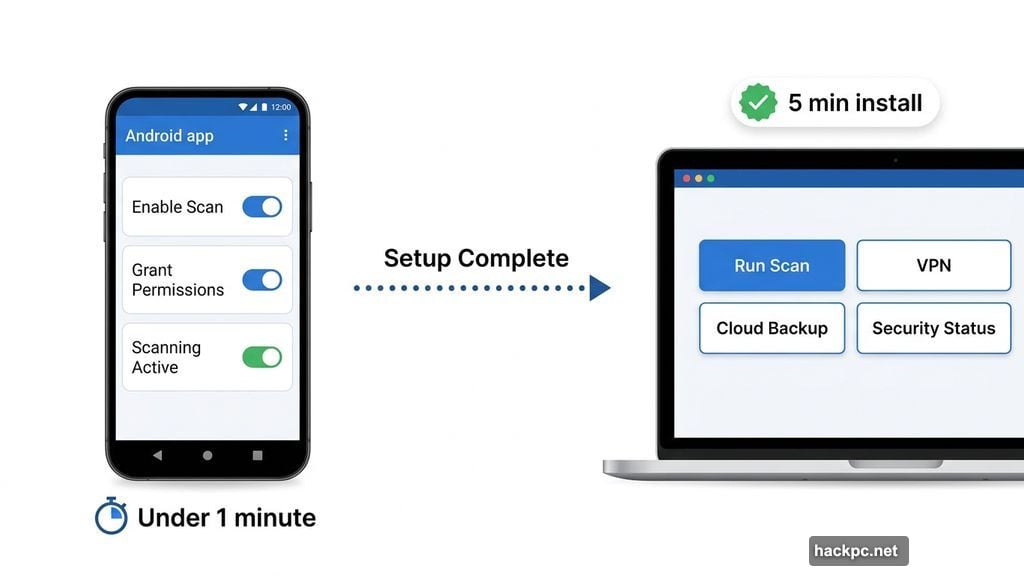
Getting Norton up and running takes about five minutes from start to finish. The whole process is two clicks and minimal fuss — even if you’ve never installed security software before.
The dashboard is clean and clearly organized. Every tool has a visible button. You won’t find yourself digging through menus trying to figure out where things live.
Norton also prompts you to run a quick scan immediately after setup. That first scan took just two minutes in testing. It’s a nice touch that gets you protected right away rather than leaving things idle.
The Android app follows the same logic. A few taps to enable features, grant permissions, and you’re scanning in under a minute. Norton clearly put thought into making all of this accessible to people who aren’t particularly tech-savvy.
Antivirus Performance: Fast Scans, Slightly Higher Resource Use
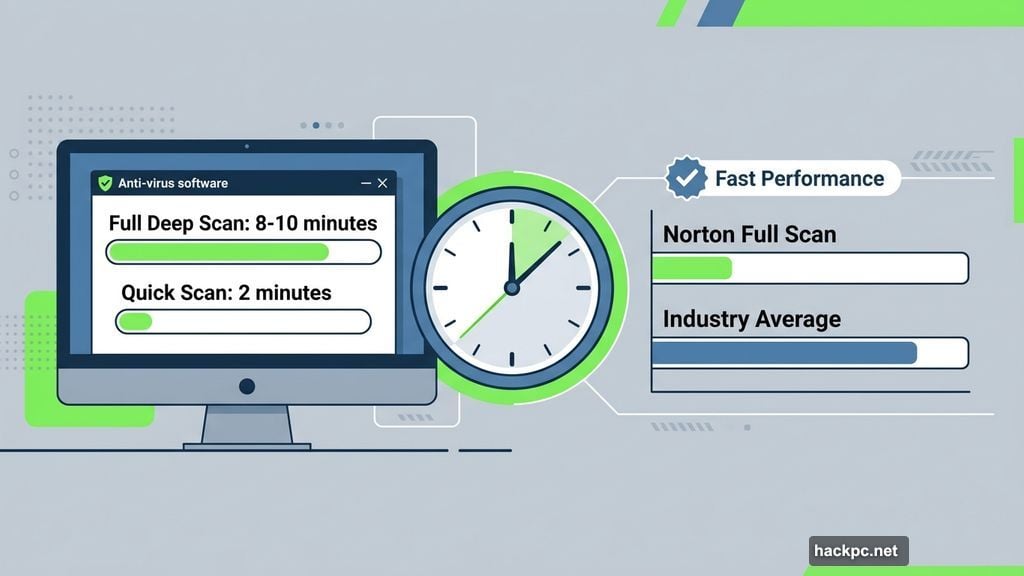
Norton’s scan speeds are genuinely impressive. Full deep scans finished in just 8 to 10 minutes during testing on a Lenovo ThinkPad with an Intel i5 processor and about 50GB of data. That’s compared to 20 to 30 minutes for comparable Malwarebytes deep scans.
However, those scans do use more CPU power. Active scans pulled anywhere from 10% to 40% of processing capacity. Bitdefender and Malwarebytes both stayed at 10% or below during similar tests.
Background performance tells a similar story. Norton used 0% to 5% of CPU power while running quietly in the background. That sounds fine until you compare it to top-ranked competitors like Malwarebytes and Bitdefender, which consistently stayed below 0.5%. Even McAfee and Avira — software known for heavy active scans — didn’t break 1% during background operation.
So Norton won’t noticeably slow down your everyday tasks. Gaming, video editing, and regular browsing all ran without hiccups. But if you’re running an older machine or need maximum efficiency, Bitdefender edges ahead.
Third-Party Security Results Are Excellent
AV-Test gave Norton a perfect 6 out of 6 security score in every single test conducted over the last 10 years. That’s the longest unbroken run of perfect scores among any antivirus software tested. Even Bitdefender — which ranks as a top pick for two years running — received an imperfect 5.5 out of 6 in April 2022.
AV-Comparatives reported a 98.9% online malware detection rate for Norton in September 2025. That narrowly beats both Bitdefender and Malwarebytes, which each landed at 98.8% in the same test series.
Offline detection — which measures how well the software catches threats from USB drives and other physical devices — sits at 97.4%. That’s ahead of Malwarebytes (94.7%) but slightly behind Bitdefender (98.8%). If you regularly connect USB drives to your computer, Bitdefender might serve you better there.
Norton Safe Browser Is a Genuine Highlight
The Safe Browser is one of Norton’s most polished tools. It functions like a standard web browser but adds several layers of security on top.
Privacy Guard blocks trackers and ads with three intensity levels: basic, balanced, or strict. Web Shield screens every page you visit for malware and phishing attempts. The built-in Security and Privacy Center lets you manage all of these settings from one spot.
There’s also a sidebar packed with extras — a scam detection chatbot, a news aggregator, a note-taking tool, and even some light games. It’s surprisingly feature-rich for something bundled into an antivirus package.
Norton Safe Search, the default search engine, is a different story. It works, and it marks potentially risky sites with color-coded checkmarks. But the sheer volume of sponsored results is overwhelming — more than you’d typically see in Google or DuckDuckGo. Most users will want to switch to a different default search engine fairly quickly.
Norton Family Parental Controls Stand Out
Here’s where Norton really separates itself from the competition. Most antivirus suites simply don’t offer built-in parental controls. Norton does, and they’re genuinely well-designed.
Norton Family lets you create profiles for each child and set content restrictions based on their age. It tracks screen time and locks devices when kids hit their daily limit. An online dashboard shows you which websites and apps got blocked, plus usage patterns across all their devices.
Setting everything up takes just a few minutes. Preset age-based restriction levels mean you don’t need to manually configure every setting. But you can customize if you want to fine-tune things.
For parents or anyone who regularly lets kids use their devices, this feature alone might be enough to justify choosing Norton over alternatives.
![Norton Family parental controls dashboard showing child device activity, screen time limits, and blocked content categories]
The VPN Needs More Work
Norton has made real improvements to its VPN recently. It passed a no-logs audit, submitted its Mimic Protocol to independent security testing, and expanded its server network.
But performance still lags. Testing showed a 36.38% speed reduction — well above the 25% threshold that typically marks a VPN as acceptable for everyday use. Distant servers in Singapore and Australia became functionally unusable.
The VPN also lacks obfuscated servers and doesn’t offer a Linux app. For basic privacy on public Wi-Fi, it does the job. But for serious privacy needs or accessing region-locked content from far-away servers, you’d be better served by ExpressVPN, NordVPN, or Proton VPN.
Scam Detection and Norton Genie Work Quietly
Norton’s Scam Detector runs silently in the background while you browse. It screens websites and text messages for suspicious activity without interrupting your workflow.
During testing, no obvious scam alerts appeared — mostly because no genuinely sketchy sites came up in normal browsing. But checking the app statistics confirmed that Norton was actively scanning pages throughout the day.
Norton Genie, the standalone AI scam analysis tool, is free and worth downloading. You paste in a suspicious email, message, or screenshot, and Genie analyzes it within about a minute. The response explains not just whether something is a scam, but why — teaching you to spot similar threats on your own going forward.
Customer Support Has Room to Grow
Norton offers 24/7 live chat and phone support, plus a solid knowledge base with text, images, and video tutorials.
Reaching a human through live chat works well once you get there. The chatbot (“Kate”) initially redirects you to self-service options. Asking twice gets you connected to a real person, usually within two minutes. That representative was quick and knowledgeable in testing.
Phone support was less impressive. The same two-ask process applies, and the representative who answered provided generic answers about VPNs rather than Norton-specific information. Getting a useful answer required rephrasing the question several times. The whole call ran 10 minutes — noticeably longer than comparable calls to Bitdefender or McAfee.
Norton’s Value in Plain Terms
Here’s the honest assessment. Norton AntiVirus Plus at $30 for the first year is genuinely affordable. Pair it with the free Safe Browser, Safe Search, and Norton Genie app, and you get solid multilayered protection without spending much at all.
For families, Norton 360 Deluxe at $50 for the first year is hard to beat. Parental controls plus 50GB of cloud backup plus full antivirus protection on five devices is a compelling bundle. No competitor bundles parental controls with antivirus at this price point.
The LifeLock plans get expensive quickly. At $190 or more per year on renewal, they cost more than premium standalone identity theft services. For most people, the standard Norton 360 plans offer better value.
Norton works best for families with kids, users who want a clean and accessible experience, and people protecting multiple devices on a limited budget. For raw security performance and efficiency, Bitdefender or Malwarebytes still edge ahead. But for ease of use and family-friendly features, Norton earns its spot among the top security suites available today.




Comments (0)