
Google Chrome quietly rolled out two new features that could change how you work inside your browser. Neither one rewrites the rules of browsing, but both solve real, everyday frustrations that pile up over time.
Let’s take a look at what’s new and whether it’s worth your attention.
Vertical Tabs Finally Come to Chrome
If you’ve ever lost a tab in a sea of tiny icons stretched across the top of your screen, vertical tabs were made for you.
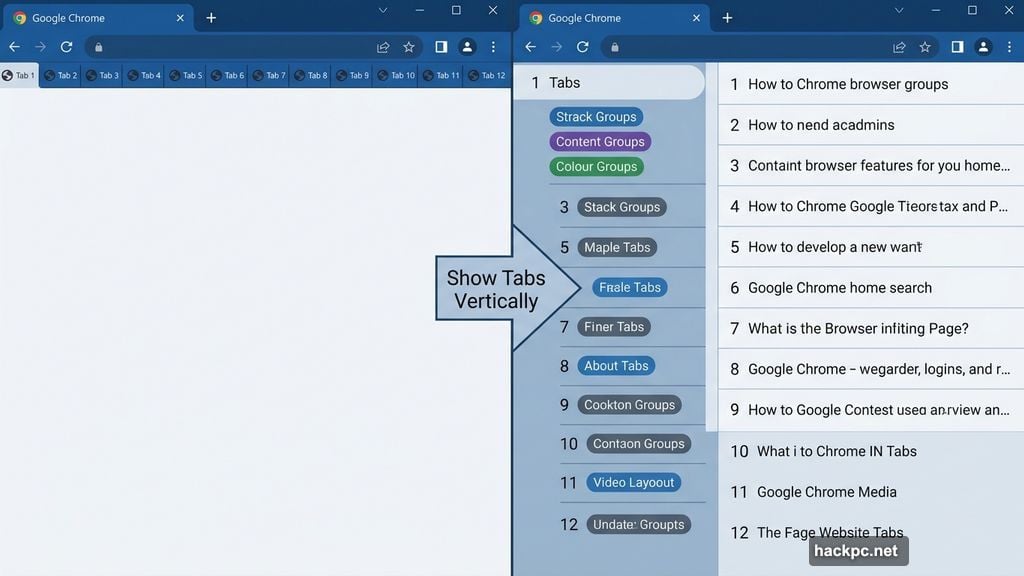
Chrome now lets you move your tabs from the top of the window to the side. To switch, just right-click anywhere on the browser window and choose “Show Tabs Vertically.” That’s it. Your tabs slide over to the left side in seconds.
So why does this matter? Because horizontal tabs get brutal fast. Open ten or more tabs and every label shrinks to a tiny, unreadable stub. You end up squinting and clicking around just to find the right page.
Vertical tabs fix that entirely. Each tab sits in its own row with the full page title visible. Plus, tab groups become much easier to manage when they’re stacked vertically rather than crammed into a thin strip at the top. Toggling between a dozen open pages suddenly feels manageable instead of chaotic.
It’s a small change. But once you try it, going back feels wrong.
Reading Mode Strips Away the Noise
Chrome is also rolling out an improved reading mode, and this one is genuinely useful for anyone who reads long articles or does deep research online.
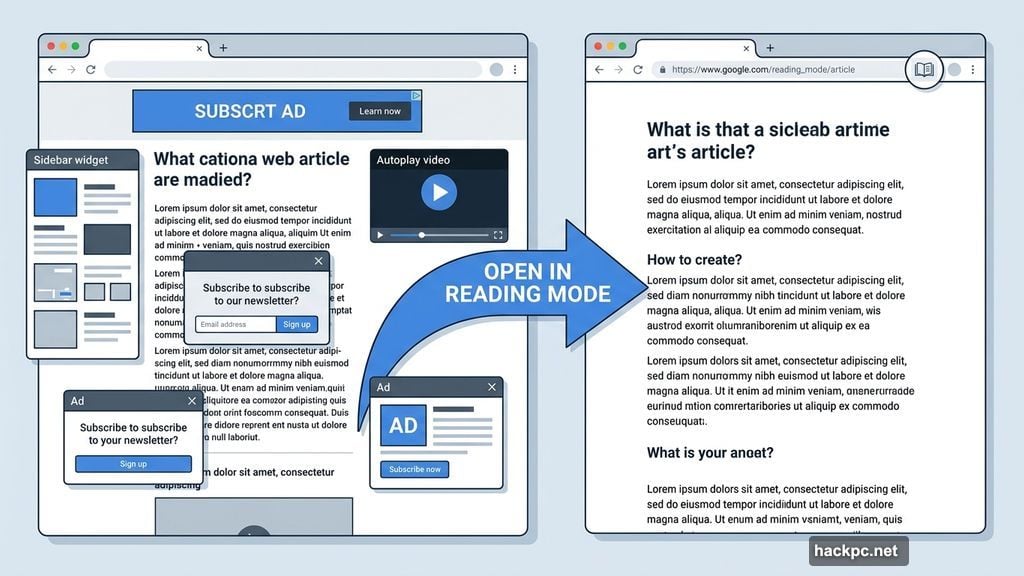
To access it, right-click on any page and select “Open in Reading Mode.” The browser strips away everything except the text. No ads, no sidebars, no autoplay videos competing for your attention. Just the words on the page.
Google designed this feature specifically for people who need to focus. Think researchers, students, or anyone working through dense material. The full-page text interface removes visual clutter completely, making it much easier to stay locked into what you’re actually reading.
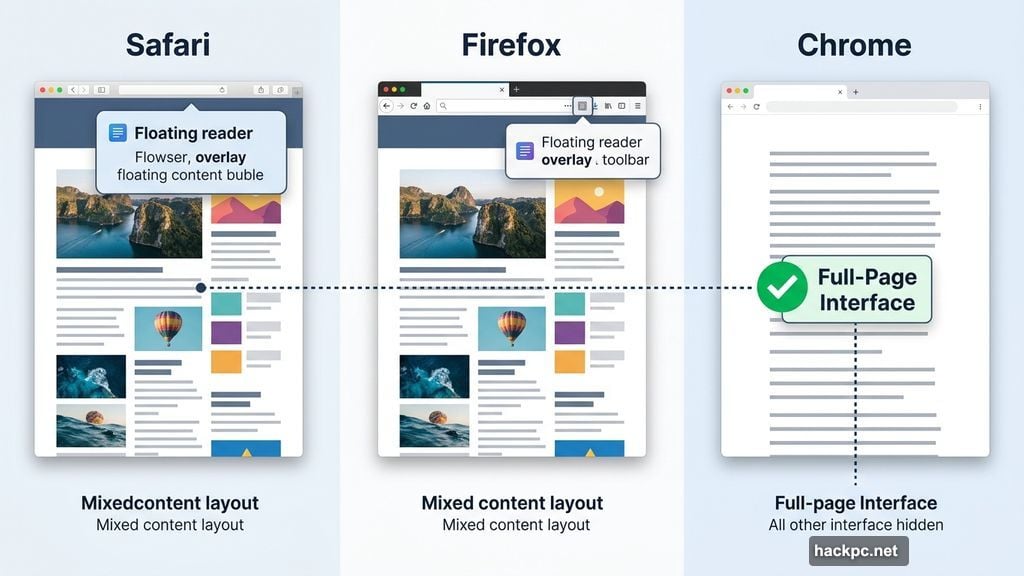
It’s similar to reader modes you’ve seen in Safari or Firefox. But Chrome’s version arrives with a full-page interface rather than a floating overlay, which feels cleaner and less intrusive.
Two Small Features That Add Up
Neither vertical tabs nor the improved reading mode will flip your world upside down. Google isn’t claiming they will.
But productivity rarely improves through one giant leap. More often, it’s a collection of small wins. Fewer lost tabs. Fewer distractions. A slightly cleaner browsing experience. Those things compound over a full workday.
If you’re the kind of person who keeps ten or more tabs open at once, switch to vertical tabs today. You’ll wonder why Chrome didn’t offer it sooner. And if you regularly read long articles or research-heavy pages, give reading mode a shot on your next deep dive.
Both features are available now. A simple right-click is all it takes to try them.




Comments (0)