
Mozilla just made privacy a little easier to access. With the release of Firefox 149, the company bundled a free VPN directly into its browser, no extra apps or subscriptions required.
That’s a pretty big deal for everyday users who want basic online protection without spending money. But before you assume this replaces a full VPN service, there are some important limits worth understanding.
Firefox 149 Quietly Ships a Free VPN
Until now, Firefox VPN was only available as a paid standalone product. That changed on Tuesday when Mozilla officially launched the built-in version alongside Firefox 149.
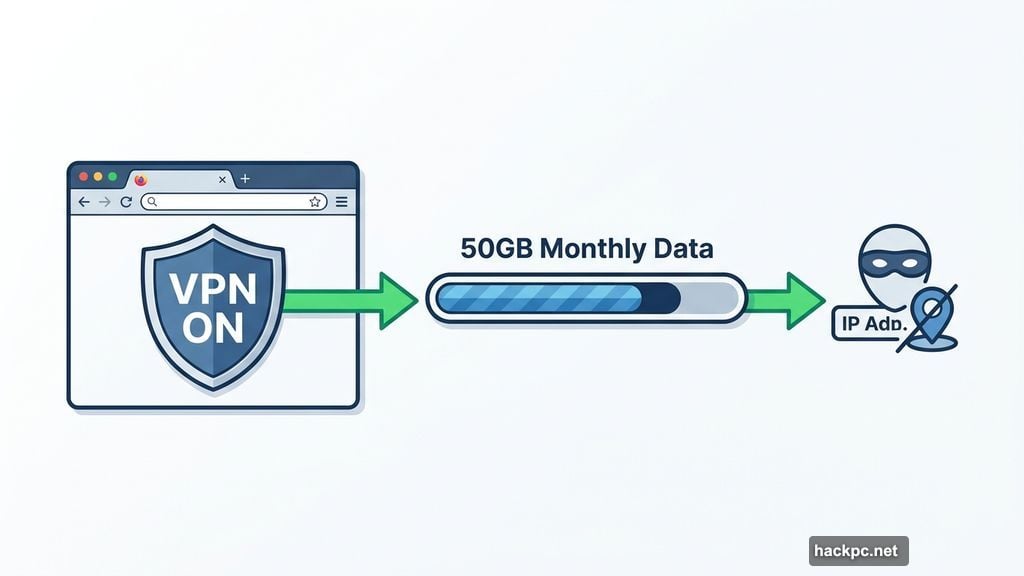
The setup is about as simple as it gets. Download Firefox, opt in, and you’re covered. Mozilla gives you 50GB of free monthly data to mask your IP address and location while you browse. For context, that’s actually quite generous compared to other free VPN options on the market.
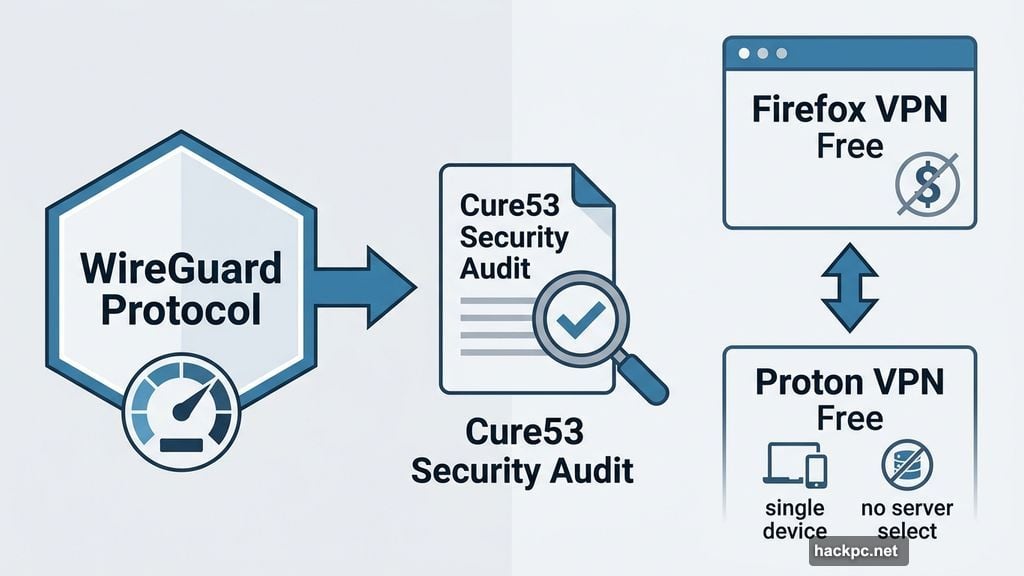
Mozilla built the service on WireGuard, a modern VPN protocol well-regarded for its speed and clean security design. Plus, the underlying technology has gone through independent security audits from Cure53, a reputable cybersecurity firm. So the technical foundation is solid.
Browser-Only Protection Has Real Limits
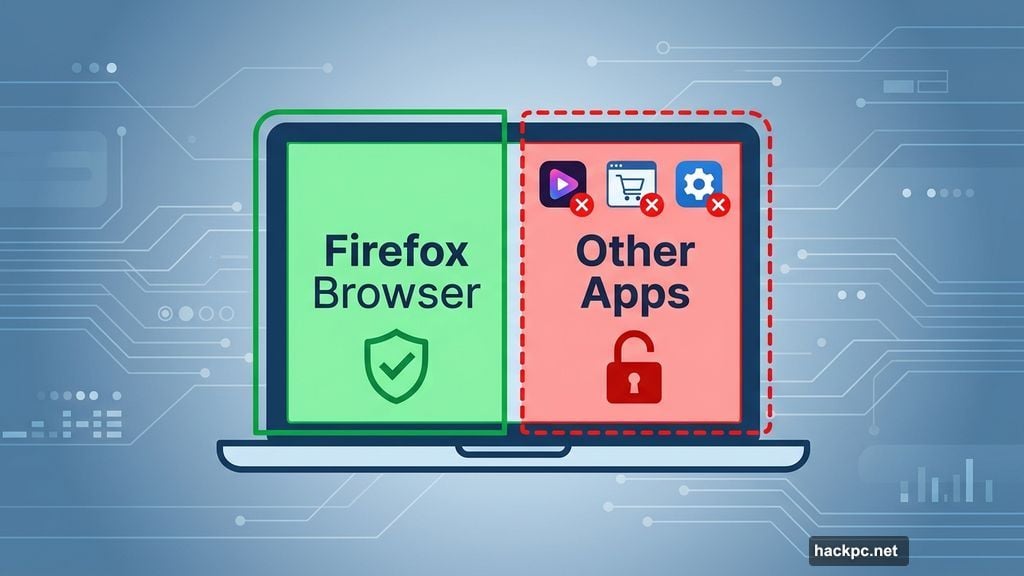
Here’s where things get complicated. This VPN only protects traffic inside the Firefox browser. Your other apps, background system processes, and everything else on your device? Completely unprotected.
Jacob Kalvo, CEO of Live Proxies and a cybersecurity expert, puts it plainly: “The fundamental limitation is scope. It only protects browser traffic, not apps, system processes or other network activity. That creates a false sense of ‘full protection’ for less technical users.”
So if you’re streaming a show through a media app, shopping through a different browser, or running any program that connects to the internet outside Firefox, none of that traffic routes through the VPN. It’s an easy thing to forget, especially if you’re new to how VPNs work.
Is It Safe Enough to Actually Trust?
Free VPNs have a rough reputation, and for good reason. Some log your data, inject ads, or sell your browsing habits to third parties. Mozilla is quick to address this concern directly.
In their announcement, they noted: “Free VPNs can sometimes mean sketchy arrangements that end up compromising your privacy, but ours is built from our data principles and commitment to be the world’s most trusted browser.”
That’s not just marketing talk. Mozilla has a long track record of prioritizing user privacy, and the Cure53 audits add real credibility. For a free browser-based VPN, the security posture is genuinely better than most alternatives in the space.
Still, for comparison, CNET’s current top recommendation for a free VPN is Proton VPN’s free tier, which remains the only free VPN they fully endorse. Proton’s free plan has its own drawbacks though, like no manual server selection and single-device limits. Firefox VPN’s 50GB monthly allowance is notably more flexible for light users.
Who Should Use This (and Who Shouldn’t)
Kalvo describes the Firefox VPN as “a controlled, limited-use product rather than a full privacy solution.” That framing is actually pretty helpful for figuring out if it’s right for you.
It works well for casual browsing, checking public Wi-Fi, or masking your location while reading news and shopping online. If you don’t already have a VPN and aren’t handling anything sensitive, this is a convenient, trustworthy option that costs you nothing.
But if you’re dealing with sensitive work data, business operations, or need protection across your whole device, a full standalone VPN is the better call. The browser-only scope just isn’t enough coverage for those situations.
Mozilla plans to expand the service to more regions globally in the coming months. For now, it’s a welcome addition for users who want a quick privacy boost without the hassle of a separate subscription or app install.




Comments (0)