
Your passwords are probably at risk right now. Not because you’re careless, but because data breaches happen constantly and stolen credentials flood the dark web daily.
Using “password12345” or slight variations of the same password across sites? That’s asking for trouble. Even seemingly clever substitutions like “P@ssw0rd!” won’t save you anymore. Hackers have those patterns figured out.
The fix is simple: Use a password manager. But you don’t need to pay for protection. Several free options offer legitimate security without the monthly subscription fee.
Why Free Password Managers Work
Free doesn’t mean weak. Modern free password managers provide core features that keep your accounts safe.
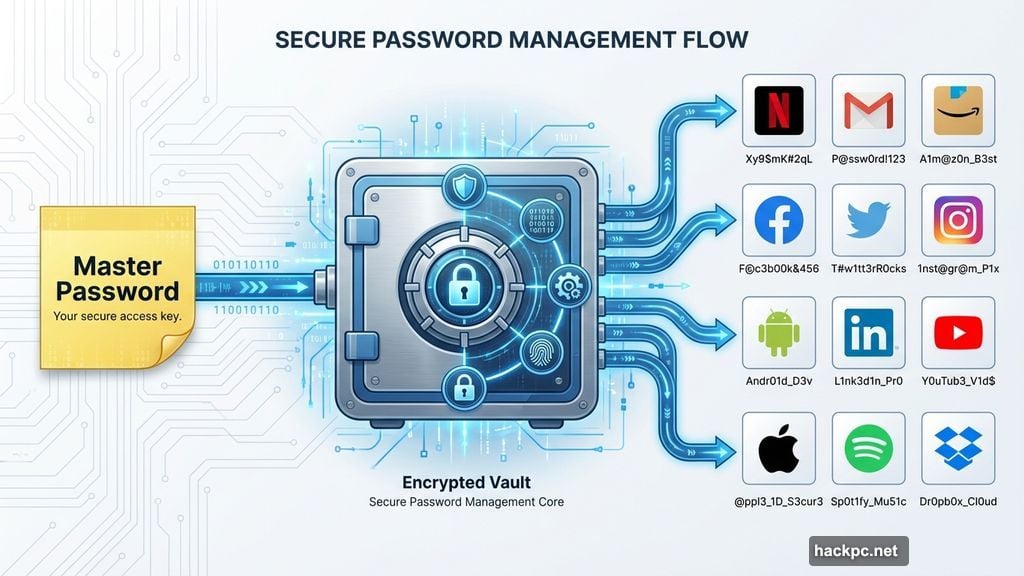
They generate random, unique passwords for every site. They store everything in an encrypted vault that only you can access. Plus, they auto-fill credentials so you never have to remember complex passwords yourself.
The best part? You only need to remember one master password to unlock your entire vault. That’s it. Everything else gets handled automatically.
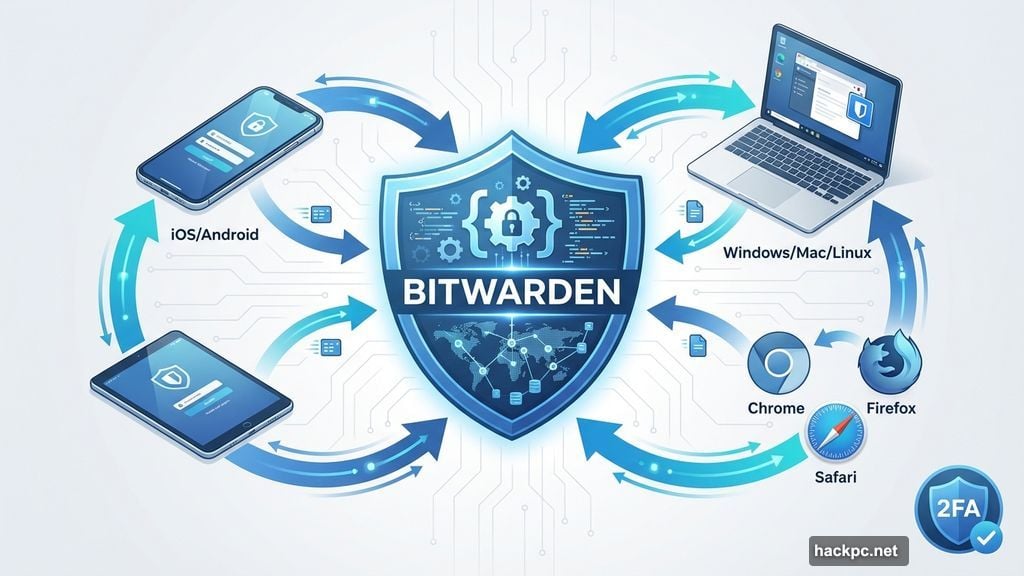
Most free services also sync across unlimited devices now. Your passwords follow you from phone to laptop to tablet without paying extra. That’s a massive upgrade from just a few years ago when free tiers locked you to one device type.
Bitwarden Beats Most Paid Services
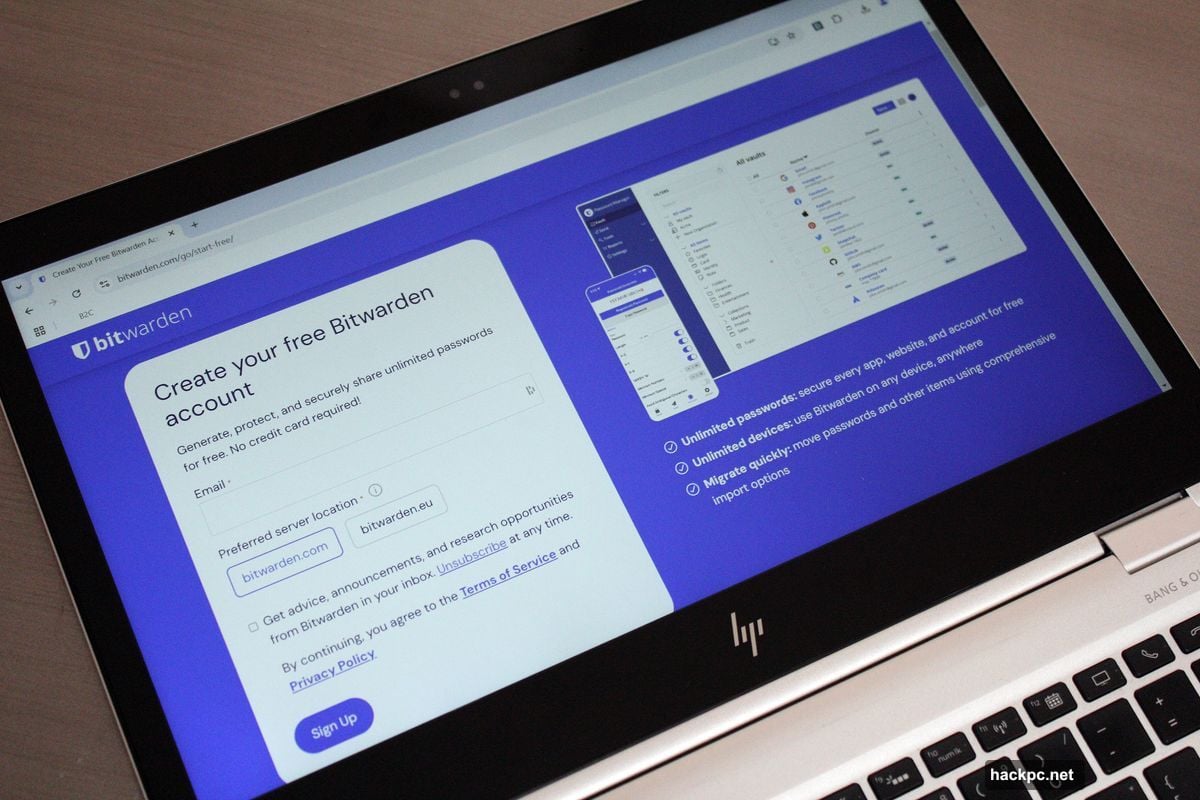
Bitwarden‘s free plan offers more than competitors charge $36 per year for. That’s not an exaggeration.
You get unlimited passwords, unlimited device syncing, and basic two-factor authentication protection. The service works on iOS, Android, Windows, Mac, Linux, and every major browser. No restrictions on device types or how many you can use.
The company also allows self-hosting if you’re privacy-conscious. Your encrypted vault stays on your own server instead of their cloud. Most paid services don’t even offer that option.
Plus, Bitwarden is open-source. The community actively checks the code for security holes or hidden backdoors. That transparency matters when you’re trusting software with every password you own.
Real-time password sharing with one other person comes free too. Perfect for couples or family members who need access to shared accounts like Netflix or utility bills.
Need advanced features later? Bitwarden Premium costs just $10 per year. That’s 70 percent cheaper than LastPass or Dashlane. Family plans run $40 annually for six users versus $48 or more elsewhere.
The interface got a recent makeover too. It used to look utilitarian and dated. Now it’s clean and modern while staying simple to navigate.
KeePass For Total Control Freaks
KeePass looks ancient. The interface hasn’t changed much since 2003. But under that dated exterior sits one of the most powerful free password managers available.
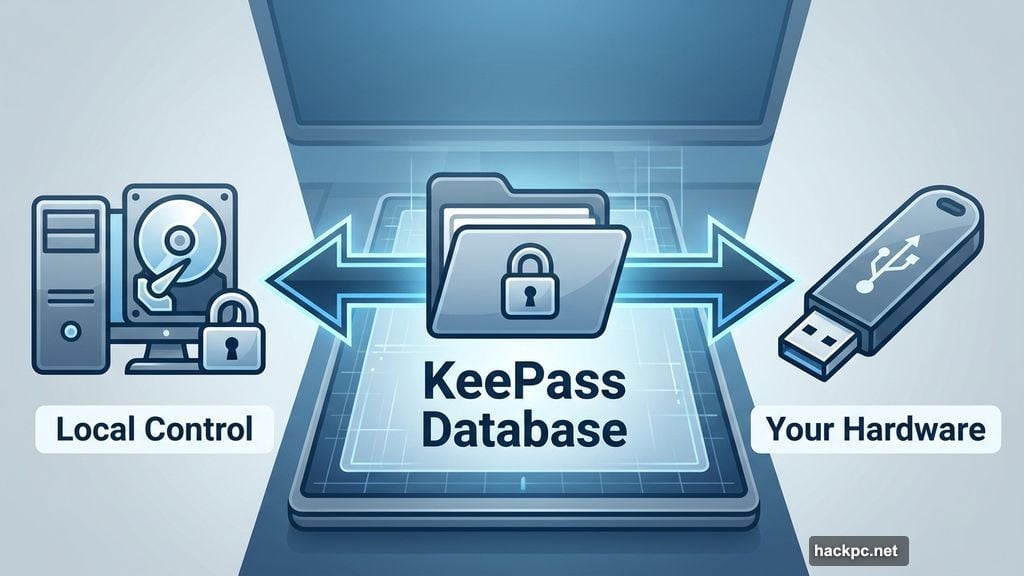
You control everything. The encrypted database file lives on your computer, not some company’s cloud server. Want it on a USB stick instead? Run the portable version. Prefer your own home server for remote access? Upload the file there.
This matters if you’re paranoid about cloud breaches or employee snooping. No company has access to your vault because there’s no company involved in storing it.
KeePass is also open-source with a massive plugin ecosystem. Need to check if your passwords appeared in data dumps? There’s a plugin. Want automated cloud backups? Another plugin handles that. You can customize it endlessly.
Two-factor authentication works through key files that supplement your master password. You can even lock your database to a specific Windows account for extra security.
The catch? KeePass requires technical know-how. It won’t auto-capture passwords or fill forms without plugins. Setup takes work. Updates are manual. You’re basically administering your own password system.
But for people who want complete control and don’t trust cloud services, KeePass delivers everything needed.
KeePassXC Makes Offline Access Easy
KeePassXC takes KeePass and makes it user-friendly. Same security model, simpler interface, less technical hassle.
It’s still open-source and free. Your encrypted database still lives on your device by default. You still get complete control over who accesses your passwords.
The difference is polish. KeePassXC has a modern interface that doesn’t require a computer science degree to navigate. Browser extensions work natively without complex plugin installations. Basic features actually come configured properly out of the box.
You can still upload your database to cloud storage if you want. Or keep everything offline. The choice stays yours, but the app itself is just easier to use than vanilla KeePass.
Password sharing requires a settings tweak, not hours of documentation reading. Two-factor authentication setup is straightforward. Even exporting all your passwords to leave the platform takes just a few clicks from the menu.
The tradeoff? Less customization than KeePass. No plugin support means what you see is what you get. But most people don’t need KeePass’s power anyway. They just want secure, offline password storage that works simply.
KeePassXC nails that balance perfectly.
Built-In Managers Are Good Enough Now
Google Password Manager, Apple’s iCloud Keychain, and Firefox‘s password tools used to be jokes. Not anymore.
They’ve matured into legitimate options. Google now syncs passkeys across all your devices. Apple released a standalone Passwords app to compete with dedicated services. Firefox remains committed to never selling your data.
These managers live where you already work. No separate app to remember. No switching between programs. Everything happens automatically in your browser or phone.
They generate strong random passwords. They auto-fill credentials. They sync across devices within their ecosystems. For basic password management, they’re completely functional.
The best password manager is the one you’ll actually use. If tracking a separate app feels like too much work, leaning on Google, Apple, or Firefox beats using weak passwords or reusing the same ones everywhere.
Chrome users should check out Google Password Manager. iPhone and Mac owners might prefer Apple’s Passwords app. Privacy advocates should look at Firefox instead.
Just enable two-factor authentication on your main account. These managers are less strict about reauthentication than dedicated services. On shared devices, that creates security risks. Set up biometric login or at least require your master password before filling credentials.
Microsoft also offers password management in Edge for Windows users. It works fine but lacks the polish of Google or Apple’s offerings.
Free Beats Paid For Most People
Paid password managers add useful features. Password sharing, advanced two-factor authentication, password health reports, data breach monitoring.
But do you need those features? Probably not immediately.
Free services like Bitwarden already protect you better than reused passwords or keeping them in a spreadsheet. They generate secure credentials, store everything encrypted, and sync across devices.
Start free. See if it meets your needs. You can always upgrade later if you want emergency access for family or more sophisticated security options.
Even paid plans run cheap these days. Bitwarden Premium costs $10 yearly. Family plans hover around $40 annually. That’s less than one month of Netflix.
Stop Using Weak Passwords Today
Data breaches aren’t slowing down. Hackers keep getting better at cracking passwords. Your current system probably won’t hold up much longer.
Pick a free password manager today. Install it on your phone and computer. Change your most important passwords first: email, banking, anything financial.
Then gradually update the rest of your accounts as you log into them. Within a few weeks, you’ll have unique random passwords protecting everything.
Your future self will thank you when the next major breach hits and your accounts stay secure while everyone else scrambles to change compromised passwords.




Comments (0)