
Apple’s built-in productivity apps work fine. But they’re barely scratching the surface of what your iPad can do.
Most people stick with Notes and Reminders because they came pre-installed. That’s leaving serious productivity gains on the table. The App Store holds dozens of tools that transform your iPad from a content consumption device into a genuine work machine.
Let’s cut through the noise. Here are the apps that’ll make your iPad earn its keep.
Goodnotes Turns Your iPad Into Paper That Thinks
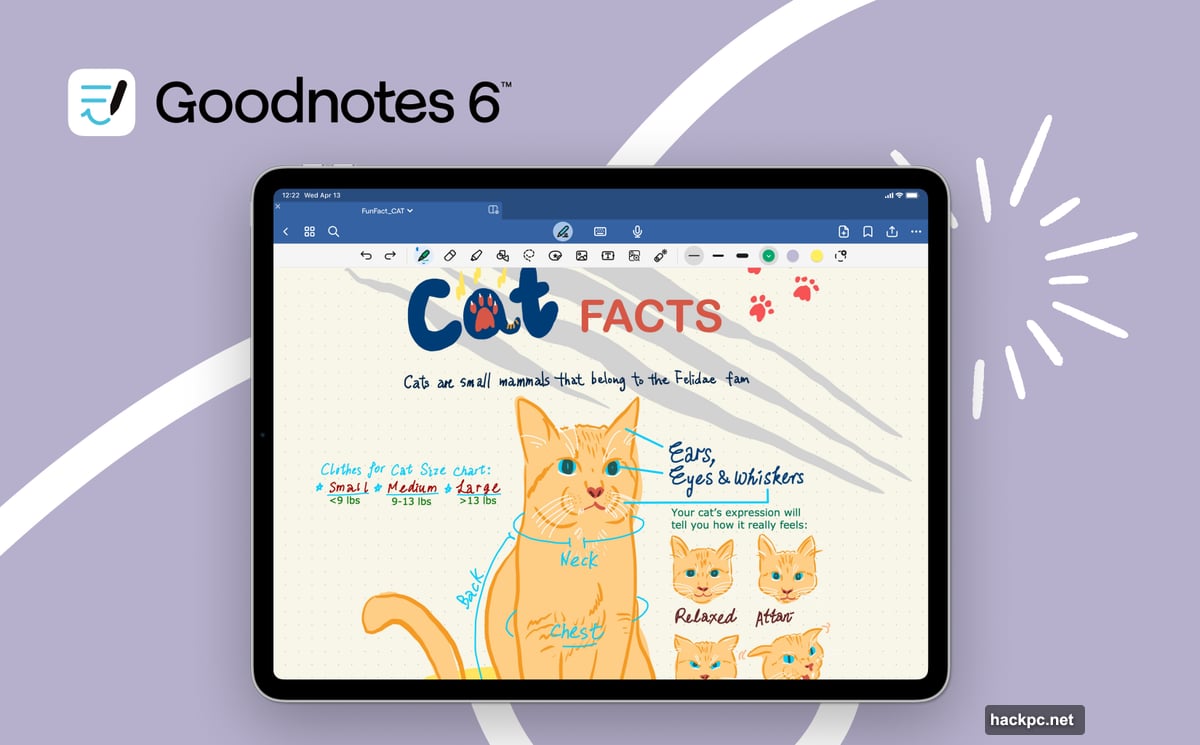
Digital notebooks sound boring until you try Goodnotes. This app nails what makes handwritten notes special while adding features paper never could.
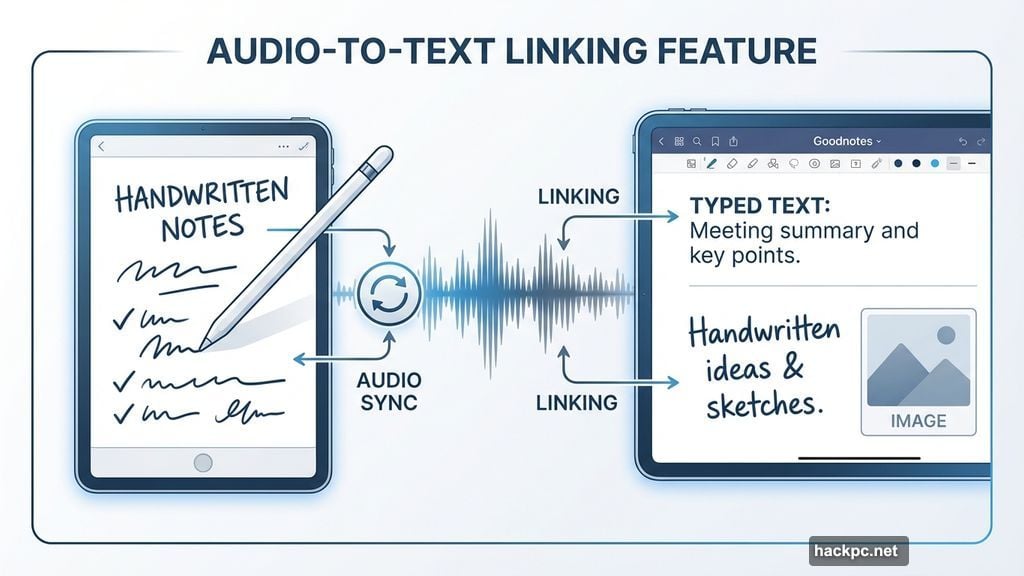
You can mix handwritten and typed text on the same page. Throw in images, stickers, and quick sketches without switching tools. The Apple Pencil support feels natural enough that you’ll forget you’re writing on glass.
But here’s where it gets interesting. Record audio during meetings or classes that syncs to your handwriting. Later, tap any word to jump straight to what was said at that moment. Plus, AI features can summarize your notes or help you write when you’re stuck.
The free version gives you three notebooks. After that, you’ll pay $9.99 yearly or $29.99 once for unlimited storage. That one-time option makes it cheaper than buying physical notebooks long-term.
TickTick Manages Tasks Without the Headaches
Apple’s Reminders app feels like it was designed in 2010. TickTick brings task management into this decade.
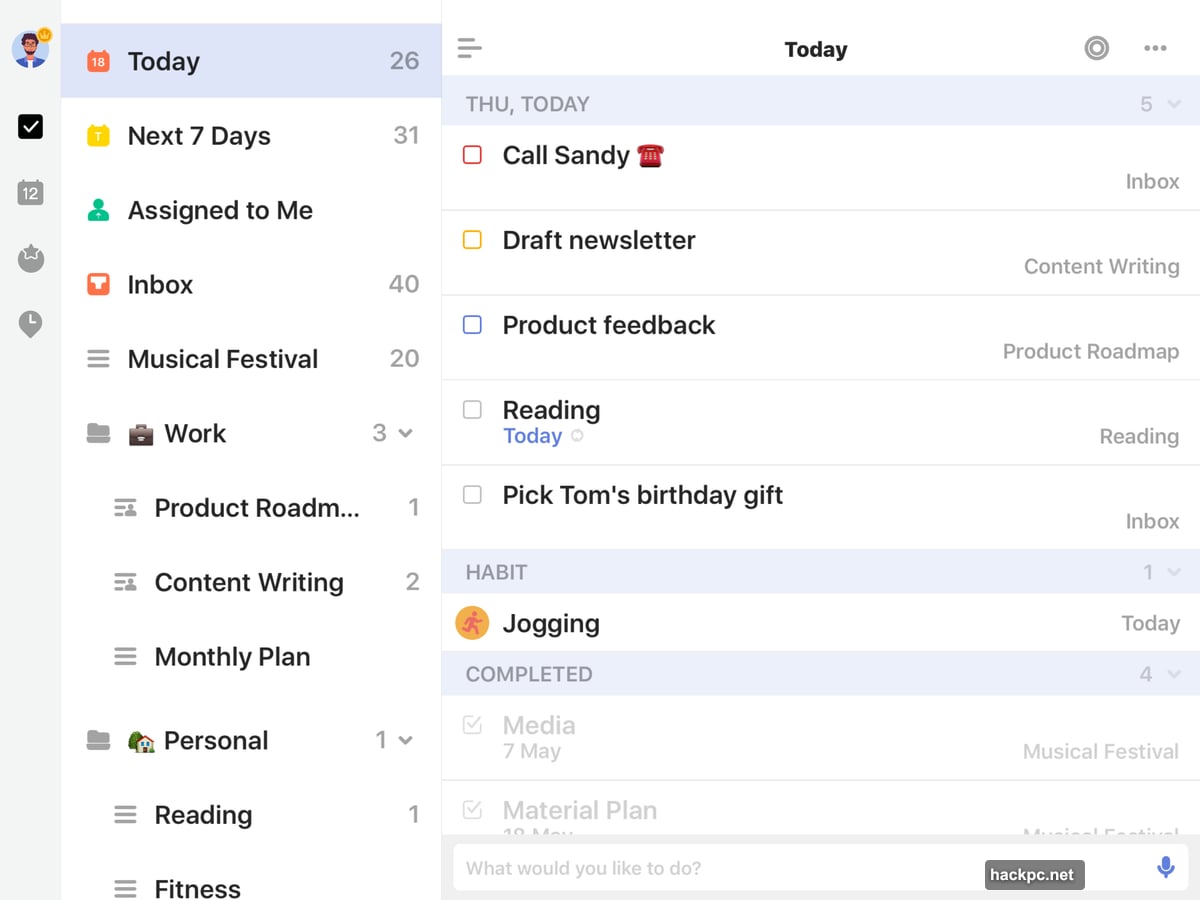
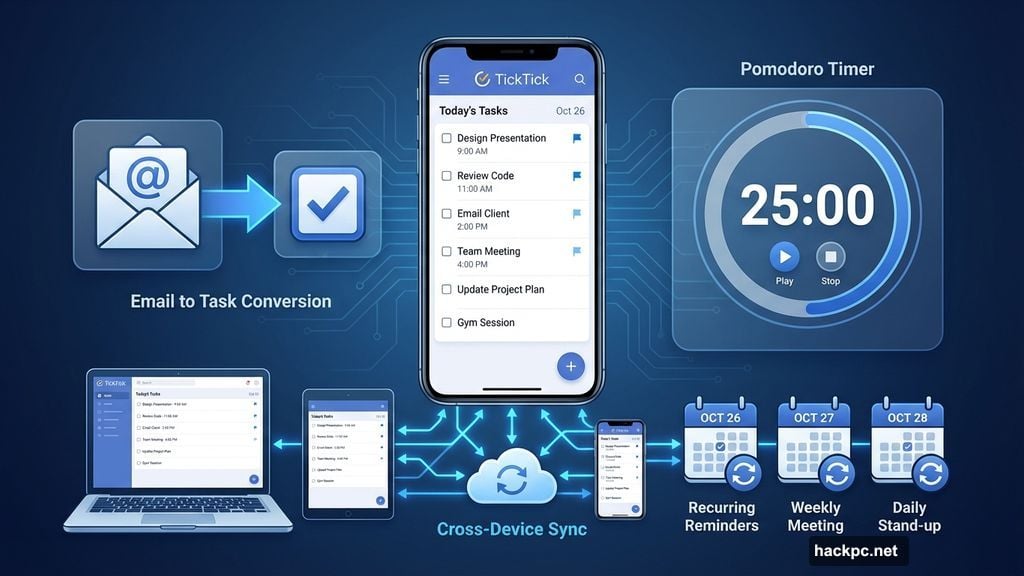
You can sync tasks across every device you own. Set recurring reminders for weekly meetings or monthly bills. Share lists with family or coworkers to actually coordinate instead of just hoping everyone remembers their part.
The habit tracker helps build routines. Want to meditate daily or hit the gym three times weekly? Set your goal and TickTick tracks your progress without nagging you to death.
Here’s my favorite feature. Turn emails into tasks right from your inbox. That client request you can’t handle right now? One tap converts it to a reminder for tomorrow afternoon.
The Pomodoro timer breaks work into focused sprints. Set it for 25 minutes, work without distractions, then take a break. Repeat until you’ve crushed your to-do list.
Free gets you started. But $3.99 monthly or $35.99 yearly unlocks multiple reminders per task plus unlimited lists. Worth it if you’re drowning in responsibilities.
Forest Makes Staying Focused Feel Like a Game
Productivity apps usually feel like homework. Forest turns focus into something you actually want to do.
Open the app when you need to concentrate. Plant a virtual tree. As long as you stay focused, your tree grows. Leave the app before time’s up? Your tree dies.
It sounds silly. But watching your forest grow creates weird motivation to stay on task. Plus, you earn coins that plant real trees through Trees for the Future. So your digital forest helps reforestation projects worldwide.
Set “Allow Lists” for apps you need for work. That way you can check email or use Word without killing your tree. Everything else stays blocked until your focus session ends.
The competitive angle works too. Share your forest with friends to see who stays focused longer. Nothing like mild peer pressure to keep you from doomscrolling Twitter.
Forest costs $3.99 upfront. No subscription needed. In-app purchases let you plant real trees faster if you’re feeling generous.
Notion Consolidates Your Digital Life
Switching between apps to check your calendar, tasks, and notes wastes time. Notion puts everything in one place.
You can build whatever organizational system makes sense for your brain. Project tracker? Easy. Habit journal? Done. Recipe collection? Sure. The customization options feel endless without being overwhelming.
Templates help you start. Choose from travel planners, product roadmaps, study guides, or dozens of other pre-built layouts. Tweak them until they fit your needs.
Integration with Slack, Dropbox, and other tools means your workflows connect instead of competing. No more copying information between apps or losing track of which platform holds what data.
Notion AI helps write and brainstorm when you’re stuck. It also answers questions about your content and turns mountains of data into actionable summaries.
Personal use is free. Small teams pay $8 monthly per person. Companies pay $15. Notion AI costs $10 monthly after 20 free responses.
Crouton Solves the “What’s for Dinner” Problem
Meal planning eats up time that could go toward actual productivity. Crouton automates the boring parts.
Import recipes from websites or scan them from physical cookbooks. Everything lives in one searchable database instead of scattered across bookmarks and countertops.
Plan your week’s meals in minutes. Stuck on what to cook Thursday? Let the app generate suggestions based on what you already have. Then create a grocery list with every ingredient you need for the week.
The built-in timer means you won’t need to open another app when recipes call for precise timing. Plus, sharing recipes with family or friends takes one tap.
Basic features are free. Unlimited recipes and extra tools cost $14.99 yearly. That’s less than one takeout meal saves you per year.
Freedom Blocks Distractions Across All Your Devices
Willpower fails when TikTok is one tap away. Freedom removes the temptation entirely.
Start a session and the app blocks whatever websites and apps you choose across every device you own. Try to open Instagram on your phone during work hours? You’ll see a green screen instead of your feed.
Schedule sessions in advance or set recurring blocks. Need distraction-free mornings every weekday? Set it once and Freedom handles it automatically.
The focus sounds library offers coffee shop ambiance from different cities, nature sounds, or calming instrumentals. Find what helps you concentrate and loop it for hours.
Freedom costs $3.99 monthly. The cross-device blocking alone makes it worthwhile if you’re serious about productivity.
Notability Combines Notes, Audio, and Sketches
Some note-taking apps do one thing well. Notability does several things great.
Write with an Apple Pencil, type text, or record audio. Switch between them mid-note without losing your train of thought. Search works across handwritten notes and uploaded documents, so finding information takes seconds instead of minutes.
AI generates note summaries automatically. Review pages of meeting notes in paragraph form instead of deciphering your scribbles. The side-by-side view lets you reference one note while working on another.
Quiz yourself based on note content to test retention. Useful for students or anyone learning new material regularly.
Templates for planners, study guides, and to-do lists give you starting points. Customize them or build from scratch.
Basic features are free. Math conversion, audio transcription, and unlimited notes cost $4.99 monthly.
Todoist Speaks Your Language
Most task apps make you learn their system. Todoist learns yours.
Add tasks using natural language. Type “Plan next week’s work every Friday afternoon” and Todoist figures out the recurring schedule. No dropdown menus or date pickers required.
Filter tasks into “Today,” “Upcoming,” or custom views. You only see what matters right now instead of your entire overwhelming list.
Calendar integration, voice assistant support, and connections to Outlook, Gmail, and Slack mean Todoist fits your existing workflow instead of forcing a new one.
Free covers basics. Pro costs $4 monthly and adds an AI assistant plus calendar layout view.
Trello Visualizes Everything
Sticky notes work until they fall off your monitor. Trello gives you digital sticky notes that actually stick.
Create boards for different areas of life. Work. School. Personal projects. Whatever needs tracking. Then add lists like “To Do,” “In Progress,” and “Done” to each board.
Cards within lists represent individual tasks. Add descriptions, due dates, checklists, and notes to each one. Color-coded labels help prioritize at a glance.
Calendar view shows what’s coming in the days and weeks ahead. No surprises, just clear visibility into your commitments.
Free includes unlimited cards and 10 boards. Standard costs $5 monthly for unlimited boards plus email and Slack integration.
The Real Productivity Boost
These apps won’t magically make you productive. But they remove friction that kills focus and wastes time.
Think about how much time you spend switching between apps, searching for information, or rebuilding your to-do list. Now imagine cutting that in half. That’s what good productivity tools do.
Your iPad has power Apple’s built-in apps barely touch. These third-party options unlock it. Download a few, give them honest tries for a week, and keep what sticks.
The goal isn’t using the most apps. It’s finding the right ones that fit how your brain works. Start there and watch what happens.



Comments (0)