

Password managers solve one massive problem. You create strong, unique passwords for every account without memorizing anything.
But here’s what nobody talks about. A password manager isn’t bulletproof. It protects you from common attacks while leaving you exposed to others.
Let’s break down what password managers actually guard against and where they fall short.
What Password Managers Actually Block
Password management tools defend against the most frequent attack vectors. These protections alone make them worth using.
Weak Passwords Get Crushed Instantly
Cybercriminals run brute force attacks that test millions of password combinations per second. Simple passwords like “password123” crack in milliseconds.
Password managers generate random 16-character strings with symbols, numbers, and mixed case. These take centuries to crack with current technology.
Plus, they create different passwords for every site. So even if hackers breach one account, they can’t access your others. That containment strategy limits damage significantly.
Phishing Links Lose Their Power
Scammers send fake bank emails with malicious links constantly. Click one and you land on a website that looks identical to your real bank.
But password managers only autofill credentials on legitimate URLs. If you click a phishing link, nothing happens. No autofill means immediate red flag.
That simple protection stops countless credential theft attempts. The autofill feature becomes a built-in phishing detector.
Keyloggers Can’t See Autofilled Passwords
Hackers sometimes install spyware that records every keystroke. They capture passwords as you type them manually.
However, autofill bypasses your keyboard entirely. No typing means no keystrokes to steal. The password transfers directly from encrypted storage to the login field.
This protection works silently in the background. You probably don’t realize how often it saves you from compromise.
Spreadsheet Storage Dies Here
Some people save passwords in documents or notes apps. Terrible idea. Anyone who accesses those files steals everything at once.
Password managers lock credentials in encrypted vaults. Only your master password opens them. Even the company providing the service can’t read your stored data.
That zero-knowledge architecture means your passwords stay private. Always.
Where Password Managers Leave You Vulnerable
No security tool provides complete protection. Password managers have blind spots you should understand.
Master Password Theft Unlocks Everything
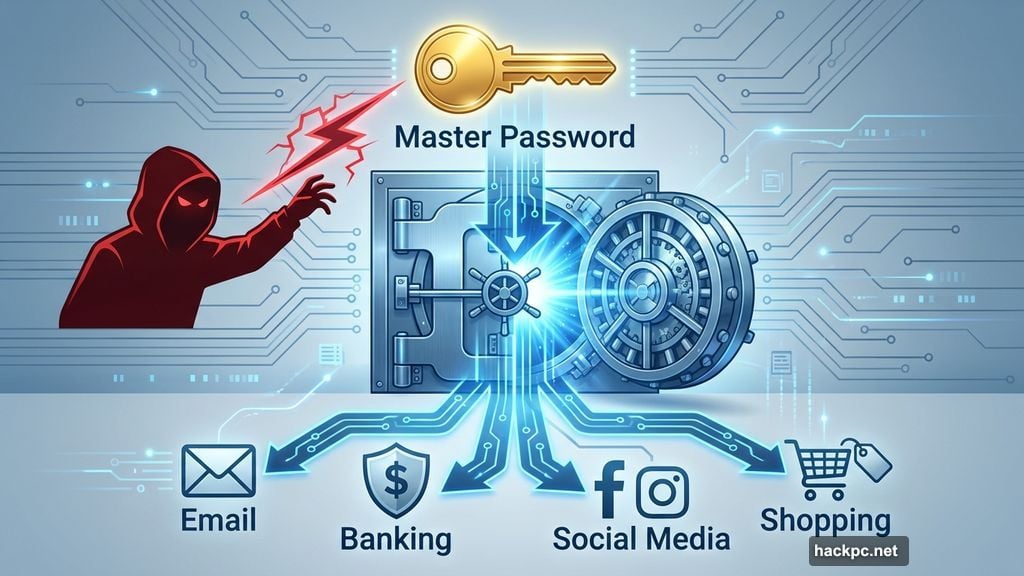
Your master password guards all other passwords. If someone steals it, they control your entire digital life.
Think about that risk carefully. One compromised password exposes every account you own.
Fortunately, multifactor authentication adds a crucial backup layer. Even with your master password, hackers need your phone or authenticator app to access your vault.
Enable MFA immediately if you haven’t already. It transforms your master password from a single point of failure into one factor among several.
Sketchy Password Managers Exist
Not all password management services protect data equally. Some use weak encryption or store passwords on vulnerable servers.
LastPass suffered a major breach in 2022. Hackers accessed user data after compromising company systems. That incident exposed the risks of trusting the wrong provider.
Research shows Bitwarden leads in security. Its open-source code lets security experts constantly scan for vulnerabilities. Transparency breeds trust here.
Choose carefully. Your password security depends entirely on the company you select.
Social Engineering Bypasses Technical Defenses
Scammers sometimes manipulate people directly instead of hacking systems. They pose as tech support, friends, or legitimate businesses to trick you into sharing credentials.
Password managers can’t protect against human manipulation. If you willingly give someone your master password, no technical safeguard helps.
Stay skeptical of unexpected requests. Legitimate companies never ask for passwords via email or phone. Neither do real friends.
Some password managers let you share credentials securely when needed. Use those built-in features instead of texting passwords.
Stolen Devices Create Exposure Windows
Physical device theft still poses risks. Someone who steals your unlocked phone might access your password vault before you notice.
However, quality password managers let you revoke device permissions remotely. The instant you realize your phone disappeared, you can lock out that device.
Speed matters here. The faster you respond to theft, the less damage occurs.
Forgotten Master Passwords Cause Nightmares
You must remember one complex password to access everything else. Lose it and recovery becomes incredibly difficult.
Most password managers can’t reset your master password. That’s by design since zero-knowledge architecture means they don’t know it either.
Write your master password somewhere secure offline. A safe at home works. Your memory alone doesn’t.
The Real Security Picture
Studies show password manager users face half the credential theft risk of non-users. That’s massive protection from one simple tool.
But protection isn’t perfection. Password managers dramatically improve your security posture while still leaving some vulnerabilities.
Your behavior determines the final outcome. Use a strong master password. Enable two-factor authentication. Stay alert for social engineering attempts.
Plus, install antivirus software and keep all systems updated. Password managers work best as part of a complete security strategy, not as standalone solutions.
Think of password managers like seatbelts. They prevent most injuries in crashes but won’t save you in every scenario. You still drive carefully.
The same logic applies here. Use password managers religiously while staying aware of remaining risks. That combination provides the best protection available today.




Comments (0)