
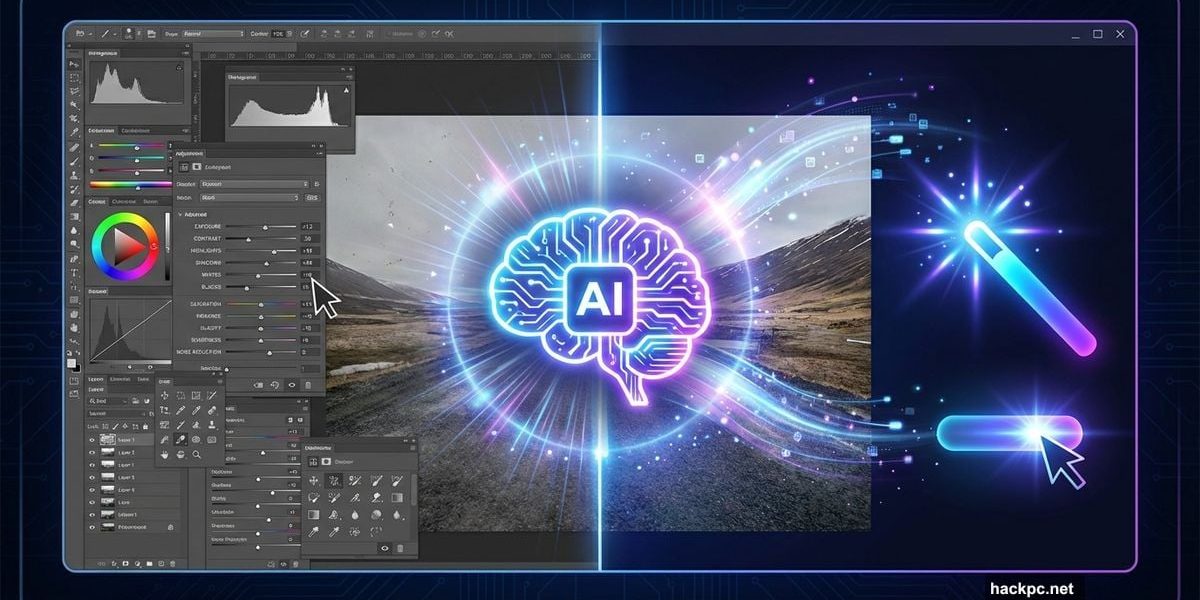
Photo editing software usually forces a choice. Either you get powerful tools that require a steep learning curve, or you settle for simple apps that can’t handle serious work.
CyberLink Photo Director 365 tries to split the difference. The latest version leans heavily on AI to speed up common tasks while keeping manual controls available. After testing the new features, the approach mostly works.
AI Tools That Actually Save Time
The standout feature is how AI handles tedious editing tasks. Need to remove someone from a photo? The software analyzes the image and fills the gap intelligently. Want to expand an image beyond its borders? AI generates matching content that blends seamlessly.
Portrait editing got a major upgrade too. The Business Outfit function can add professional clothing to casual photos. This means turning a simple headshot into a polished profile picture for LinkedIn or job applications. The software suggests office attire that matches the original photo’s lighting and angle.
Plus, background replacement works surprisingly well. You can drop a subject into a new setting without obvious cutout lines or color mismatches. This makes creating professional-looking marketing photos much faster than traditional masking techniques.
GenAI Studio Speeds Up Creative Projects

The GenAI Studio is where Photo Director 365 gets interesting. It handles complex design work through simple prompts and presets.
Style transfer lets you convert regular photos into manga graphics, paintings, or other artistic looks. The layout function positions multiple elements correctly without manual adjustments. Objects, people, and animals land in the right spots with proper scaling and perspective.
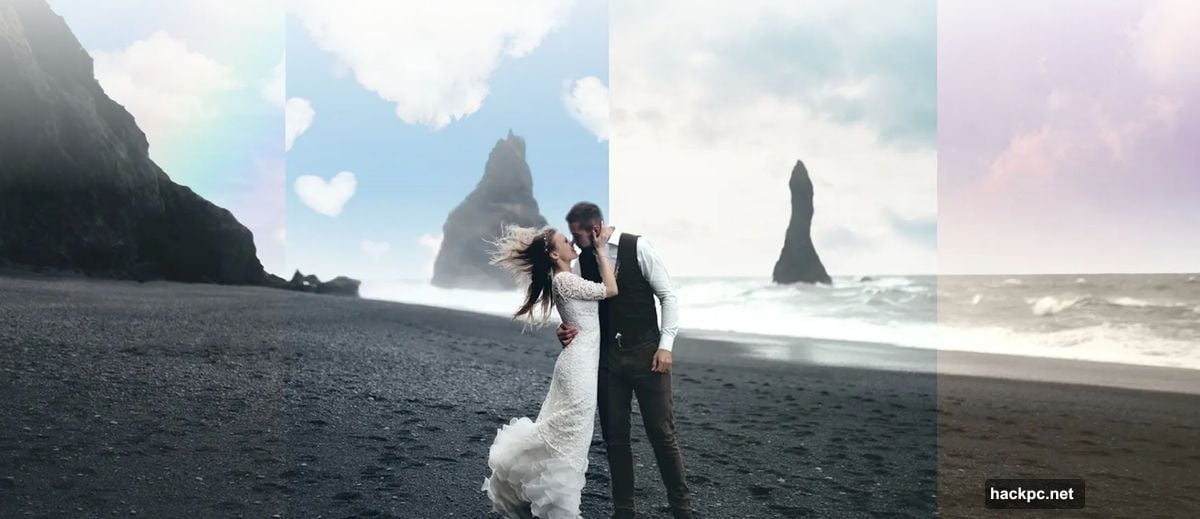
Landscape editing includes mood presets like sunrise, winter, or dramatic storm effects. These transformations go beyond simple filters. The AI restructures lighting, colors, and atmospheric elements to match the selected style.
Meanwhile, template-based designs help create digital greeting cards and social media graphics. The process involves choosing themes, colors, and captions rather than starting from scratch. This approach works well for quick projects that need consistent branding.
Where AI Takes Over Too Much
The main limitation is lack of fine control over AI edits. When the software applies dramatic changes, you can’t dial back the intensity. The result either works or it doesn’t. There’s no slider to find middle ground between the original and AI-enhanced version.
Video templates with stylized figures suffer from the same issue. You pick themes and colors but can’t adjust how strongly the effect applies. This all-or-nothing approach creates problems when the AI overshoots and produces overly processed results.
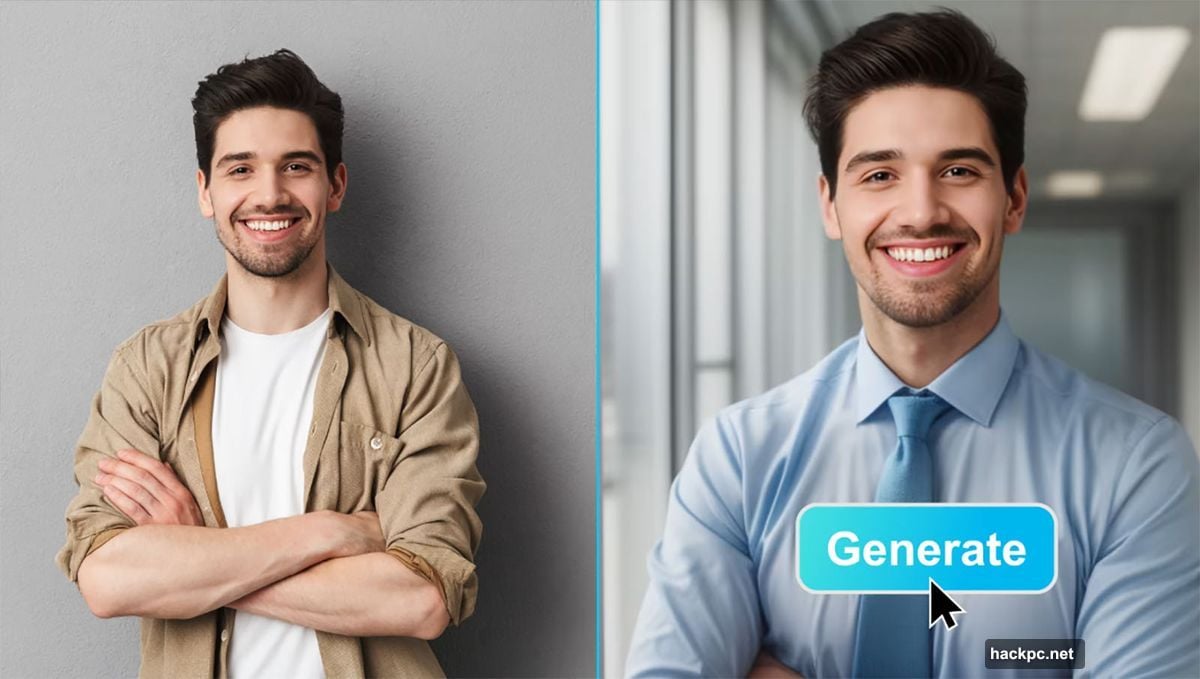
Some edits look obviously manipulated rather than naturally enhanced. Portrait modifications sometimes add unnatural smoothing or lighting that screams “edited photo.” Professional photographers might find these limitations frustrating when subtle adjustments matter more than dramatic transformations.
Image Analysis Guides Better Decisions
Photo Director 365 includes built-in suggestions that speed up workflow. The software analyzes photos and recommends improvements based on common issues. This feature works especially well for beginners who aren’t sure where to start.
The program shows example comparisons of ideal results versus problematic elements. These visual guides explain what works and what to avoid. For instance, portrait tips demonstrate proper lighting positions and backgrounds that enhance rather than distract.
Moreover, scaling images for print maintains quality through AI enhancement. The software guides users through each step, explaining resolution requirements and quality tradeoffs. This prevents common mistakes like printing low-resolution images at large sizes.
Subscription Model Unlocks Full Features
The free version includes basic editing tools but locks most AI features behind a subscription. At €39.99 per year, the cost is reasonable compared to Adobe’s pricing. However, you’re committing to ongoing payments rather than owning the software outright.
One advantage is regular feature updates. CyberLink adds new AI tools and templates throughout the year. Subscribers get these improvements automatically without purchasing new versions. This keeps the software current with evolving technology.
Still, some users prefer one-time purchases over subscriptions. If you only need occasional photo editing, the recurring cost might not justify the convenience. The subscription makes most sense for regular users who benefit from the latest AI tools.
Strong Wizards Support Complex Tasks
Photo Director 365 shines with its guided workflows. Wizards walk through complicated processes step by step. This approach helps users achieve professional results without memorizing complex procedures.
Creating business portraits demonstrates this strength. The wizard prompts for clothing preferences, background choices, and final output settings. Each step includes previews so you see changes before committing. This reduces trial and error compared to manual editing.
Template-based designs follow similar patterns. Choose a category like holiday cards or social media posts. Then customize colors, text, and images through simple selections. The software handles layout, spacing, and visual balance automatically.

Real-World Performance Varies
Testing revealed inconsistent results across different image types. Portrait enhancements worked reliably on standard headshots with good lighting. But complex scenes with mixed lighting or busy backgrounds sometimes produced strange artifacts.
Object removal succeeded on simple backgrounds like sky or grass. However, removing objects from detailed environments like city streets often left visible smudges or repeated patterns. Manual cleanup was necessary to fix these issues.
Style transfers worked best on images with clear subjects and simple compositions. Photos with intricate details or subtle color gradations sometimes lost important nuances during transformation. The AI prioritized dramatic effect over preserving fine details.
Who Benefits Most
Photo Director 365 suits several user types particularly well. Small business owners creating marketing materials get professional results without hiring designers. The templates and AI tools handle common tasks like product photos and social media graphics.
Content creators producing regular posts find value in the speed improvements. Instead of spending hours on each image, AI features reduce editing time significantly. This matters when publishing schedules demand consistent output.

Amateur photographers wanting to improve their work benefit from the guided approach. The software suggests improvements and explains why certain edits work better than others. This educational aspect helps users develop better eye for composition and enhancement.
However, professional photographers might find the AI tools too aggressive and the manual controls too limited. The software excels at speed and convenience rather than pixel-perfect precision. Serious retouching work still demands more capable tools like Photoshop or Capture One.
The Verdict
CyberLink Photo Director 365 delivers on its promise of faster, easier photo editing through AI. The tools genuinely save time on common tasks. Wizards guide users through complex processes without overwhelming them.
But the lack of fine control over AI effects creates limitations. When the software gets it right, results impress. When it overshoots, you’re stuck with overly processed images or starting over. More granular adjustment options would improve the software significantly.
For users who value speed and simplicity over absolute control, Photo Director 365 makes sense. The subscription cost is reasonable given the regular updates and expanding AI capabilities. Just understand you’re trading some precision for convenience.
The software works best for business users, content creators, and enthusiastic amateurs. Professional photographers should test the free version before committing to verify it meets their quality standards.




Comments (0)