
Avast already gives away one of the best free antivirus programs around. So why pay for Premium Security?
Turns out, this paid version doubles down on PC protection without the bloat. No VPN. No password manager. Just focused defense against malware, ransomware, and sneaky online threats.
That stripped-down approach won’t work for everyone. But if you’re hunting for rock-solid antivirus and plan to choose your own VPN anyway, Premium Security deserves a look. Just be ready to work around a couple of buggy features.
What You Get With Premium Security
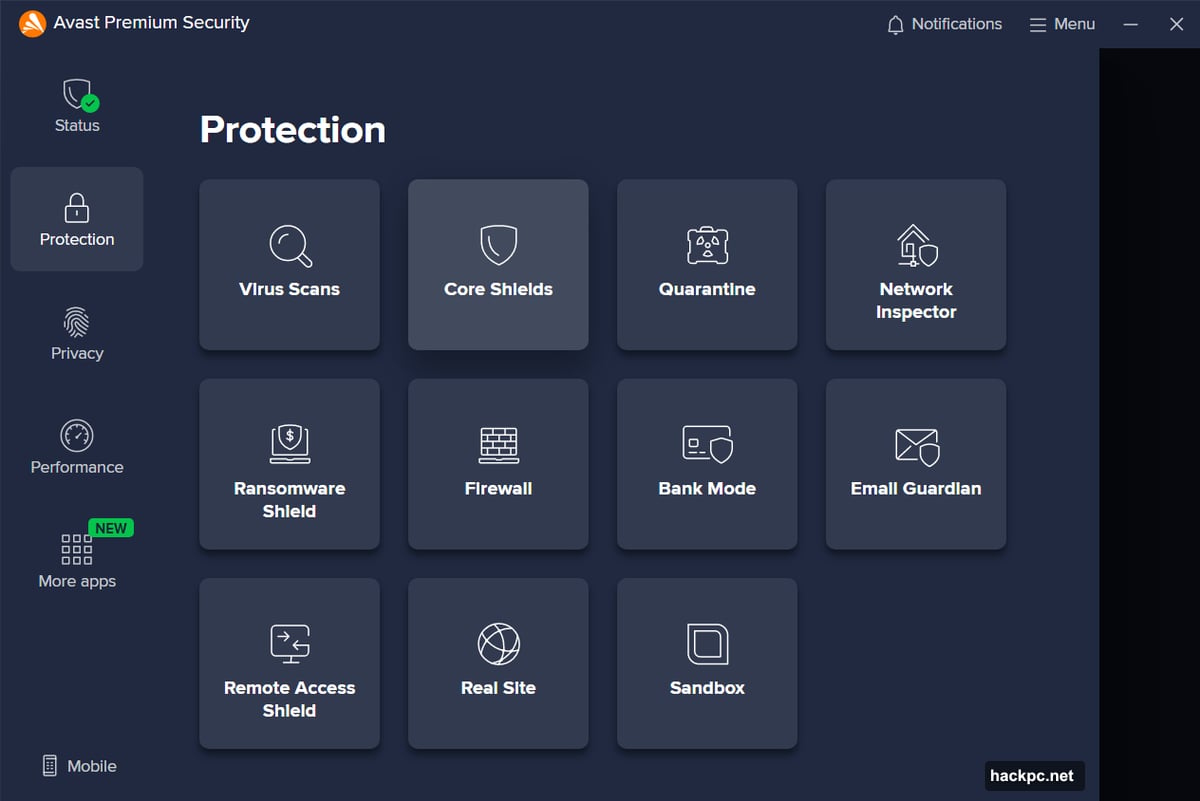
Avast Premium Security builds on the free version’s already strong foundation. The basics are solid—malware detection, ransomware blocking, firewall protection, and network monitoring all work well.
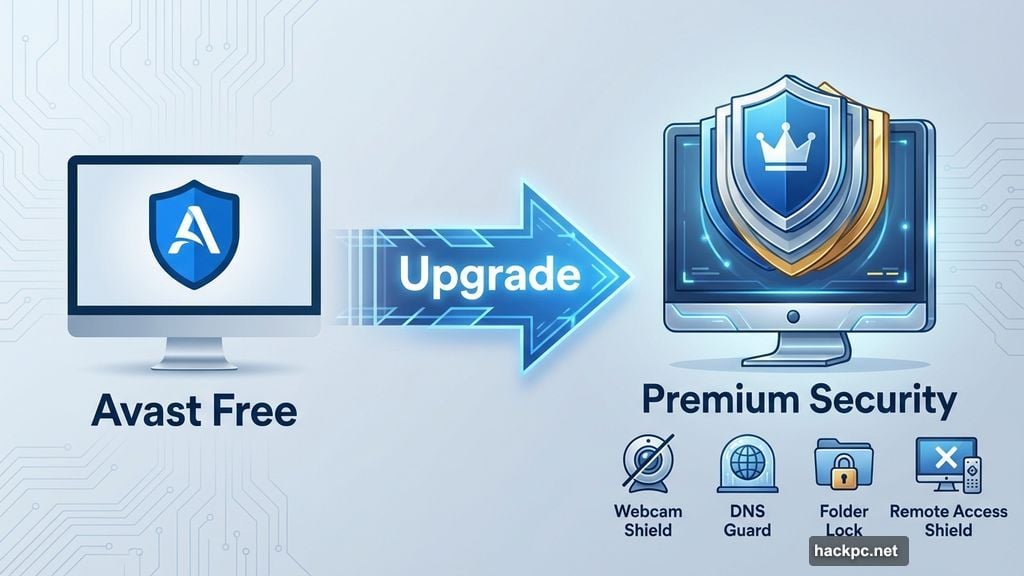
But Premium Security adds targeted protections that free users miss. It guards your webcam from takeovers. It stops DNS hijacking attempts that redirect you to fake websites. Plus, it blocks unauthorized remote desktop connections and locks down folders containing sensitive data.
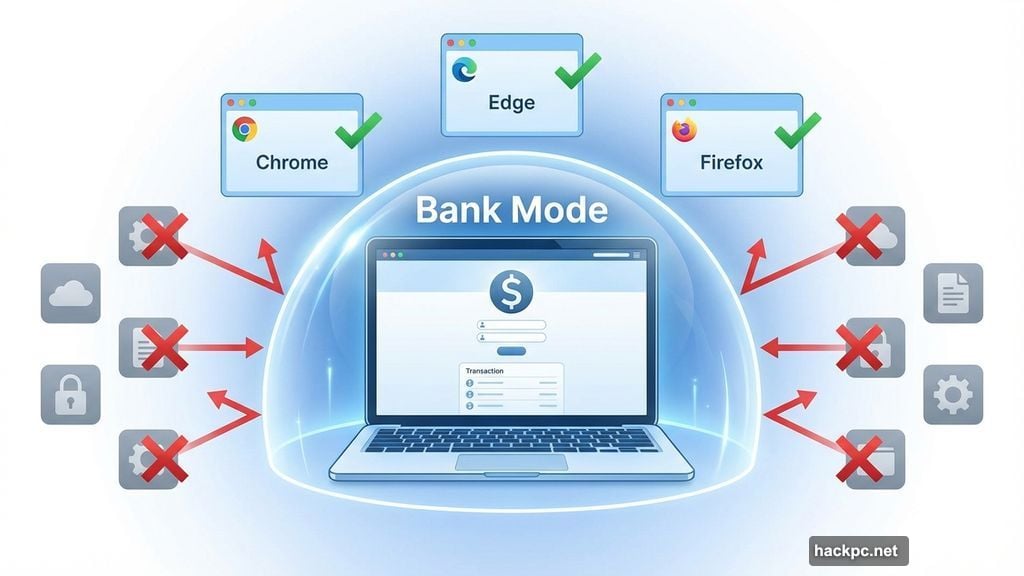
You also get Bank Mode. This feature runs Chrome, Edge, or Firefox in an isolated environment, keeping other apps from spying on your banking activity. Think of it as a protective bubble for your most sensitive browsing.
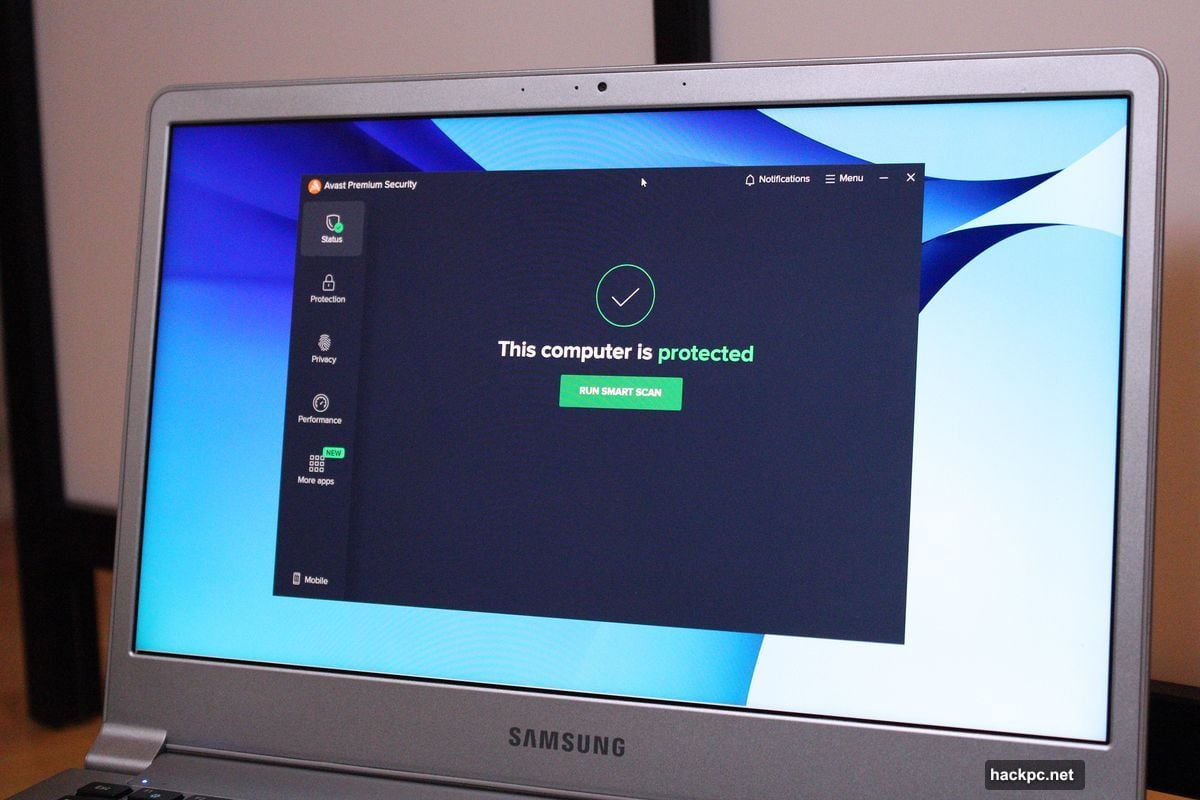
However, Premium Security skips some features rivals include. No VPN access comes with your subscription. No password manager, either. And forget about parental controls—Avast doesn’t offer those at all.
So you’re paying purely for PC security here. Nothing more.
Pricing That Makes You Think Twice
Avast charges $51 for the first year (one device), then $78 annually after that. A 10-device plan costs $70 initially, then $100 per year.
Here’s the weird part: Avast offers another suite called Avast One that includes more features for less money upfront. Premium Security actually costs more in year one than some of the company’s other plans.
Still, you can find better deals on license resellers like Newegg. Buying there often beats Avast’s direct pricing by a wide margin.
Interface That Gets Out of Your Way
Installing Premium Security takes minutes. The app forces you through an initial scan before letting you explore. Annoying at first, but probably smart for security.
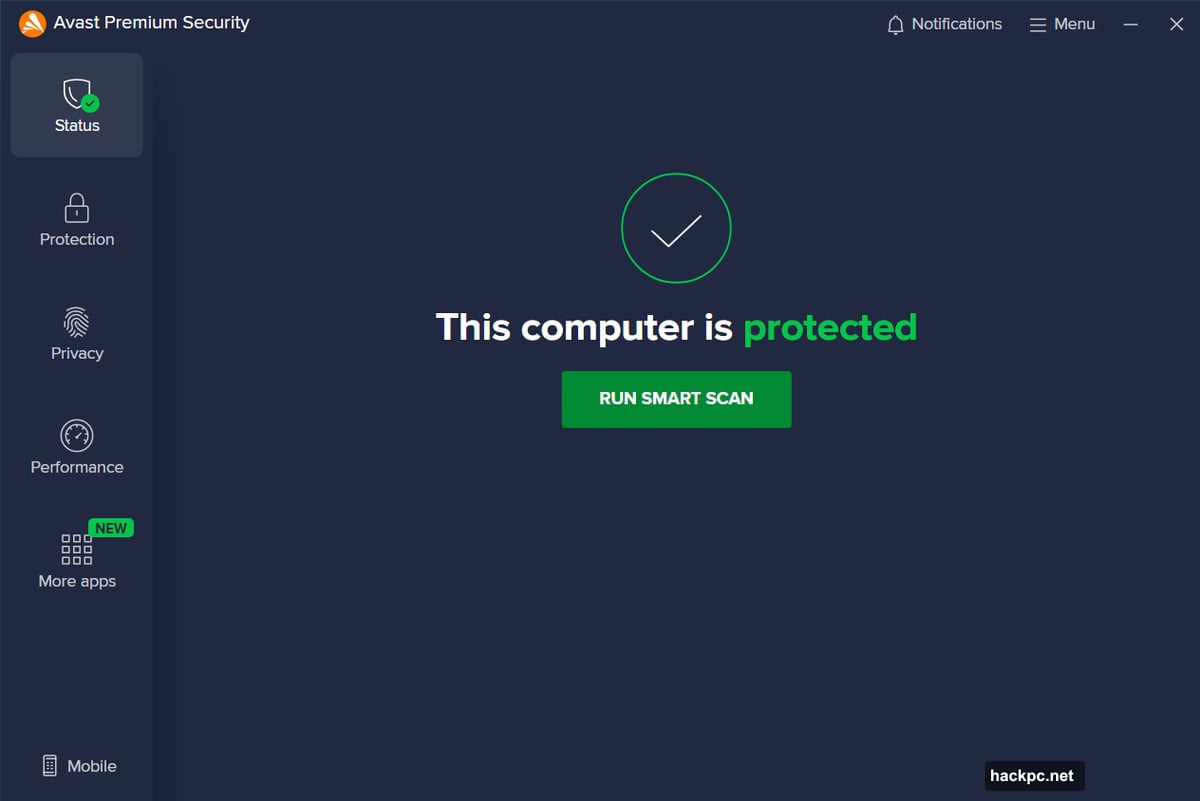
Once inside, you’ll see a clean, dark-themed interface. Everything sits where you’d expect it. The left sidebar groups features by category—Protection, Privacy, Performance. Large, clearly labeled buttons guide you to specific tools.
Most impressively, Avast keeps its upsells contained. Other security apps nag you constantly about upgrades. Premium Security stashes those pitches in a single “More apps” section. Ignore it and move on.
The settings menu lives in the upper right corner. You can tweak scan sensitivity, adjust firewall rules, and customize protections without hunting through multiple screens. It’s genuinely easy to navigate.
Virus Protection You Can Actually Customize
Premium Security watches your PC constantly. It scans files you download, monitors apps for suspicious behavior, and blocks malicious websites before they load.
The ransomware protection particularly stands out. It locks down your Documents, Pictures, and other commonly targeted folders. Even if malware slips through, it can’t encrypt your files without permission.
You can expand protection to more folders or switch to Strict Mode, which only allows specifically approved apps to make changes. Smart Mode works well for most people, though—it automatically trusts known programs while blocking sketchy ones.
Scheduled scans require manual setup, which is odd. Most security suites configure this automatically during installation. With Premium Security, you create a custom scan first, then set it to run daily, weekly, or monthly.
But once configured, you get surprising control. You can adjust scan depth, choose which areas to examine, and tweak sensitivity. Competing apps like Norton and McAfee offer far fewer options here.
Unique Features That Work (Mostly)
Bank Mode creates a virtualized desktop for secure browsing. Unlike Bitdefender‘s similar Safepay feature, Bank Mode lets you run multiple browsers simultaneously. Chrome, Edge, and Firefox all work inside this protected environment.
The experience feels smooth even on older hardware. You can install extensions, adjust settings, and browse normally—while other apps on your PC can’t see what you’re doing.
One downside: Avast won’t prompt you to use Bank Mode when visiting banking sites. You must remember to launch it manually.
The Sandbox feature does the opposite. It isolates suspicious apps so they can’t interact with your system. Right-click any program and launch it in Sandbox mode for testing.
However, this feature feels buggy. It wouldn’t start from within the app at first. Plus, sandboxed apps don’t get any visual indicator in Windows. You have to check within Avast to see which processes are isolated.
Sensitive Data Shield scans for files containing personal information—social security numbers, banking details, passwords. Once found, it restricts other apps from accessing those documents.
The scanner needs work, though. It only checks PDF and Office files. Worse, it missed test files containing passwords and tax information. You can manually protect files, but that’s impractical if you have many documents.
Performance That Mostly Stays Quiet
Independent testing labs consistently rate Avast highly. AV-Test results from late 2024 show Avast blocked 100 percent of zero-day attacks in November and 99.8 percent in December. It also stopped 100 percent of widespread malware samples.
AV-Comparatives’ real-world tests show similar strength. Avast blocked 99.6 percent of threats with only 13 false positives over four months.
In daily use, Premium Security stays out of your way. PCMark 10 benchmarks showed minimal performance impact during web browsing, video chatting, and gaming. Handbrake video encoding also ran at normal speed.
But Microsoft Office work took a hit. Documents opened about 11 percent slower with Avast running in the background. That jumped to 25 percent during full system scans.
So if you’re working in Excel on a slower PC, schedule your scans for off-hours. The performance drop becomes noticeable during heavy spreadsheet work.
What’s Missing Here
No VPN access comes with Premium Security. You’ll need a separate subscription or different Avast plan for that.
No password manager, either. Avast doesn’t offer one at all, so you’re shopping elsewhere for that service.
And those buggy features—Sandbox refusing to start, Sensitive Data Shield missing obvious files—need fixing. They work eventually, but the rough edges show.
Who Should Buy This
Premium Security makes sense if you want focused PC protection without extras. You already use a separate VPN and password manager. You don’t need parental controls. You just want strong antivirus that stays out of your way.
It’s also solid if you’re shopping for license deals on resellers. Paying less than Avast’s direct price makes the value proposition stronger.
Skip it if you want all-in-one protection. Rivals like Norton 360 or Bitdefender bundle VPN access and password managers for similar money. Those suites give you everything in one place.
Also skip it if you demand bug-free features. Sandbox and Sensitive Data Shield both need polish before they’re truly reliable.
Premium Security does one thing well—defending your PC. Just make sure that’s what you actually need.




Comments (0)