
AI image generation exploded in 2025. But one model stands miles ahead of the rest.
Google’s nano banana pro (formerly Gemini 3 Pro Image) creates shockingly realistic images. Plus, it does something competitors can’t: generate legible text inside images. That’s a game-changer for anyone making infographics, posters, or social media content.
But here’s the thing. The “best” AI image generator depends entirely on what you’re making. Professionals need different tools than hobbyists. Beginners want simplicity while experts crave control.
We tested six leading AI image generators with hundreds of prompts. From photorealistic portraits to fantasy landscapes to cartoon graphics. Let’s break down which one deserves your time and money.
Why Nano Banana Pro Wins for Most People
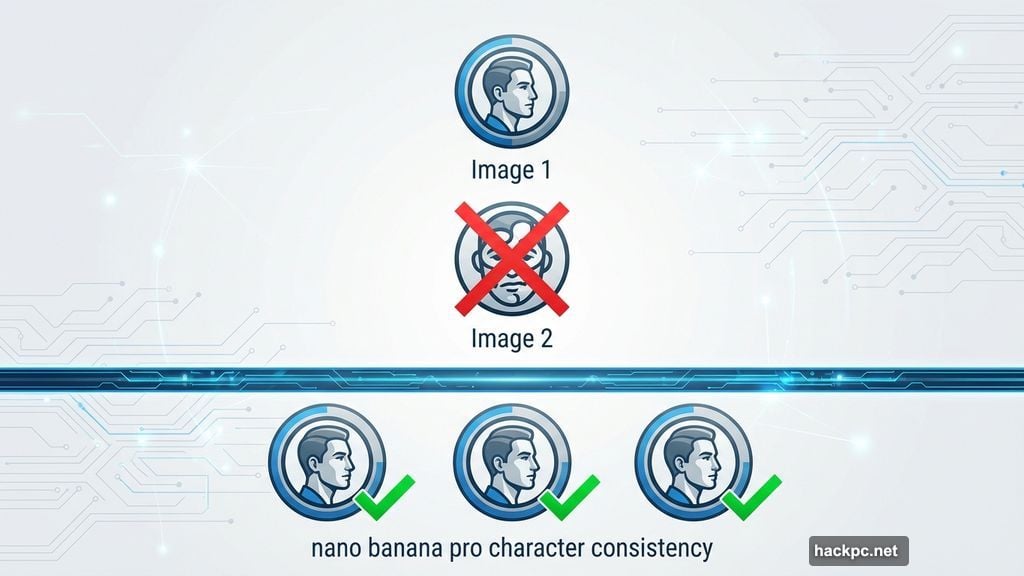
Google’s nano banana pro nails two things other models struggle with: character consistency and readable text.
Character consistency means your AI-generated person looks the same across multiple images. Other generators create completely different faces each time. But nano banana pro remembers. So if you’re creating a series of images for a story or campaign, your characters stay recognizable.
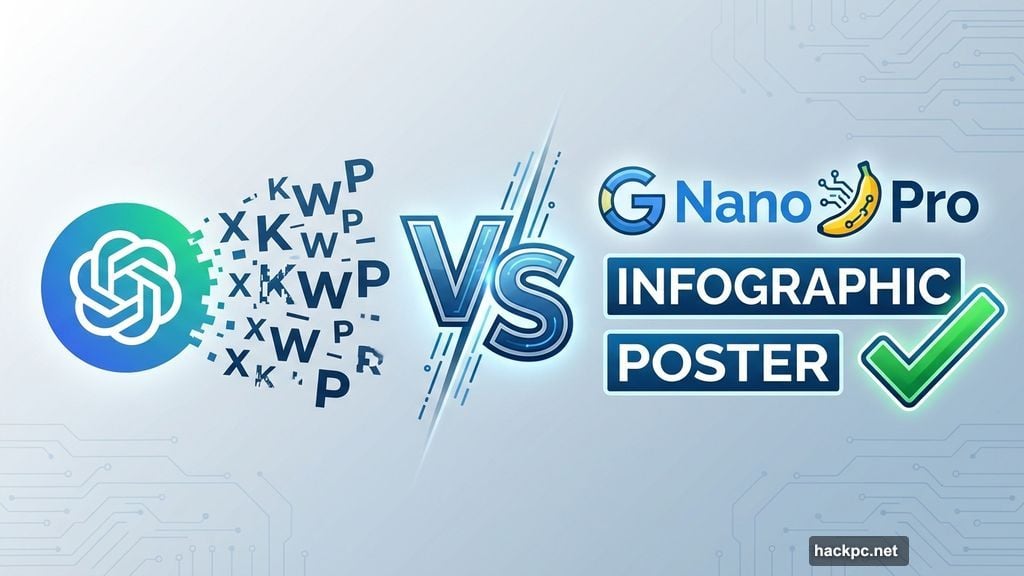
The text generation capability is even more impressive. Try creating an infographic with ChatGPT‘s image generator. You’ll get jumbled letters that spell nothing. Nano banana pro actually renders legible words and sentences.
However, there’s a catch. The information in those graphics might be wrong. AI models hallucinate facts constantly. So you’ll need to fact-check everything before publishing.
Generation time runs longer than competitors. Expect 30-60 seconds per image instead of 10-20 seconds. But the quality justifies the wait for most projects.
You get a few free generations in Gemini’s “Thinking” pro mode. Then subscriptions start at $20 monthly. That’s competitive pricing for this level of capability.
Canva Dominates the Beginner Space
New to AI image generation? Start with Canva.
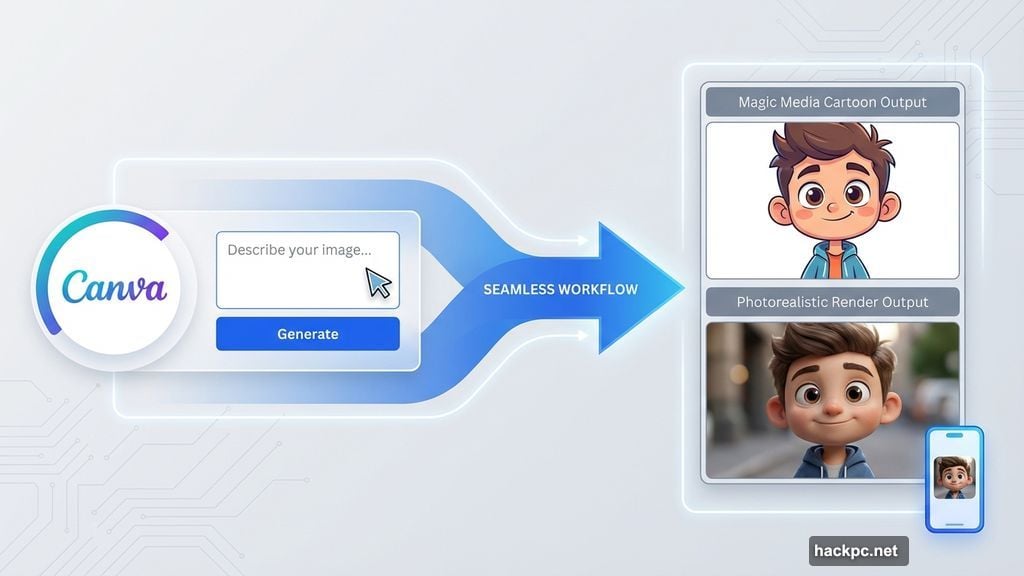
Canva’s Magic Media tool strips away complexity. No confusing settings or technical jargon. Just type what you want and click generate. The interface feels intuitive even if you’ve never touched AI before.
Style versatility impresses for such a simple tool. Magic Media handles photorealistic renders, cartoon aesthetics, and everything between. Plus, integration with Canva’s other design tools makes workflow seamless.
Privacy protection sets Canva apart from competitors. The company doesn’t train AI models on your content. Your generated images stay private unless you share them. Most other services claim rights to use your creations for model training.
The free plan limits generations harshly. You’ll hit the cap quickly if you’re iterating on ideas. Paid plans start at $13 monthly and remove those restrictions.
Mobile app support means you can generate images on the go. That’s surprisingly rare among AI image generators. Most require desktop browsers.
Adobe Firefly Solves the Copyright Problem
Professional creators face a unique challenge: copyright safety.
Adobe Firefly guarantees commercially safe outputs. The model trains exclusively on Adobe Stock content, licensed materials, and public domain work. So you won’t accidentally recreate someone’s copyrighted art.
That peace of mind matters if you’re creating content for clients or commercial projects. Other generators train on scraped web data. That includes copyrighted work, potentially without permission. Using those outputs for commercial work invites legal risk.
Integration with Adobe Creative Cloud streamlines professional workflows. Generate an image in Firefly, export to Photoshop, make adjustments. No switching between platforms or downloading files.
The downside? Photorealism struggles. Firefly excels at artistic and stylized images but falls short on ultra-realistic renders. If you need stock photography vibes, nano banana pro performs better.
Pricing depends on your existing Adobe subscriptions. Some Creative Cloud plans include Firefly credits. Standalone access starts at $10 monthly. That’s reasonable for professionals already in Adobe’s ecosystem.
Stable Diffusion Appeals to Technical Users
Open-source AI image generation offers unique advantages. And unique headaches.
Stable Diffusion models deliver fast generation speeds. Most images render in 10-30 seconds. That’s significantly quicker than nano banana pro’s longer processing times.
Stability AI’s official platform provides comprehensive editing tools. Inpainting, outpainting, style transfer. These controls let you fine-tune results without starting over. Professionals appreciate this granular control.
But here’s where things get complicated. Stable Diffusion is open source. So you can access it through Stability AI’s paid platform, third-party services, or by running models locally on your computer.
Each method has different pricing structures and privacy policies. Stability AI charges $10 monthly and lets you opt out of training. Third-party platforms vary wildly. Running locally is free but requires technical knowledge and powerful hardware.
The open-source nature breeds innovation. Community-created models and modifications expand capabilities beyond official releases. But navigating this ecosystem overwhelms beginners.
Stable Diffusion works best for AI enthusiasts who enjoy tinkering. If you want simple and straightforward, choose something else.
Midjourney Creates Stunning Non-Realistic Art
Midjourney earned its reputation for gorgeous, imaginative imagery.
The signature high-fantasy aesthetic makes it perfect for creative brainstorming. Concept art, storyboarding, mood boards. Midjourney brings fantastical visions to life better than any competitor.
Recent updates improved prompt adherence significantly. Earlier versions ignored parts of prompts frequently. Version 7 follows instructions more reliably while maintaining that creative flair.
Discord-based workflow takes adjustment. You generate images by typing commands in a Discord server channel. That feels clunky compared to modern web interfaces. But the active community provides inspiration and troubleshooting help.
Privacy concerns loom large. All your images live in a public gallery unless you pay for stealth mode. That’s only available in higher-tier subscriptions starting at $30 monthly. Basic plans begin at $10 monthly.
Legal troubles cloud Midjourney’s future. Disney, Universal, and Warner Bros. are suing the company. The lawsuit alleges Midjourney creates AI versions of copyrighted characters, constituting copyright infringement. How this resolves could reshape the entire industry.
Despite uncertainties, Midjourney remains the creativity champion. Just don’t expect photorealistic results or cheap stealth privacy.
ChatGPT Users Should Stick With OpenAI
Already use ChatGPT? OpenAI’s GPT-Image-1 model offers convenient AI image generation.
The conversational interface feels natural. Just describe what you want in the chat. No switching to a separate tool or learning new commands. ChatGPT generates images inline with your conversation.
Style versatility impresses. Photorealistic, cartoon, abstract, whatever you request. The model handles diverse aesthetics reasonably well.
Text in images remains hit-or-miss. Sometimes you get legible words. Other times, complete gibberish. Without post-generation editing tools, fixing these mistakes requires starting over.
That lack of editing capabilities frustrates. You can’t tweak specific elements or adjust composition. Your only option is requesting another generation with a refined prompt.
Free tier users get image generation with limitations. Paid ChatGPT Plus subscribers ($20 monthly) receive higher generation limits and priority access. You can disable AI training on your content in settings.
GPT-Image-1 works best as a quick, casual tool. Not for professional projects requiring precision. But for ChatGPT users needing occasional visual aids, it’s right there waiting.
How We Actually Tested These Tools
Testing AI image generators requires real-world scenarios.
We created hundreds of images across six generators. Photorealistic portraits. Fantasy landscapes. Cartoon characters. Product mockups. Infographics with text. Each prompt tested different capabilities.
Accuracy measurement focused on prompt adherence. Did the generator create what we asked for? Were details rendered clearly? Human figures with correct anatomy? Objects in proper proportion?
Hallucination tracking identified weird AI quirks. Extra fingers. Disappearing elements. Distorted faces. These flaws appear in every generator but frequency varies.
Response speed matters for workflow. We timed each generation from prompt submission to completed image. Faster isn’t always better, but waiting five minutes for one image kills productivity.
Policy review revealed concerning patterns. Some companies claim rights to train on your content. Others let you opt out. A few guarantee privacy. These policies directly impact how you can use generated images.
Copyright testing proved eye-opening. We prompted for specific brand names and protected characters. Some generators blocked these requests. Others created recognizable copyrighted content. That’s a legal minefield.
Style versatility testing pushed each model’s range. Can it handle both photorealism and abstract art? Watercolor paintings and 3D renders? The best generators adapt to diverse artistic requests.
Writing Prompts That Actually Work
Your prompt quality determines output quality.
Start with the core subject. “A woman sitting at a piano.” Then add descriptive details. “Dark-haired woman in a blue dress sitting at a grand piano.”
Specify the style explicitly. “Photorealistic render” versus “watercolor painting” versus “anime style.” This prevents the AI from guessing wrong.
Include lighting details. “Soft golden hour lighting” or “dramatic studio lighting” or “neon cyberpunk glow.” Lighting dramatically affects mood and realism.
Mention composition elements. “Close-up portrait” or “wide-angle establishing shot” or “bird’s eye view.” This controls perspective and framing.
Add atmospheric details. “Foggy morning” or “crowded city street” or “serene mountain backdrop.” Environment matters.
Avoid conflicting descriptions. Don’t request “photorealistic anime.” Pick one aesthetic and commit. Mixed styles confuse the AI and produce muddy results.
Start specific, then adjust. Overly vague prompts leave too much to chance. You can always simplify if the AI struggles with complexity.
The Copyright Mess Nobody Wants to Discuss
AI image generation exists in legal gray areas.
Most models train on scraped internet data. That includes copyrighted artwork, photography, and design work. Often without creator permission or compensation. Artists and photographers are rightfully furious.
Several lawsuits challenge this training approach. Getty Images sued Stability AI. Artists sued Midjourney. The outcomes will reshape AI development fundamentally.
Using AI-generated images commercially invites risk. If the AI recreated copyrighted elements, you could face infringement claims. Adobe Firefly addresses this by training only on licensed content. But most competitors don’t offer similar guarantees.
Always disclose AI usage when sharing images. Increasingly, platforms and publications require this transparency. Failing to disclose can damage credibility and violate terms of service.
Copyright protection for AI images remains murky. You can copyright AI-edited work if you disclose the AI’s role. But purely AI-generated content rarely qualifies for copyright protection. Rare exceptions exist but don’t count on them.
The ethical considerations extend beyond legality. Even if technically legal, training on artists’ work without consent feels wrong to many. That’s a personal judgment each user must make.
Common AI Image Mistakes to Avoid
Weird AI quirks plague even the best generators.
Extra fingers or wrong hand anatomy appear constantly. AI struggles with human hands. Carefully inspect generated hands before using images. Use editing tools to fix or regenerate if necessary.
Text gibberish ruins otherwise perfect images. Even generators claiming text capability mess up frequently. Double-check all visible text for accuracy and legibility.
Floating or disconnected elements break realism. Objects hover without support. Body parts disconnect from figures. These hallucinations require editing or complete regeneration.
Inconsistent lighting destroys believability. Shadows fall in wrong directions. Light sources contradict each other. Specify lighting clearly in prompts to minimize this.
Warped or melting features make people look uncanny. Facial features drift or distort. Eyes point different directions. This happens more with photorealistic attempts. Sometimes switching to stylized rendering helps.
Background details often contradict foreground subjects. A sunny beach scene with snow-covered mountains. These logical impossibilities break immersion. Review the entire image, not just the main subject.
Overcomplicating prompts confuses AI. Too many conflicting instructions produce chaotic results. Simplify and focus on core elements first.
The Future Arrives Faster Than Expected
AI image generation improved dramatically in just two years.
Text in images was impossible in 2023. Now nano banana pro renders legible infographics. That’s a massive leap forward.
Character consistency barely existed in 2024. Models created different faces for the same character. Now nano banana pro maintains consistency across multiple generations.
Generation speed doubled or tripled. Early models took several minutes per image. Modern generators complete in seconds.
Style versatility expanded enormously. Early AI produced a distinct “AI art” look. Current models mimic diverse artistic styles convincingly.
Editing capabilities evolved from nonexistent to comprehensive. Inpainting, outpainting, style transfer, element removal. Professional-grade tools now exist in consumer products.
Legal frameworks lag behind technology. Courts are still determining how copyright applies. Regulations remain sparse. This uncertainty creates risk for commercial users.
Ethical concerns intensify as capability grows. Realistic AI faces enable deepfakes and impersonation. Copyrighted character recreation threatens intellectual property. These problems need solutions.
Competition drives rapid innovation. Google, Adobe, OpenAI, Stability AI, Midjourney. Each company pushes boundaries. Users benefit from this arms race. But creators whose work trains these models often don’t.
Which Generator Deserves Your Money
Your ideal choice depends entirely on your needs.
Casual users wanting quick, impressive results should choose nano banana pro. The realism and text capability justify the $20 monthly cost. Free tier access lets you test before committing.
Complete beginners benefit most from Canva. The user-friendly interface and robust privacy policies make it perfect for learning. Start with the free plan and upgrade to $13 monthly as needed.
Professional creators require Adobe Firefly. Copyright safety alone justifies the cost. Integration with Creative Cloud streamlines workflows. Pricing varies based on existing subscriptions but starts at $10 monthly.
Technical enthusiasts will love Stable Diffusion. The open-source ecosystem offers unlimited customization. Stability AI’s official platform costs $10 monthly. Or run models locally for free if you have the hardware and knowledge.
Creative brainstorming demands Midjourney. The unique artistic style and community resources make it perfect for imagination work. Just be aware of the legal uncertainties and public gallery concerns. Basic access runs $10 monthly.
ChatGPT users gain convenience from GPT-Image-1. The inline generation within conversations removes friction. Free tier works for casual use. Upgrade to ChatGPT Plus ($20 monthly) for higher limits.
Budget-conscious creators should start with free tiers. Most generators offer limited free access. Test multiple options before committing to paid subscriptions. Your specific use cases will reveal the right fit.
These tools evolve constantly. What’s true today might change next month. New models launch. Capabilities expand. Prices adjust. Stay flexible and willing to switch as the landscape shifts.
The AI image revolution transformed creative workflows forever. For better and worse. Choose your tools wisely. Disclose your AI usage. Respect creators whose work trained these systems. Create responsibly.




Comments (0)