

ExpressVPN rolled out two updates that sound weirdly familiar. But there’s more here than meets the eye.
The company launched a Fastest Location feature for Android, Mac and iOS users. Plus, Mac users get a completely rebuilt native app. Both changes aim to make your VPN experience faster and smoother.
Here’s what actually changed and why it matters for your connection speeds.
Smart Location Becomes Fastest Location
ExpressVPN already had a Smart Location button. So what’s different now?
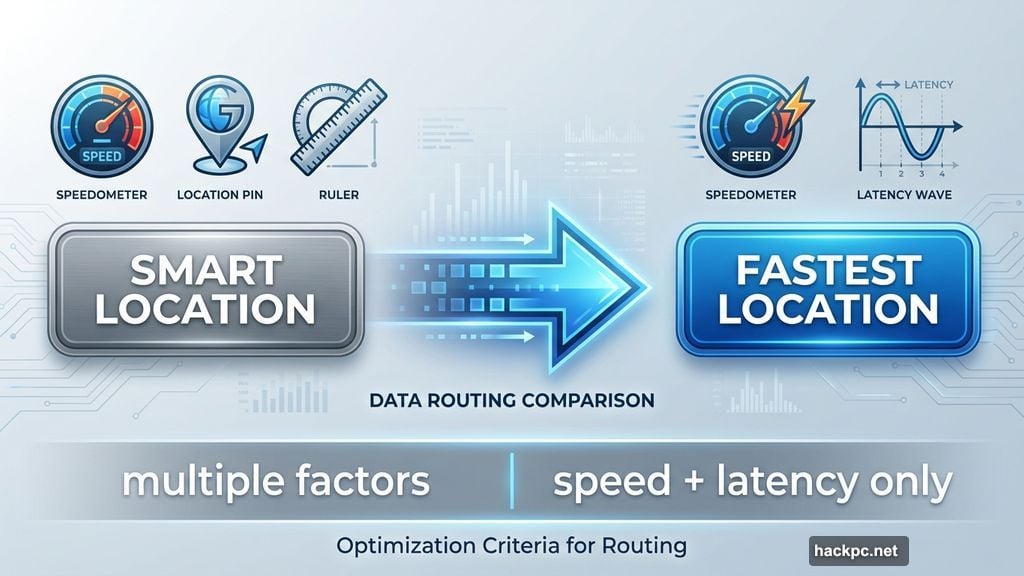
The old Smart Location used multiple factors to pick servers. It considered download speed, latency and distance. But that “such as” in their description suggested other mystery ingredients too.
Now Fastest Location focuses purely on speed metrics. It picks the server with the best download speed and lowest latency. That’s it. No hidden variables.
This simplification probably came from user feedback. Some people found Smart Location picking servers that weren’t actually the fastest option. The new feature strips away complexity and targets pure performance.
I never had issues with Smart Location during testing. But VPN performance varies wildly by location, ISP and server load. So your experience might differ from mine.
Testing Shows the Real Story
Unfortunately, ExpressVPN hasn’t clarified whether they changed the algorithm or just the name.
The distinction matters. If they only rebranded Smart Location, nothing actually improved. If they rebuilt the server selection logic, you might see faster speeds.
Only real-world testing will reveal the truth. Try Fastest Location on your devices. Compare it to manually selecting nearby servers. See which performs better for your specific setup.
My guess? They tweaked the algorithm based on user complaints. Otherwise why bother with the rebrand?
Mac App Gets Native Treatment
The Mac upgrade is more straightforward. ExpressVPN finally built a proper desktop app.
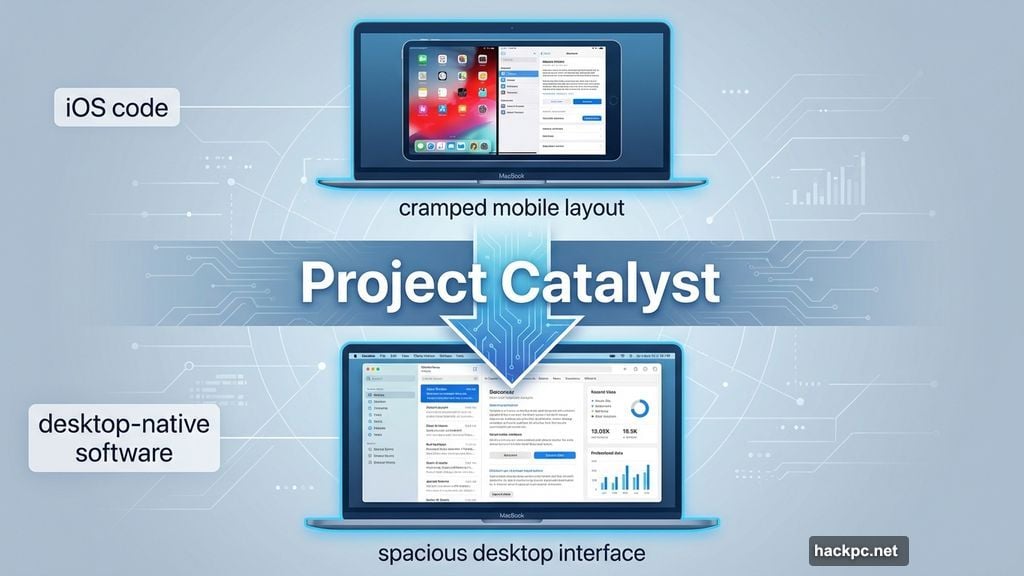
Previously, Mac users ran a ported iPad app. It worked fine but felt cramped. Like using a phone interface stretched across your monitor.
The new version uses Project Catalyst to convert iOS code into desktop-native software. This approach lets developers reuse existing code while creating proper Mac experiences.
The interface now uses screen space more efficiently. It looks richer and feels more like desktop software should. Think Proton VPN’s clean, spacious layout rather than a blown-up mobile app.
For Mac users, this represents a genuine improvement in daily usability. The old app wasn’t broken. But the new one fits the Mac ecosystem better.
Windows and Linux Users Left Out
Here’s the weird part. Fastest Location only works on Android, Mac and iOS right now.
Windows and Linux users still get the old Smart Location feature. Smart TV users too. ExpressVPN hasn’t explained why.
Maybe they’re testing Fastest Location on popular platforms first. Or perhaps technical limitations prevent quick deployment elsewhere. Either way, it creates a frustrating disparity.
If you’re on Windows or Linux, you’re stuck with the previous version for now. Hopefully that changes soon.
Does This Actually Matter?
Both updates target real pain points, even if they’re incremental improvements.
Server selection confuses many VPN users. They don’t know which location offers the best performance. A truly optimized Fastest Location button solves that problem elegantly.
The Mac app upgrade addresses a specific platform issue. Mac users deserve software that respects their operating system’s design language. They’re finally getting it.
But neither change revolutionizes the VPN experience. ExpressVPN remains one of the best VPNs available. These updates make it slightly better rather than dramatically different.
For existing subscribers, the changes are welcome refinements. For potential customers, they’re nice bonuses but not compelling reasons to switch by themselves.
What Comes Next
ExpressVPN needs to bring Fastest Location to all platforms soon. The feature disparity doesn’t make sense.
They should also clarify whether the algorithm actually changed or just got renamed. Transparency builds trust with users who care about technical details.
Meanwhile, Mac users can enjoy their properly designed app. That’s a straightforward win with no caveats.
Test Fastest Location yourself if you’re on a supported platform. Your connection speed might improve. Or you might notice no difference. Either way, you’ll know what works best for your setup.




Comments (0)