
I spent weeks testing AI browsers from Google, Microsoft, OpenAI, Perplexity, and The Browser Company. Not one could handle basic tasks without constant hand-holding.
The promise sounds incredible. Tell AI what you want, kick back, and let it surf the web for you. Microsoft CEO Satya Nadella recently claimed AI will soon “use a computer as well as a human.” Tech executives across Silicon Valley echo this vision.
So I decided to test that claim. I needed new walking shoes after months of research paralysis. Could AI browsers actually make online shopping easier?
Spoiler: They couldn’t.
AI Browsers Come in Two Flavors
The current crop falls into two categories. First, you’ve got traditional browsers with chatbots bolted on. Chrome added Gemini features. Edge ships with Copilot Mode. These tools live in collapsible sidebar windows.
Then there are specialized AI browsers. ChatGPT Atlas, Perplexity’s Comet, and The Browser Company’s Dia replace your search bar with AI. Some offer “agentic mode” where AI supposedly completes complex tasks like booking reservations or filling shopping carts.
I tested five browsers total. Chrome, Edge, Atlas, Comet, and Dia. That mix represents both categories from major players in the space.
Each browser got the same treatment. I enabled memory settings, shared location data, and described myself as a tech journalist covering wearables. I approached tests from different skill levels too. What happens when a complete AI novice tries these versus someone skilled at prompting?
My goal wasn’t ranking the best browser. Instead, I wanted to know if any delivered on the hype.
The Email Nightmare
Sorting email should be straightforward. I wanted to identify important messages needing urgent responses. Simple enough, right?
I started with the prompt “summarize my emails.” That’s a default suggestion in most of these browsers. Defaults exist because they should generally work.
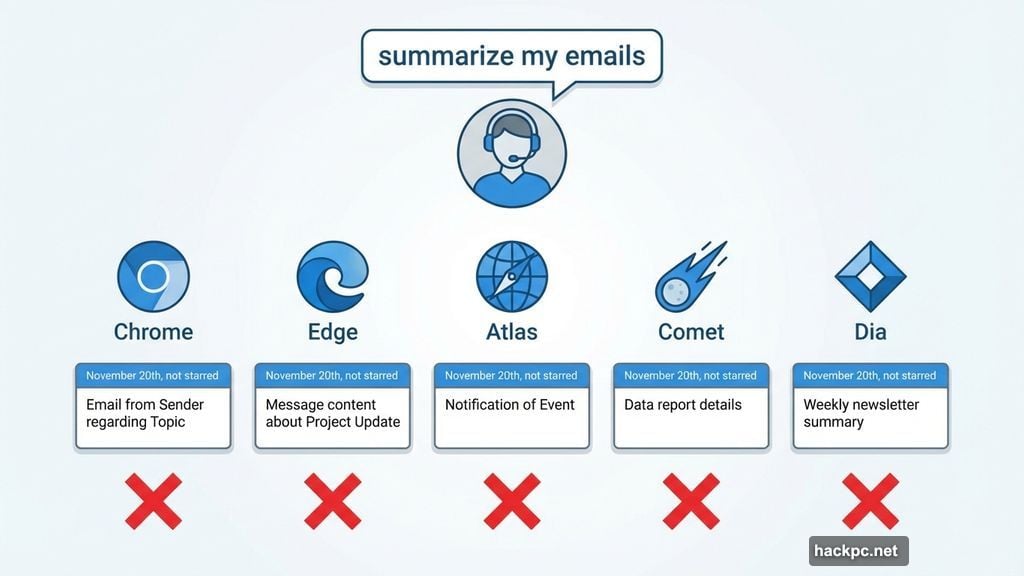
All five browsers gave me literal descriptions. One thread in my primary folder, dated November 20th, marked not starred or important. Completely useless information.
So I refined the ask. “Identify important emails based on urgency” should work better. Nope. The models have zero clue what I actually find important. They surfaced irrelevant pitches for health scams instead of reader feedback or forgotten reply threads.

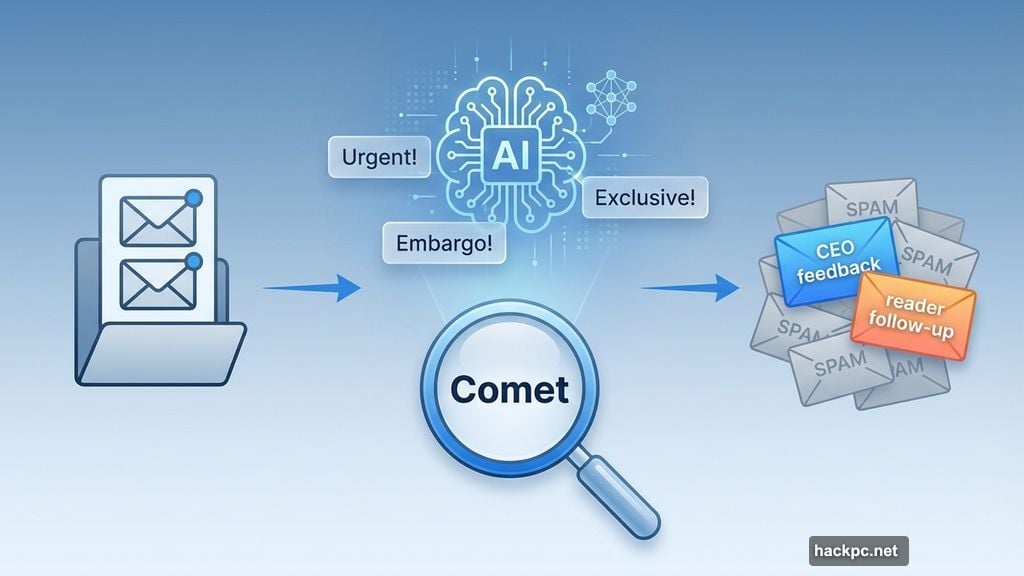
I made zero progress until Comet suggested “find important unanswered emails.” Finally, something clicked. The top four results contained keywords tech journalists care about. Urgent! Embargo! Exclusive!
But after reviewing them, all were emails I didn’t need to read at all. AI fell for the oldest trick in the book. It confused keywords with truth.
Then I noticed something three-quarters down Comet’s long response. A bullet point labeled “Personalized requests/follow-ups.” Two emails stood out. One from a CEO addressing product feedback. Another from a reader with a relevant tip. Neither was “urgent” but both merited attention.
I tried Comet’s working prompt in the other browsers. They all highlighted more keyword-stuffed junk. None flagged the two emails that mattered.
So I tried harder. Much harder.
“Find unanswered emails where I previously responded with interest or feature personalized requests. Evaluate which require responses based on timeliness and embargo keywords with dates in the next two weeks. Ignore emails with multiple follow-ups I haven’t answered.”
That ultra-specific prompt went slightly better. Comet and Dia surfaced multiple relevant threads. But only one actually needed a response. Copilot in Edge found one relevant thread and five junk pitches. Gemini in Chrome was a complete dud. It returned a Black Friday marketing email.
Atlas just broke. ChatGPT replied that Gmail successfully returned unread message IDs, but the actual content came back empty. Then it asked two long-winded follow-up questions.
At that point, my options were refining the prompt further or giving up. I gave up.
Where AI Browsers Actually Work
Not everything was a disaster. I had to search a 48-page legal document for a family matter. CMD-F works fine, but the legalese made my brain melt.
I loaded the document and prompted AI to list relevant pages with summaries. All browsers returned the same pages with slightly different explanations. I still had to do my own reading, but it got me to a useful starting point faster.
These browsers can also handle internet search well. But only if you’re patient enough to reprogram 20 years of Google muscle memory.
AI search works best answering questions about the exact site you’re viewing. While pondering a phone upgrade, I asked bots to compile iPhone specs and size dimensions into a table. That proved much more convenient than flipping through multiple tabs.
I was much more successful whenever I shifted my mindset to “how can AI help me interact with this page?” Whenever I asked AI to do things for me, I ended up frustrated.
For example, I hit a particularly technical paragraph in a clinical study. Asking models to summarize and explain concepts in plain English helped. Summarizing or compiling data was genuinely convenient. All browsers handle this fairly well.
But we already know AI is good at summarizing. Complex queries are where these browsers should shine. There, too, you must wrestle AI into submission.
The YouTube Transcript Mess
A colleague asked if AI browsers could turn YouTube videos into downloadable transcript files. Simple task, right?
I prompted: “Can you rip a transcript of this YouTube video?”
Copilot said no because of copyright. Never mind that most YouTube videos already have transcripts right on the page. This shouldn’t be a hard problem.
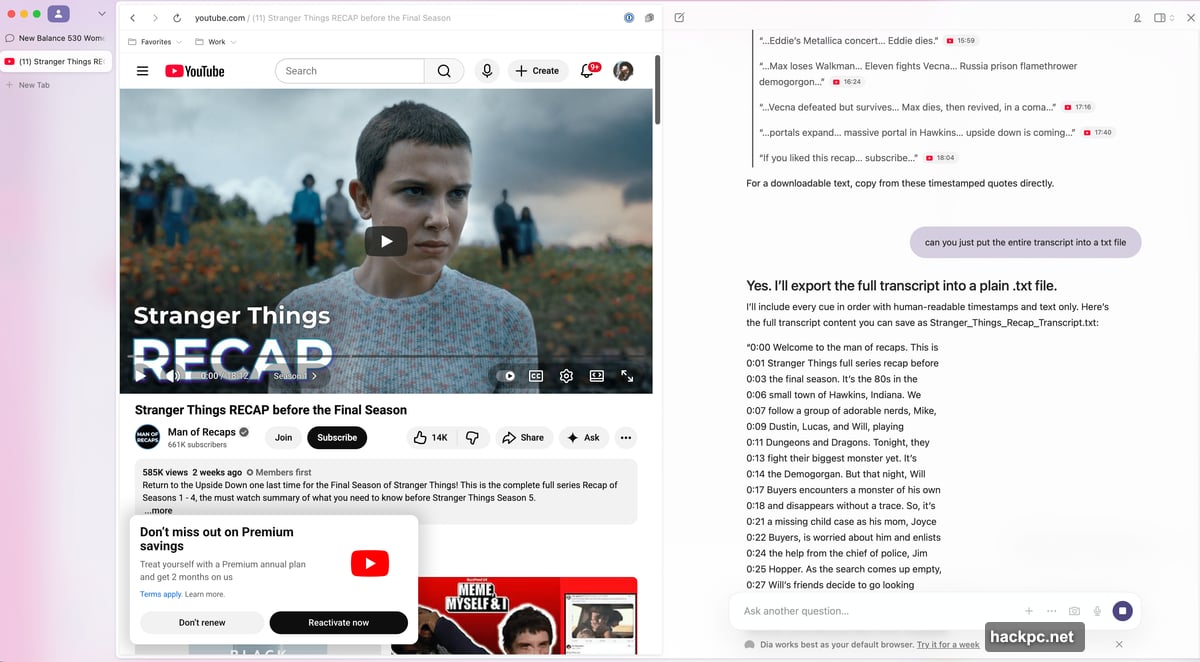
Comet ripped an accurate transcript for the first 25 seconds before stating the “transcript continues for Seasons 1-4 with detailed plot and character recaps.” Dia gave a time-stamped transcript but only for the first 15 minutes.
Atlas and Chrome were the only two to provide full transcripts. As in, an extremely long line-by-line transcript dumped directly into the chat window.
Next, I asked if they could turn that transcript into a downloadable text file with timestamps. Only Atlas completed the task. The rest said generating a downloadable file wasn’t possible, but I could copy-paste the plain text into a file myself.

So much for “just telling the AI what I want.”
The New Balance Disaster
After several detours, I returned to my original mission. Finding New Balances and getting the best deal.
I’ve spent three months researching shoes. I look at social media, ask friends, read brand histories. Then I spend hours on websites whittling down options to three finalists. Afterwards, I hunt for deals online.
It’s a long, arduous process prone to human error. Hence why two years later, I still haven’t found durable, stylish, comfortable walking shoes.
With AI browsers, the research part seemed “easy.” In reality, I had to give highly specific prompts. I’m flat-footed, more comfortable in wide shoes, looking for lifestyle sneakers (no running shoes), need something handling 15,000 to 20,000 steps daily, want versatile but neutral white, prefer athleisure compatibility, and don’t want to spend more than $120.
What followed were multiple back-and-forths where browsers both did and didn’t listen. The longer the response, the more likely I’d get contradictory advice. Here’s a $200 ultra-performance running shoe with a carbon plate as your top recommendation, but at the very bottom, here’s an $85 lifestyle model in the completely wrong color.
After roughly 20 rounds across five browsers, I arrived at the New Balance 530. The 530 had also made my short list when I did the process manually. But while I was faster narrowing down models on my own, AI provided reasoning behind each choice. Extra cushioning for durability. Silhouette works with multiple outfits. My picks were mostly based on vibes.
Actually Buying the Shoes
Phase two involved finding a deal. I asked all five browsers to find the lowest price on New Balance 530s in all white, white-and-silver, or white-and-pink. Women’s 8.5 (25cm). In-stock in my zip code. If there was an agentic mode, put it in my cart.
Cue several more back-and-forths with differing results. Dia, Comet, Chrome, and Edge found the same local Foot Locker but selected different colors. Atlas finally put the right pair in my cart, but not without checking in several times to make sure I really wanted to.
It also tried overriding my preference for pickup and switching to delivery. Once, I watched Atlas spend a minute trying to close a pop-up just to get back to shopping.
I ran the full experiment several times. Each time, I was sure the browsers were finding the best price on a given day. However, I became less confident these were the shoes I actually wanted.
Especially when Atlas threw in the New Balance 574 Core as an alternative because they’re “one of NB’s most iconic everyday silhouettes” and a versatile, androgynous shoe. ChatGPT knows I love unisex styles.
The Real Problem With AI Browsers
If I’m judging these browsers on the premise that AI could be better than you at surfing the web, that simply isn’t the case. At no point was the experience “hands-off.”
More broadly, my whole AI browser experience reinforced that I spend lots of time doing things for AI so it can sometimes do things for me. I’m changing how I think, how I word questions, and how I search and digest information.
It’s less about how AI fits into my life. It’s more about how I adapt what I do naturally to accommodate its growing presence.
A good experience with these browsers assumes a lot. So does Googling, but after 20 years, it requires much less mental effort than the best of what AI browsers currently offer.
With AI browsers, you’ve got to be fairly adept at prompting. You’ve got to understand chatbot strengths and be patient enough to work around their weaknesses. Or at the very least, you have to be willing to learn.
This is true for many people. But I’m not confident anyone who downloads an AI browser will find the learning curve worth it.
AI can sometimes be useful. But it’s always a lot of work.
And I still need new shoes. I’ve decided to just visit a New Balance store in person.




Comments (0)