
Holiday shopping season floods inboxes with promotional emails. You know the drill. “Last chance!” deals. “Final hours!” warnings. “New year, new you!” pitches.
Most of us ignored these newsletters for weeks. Now they’ve piled up into an overwhelming mess. But Gmail just rolled out a feature that fixes this problem in minutes, not hours.
Unsubscribe From Multiple Lists at Once
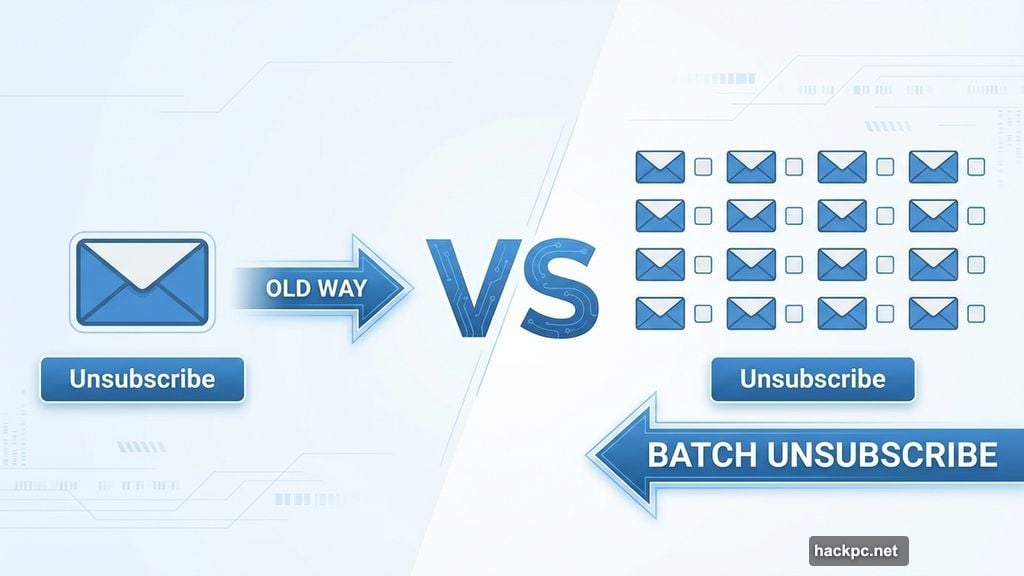
Previously, Gmail made you unsubscribe one newsletter at a time. Click unsubscribe. Wait for confirmation. Find another promotional email. Repeat 47 more times.
That process was tedious enough that most people just gave up. So promotional emails kept coming. Inboxes stayed cluttered. The cycle continued.
Now Gmail lets you batch unsubscribe from multiple newsletters simultaneously. Select the senders you don’t want. Tap once. Done.
Where to Find Manage Subscriptions on Mobile
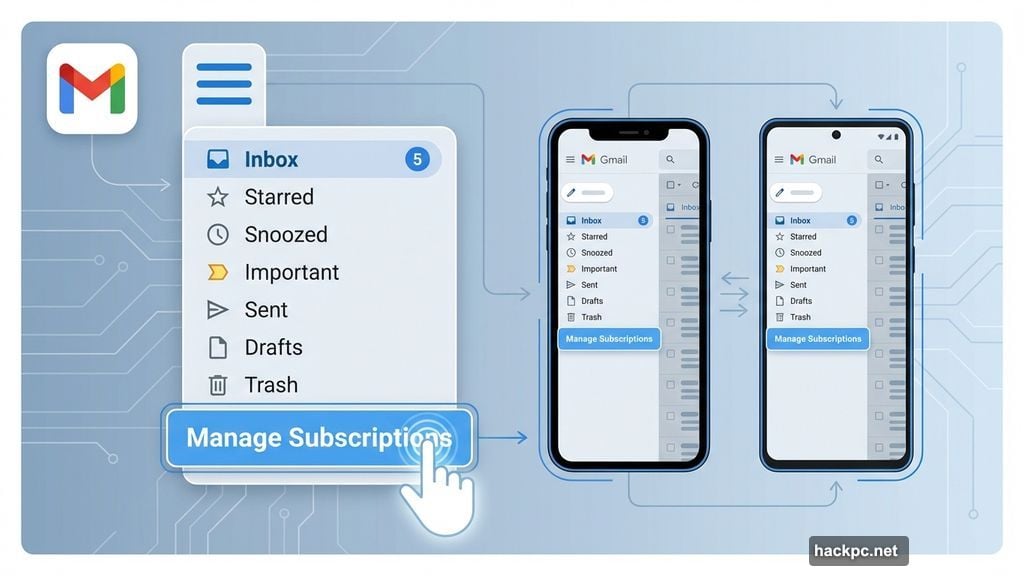
The feature lives in Gmail’s sidebar menu. Here’s how to access it:
Open the Gmail app on your iPhone or Android device. Tap the three horizontal lines at the top left. Look below the Trash section for “Manage Subscriptions.”
If you don’t see it yet, the feature is still rolling out. Google is releasing it gradually across select countries. So check back in a few days if it’s missing.
Desktop Users Get the Same Tool
The web version works similarly. Log into Gmail from any browser. Click “More” on the left sidebar. Then select “Manage Subscriptions” from the expanded menu.
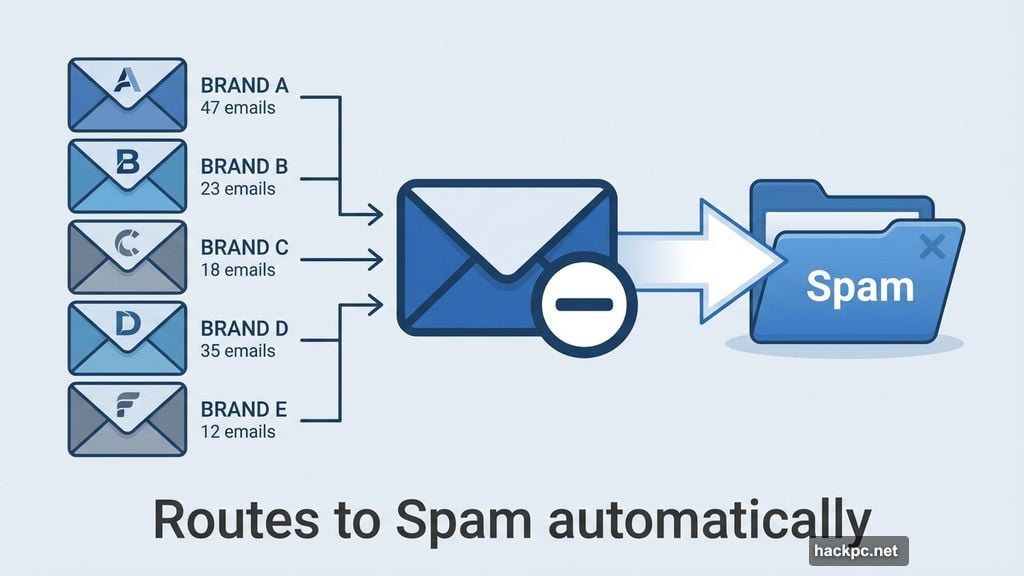
Once you’re in, Gmail displays every newsletter you’re subscribed to. Plus, it shows how many emails each sender has sent recently. That helps you prioritize which subscriptions to kill first.
How the Batch Unsubscribe Actually Works
Gmail organizes senders by frequency. The most aggressive emailers appear at the top. Makes sense, since those are probably the ones clogging your inbox.
Tap any sender name to preview their recent emails. This helps confirm you actually want to unsubscribe before pulling the trigger.
Ready to bail? Tap the icon next to the sender name. It looks like an envelope with a minus sign. Gmail will ask for confirmation. Tap “Unsubscribe” again.
Gmail then sends an unsubscribe request to that sender. The process should complete within a few days. After that, their emails automatically route to your Spam folder instead of your main inbox.
Why This Matters More Than You Think
Promotional emails aren’t just annoying. They bury important messages from real people. Work emails. Family updates. Actual conversations you care about.
Plus, constantly scrolling past junk mail creates decision fatigue. Your brain has to process each subject line, even if you ultimately ignore it. That mental load adds up fast.
Cleaning up subscriptions helps you focus on messages that matter. And doing it in batches means you can tackle the problem in one sitting instead of spreading it across weeks.
The Timing Is Perfect
Holiday retailers bombard inboxes harder than any other time of year. Black Friday. Cyber Monday. Green Monday. Whatever marketing teams dream up next.
Most of these promotions pushed products you didn’t buy for a reason. So why keep receiving emails about them?
January brings a fresh start. Clean inbox. Clear mind. Better email habits going forward.
This Gmail feature makes that reset actually achievable. Instead of drowning in promotional noise, you can start 2025 with an inbox that works for you instead of against you.
Take 10 minutes this week. Open Manage Subscriptions. Ruthlessly cut newsletters you never read. Your future self will thank you.




Comments (0)