
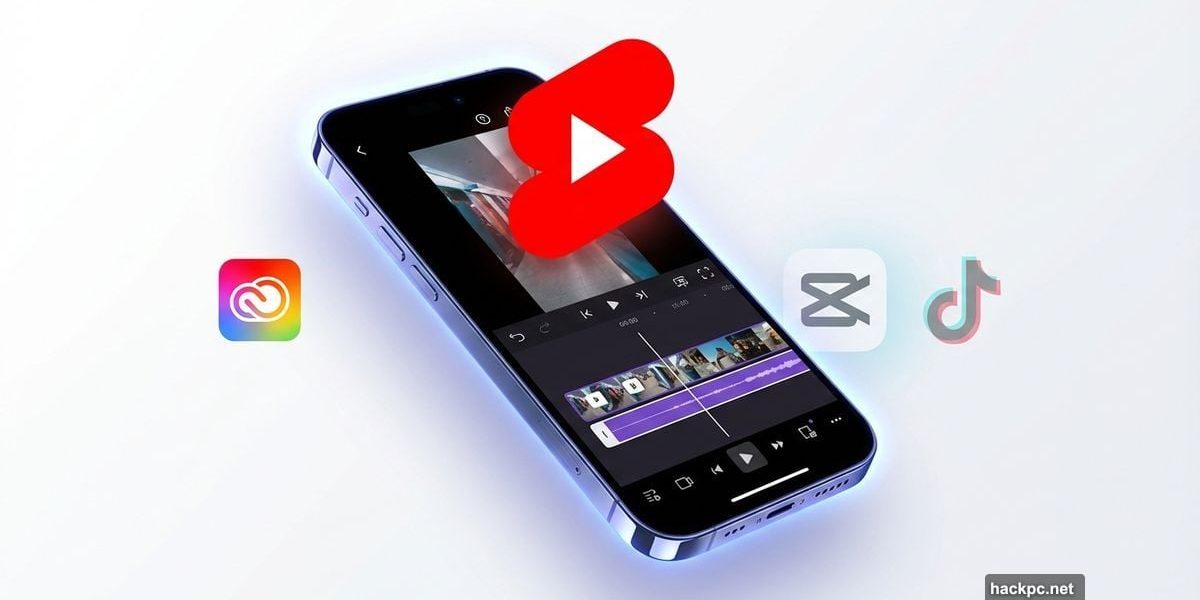
Adobe just handed YouTube creators something Meta and TikTok won’t like. The company launched a dedicated creation space in Premiere mobile that lets creators make, edit, and publish YouTube Shorts without ever leaving the app.
This isn’t just another editing tool. It’s a direct shot at CapCut and Meta’s Edits app. Plus, Adobe packed it with exclusive templates, effects, and one-tap publishing that makes churning out Shorts ridiculously fast.
YouTube clearly wants creators glued to its ecosystem. By partnering with Adobe instead of building its own editor, the platform gets professional-grade tools without the development headache. Meanwhile, creators get studio-quality editing on their phones.
Templates That Don’t Suck
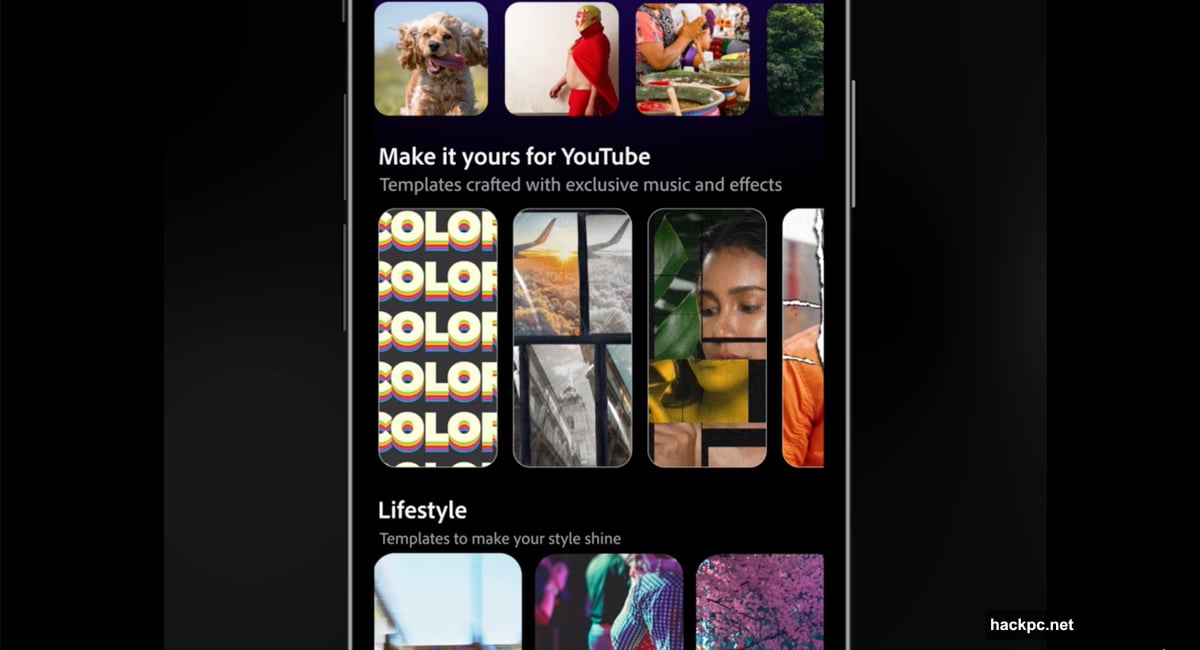
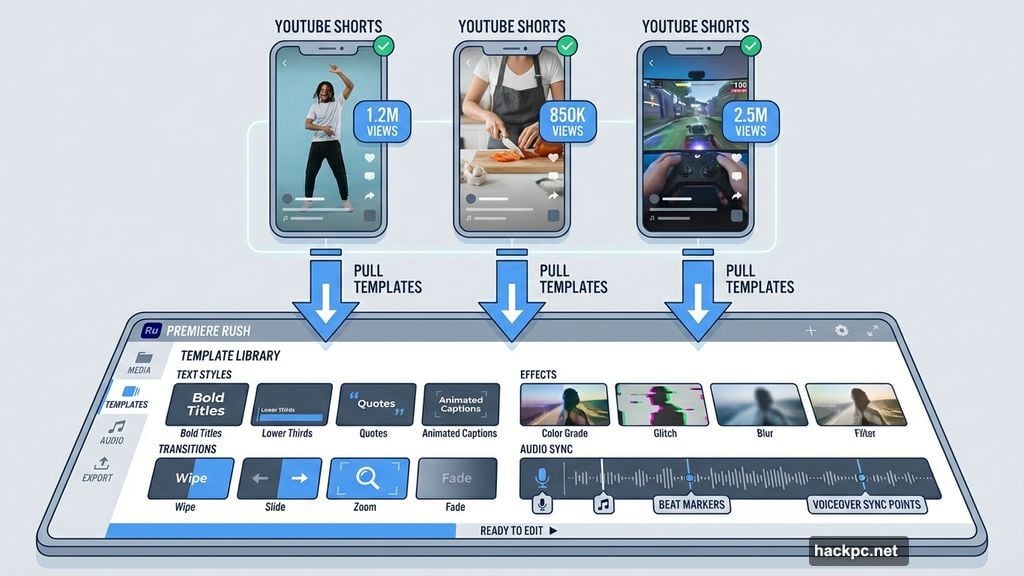
Here’s what makes this different from generic template libraries. Adobe pulled templates from actual successful creators—the ones getting millions of views on Shorts.
Each template comes pre-loaded with:
• Text styles and timing that work
• Transitions proven to hold attention
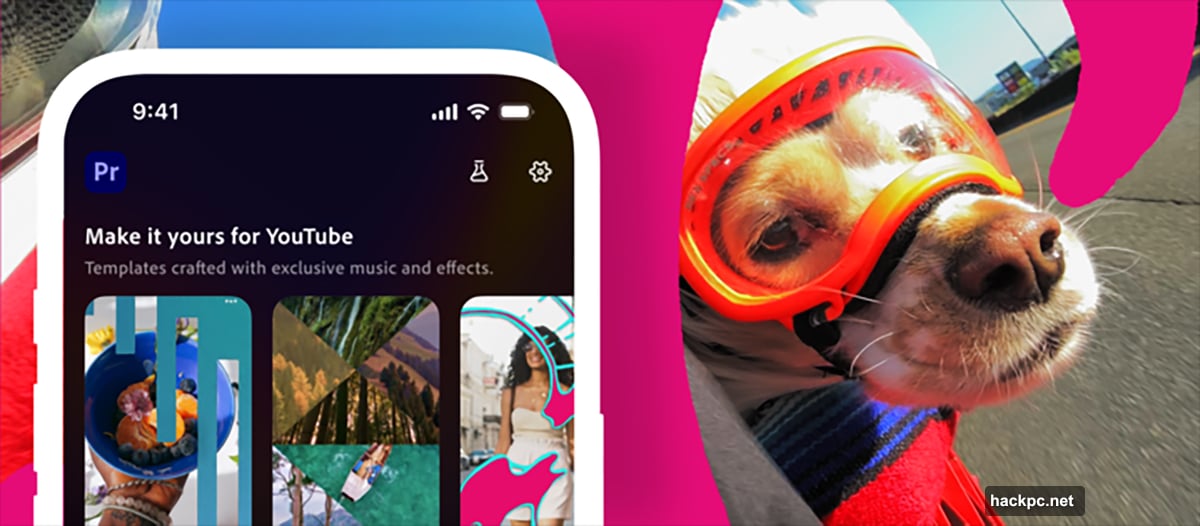
• Effects calibrated for mobile viewing
• Audio sync points already mapped
Plus, creators can customize everything. Change colors, swap fonts, adjust timing. The templates provide structure without forcing a cookie-cutter look.
And if you hate every template? Build your own and submit it. Successful submissions get added to the library for other creators to use.
The Integration Nobody Expected
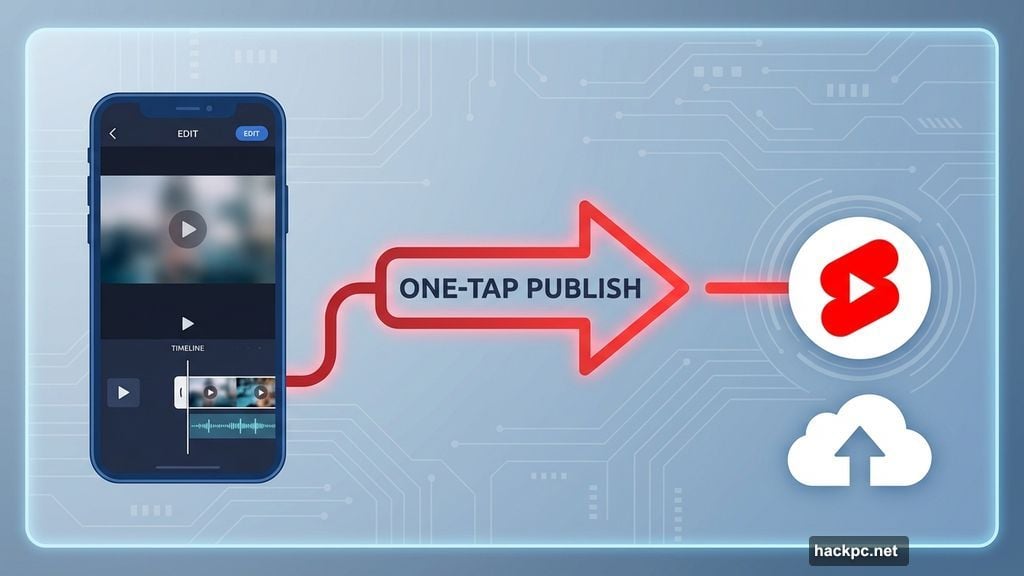
Most editing apps make you export, download, then manually upload to YouTube. That friction kills momentum when you’re trying to post consistently.
Adobe eliminated all of it. Finish editing a Short in Premiere mobile, tap publish, and it goes straight to your YouTube channel. No file management. No quality loss from compression. No extra steps.
This matters more than it sounds. Creators who post daily can’t waste 10 minutes per video wrestling with exports and uploads. Those minutes compound fast.
Moreover, the app pulls inspiration directly from your YouTube Shorts feed. See a trending format you want to try? Launch the template right from YouTube into Premiere mobile. That’s seamless integration competitors can’t match without YouTube’s cooperation.
Editing Tools That Actually Work on Phones
Mobile video editing usually means compromises. Clunky timeline controls. Limited audio options. Basic color correction at best.
Adobe brought desktop-class features to iPhone screens:
• Multi-track editing with precise trimming
• Studio-quality audio cleanup powered by Adobe’s AI
• AI-generated sound effects through Firefly
• Advanced color grading and brightness controls
• Text overlays with animation presets
• Automatic caption generation
The app handles footage from your camera roll, cloud storage, or Creative Cloud. So if you shoot on a mirrorless camera then transfer to your phone, you’re covered.
Frankly, the audio tools alone justify using this over simpler apps. Adobe’s AI sound effects fill gaps that used to require hunting through stock libraries. Need crowd ambiance? Beach waves? Typing sounds? Generate them instantly.
What This Means for Creators
Free access changes everything. Adobe isn’t charging for the YouTube Shorts creation space or core Premiere mobile features. You need a free Adobe account and a YouTube profile. That’s it.
This levels the playing field dramatically. Creators who couldn’t afford Final Cut or Premiere Pro now get professional tools on devices they already own. No desktop required. No subscription barrier.
But here’s the strategic angle few people see. Adobe wants creators building skills in its ecosystem early. Free mobile tools today create paid Creative Cloud subscribers tomorrow when those creators go pro.
YouTube benefits too. Better-looking Shorts keep viewers on the platform longer. Exclusive creation tools give creators reasons to prioritize YouTube over TikTok or Instagram Reels.
The Competitive Pressure Mounts
Meta launched Edits specifically to keep Instagram creators from jumping ship. TikTok owns CapCut and keeps adding features to lock in its creator base.
Now Adobe gives YouTube the ammunition to fight back. And Adobe’s brand carries weight—Premiere Pro remains the industry standard for video editing.
CapCut excels at trendy effects and viral templates. But it lacks professional-grade audio tools and advanced color correction. Meta’s Edits is too new to judge fairly, but it faces an uphill battle against Adobe’s decades of video editing expertise.
The real question: Will creators switch or just add another tool to their workflow? Most successful creators already juggle multiple apps. Adobe’s one-tap YouTube publishing might be the feature that tips the scales.
Where This Goes Next
Adobe says this is just the beginning. The company positioned Premiere mobile as a long-term platform investment, not a one-off feature drop.
Expect more AI integration. Adobe’s Firefly technology continues advancing, and mobile apps provide the perfect testing ground for new capabilities.
Also watch for expansion beyond YouTube. Adobe mentioned that content edited in Premiere mobile can publish to other platforms. But the YouTube partnership comes first because that’s where the money is for Adobe—and where the creator growth is for YouTube.
Longer term? This becomes Adobe’s mobile-first entry point to Creative Cloud. Hook creators on Premiere mobile, then upgrade them to Photoshop, After Effects, and the full desktop suite as their needs grow.
Smart strategy. Give away the gateway drug, sell the full pharmacy later.
Premiere mobile with the YouTube Shorts creation space launches now on iOS. Android creators are probably next, though Adobe hasn’t announced timing. Download it free from the App Store and start making Shorts that don’t look like everyone else’s.


Comments (0)