
AI video generators crossed a threshold this year. Not hype. Not demos. Real tools that create usable clips in minutes.
I spent months testing every major platform. Some impressed. Others frustrated. A few changed how I think about video creation entirely.
The best tools now handle motion smoothly, follow complex prompts accurately, and even sync AI-generated audio to video. But picking the right one depends on your skill level, budget, and what you’re actually making.
Sora 2 Raises the Free Tier Bar
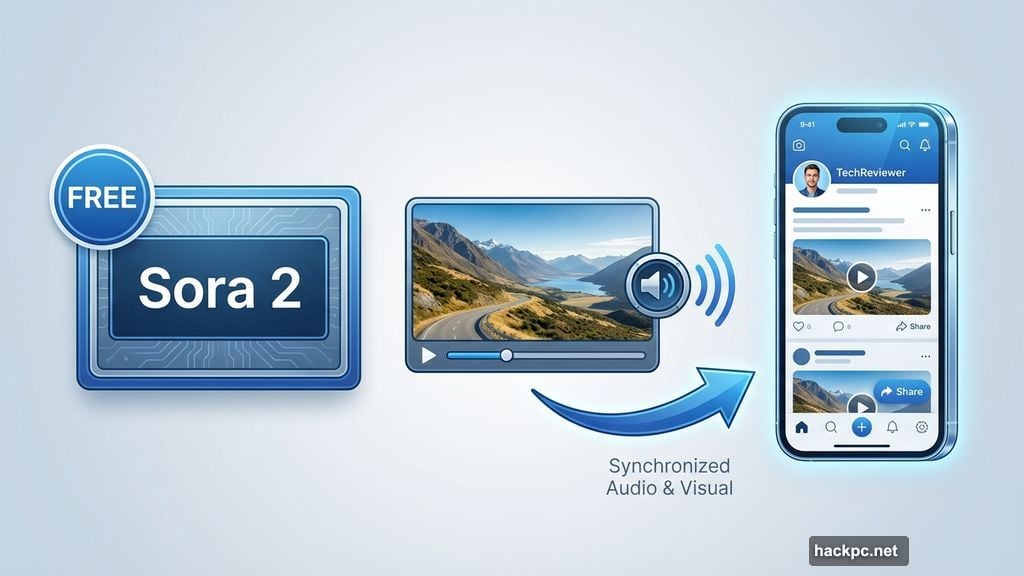
OpenAI’s Sora 2 landed with synchronized audio and a social media app. Both matter more than they sound.
Free users get genuine video generation capabilities. No watermarks. No obvious quality cuts compared to paid tiers. Just solid AI video creation without opening your wallet.
The clips lean playful and experimental. Sora excels at realistic scenarios but also handles outlandish concepts well. Plus, the integrated social app lets you share directly if that’s your thing.
However, that realism sparks legitimate concerns. The cameo feature makes deepfakes trivially easy to create. OpenAI built guardrails, but they’re imperfect like every content moderation system.
For quick social media clips or creative experiments, Sora delivers without subscriptions or credit card requirements. That accessibility matters.
Adobe Firefly Solves the Commercial Rights Problem
Most AI video tools leave you guessing about copyright. Adobe doesn’t.
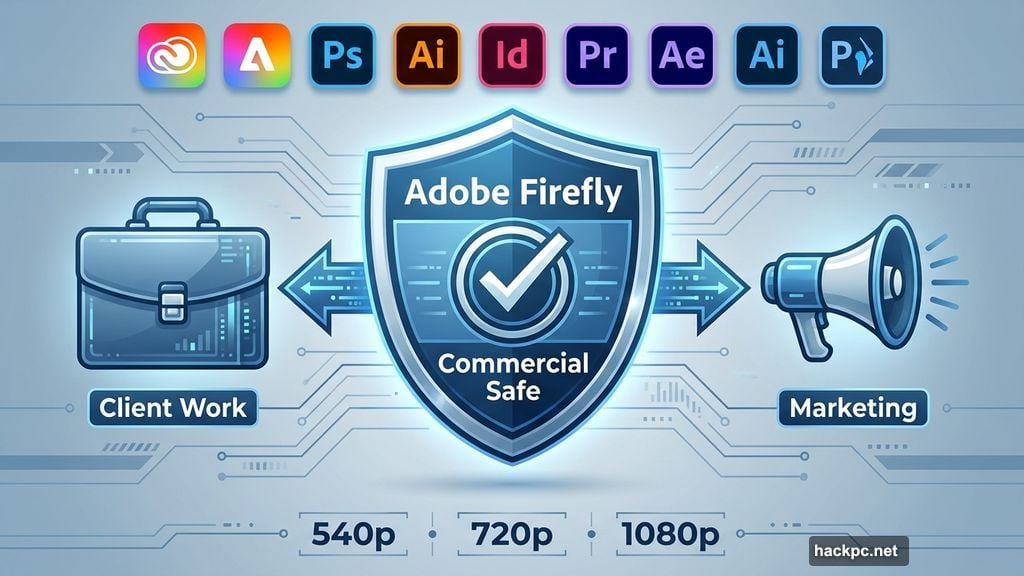
Firefly guarantees commercial safety. Use its generated videos in client work, marketing campaigns, or any professional context without legal uncertainty. That alone justifies its existence for many creators.
The platform integrates across Adobe’s ecosystem. Generate videos directly in Photoshop or other familiar tools. Set resolution from 540p to 1080p, choose camera motions, upload reference videos for composition guidance.
These granular controls suit creators working within specific brand guidelines or project constraints. The model doesn’t freelance creatively when you need consistency.
One quirk: Firefly videos don’t generate synchronized audio natively. You create sound effects and dialogue separately, then layer them manually. Not a dealbreaker, but extra steps compared to Sora or Veo 3.
Plans start at $10 monthly. Many Adobe subscribers already have access through existing Creative Cloud subscriptions.
Veo 3 Dominates Cinematic Quality
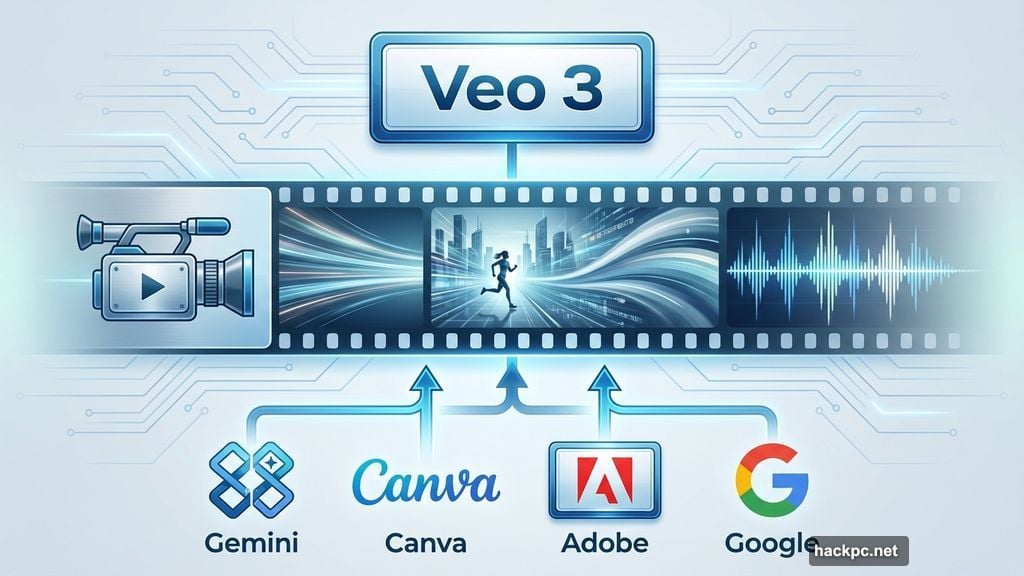
Google’s Veo 3 created the first automatically synchronized AI audio with AI video from a major tech company. That technical leap changed expectations across the field.
The model produces smooth, natural motion. Clips feel cinematic rather than janky. Physics generally behave correctly. Objects move believably through space.
Veo 3 availability spans multiple platforms. Use it through Gemini, Canva, Adobe, or various Google services. That flexibility helps if you already work in specific creative environments.
Generation speed edges ahead of Sora in side-by-side testing. Not dramatically faster, but noticeably quicker when creating multiple variations.
Access requires a subscription, starting at $20 monthly. But if you already pay for Gemini or another service using Veo 3, you’re likely covered. No additional subscription needed.
Runway Targets Serious Creators
Runway isn’t household name recognition. But its capabilities run deep.
The platform bundles image, video, and audio generation with extensive customization controls. Think of it as a creative playground for people comfortable tweaking settings and experimenting with parameters.
Creativity levels impress. Runway handles wildly different styles and scenarios effectively. Great for brainstorming visual concepts or animating existing images into video clips.
Videos don’t include native audio. You generate and layer sound separately within Runway’s platform. More work upfront but more control over the final result.
Free tier exists. Paid plans begin at $15 monthly and unlock longer videos plus additional features.
Runway suits AI enthusiasts and professionals who want hands-on creative control rather than one-click simplicity.
Midjourney Keeps Things Simple
Midjourney built its reputation on AI images. Its V1 video model feels like a natural extension.
The interface stays extremely simple. No complex menus or overwhelming options. Just straightforward video generation that beginners grasp immediately.
Creativity runs high, though realism suffers compared to Sora or Veo 3. Midjourney excels at stylized, artistic, and fantastical content. It struggles with photorealistic scenarios.
The open gallery approach helps. Browse other users’ creations for inspiration. The community focus makes exploration feel collaborative rather than solitary.
You can animate existing Midjourney images, bringing static concepts to life. Video duration caps at 5 seconds initially but extends to 21 seconds with additional processing.
No audio generation. Plans start at $10 monthly. Midjourney works best for beginners exploring AI video or creators who don’t need realistic outputs.
Deepfakes and AI Slop Are Real Problems
These tools create opportunities. They also create problems.
Deepfakes proliferated in 2025. Bad actors exploited AI video tools to create convincing fake content. Every platform implements guardrails. None work perfectly.
Low-quality “AI slop” floods social media. Creators generate endless weird, valueless videos that waste energy and attention. The technology enables quantity without requiring quality.
If you use AI video tools, follow basic safety practices. Don’t create videos using someone’s likeness without explicit permission. Avoid brand names and logos unless you have rights. If something feels ethically questionable, skip it.
Always disclose AI usage when sharing videos. Transparency matters more than ever when distinguishing real from generated content.
Speed Matters Less Than Accuracy
Most AI video generators produce clips between 2-5 minutes. Speed differences exist but rarely determine which tool works best.
Accuracy matters more. Can the model follow your prompt correctly? Does it respect physics? Do objects and people behave believably?
Hallucinations happen with every AI tool. People floating through walls. Objects materializing from nowhere. Impossible motions and spatial relationships.
Better models minimize these errors. Advanced platforms let you edit outputs, giving you more control to fix hallucinations manually.
Read the privacy policies. Understand how each company uses your data, moderates content, and handles intellectual property. These details vary significantly between services and impact your legal risks.
Professional Work Demands Different Tools
Creating social media clips differs from professional client work. Your tool choice should reflect that reality.
Adobe Firefly remains the safest choice for commercial projects. Its commercial use guarantee eliminates intellectual property concerns. Other platforms leave you exposed to potential legal issues.
Veo 3 through Gemini or Google services works well for Gemini subscribers needing consistent quality. The cinematic results suit professional contexts.
Free tools like Sora work for personal projects and experimentation. But professional use requires understanding the legal implications of each platform’s terms.
The Field Moves Fast
AI video capabilities improved dramatically in 2025. Models generate longer clips with better quality and synchronized audio.
But the technology keeps evolving. Today’s best tool might fall behind tomorrow’s release. Features and pricing change frequently.
Stay flexible. Test multiple platforms for your specific use cases. What works for one project might fail for another.
Focus on what you’re actually creating rather than chasing the newest release. The best AI video generator is whichever one helps you finish your project successfully.
Choose tools that match your skill level and ethical standards. Disclose your AI usage. Respect intellectual property. Create responsibly.
The technology works. Use it wisely.




Comments (0)