
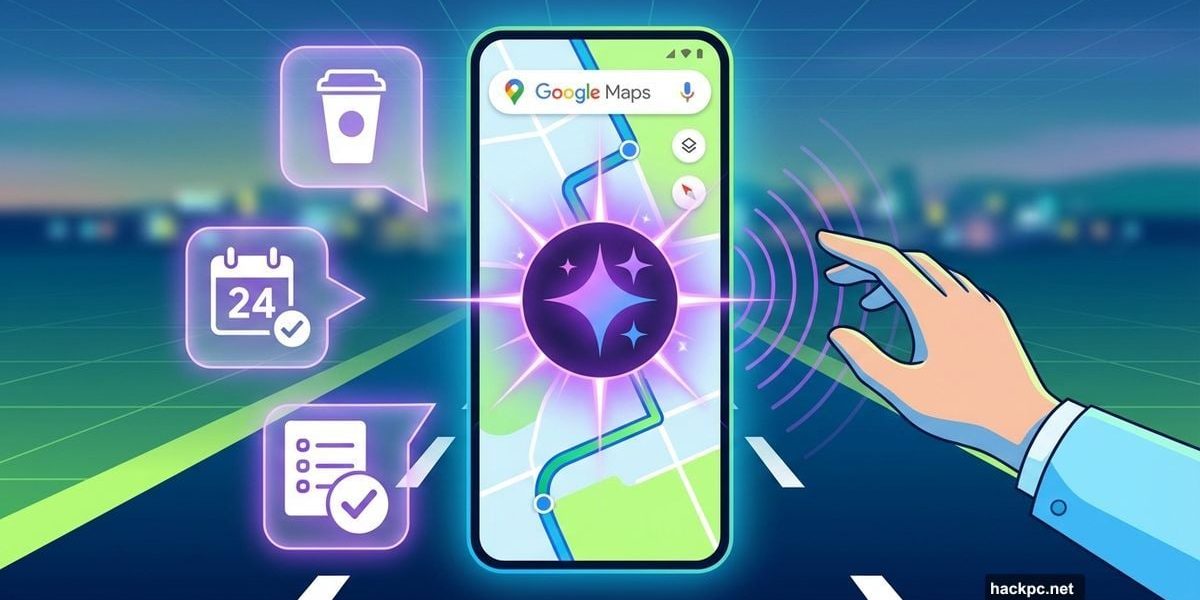
Google Maps added Gemini AI, and it’s surprisingly useful. I tested it on California roads to see if voice commands could replace fumbling with your phone mid-drive.
Turns out they can. The integration works better than expected. Plus, it handles way more than just navigation tasks.
Hands-Free Everything While Driving
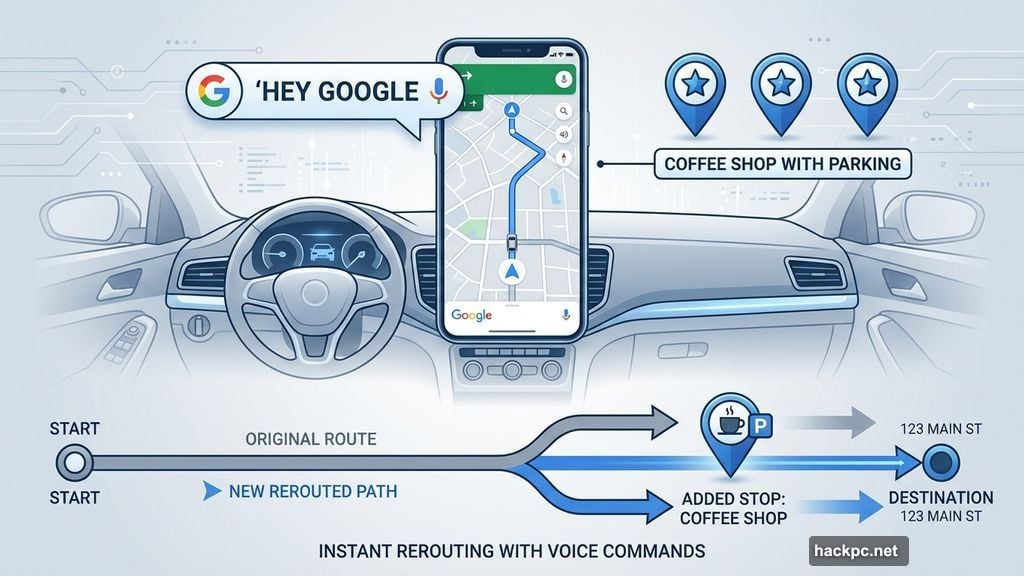
Say “Hey, Google” during any route. Then ask Gemini anything you’d normally pull over to search.
Need a coffee shop with good parking? Gemini finds options and reroutes instantly. Want to add milk to your shopping list? Done. Need to schedule dinner for Friday? Gemini drops it in your calendar.
All without touching your phone once. That’s the key difference from previous Google Assistant features.
Vishal Dutta, Google Maps product manager, calls it “the first truly conversational, hands-free Gemini experience.” He’s not overselling it. The system handles follow-up questions naturally, like talking to someone who knows your area inside out.
What It Can Do (and What It Can’t Yet)
I tested Gemini around Google’s Mountain View campus. During a drive to a nearby park, I threw various requests at it.
Tasks that worked flawlessly:
- Finding cafes with specific features (pastries, parking)
- Rerouting to add stops mid-journey
- Creating shopping lists in Google Keep
- Adding calendar events
- Reporting road hazards like construction
The voice recognition handled background noise well. Even with windows down and other cars nearby, Gemini caught every command correctly.
However, some features only run on Android right now. Music recommendations, playlist controls, and text messaging via voice require a Pixel or similar Android device. iPhone users miss those capabilities currently.
I switched from iPhone to Pixel during testing. Gemini immediately played rock music recommendations and sent an ETA text without issues. So the Android-exclusive features definitely work when available.
Why This Beats Regular Voice Commands
Previous Google Assistant in Maps felt limited. You could ask basic navigation questions, but anything complex required pulling over.
Gemini changes that dynamic completely. It connects to your entire Google ecosystem. Shopping lists sync across devices. Calendar entries appear everywhere instantly. Plus, the conversational context actually sticks between questions.
Ask about coffee shops, pick one, then say “add a stop there” without repeating the name. Gemini remembers what you meant. That contextual awareness makes it feel less robotic than typical voice assistants.
The feature also works regardless of your car’s tech. No fancy infotainment system needed. Just your smartphone and the Google Maps app.
Real Use Cases That Make Sense
This shines when you’re alone in the car. No passenger to handle your phone, but your brain keeps generating tasks to remember.
Scenarios where Gemini helps:
- Long drives when ideas hit randomly
- Commutes where you remember errands mid-route
- Road trips needing spontaneous detour research
- Delivery drivers managing schedules
- Anyone who forgets things the moment they park
I can see delivery drivers using this heavily. They could manage routes, update schedules, and communicate with clients entirely hands-free. That’s a genuine productivity boost.
For regular commuters, it’s more about convenience and safety. You won’t forget to add items to lists or miss scheduling that dentist appointment. Plus, keeping hands on the wheel matters more than people admit.
Android Gets More Features First
iPhone users should know about the limitations upfront. Several Gemini capabilities currently work only on Android devices.
Android-exclusive features:
- Music playback and recommendations
- Sending texts via voice command
- Some deeper Google service integrations
Google hasn’t announced when these features reach iOS. Given how Apple restricts third-party integrations, some capabilities might never arrive on iPhone.
That’s frustrating if you’re locked into Apple’s ecosystem. But the core navigation and productivity features work across both platforms. So you still get most of the value.

How to Try It Yourself
Gemini in Google Maps is rolling out now across iOS, Android, and Android Auto. You probably already have access.
Open Google Maps and start navigating anywhere. Then say “Hey, Google” and ask questions. The system should respond with Gemini’s voice instead of the older Assistant.
If it doesn’t work yet, check for app updates. Google’s rolling this out gradually, so not everyone has it simultaneously.
Once active, experiment with different request types. Ask about restaurants, parking, events, reminders—anything you’d normally need to pull over and search manually.
The Real Test: Would You Use It?
I genuinely found myself wanting this feature after testing ended. That’s rare with AI integrations, which often feel gimmicky.
The difference here is solving actual problems. Nobody enjoys searching for coffee shops while merging onto highways. Nobody wants to forget grocery items because writing them down seemed unsafe while driving.
Gemini handles those moments smoothly. It’s not perfect—sometimes responses take a few seconds longer than ideal. But it delivers useful results consistently enough that I’d trust it for daily driving.
Plus, safety matters. Anything reducing phone fumbling while driving is worth using. This feature does that without feeling clunky or requiring you to memorize specific commands.
Hands stay on the wheel. Eyes stay on the road. Brain stays focused on driving instead of remembering tasks. That’s the real value here.




Comments (0)