
Most Android VPNs promise security but deliver ads and data leaks instead. So finding one that actually protects your phone takes serious digging.
I tested dozens of VPN apps on Android devices over several months. Most failed basic privacy checks or slowed connections to a crawl. But five stood out for speed, security, and ease of use on smartphones and tablets.
Here’s what actually works when you need real protection on mobile.
NordVPN Dominates Speed Tests
NordVPN hit 72 percent of base internet speed across all servers in my testing. That crushes every other VPN I’ve benchmarked.
Plus, the Android app doesn’t sacrifice features for simplicity. You get TOR network access, multi-hop connections, and Meshnet file sharing right from your phone. The security suite blocks ads and malware automatically. And the built-in password manager eliminates the need for separate apps.
Speed matters more on mobile than desktop. Phone connections drop constantly as you move between Wi-Fi and cellular. NordVPN handled those transitions better than any competitor.
The downside? Price. Even with long-term discounts, NordVPN costs more than most alternatives. But you’re paying for RAM-only servers that never store data, regular independent audits, and features that actually work.
ExpressVPN Works Across Every Platform
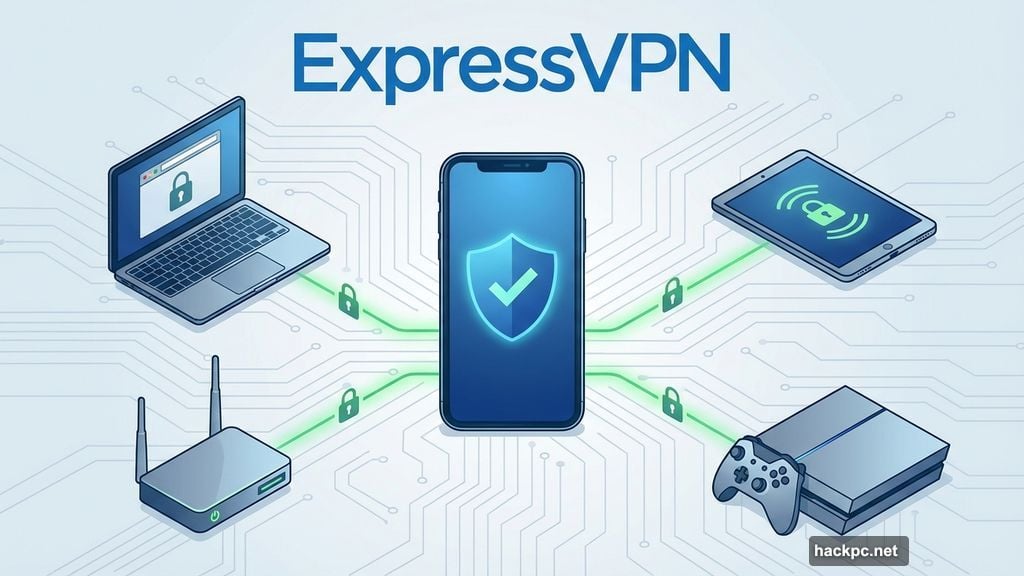
ExpressVPN supports more devices than any VPN I’ve tested. Smartphones, tablets, routers, game consoles, smart TVs—if it connects to the internet, ExpressVPN probably runs on it.
The Android app balances simplicity with power. Beginners can connect with one tap. Advanced users get split-tunneling, protocol optimization, and kill switches. Both groups get the same excellent speeds and privacy protections.
ExpressVPN uses diskless, RAM-only servers just like NordVPN. So your data never gets written to permanent storage. Third-party auditors regularly verify the company’s no-logs claims.
The service recently added ad-blocking and a password manager. These extras don’t match NordVPN’s feature set yet. But they’re improving fast.
Eight simultaneous connections per account means your whole family can use one subscription. Most VPNs limit you to five or six devices.
Mullvad Refuses to Know Who You Are
Mullvad doesn’t ask for your email, name, or payment details. Instead, it assigns a random account number when you sign up. That number is your only identifier.
You can pay with credit cards or PayPal if you want. But Mullvad also accepts cash sent through the mail. I’ve never seen another VPN that actively avoids collecting user information this aggressively.
The no-logs policy extends beyond just connection data. Mullvad doesn’t track metadata, billing information, or usage patterns. It can’t hand over data it never collects in the first place.
Speeds rank in my top five. The Android app is straightforward without unnecessary complexity. And the pricing stays consistent across all plan lengths—no games with temporary discounts that expire later.
However, Mullvad struggles with streaming services. Netflix and other platforms frequently block its servers. So if you want a VPN primarily for accessing geo-restricted content, look elsewhere.
Privacy-conscious users who prioritize anonymity over streaming access will find no better option than Mullvad.
Proton VPN’s Free Version Actually Works
Free VPNs usually come loaded with ads, speed limits, or data caps. Proton VPN breaks that pattern with a genuinely useful free tier.
The free version gives you one device connection and access to five server locations. But there’s no monthly data limit. And speeds in my testing ranked in the top 10 of all VPNs—paid or free.
You won’t get Netflix unblocking on free servers. But for quick tasks on public Wi-Fi or general browsing, the free version handles everything you need. No ads. No artificial throttling. No catches.
The paid version adds more servers, faster speeds, and streaming-optimized connections. Plus you get access to the whole Proton ecosystem—encrypted email, calendar, and cloud storage all integrated with the VPN.
Proton has undergone multiple independent audits confirming its no-logs policy. The company comes from Switzerland, which has strong privacy laws compared to the US or UK.
Monthly pricing for the premium version runs expensive. So try the free tier first. Most people will find it sufficient for their needs.
CyberGhost Servers Cover the Globe
CyberGhost operates over 9,000 servers in 120+ countries. That’s more than double most competitors.
Server spread matters when you travel. Other VPNs concentrate servers in the US and Europe. CyberGhost spreads them everywhere—Asia, South America, Africa, even remote island nations.
The Android app recommends optimized servers for specific tasks. Gaming servers minimize latency. Streaming servers unblock Netflix, Hulu, and regional content. Torrenting servers allow P2P traffic.
Speeds varied by location in my tests. European servers performed excellently. Asian servers lagged behind. But overall speeds remained good enough for browsing, streaming, and downloads.
The 45-day money-back guarantee beats the industry standard 30-day window. So you get extra time to test the service risk-free.
CyberGhost lacks advanced features like multi-hop connections or IP rotation. Power users might miss those tools. But average users won’t notice their absence.
Skip These VPN Red Flags on Android
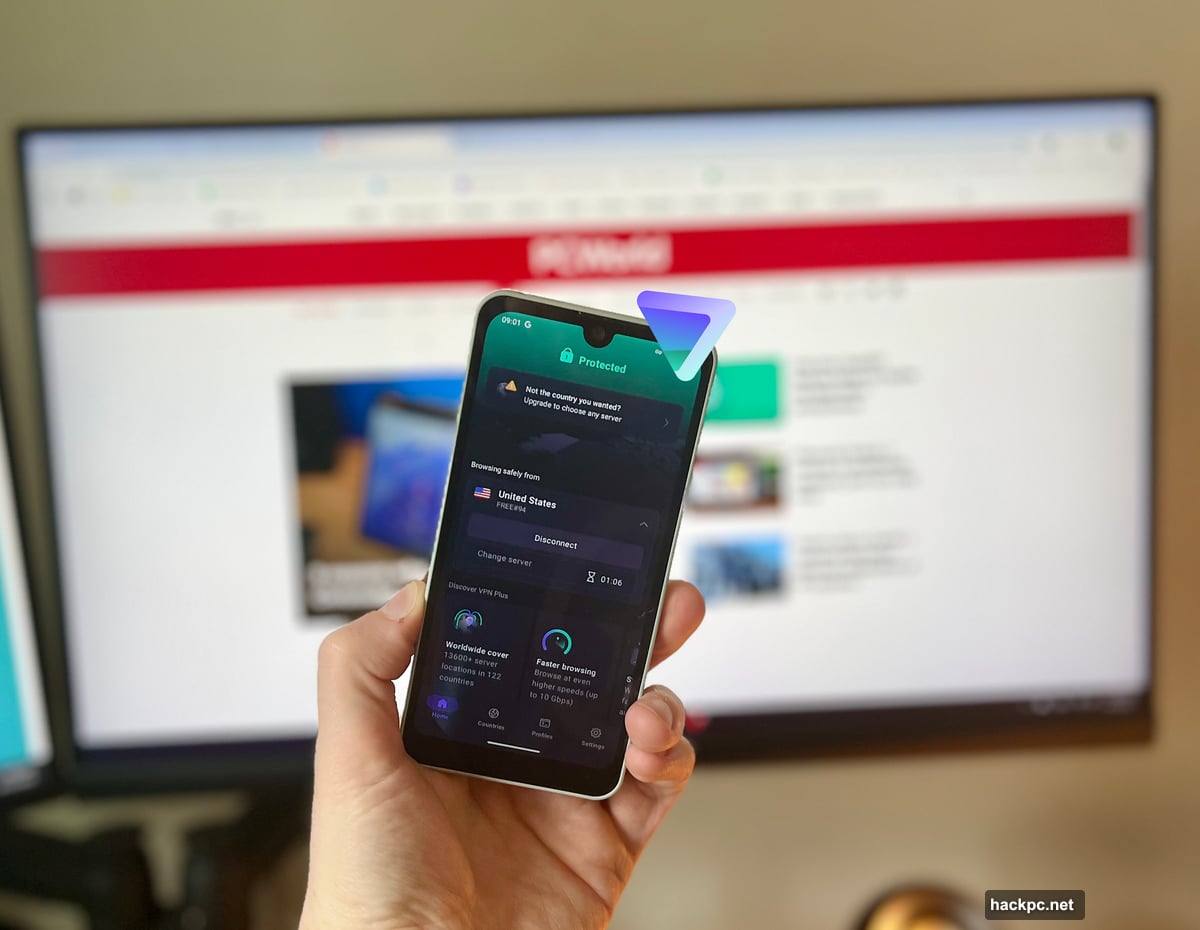
Avoid any Android VPN that displays ads while connected. That immediately signals the service is monetizing your data instead of protecting it.
Free VPNs with suspiciously generous limits often sell browsing data to advertisers. If a free service seems too good to be true, it probably is. Proton VPN is the exception that proves this rule.
Check where the VPN company is located. Services based in countries with mandatory data retention laws can’t truly offer no-logs policies. Switzerland, Panama, and the British Virgin Islands have better privacy frameworks than the US, UK, or Australia.
Read independent audit reports when available. Marketing claims mean nothing. Third-party verification proves a VPN actually follows its stated policies.
Public Wi-Fi Needs VPN Protection Now
Public Wi-Fi networks expose your data to anyone on the same network. Coffee shops, airports, hotels—all dangerous without encryption.
Man-in-the-middle attacks let hackers intercept traffic between your phone and the router. They can steal passwords, credit card numbers, and session cookies that give access to your accounts.
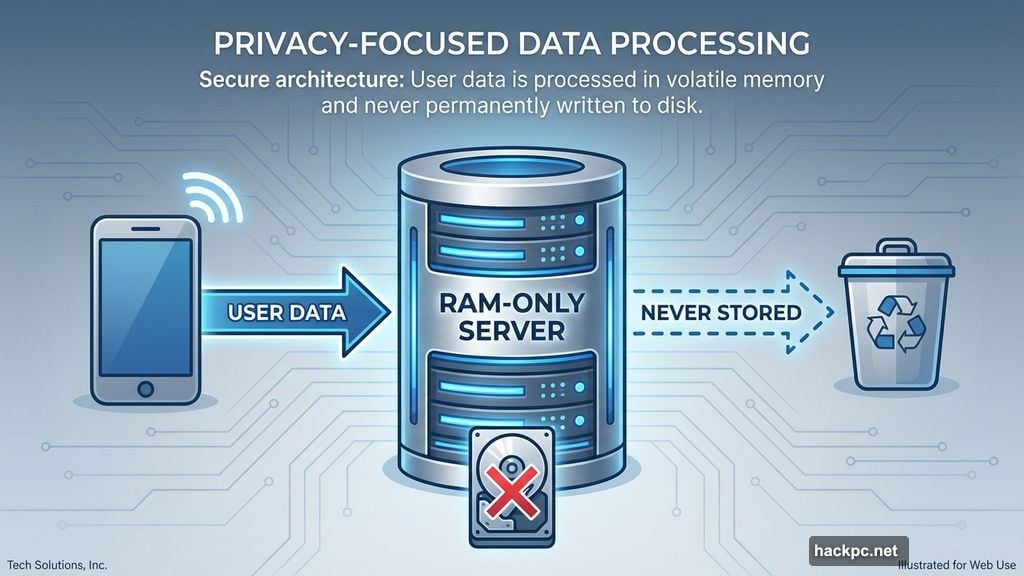
VPNs encrypt all traffic between your device and the VPN server. Hackers see encrypted gibberish instead of readable data. Plus, the VPN masks your real IP address from other users on the network.
Every Android device should run a VPN automatically when connecting to public Wi-Fi. That single habit prevents most common mobile security threats.
Browser Extensions Don’t Replace Full VPNs
Browser-based VPN extensions only protect traffic inside that browser. Your other apps—email, messaging, social media—send data unencrypted.
Plus, browser extensions can’t change your device’s IP address at the system level. Some apps bypass browser settings entirely and leak your real location.
Full VPN apps on Android encrypt all network traffic. Every app, every connection, every byte of data gets protected. That’s the only way to secure your phone completely.
Use browser extensions as temporary tools on shared computers. Install full VPN apps on your personal devices.
Most People Overpay for VPN Features
Monthly VPN subscriptions cost two to three times more than yearly plans. The service is identical. You’re just paying extra for flexibility.
Commit to a year upfront if you’re confident you’ll use the VPN regularly. The per-month cost drops significantly. Some services offer two-year plans with even steeper discounts.
However, don’t subscribe for multiple years unless you’ve tested the service thoroughly. Privacy policies change. Performance degrades. Companies get acquired. A 30-day trial or money-back guarantee lets you verify the VPN actually works before committing long-term.
NordVPN, ExpressVPN, and CyberGhost all offer substantial discounts on annual plans. Mullvad doesn’t discount because it charges the same rate regardless of commitment length. Proton VPN’s free tier eliminates the need to pay at all unless you need premium features.
Choose your VPN based on your actual needs, not aggressive marketing. Most people need privacy on public Wi-Fi and basic location spoofing. These five services nail those essentials without overcomplicating things.
Your data deserves better protection than most VPNs provide. Start with Proton VPN’s free tier or commit to NordVPN if you want maximum speed and features. Either choice beats leaving your Android device exposed.
Post Title: Best VPNs for Android 2025: 5 Tested Picks for Phones
Meta Description: Most Android VPNs promise security but deliver ads and data leaks instead. So finding one that actually protects your phone takes serious digging.




Comments (0)