

TurboTax dominates tax filing for one simple reason. It works incredibly well for most people.
But here’s the catch. You’ll pay significantly more than competing services. Plus, constant upgrade nudges disrupt the filing process. So is the premium experience worth the premium price?
After testing TurboTax’s 2025 tax software across multiple filing scenarios, I found a platform that excels at guiding users through complex tax situations. However, the aggressive upselling and confusing pricing structure create frustration that undermines an otherwise excellent product.
TurboTax Covers Nearly Every Tax Situation
TurboTax handles everything from basic W-2 filing to complicated investment income, rental properties, and self-employment scenarios. That comprehensive coverage earned it a perfect 10/10 for eligibility and use cases.
Simple filers can use the free version. However, TurboTax defines “simple” more narrowly than competitors. For instance, claiming unemployment income or deductions beyond student loan interest forces an upgrade. About 37% of users qualify for completely free filing, according to TurboTax.
Investment income handling stands out. TurboTax syncs with major brokerage accounts to import 1099-B forms directly. That saves massive time for active stock or crypto traders. It also guides you through complex situations like Employee Stock Purchase Plan sales by calculating cost basis from Form 3922 details.
Self-employed filers get exceptional support. The step-by-step process categorizes expenses and guides you through relevant deductions like home office, supplies, and business travel. Small business owners can add cost of goods sold calculations for accurate gross profit figures.
The Interface Makes Tax Filing Almost Enjoyable
TurboTax scored 9/10 for user experience because the clean design genuinely makes filing easier. The guided interview process asks plain-language questions with helpful explanations available via hover-over tooltips.
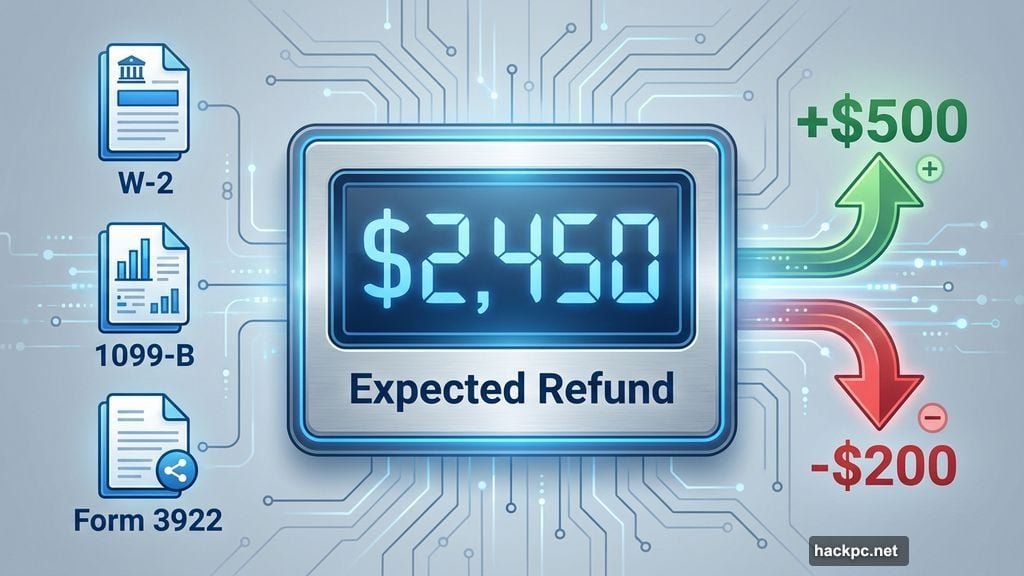
Real-time refund tracking shows your expected refund (or tax bill) updating as you add information. You can also see how much time you’ve spent and how long filing should take. These small touches reduce anxiety about the process.
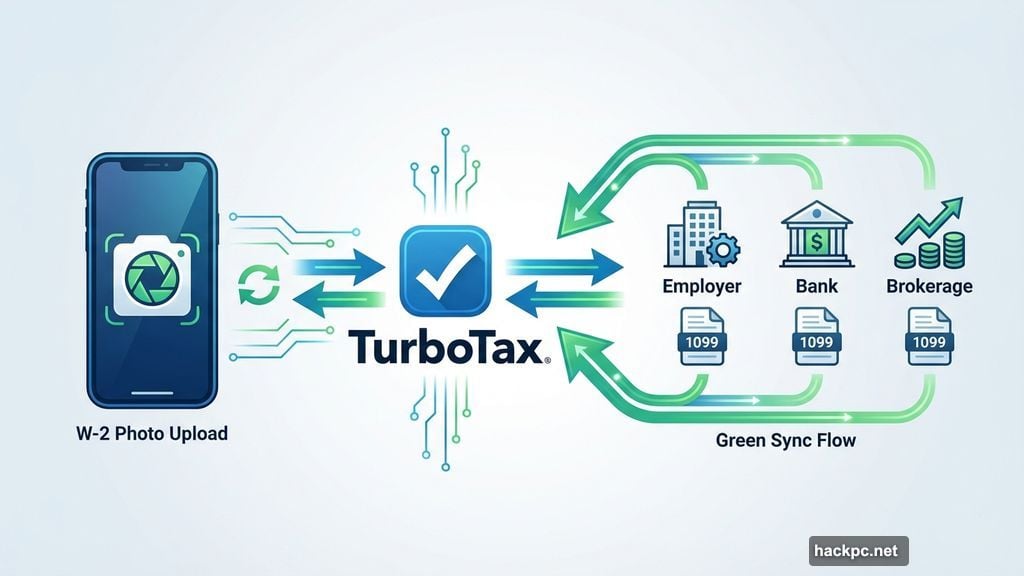
Data import works seamlessly. Upload last year’s return or snap a photo with the mobile app, and TurboTax autofills necessary information. Many employers and financial institutions sync directly to import W-2s and 1099 forms automatically.
Both mobile and desktop versions function smoothly. However, the mobile app works best for simple returns. Complex situations involving business or investment income become easier to manage on desktop.
Constant Upgrade Prompts Disrupt the Experience
Here’s where TurboTax loses points. Frequent nudges to upgrade or add paid services interrupt the filing flow repeatedly.
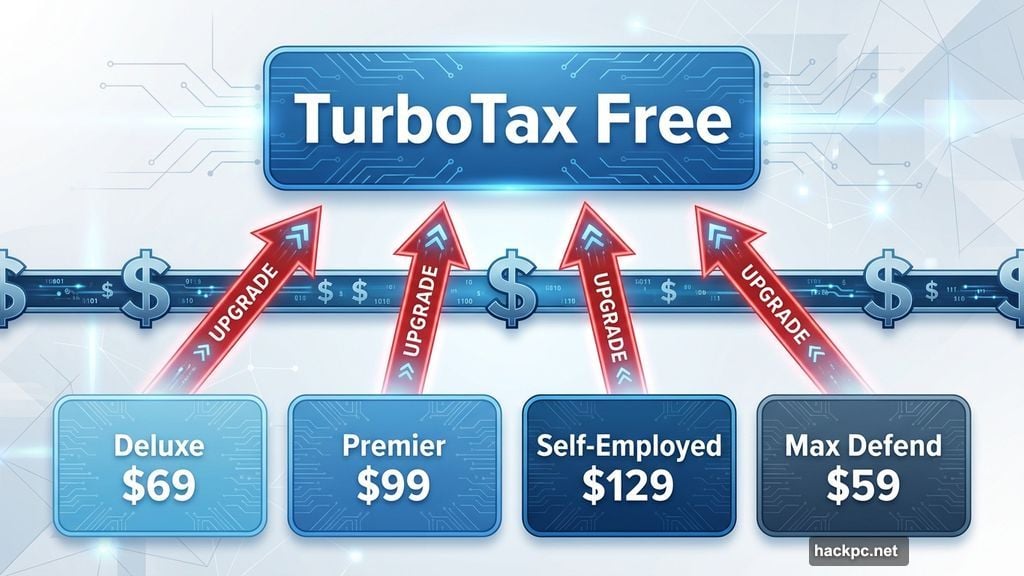
Early in my test filing, TurboTax pushed its Max Defend & Restore package for $59.99 extra. This includes audit protection and identity theft services. Later, it suggested upgrading tiers multiple times based on income sources and deductions.
The pricing structure creates confusion. The Do It Yourself tier ranges from $0 to $139 (currently discounted to $0 to $99). That massive range depends on return complexity, but TurboTax provides little upfront clarity about when higher prices apply or when discounts end.
State filing fees add $0 to $69 per state (currently discounted to $0 to $49). Only free federal filers get free state returns. Paid tier users pay more for state filing as tier prices increase.
One hidden fee to watch: the $40 refund processing charge if you deduct filing fees from your refund. Pay with a credit or debit card when submitting to avoid this cost.
TurboTax Costs More Than Alternatives
TurboTax earned just 5/10 for affordability because it’s the priciest option available. Competitors offer similar features for significantly less.
FreeTaxUSA charges $15.99 for state returns regardless of complexity. Cash App Taxes files completely free (one state return included). H&R Block charges $37 for state filing on paid plans.
TurboTax uses dynamic pricing that changes frequently, especially approaching the April 15 deadline. Expect advertised discounts to disappear and prices to increase throughout tax season.
Desktop software starts at $80 (currently $70) and includes five federal e-files plus one state download. State e-files cost extra.
Expert Support Comes at Premium Prices
TurboTax offers three service tiers with professional support options. However, working with tax experts costs considerably more than DIY filing.
Expert Assist ranges from $79 to $209 (currently discounted to $39 to $159) plus state fees. This includes unlimited live support and a final expert review. However, only simple filers qualify for the lowest price point.
Expert Full Service starts at $89 to $129 plus state fees for the regular price. A special offer provides combined federal and state filing for $150 if you’re a new Full Service customer filing by February 28, 2026.
Tax experts include CPAs, enrolled agents, or practicing attorneys with at least two years of paid tax prep experience. They’re available 5 a.m. to 9 p.m. PT seven days weekly during tax season.
In-person meetings are possible at TurboTax offices, but locations are limited. Most users communicate via phone, messaging, or video chat instead.
Robust Features With Some Gaps
TurboTax scored 8/10 for features thanks to comprehensive accuracy checking and educational resources.
The final review scans for common IRS red flags like blank fields, inconsistencies, and errors. It links back to relevant sections for corrections. Real-time error checking flags issues as you work rather than waiting until filing.
Intuit Assist provides AI-powered guidance and answers tax questions during preparation. It’s free for all tiers.
Tax education resources include extensive explanations, hover-over tools, and a detailed help center library. You can dig as deep as needed without intrusive interruptions.
The maximum refund guarantee promises to refund tax prep fees if you file an amended return elsewhere and get a larger refund. Free filers receive $30 in these situations.
Refund advances provide up to $4,000 within 30 seconds of IRS acceptance. However, you must open a Credit Karma Money checking account. Advances become available in late January when the IRS starts accepting returns.
TurboTax removed the audit risk meter from online versions several years ago, though some desktop software still includes it. Basic audit support comes with all tiers, but audit defense (having a pro represent you) requires purchasing MAX Defend and Restore, PLUS packages, or standalone audit defense.
Who Should Use TurboTax
TurboTax works best for filers who value comprehensive guidance and don’t mind paying premium prices. The platform truly shines for complex situations involving investment income, self-employment, rental properties, or multiple income sources.
Simple filers looking for genuinely free filing should consider Cash App Taxes or FreeTaxUSA instead. Those services provide free filing with fewer restrictions and less aggressive upselling.
Filers who need professional support but want lower costs should explore H&R Block or Jackson Hewitt. Both offer more affordable expert assistance and better in-person support networks.
However, if you have complicated investments, run a small business, or simply want the most polished interface with extensive educational resources, TurboTax delivers despite its higher costs. Just prepare for frequent upgrade prompts and carefully review all fees before filing.
The platform earned an overall 8.2/10 score because it excels at making complex tax situations manageable. Yet the premium pricing and confusing cost structure prevent it from reaching true excellence.




Comments (0)