
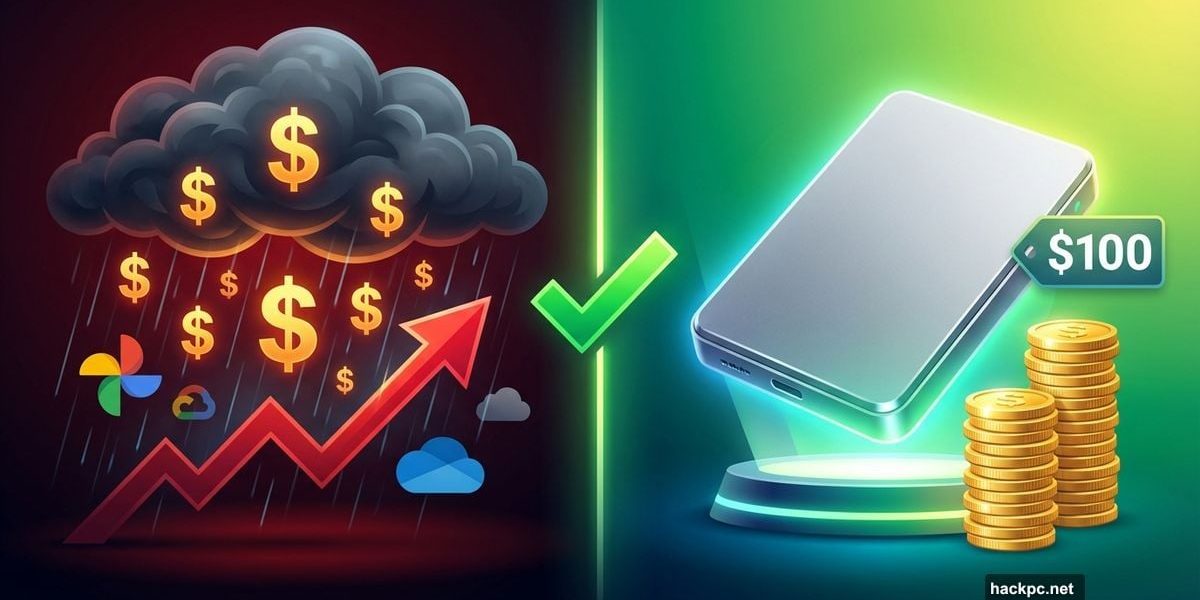
Your phone storage is full again. Cloud subscriptions want more money every month. But there’s a smarter way to save your memories without paying forever.
External hard drives cost less than two years of Google One. Plus, you actually own your files instead of renting space on someone else’s server.
Google Photos Killed the Free Ride
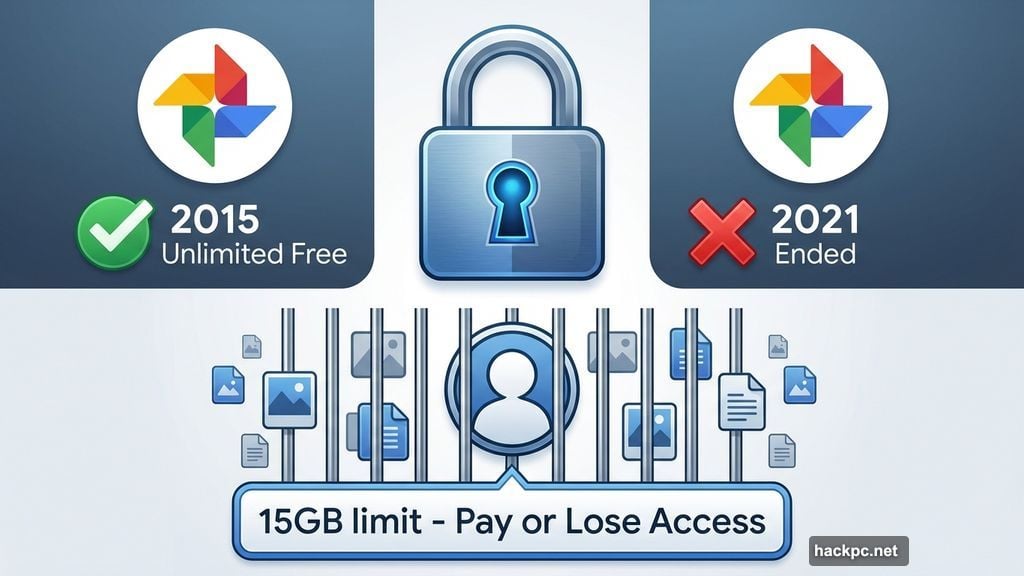
Remember when cloud storage was free? Google Photos launched in 2015 with unlimited uploads. No limits. No fees. Just save everything.
Then 2021 happened. Google quietly ended the free tier. Now every photo counts against that measly 15GB free limit. Want more space? Pay up.
The trap worked perfectly. Millions of users uploaded years of memories. Then Google flipped the switch. Either start paying or lose the ability to upload new files.
Here’s the real problem: Those files live on physical servers somewhere. They’re not floating in clouds. They sit on hard drives in massive data centers. And companies charge you monthly to use that space.
Monthly Subscriptions Add Up Fast
Ten dollars monthly sounds reasonable. But run the math. That’s $120 yearly. After 10 years, you’ve spent $1,200 just storing photos.
Plus, you can’t just cancel. Stop paying Google One and you lose upload ability. Worse yet, Google might delete your files after two years of non-payment.
That’s not storage. That’s a hostage situation.
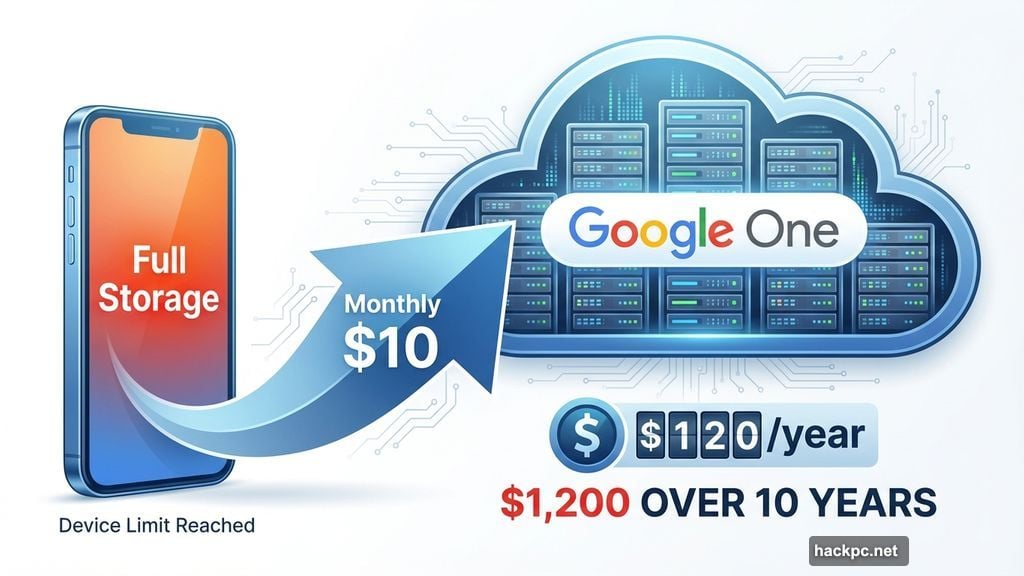
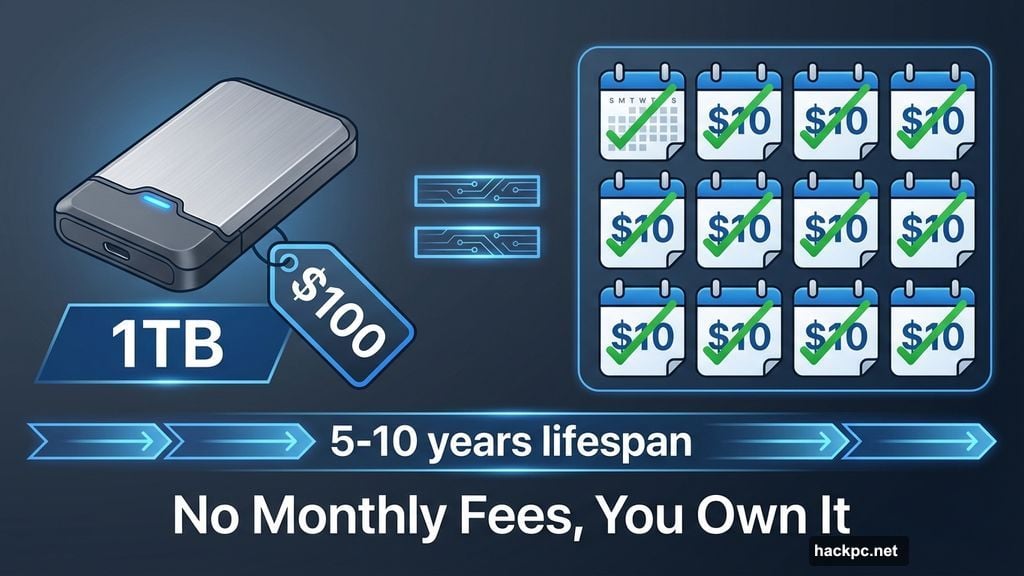
Compare that to buying an external drive. A 1TB solid-state drive costs under $100. It lasts five to 10 years. No monthly fees. No surprise price hikes. No worrying about policy changes.
The investment pays for itself in less than a year compared to cloud subscriptions.
Phone Storage Won’t Save You
Maybe you’re thinking: Just buy a phone with massive storage. Skip the cloud entirely.
Sounds good until you realize image files keep growing. Modern phone cameras capture 24-megapixel photos that eat 3MB each. One minute of 4K video? Over 1GB.
Even the iPhone 17’s new 256GB minimum fills up fast at those rates. Plus, when you upgrade phones, you need even more storage to hold old files plus new ones.
Apple charges $400 extra for 1TB storage on the iPhone Air. That’s $400 you could spend on multiple external drives with room to spare.
External Drives Win on Value
Here’s what $100 buys you in external storage: 1TB that works with any device. Use it for years. Keep it after upgrading phones. Never worry about subscription renewals.
Hard drives last three to five years. Solid-state drives last at least five, often longer. That’s far better economics than paying cloud providers forever.
Yes, external drives require more effort than automatic cloud backups. You manually transfer files. You organize folders. You delete photos from your phone after backing them up.
But that extra work comes with real benefits. You control your files completely. No corporation can change policies or raise prices on you.
My Monthly Backup Process
I back up photos once a month, or after special events like vacations. The whole process takes maybe 30 minutes.
First, I transfer all photos from my iPhone to my MacBook. The Photos app makes this easy with a “Delete items after upload” option. This frees up phone storage immediately.
Next, I plug my external SSD into the Mac. I select photos by upload date, usually 200 to 300 at a time. Any more and the transfer might glitch. Then I drag and drop them onto the drive.
I organize backups into monthly folders: “July 2025” or “London Trip, Summer 2024.” Simple labels that make sense later.
Here’s the critical step: I make a second backup on a different external drive. If one drive fails, the other has everything. Redundancy matters.
Intentional Photo Taking
Not carrying every photo ever taken has changed my habits. I’m more selective now about what I capture.
I keep certain photos on my phone indefinitely. Screenshots of important documents. Insurance cards. A few favorite family photos. But most images get backed up and removed from the device.
This mirrors how people used to carry one or two photos in their wallet. Curated. Meaningful. Not 10,000 random snapshots.
External storage makes you think before shooting. Do I really need 15 photos of this sunset? Probably not. Just enjoy the moment instead.
File Ownership Matters
Cloud storage puts your memories at corporate mercy. What happens when Google changes policies again? When prices increase? When the company decides cloud photos aren’t profitable anymore?
Remember Kodak? Once the biggest name in photography. Then digital cameras arrived. The company filed for bankruptcy in 2012.
Google seems invincible now. So did Kodak 30 years ago. Technology companies pivot, shut down services, and abandon products constantly.
Your external drive doesn’t care about corporate strategy. It just stores files. That’s it.
The Trade-Offs Are Worth It
Yes, managing external drives requires effort. You can’t instantly access every photo from your phone. Some images live only on the backup drives.
But honestly? That’s fine. I don’t need every photo I’ve ever taken in my pocket. Important images stay on my phone. Everything else sits safely on drives at home.
If I need an old photo, it’s usually on Instagram or in my email. The rare times I need something from the backup drive, I can wait until I’m home.
This system costs less, gives me control, and forces better photo habits. After three years of doing it, I can’t imagine going back to cloud subscriptions.
Your memories are valuable. Don’t rent space for them forever. Own your storage instead.




Comments (0)