
Your Gmail inbox exploded with junk on Saturday. Promotional emails flooded in. Spam warnings appeared everywhere. Plus, two-factor codes arrived late or not at all.
Google confirmed the issue and fixed it by Saturday night. But the chaos revealed how much we rely on invisible filters to keep email usable. Let’s break down what went wrong and why it matters.
Automatic Filters Stopped Working
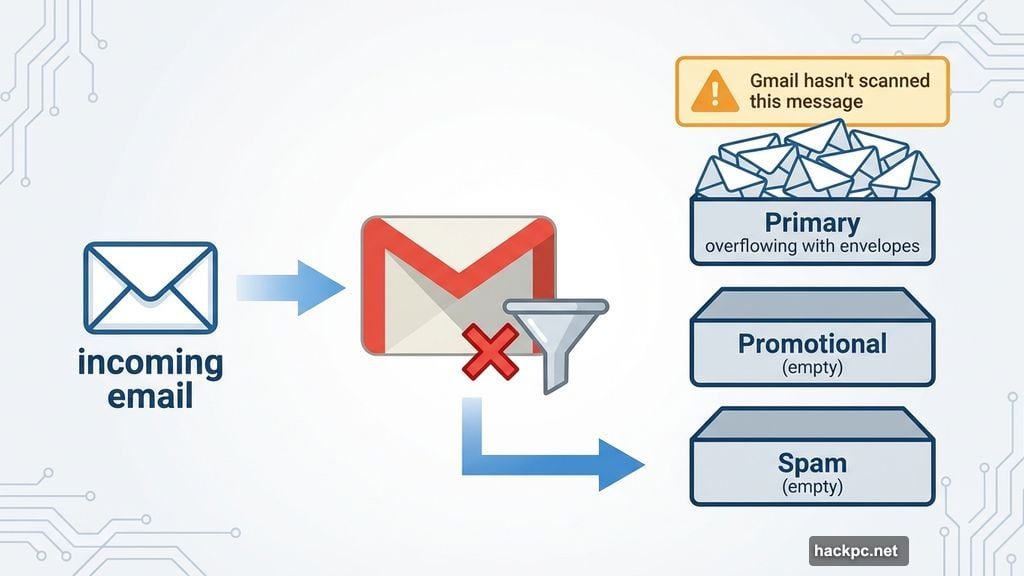
Gmail’s sorting system completely failed on Saturday. Emails that should’ve landed in promotional or spam tabs dumped straight into main inboxes instead.
Normally, Gmail scans every message automatically. It checks for spam, verifies senders, and sorts promotional content away from important emails. That entire system stopped functioning properly.
Users saw a troubling banner on many messages. It read: “Be careful with this message. Gmail hasn’t scanned this message for spam, unverified senders, or harmful software.” That’s Gmail admitting it couldn’t verify whether emails were safe.
So promotional emails from legitimate companies mixed with potential spam. Meanwhile, the warning banner appeared on messages that were probably fine. Users couldn’t tell which emails were actually dangerous.
Two-Factor Authentication Broke Down
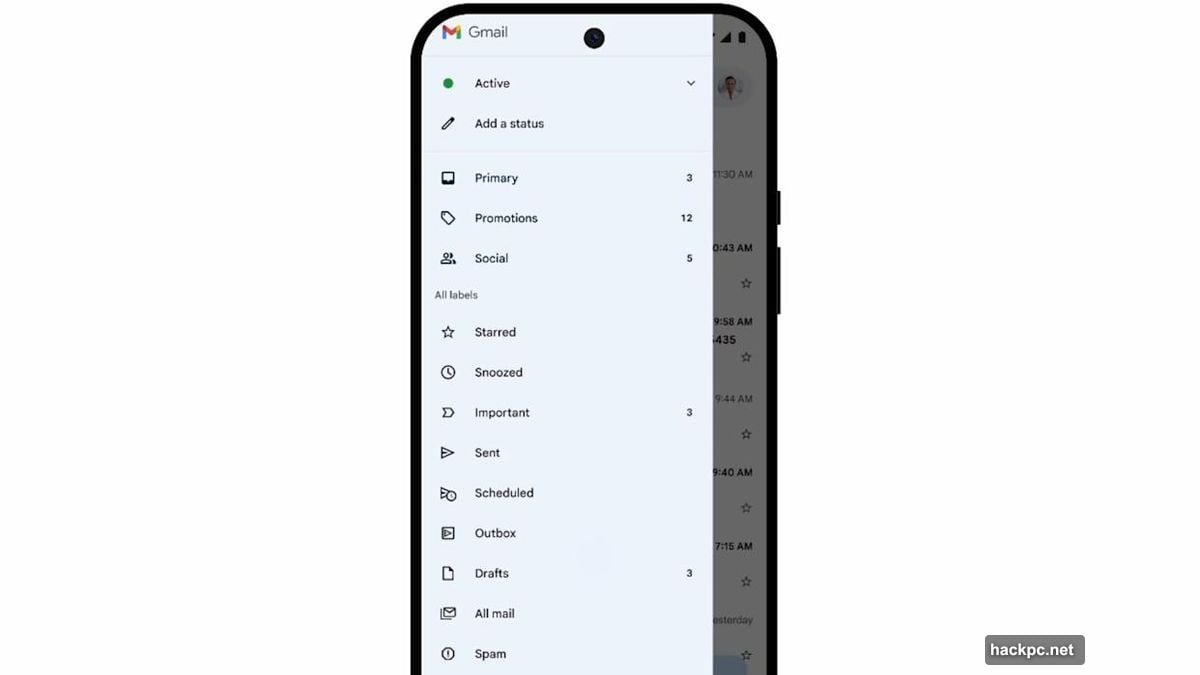
The sorting problem created a secondary crisis. Many users reported delays receiving verification codes.
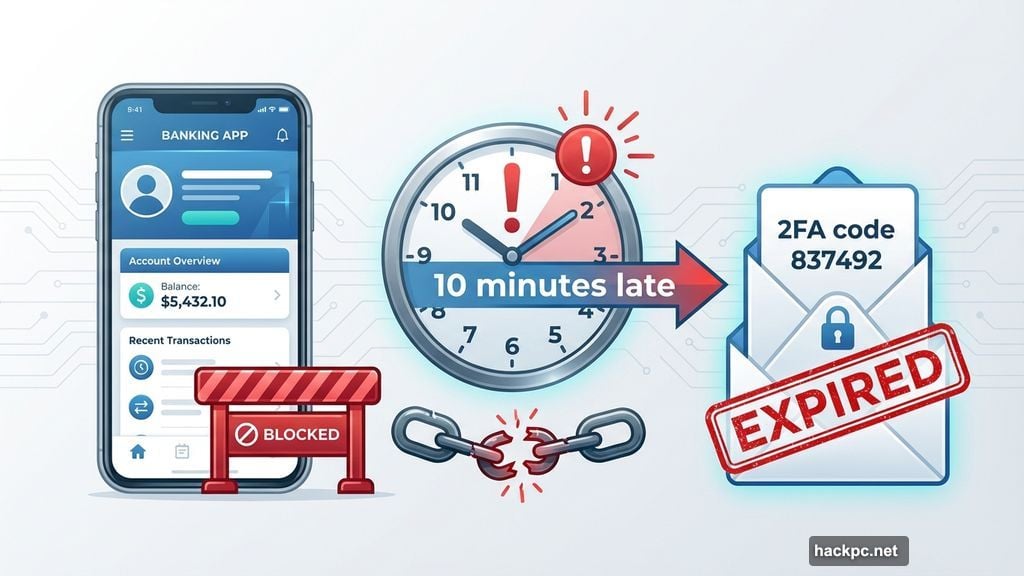
Two-factor authentication codes typically arrive within seconds. During Saturday’s outage, some users waited minutes or never received them at all. That blocked access to banking apps, work systems, and other secure services.
Why did this happen? Gmail’s broken filters likely flagged authentication emails as suspicious. Or the overall system congestion delayed delivery. Either way, people couldn’t log into critical accounts when they needed to.
One user on DownDetector reported missing a bank login because the code arrived 10 minutes late. By then, the code had expired. That’s not just annoying. It’s a genuine security and access problem.
Google Fixed It Fast But Offered Few Details
Google acknowledged the issue Saturday afternoon. By Saturday night, the company declared everything “fully resolved for all users.”
However, Google’s explanation remained vague. The Workspace status dashboard mentioned “misclassification of emails” and “additional spam warnings.” It didn’t explain what caused the filters to fail in the first place.
Moreover, Google said an investigation is underway. They promised to publish an analysis once complete. But no timeline exists for that report. So we still don’t know if this was a software bug, a configuration error, or something else entirely.
Here’s what concerns me. Gmail processes billions of emails daily. A few hours of filter failure affects millions of people. Yet Google’s response felt rushed and minimal. Users deserve to know what happened and how they’ll prevent it next time.
The Real Vulnerability Nobody Discusses
This incident exposes how fragile email has become. We depend entirely on automated systems to separate useful messages from garbage.
Think about it. Your inbox would be completely unusable without Gmail’s filters. Hundreds of promotional emails would arrive daily. Scammers would flood you with phishing attempts. Important messages would drown in noise.
But when those filters break, chaos erupts immediately. You can’t manually sort through that volume of email. The system works only because automation handles 99% of filtering decisions. When automation fails, email stops functioning as a communication tool.
Plus, this affects more than convenience. Business operations rely on timely email delivery. Authentication systems assume codes arrive instantly. Customer service depends on ticket systems that route messages correctly. A few hours of Gmail disruption ripples across countless workflows.
What You Should Do Now
Gmail’s filters are working again. Still, Saturday’s outage offers lessons worth remembering.
First, check your spam folder immediately. Important emails might’ve been misclassified during the outage. Look for messages from the past few days that shouldn’t be there. Rescue anything critical before it gets deleted.
Second, mark legitimate senders as safe. If promotional emails you actually want ended up in your main inbox, use this chance to organize them. Move them to appropriate folders. Star important senders. This helps Gmail’s filters learn your preferences.
Third, consider backup authentication methods. Two-factor codes via SMS or authenticator apps create redundancy. If Gmail delays email codes, you’ll have alternatives. Many services now support multiple authentication methods. Set them up before you need them.
Fourth, report truly suspicious emails. If spam arrived during the outage, mark it properly. This helps Gmail rebuild its filtering accuracy. Don’t just delete it. Use the report spam button so Google can track patterns.
Email Reliability Isn’t Guaranteed
Saturday’s incident should worry anyone who depends on email for work or personal communication.
We treat email like a guaranteed service. But it’s actually a complex system with multiple points of failure. Gmail’s outage proves that even tech giants with massive resources can’t eliminate all risks.
Here’s my take. Email needs better redundancy. Critical messages deserve multiple delivery paths. Important services should offer alternatives to email-based authentication. And companies like Google owe users clear explanations when systems fail.
For now, Gmail works again. But the next breakdown is inevitable. Prepare accordingly.




Comments (0)