
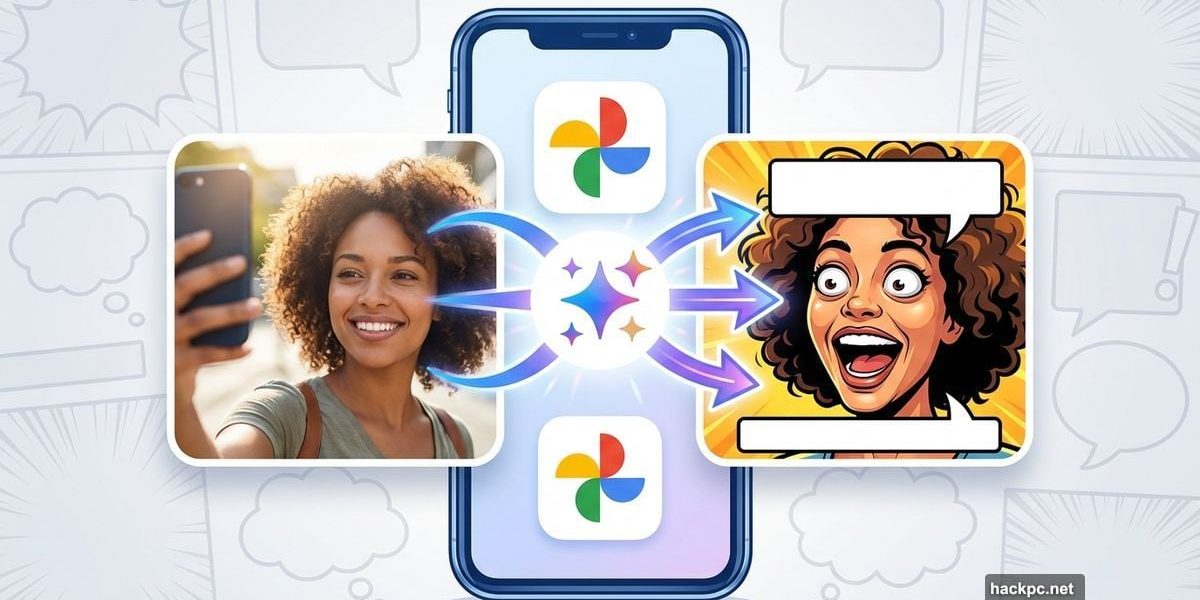
Google just dropped a feature that turns your selfies into memes. No Photoshop skills required.
The new tool, called Me Meme, uses Google Gemini AI to insert your face into popular meme templates. It’s rolling out now for Android users in the US. Plus, it’s completely free to use right inside the Photos app you already have.
Let’s walk through exactly how to make your own memes before your friends discover this feature.
Who Can Actually Use This Right Now
Here’s the current availability breakdown. Not everyone has access yet.
Available for:
- Android users in the US
- English language only
- Google Photos app (latest version)
Coming soon:
- iOS users (rolling out over the next few weeks)
- International users (no timeline announced yet)
Google told TechCrunch the feature is experimental. So expect some quirks and limitations as they refine the technology. But if you meet the requirements above, you should see it appear in your Photos app within days.
Finding the Me Meme Feature
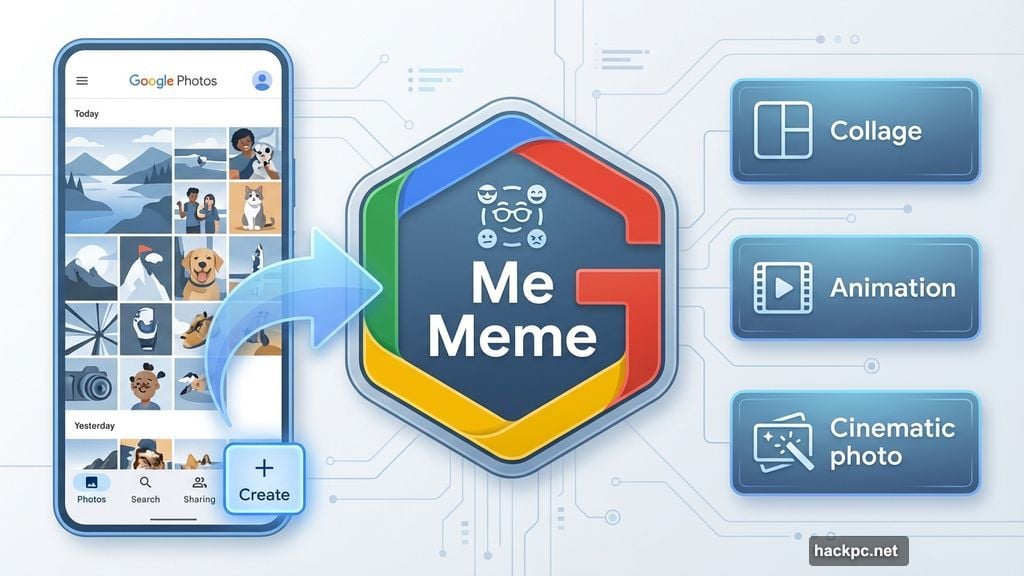
Open your Google Photos app first. Then tap the “Create” tab at the bottom of your screen.
Scroll through the options until you spot “Me Meme.” It should appear alongside other creative tools like Collage and Animation. However, the rollout is gradual. So even Android users in the US might not see it immediately.
Don’t panic if it’s missing. Google is releasing this in waves. Check back every few days, or make sure your Photos app is updated to the latest version.
The first time you launch Me Meme, Google shows onscreen instructions. These explain how the feature works and what to expect. After that initial walkthrough, future uses jump straight to meme creation.
Choosing Your Meme Template
Google provides preset meme templates to get you started. These include popular formats you’ve probably seen across social media.
Browse through the available options. You’ll recognize classics and trending formats. Tap any template to select it.
But here’s the interesting part. You’re not limited to Google’s presets. You can upload your own meme template or any image you want to use as a base. This flexibility means you can recreate almost any meme format, even niche ones your friend group uses.
Just remember the template determines the final meme style. So choose something that matches the vibe you’re going for.
Uploading Your Photo
Now you need a photo of yourself. The AI works best with clear, well-lit selfies where your face is fully visible.
Tap the upload button and select a photo from your library. Google recommends using images where you’re facing the camera directly. Side angles or group shots might not work as well.
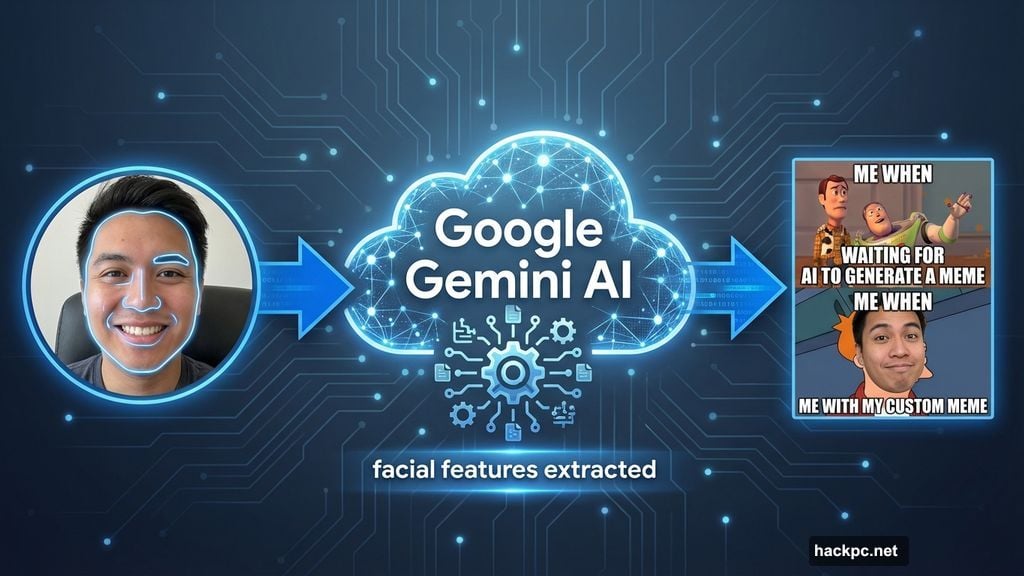
The AI analyzes your photo and identifies your face. It then extracts your facial features to insert into the meme template. This process happens on Google’s servers using Gemini AI technology.
One caveat worth noting. Google warns that generated images may not perfectly match your original photo. The AI interprets and adapts your features to fit the meme style. So expect some creative liberty in the results.
Generating and Sharing Your Meme
Hit the “Generate” button after selecting your photo. The AI processes your request in a few seconds.
You’ll see your face inserted into the meme template. If you like the result, tap “Save” to add it to your Photos library. Or tap the share button to post directly to social media platforms.
Not satisfied with the first attempt? Tap “Regenerate” to create a different version. The AI generates a new interpretation each time, which can produce varying results. Some attempts might nail the look you want, while others miss the mark.
Android Authority tested Me Meme back in October 2025 and shared example outputs. The feature showed promise but occasionally produced wonky results where facial features didn’t align perfectly with the template.
What Works Best
After testing various approaches, certain techniques produce better results consistently.
Use high-quality selfies. Blurry or low-light photos confuse the AI and create distorted outputs. Take a fresh selfie in good lighting if your existing photos aren’t cutting it.
Face the camera directly. Profile shots or angled faces don’t translate well into meme formats. The AI needs a clear view of your facial features to map them accurately.
Choose appropriate templates. Some meme formats work better than others. Templates with clear, defined face positions yield more convincing results than complex or stylized formats.
Experiment with regeneration. The AI produces different outputs each time you regenerate. If your first attempt looks off, try again. Sometimes the third or fourth generation nails the look perfectly.
The Bigger Picture Here
Google is pushing hard into AI-powered creative tools. Me Meme represents their strategy of making advanced technology accessible through simple interfaces.
Meme culture dominates social media. So giving users an easy way to participate makes sense. No more hunting for meme generators online or struggling with Photoshop. Everything happens right in your Photos app.
Yet this is still experimental. Google hasn’t committed to a full global rollout or announced plans for additional features. The current version feels like a beta test to gauge user interest and identify technical issues.
That experimental status explains the limited availability. Google wants to refine the feature with a smaller audience before expanding access.
Privacy Considerations
Your photos get uploaded to Google’s servers for processing. The company processes them using Gemini AI, which means your images leave your device temporarily.
Google’s privacy policy covers this usage. But if you’re uncomfortable sending selfies to Google’s servers, skip this feature. The company doesn’t explicitly state how long they retain uploaded images or whether they use them for AI training.
Most Google Photos users already trust the company with their entire photo library. So this feature doesn’t introduce fundamentally new privacy concerns. Still, it’s worth understanding what happens to your images during meme generation.
When iOS Users Get Access
Google promised iOS availability “in the coming weeks.” That’s vague enough to mean anywhere from next week to next month.
iOS users should update their Google Photos app regularly. The feature will likely arrive through a standard app update rather than requiring iOS system changes.
Apple’s App Store review process sometimes delays feature rollouts compared to Android. So don’t expect immediate parity with Android availability. But Google clearly plans to support both platforms eventually.
This Changes Group Chat Forever
Meme culture just became more personal. Instead of reusing the same tired Drake or Distracted Boyfriend templates with everyone else, you can insert yourself directly into the format.
Group chats will never be the same. Imagine responding to your friend’s bad joke with a custom meme featuring your actual disappointed face. Or celebrating wins with personalized victory memes.
The barrier to meme creation just dropped to zero. No design skills, no meme generator websites, no watermarks. Just open Photos, pick a template, and generate. That accessibility could reshape how people express themselves online.
Sure, the technology isn’t perfect yet. Some outputs look janky, and the feature remains experimental. But the concept proves AI can democratize creative tools that previously required technical expertise.
Your friends will find this feature eventually. Might as well get good at making memes before everyone else discovers it.




Comments (0)