
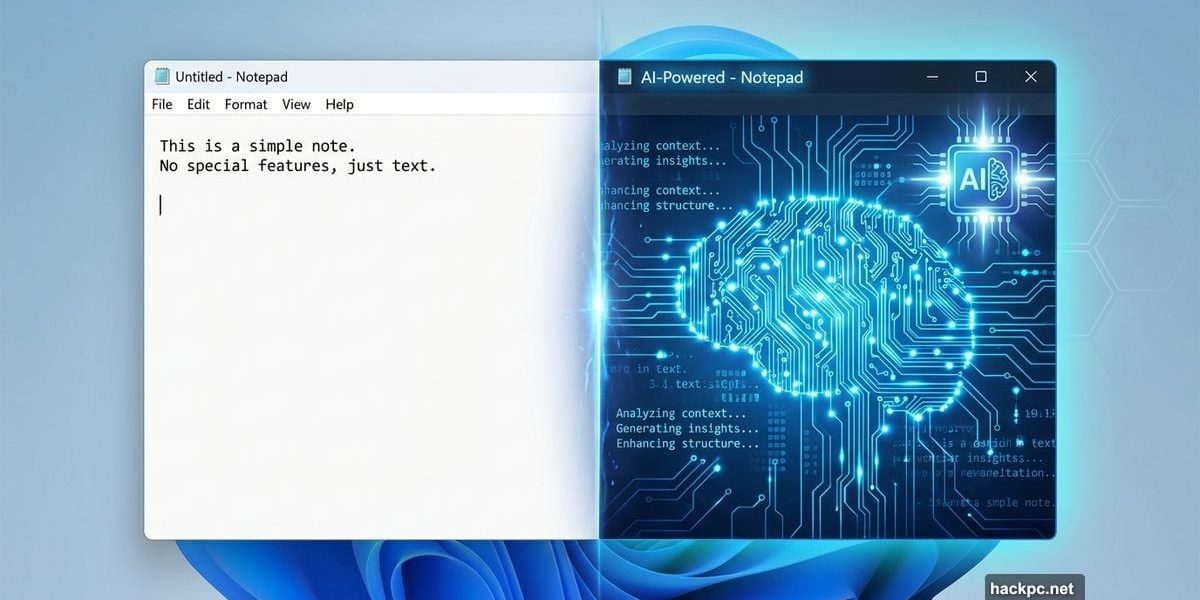
Notepad got AI. Yes, that Notepad. The bare-bones text editor Windows users have relied on since 1983 just learned to write for you.
Microsoft’s latest Windows 11 Insider preview turned the simplest app in Windows into an AI writing assistant. For some, this feels like progress. For others, it’s another nail in the coffin of lightweight, distraction-free tools.
Let’s break down what changed and why it matters.
AI Text Generation Comes to the Most Basic Text Editor
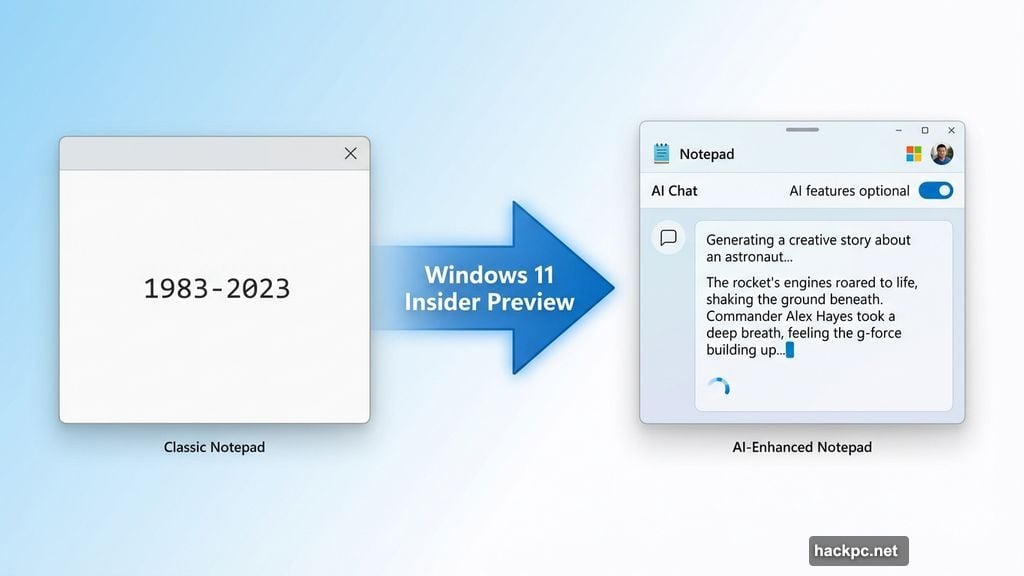
The new Notepad can now generate and improve text using artificial intelligence. Type a prompt, and watch as words appear character-by-character, mimicking ChatGPT’s familiar streaming style.
So Microsoft essentially embedded a chatbot into Notepad. The feature requires a Microsoft account to function. Plus, you’ll need to explicitly enable it since Microsoft made these AI tools optional.
Here’s the thing. Notepad used to open instantly and do exactly one job: display plain text. Now it can rewrite your sentences, expand ideas, and generate content from scratch. That fundamentally changes what the app represents.
But Microsoft isn’t forcing this on anyone. The AI features can be disabled completely in Notepad’s settings. Still, the app now greets users with a welcome screen calling itself “the essential text editor, enhanced.” That word “enhanced” carries weight.
Markdown Support Makes Formatting Actually Possible
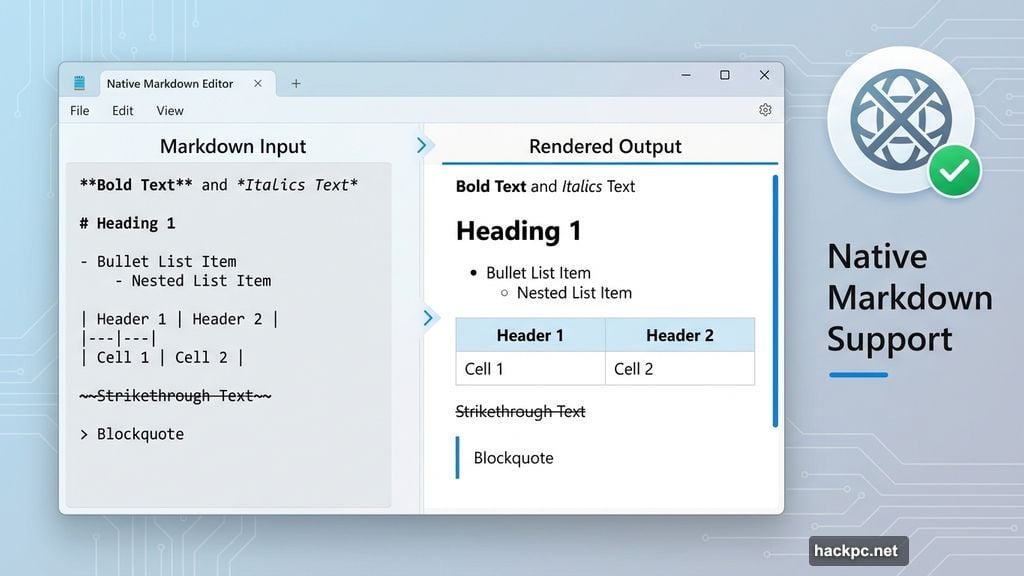
Beyond AI, Notepad gained something many users actually wanted: better Markdown support. You can now format text with bold, italics, tables, strikethrough, and nested bullet lists.
This change makes practical sense. Developers and writers use Markdown constantly. Having native support in Windows’ default text editor removes friction from basic formatting tasks.
Moreover, this feature doesn’t require internet connectivity or a Microsoft account. It just works. For users who ignored the AI additions, expanded Markdown support represents genuine improvement without strings attached.
Yet the timing raises questions. Microsoft added these formatting tools alongside AI features in the same update. That suggests the company views both as part of Notepad’s evolution from simple to capable.
Paint Gets AI Coloring Books and Smarter Fill Tools
The same preview update enhanced Paint with AI-generated coloring book pages and an improved Fill tool. These additions follow Microsoft’s pattern of injecting AI into classic Windows applications.
Paint’s coloring book feature creates outline drawings from prompts. The smarter Fill tool better understands boundaries and color relationships. Both features aim to make casual creativity more accessible.
However, Paint already underwent significant AI upgrades in recent months. Background removal, layer support, and generative fill tools arrived earlier. This latest update builds on that foundation rather than breaking new ground.
So Microsoft continues expanding AI across its legacy software suite. WordPad was discontinued entirely in 2024. Now Notepad and Paint evolve in directions that would have seemed impossible five years ago.
What This Means for Windows Users
Microsoft Account requirements for basic text editing features signal a broader shift. The company wants users signed in, connected, and engaged with cloud services.
For enterprise environments, this creates complications. IT administrators now need to decide whether to allow AI features in Notepad across corporate devices. Privacy policies might need updates. User training becomes necessary.
But casual users face different trade-offs. Some will appreciate having writing assistance built into a familiar app. Others will disable everything and miss the old, simple Notepad that never asked for login credentials.
The optional nature of these features matters. Microsoft learned from past backlash about forced changes. Yet even optional features carry weight when they fundamentally alter an app’s identity and purpose.
The Bigger Picture Nobody’s Discussing
These updates reveal Microsoft’s strategy for Windows 11’s future. Every built-in app becomes a potential AI showcase. Nothing stays simple or focused on a single task anymore.
That approach has merit. AI tools can genuinely help users be more productive. But it also fragments the Windows experience. Users now face configuration decisions for apps that previously required no setup whatsoever.
Plus, the dependency on Microsoft accounts grows deeper. Want AI features in Notepad? Sign in. Use Paint’s advanced tools? Sign in. This pattern extends across Windows 11’s default applications.
The choice remains yours for now. But the direction is clear. Microsoft envisions a future where AI permeates every corner of Windows, and holding out becomes progressively harder.




Comments (0)