
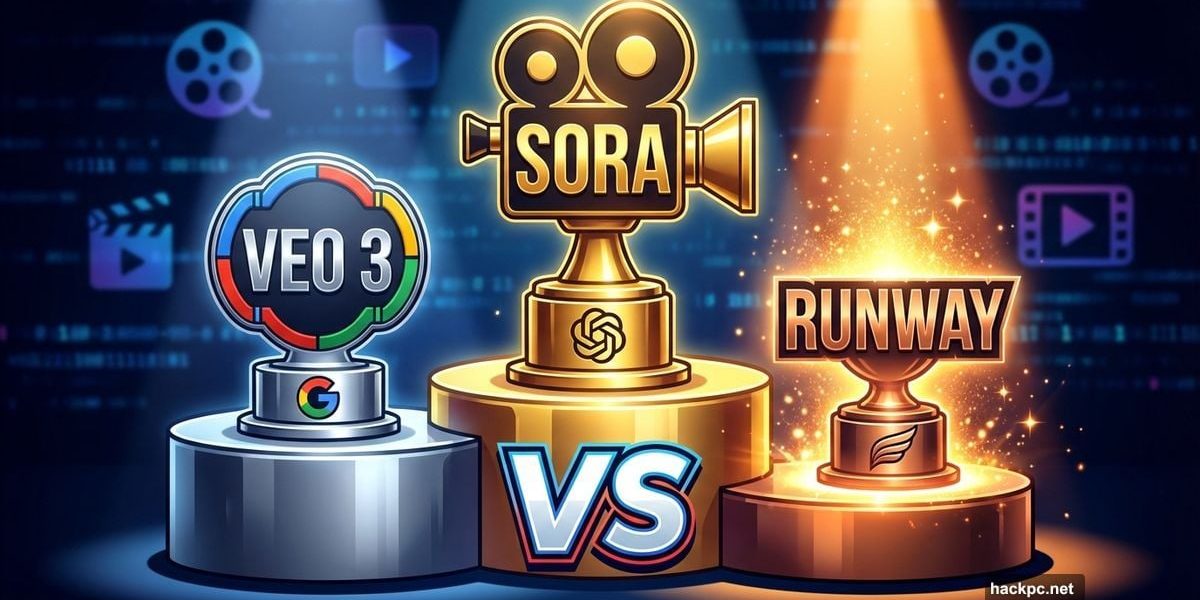
AI video generators promised Hollywood-level results from text prompts. Most failed. But after three months testing every major platform, a clear hierarchy emerged.
The best free option creates clips you’ll share proudly. The best paid option guarantees your work won’t get you sued. Plus, one underdog platform crushed the big names at specific tasks.
Here’s what actually works in 2026.
Sora Dominates Free AI Video Generation
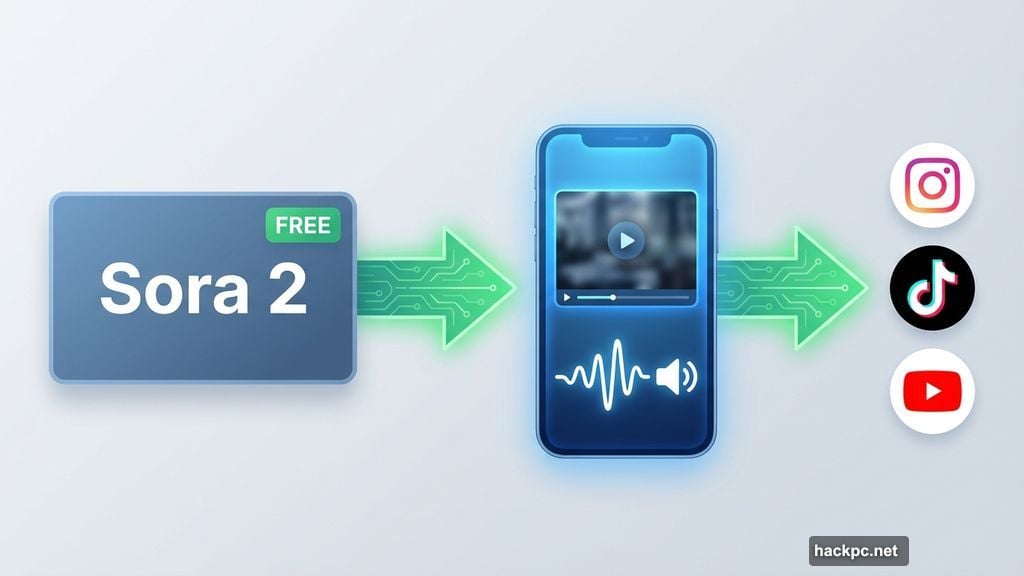
OpenAI’s Sora 2 stands alone as the best free AI video platform. No subscription required. No invite codes. Just open the app and start creating.
Sora excels at realistic scenarios. The second generation added synchronized audio, which changed everything. Videos no longer feel incomplete. Sound effects match actions. Background noise fills empty spaces.
However, that realism sparks concerns. Sora’s cameo feature lets users upload faces and generate videos of those people. That’s a deepfake machine. OpenAI added safeguards, but no system catches everything.
For casual creators making social media clips? Sora wins easily. It’s free, fast and produces surprisingly polished results.
Adobe Firefly Protects Your Professional Work
Most AI platforms bury dangerous disclaimers in their terms of service. Use our AI commercially? Good luck defending that in court.
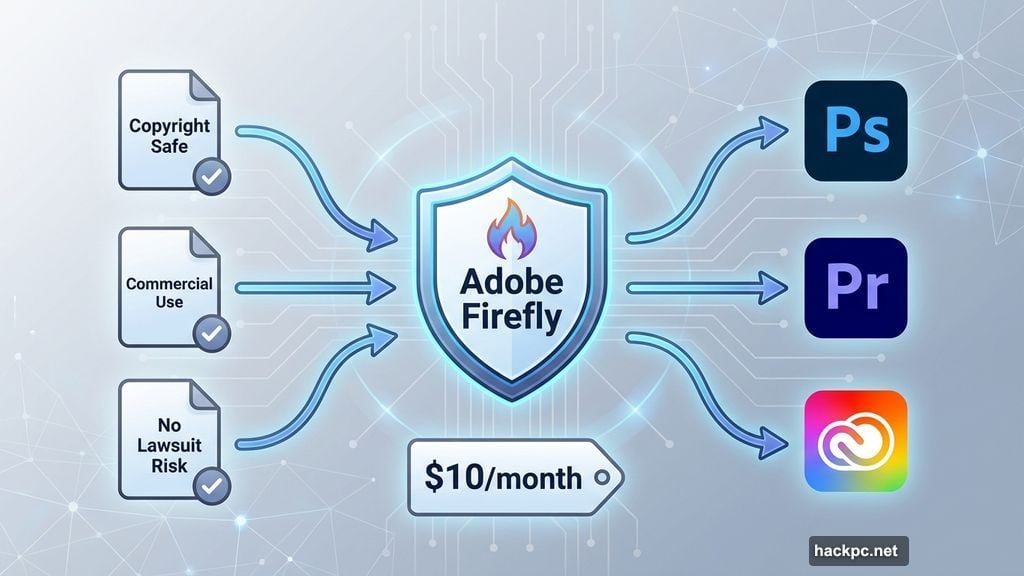
Adobe Firefly guarantees commercial safety. Everything you create belongs to you. No copyright concerns. No training data lawsuits waiting to surface.
That matters enormously for designers, marketers and creative professionals. Firefly integrates directly into Photoshop, Premiere and other Adobe tools. You can also access multiple non-Adobe AI models through the same platform.
Firefly videos lack native audio, which means extra work. But the trade-off delivers peace of mind no other platform offers. For anyone getting paid to create content, Firefly’s legal protections justify the $10 monthly subscription.
Veo 3 Makes Cinematic Magic
Google’s Veo 3 pioneered synchronized AI audio before Sora 2 launched. That first-mover advantage established Veo as the cinematic standard.
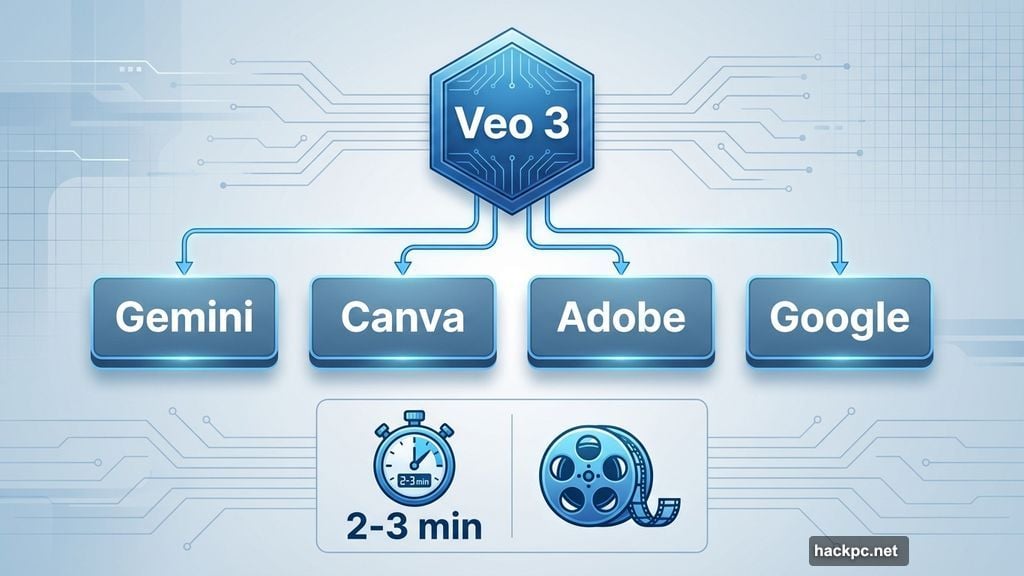
Veo 3 generates smooth, natural motion. Subjects move realistically. Camera pans feel intentional. Plus, Veo works inside Gemini, Canva, Adobe and multiple Google platforms.
That flexibility helps creators who already pay for other services. Already subscribe to Gemini? You’ve got Veo 3 access. No additional subscription needed.
Veo generates videos slightly faster than Sora in head-to-head testing. Results arrive in 2-3 minutes instead of 3-4 minutes. Small difference, but noticeable during rapid iterations.
For high-quality clips that look professionally produced, Veo 3 delivers consistently.
Runway Outperforms at Complex Tasks
Runway flies under mainstream radar. But professionals know it as the creative powerhouse.
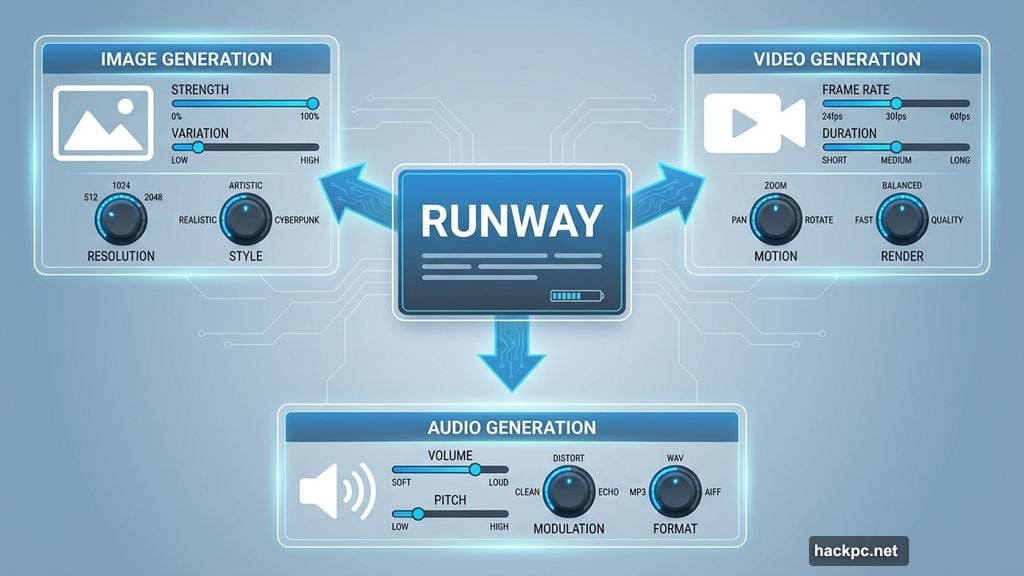
Runway handles image, video and audio generation. Its platform stacks controls and settings that let you constrain AI creativity to match specific projects. Want particular camera movements? Specific color grading? Runway lets you dial in those details.
Runway videos don’t generate with sound automatically. Instead, you create and layer audio separately within the same platform. That extra step gives precise control over sound design.
Testing revealed Runway excels at animating existing images. Upload a reference image and Runway brings it to life with minimal hallucinations. Other platforms struggle with this task.
For creators who want maximum creative control and don’t mind learning a more complex interface? Runway delivers results the big names can’t match.
Midjourney Keeps Things Simple
Midjourney built its reputation on image generation. Its V1 video model extends that simplicity to motion.
Midjourney is remarkably easy to navigate. Type a prompt, wait a few minutes, get a video. No complicated settings. No confusing interface.
That simplicity comes with trade-offs. Midjourney struggles with realistic scenarios. It excels at fantastical, artistic outputs instead. Plus, it doesn’t always follow prompts precisely.
Midjourney shines for beginners exploring AI video or enthusiasts brainstorming creative ideas. The open gallery encourages community inspiration. But professionals needing specific results will hit frustration quickly.
Real Problems Every Platform Shares
AI video generators hallucinate. Objects float through walls. Physics breaks randomly. People appear and disappear without reason.
Every platform tested produced weird errors. Sora occasionally warps perspectives mid-clip. Veo sometimes generates impossible shadows. Runway creates beautiful nonsense when prompts get too complex.
These hallucinations force creators to generate multiple versions hoping one works correctly. That wastes time and credits. Advanced editing controls help, but they don’t solve the underlying problem.
Plus, legal questions remain unanswered. Most platforms trained on copyrighted content without permission or compensation. Several companies face lawsuits over this practice. Using brand names or celebrity faces in prompts risks legal trouble.
Speed Matters More Than You Think
Generation speed separates pleasant experiences from frustrating ones. Most platforms generate videos in 2-5 minutes.
Veo 3 consistently finished fastest in testing, around 2 minutes per clip. Sora averaged 3-4 minutes. Runway took 4-5 minutes but delivered more detailed results.
Midjourney surprised with 3-minute generations despite its simpler interface.
When you’re iterating through dozens of prompt variations, those minute differences compound. Faster platforms let you explore more ideas in the same time. However, slower platforms sometimes justify the wait with better quality.
Balance speed against quality for your specific needs.
Privacy Policies Hide Critical Details
Reading privacy policies reveals uncomfortable truths. Most platforms use your prompts and generated content to train their AI models. That means your creative work improves their product without compensation.
Runway’s policy explicitly states it trains on user prompts and videos. Gemini can use your information to improve its AI. Midjourney’s policy allows it to use your info for machine learning.
Only Adobe Firefly guarantees it won’t train on your content. Sora lets you disable AI training in settings, but it’s opt-out, not opt-in.
For commercial or sensitive work, these policies matter enormously. Choose platforms that respect your data ownership.
Audio Capabilities Vary Wildly
Sora 2 and Veo 3 automatically generate synchronized audio. Sounds match actions. Ambient noise fills silence. This integration makes videos feel complete.
Adobe Firefly, Runway and Midjourney skip native audio. You can add sound effects or dialogue afterward, but that requires extra work. Firefly and Runway let you generate AI audio within their platforms. Midjourney offers no audio tools whatsoever.
For quick social media clips, native audio saves significant time. For professional projects requiring precise sound design, separate audio tools offer better control.
The Deepfake Problem Nobody Solved
Every platform claims safeguards against deepfakes and abusive content. Testing revealed those guardrails leak constantly.
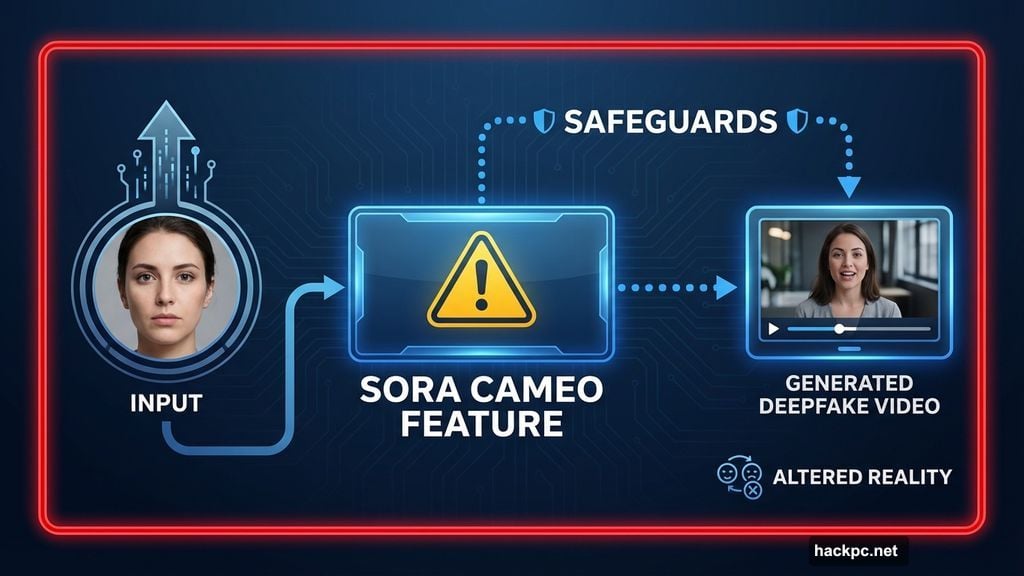
Sora’s cameo feature creates videos of uploaded faces. That’s literally a deepfake generator. OpenAI added detection and watermarking, but determined users bypass restrictions.
Other platforms let users upload reference images or use celebrity names in prompts. Some requests get blocked. Others slip through. No system catches everything.
This creates ethical responsibility for users. Just because you can generate something doesn’t mean you should. Always disclose AI-generated content. Never use someone’s likeness without permission.
Pick Your Platform Carefully
Free exploration? Use Sora. It’s powerful enough for most social media needs without costing anything.
Professional commercial work? Adobe Firefly guarantees legal safety no other platform offers.
Cinematic quality clips? Veo 3 delivers smooth, realistic motion consistently.
Maximum creative control? Runway provides tools the big names skip.
Simple brainstorming? Midjourney keeps things straightforward.
The “best” AI video generator depends entirely on your project, budget and risk tolerance. But now you know which platform excels at what.
Test multiple options before committing to subscriptions. Most platforms offer free trials or free tiers. Generate the same prompt across different services. Compare results. Then invest in whichever platform consistently delivers what you need.




Comments (0)