
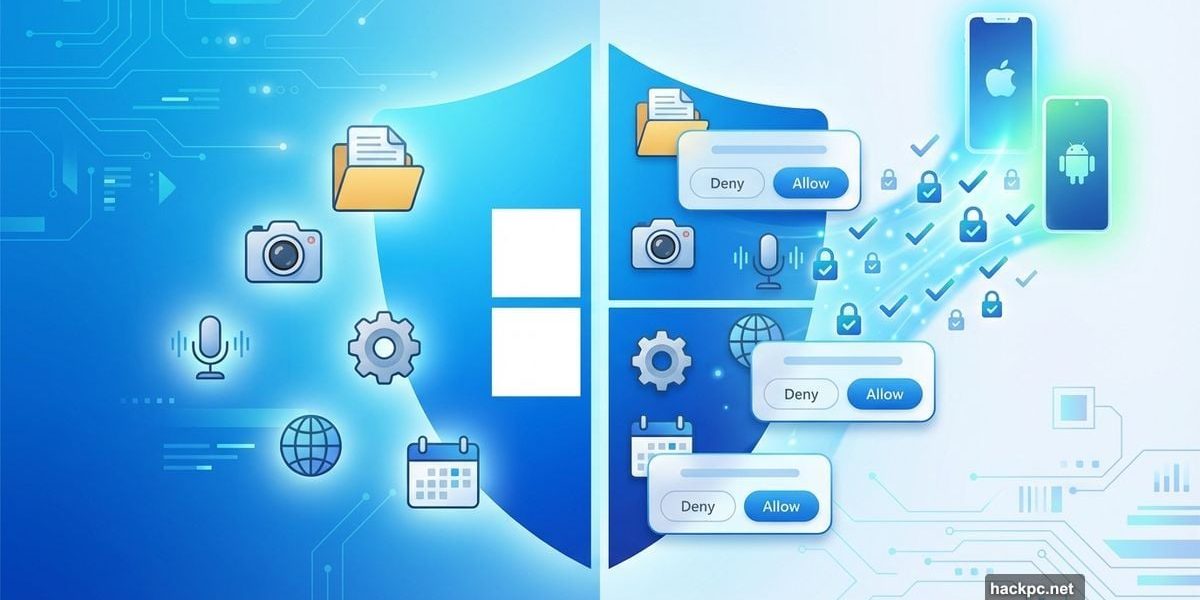
Microsoft just dropped a bombshell for Windows 11. Apps will now need your explicit permission to access files, cameras, and microphones. Plus, unsigned software won’t run at all by default.
Sound familiar? It should. Windows is finally adopting the permission model that iOS and Android perfected years ago. But this shift creates serious questions about how it’ll actually work on desktop computers.
Let’s break down what’s changing and why your workflow might get a lot more annoying before it gets better.
Baseline Security Mode Blocks Unsigned Apps
Microsoft’s new “Baseline Security Mode” sounds exactly like what it is. A gatekeeper that only allows properly signed applications, services, and drivers to execute.
This mirrors macOS Gatekeeper and similar mobile OS protections. In theory, it stops malware from running without your knowledge. In practice, it could create headaches for developers and power users who regularly run unsigned scripts or custom tools.
Here’s the catch. Both individual users and IT administrators can override these restrictions for specific applications. Microsoft engineer Logan Iyer confirmed this in the official announcement. So the system won’t completely lock you out from running whatever you want.
Still, this represents a fundamental shift in Windows philosophy. For decades, Windows let users run basically anything. Now it’s adopting Apple’s “signed by default” approach. That’s a massive change in how Windows operates at its core.
User Transparency and Consent Brings Mobile Permissions
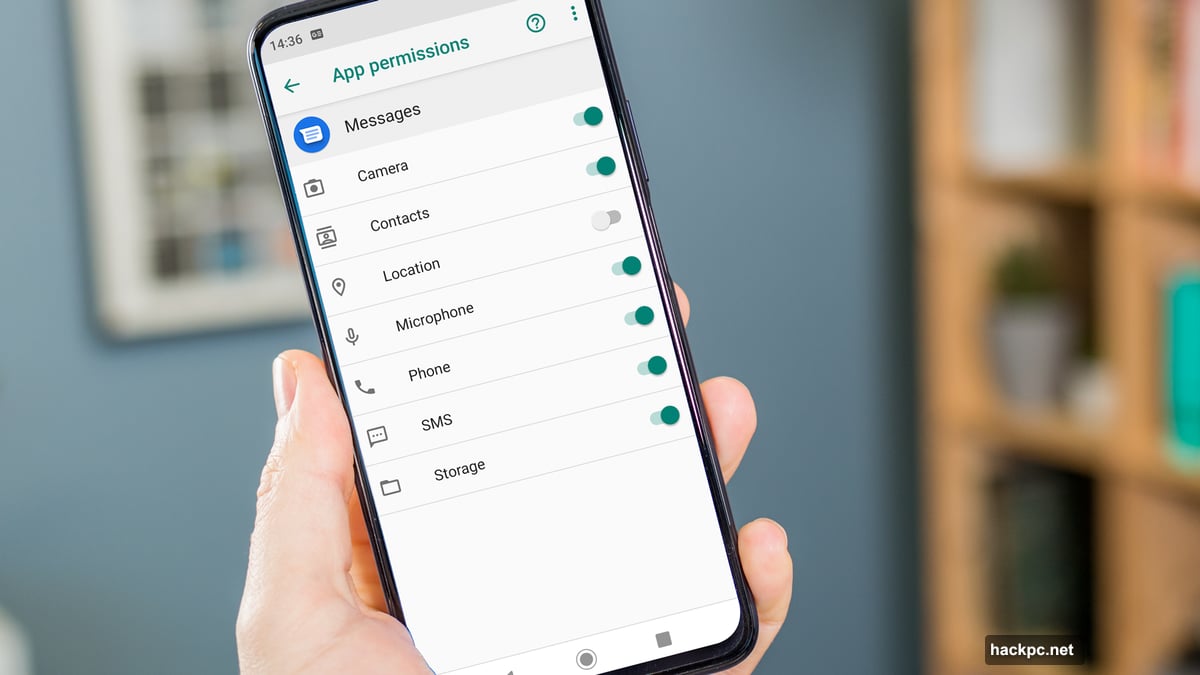
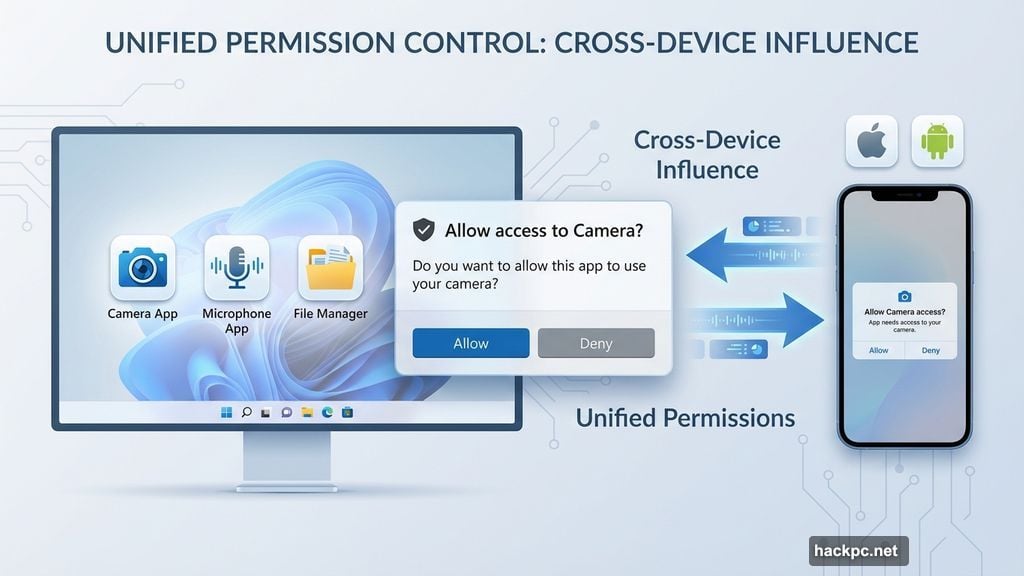
The second major change introduces mobile-style permission prompts. When apps try to access your camera, microphone, local files, or install other software, Windows will ask for your explicit consent.
Microsoft calls this “User Transparency and Consent.” They promise the prompts will be “clear and actionable.” Plus, you can review and change permission decisions later through system settings.
This should sound extremely familiar to anyone using a smartphone. Android introduced granular app permissions with version 6.0 Marshmallow back in 2015. iOS followed similar patterns. Now Windows is catching up nearly a decade later.
The practical impact could be significant. Photography apps will need permission to access your Pictures folder. Video chat tools must request camera and microphone access. Even simple utilities might trigger permission prompts if they try to modify files or install components.
Big Tech Companies Love It (Obviously)
Microsoft quotes executives from 1Password, Adobe, CrowdStrike, OpenAI, and Raycast praising this initiative. But notice who’s missing from that list? Smaller developers and indie software creators.
Large companies have entire security teams dedicated to code signing and permission management. They can easily adapt to these requirements. Small developers and open-source projects? Not so much.
Code signing certificates cost money. Setting up proper signing infrastructure takes time and expertise. Many beloved Windows utilities and tools exist precisely because Windows historically allowed unsigned software to run freely.
So while enterprise security improves, the hobbyist developer ecosystem might suffer. That’s the trade-off nobody wants to talk about openly.
Desktop Computing Isn’t Mobile Computing
Here’s my biggest concern. Desktop workflows differ fundamentally from mobile app usage patterns.
Mobile apps typically operate in isolation. Each app has specific, limited functions. Desktop software often integrates deeply with the system, accesses multiple file locations, and interacts with other programs constantly.
Take a simple backup utility. It needs to read files across your entire drive. A mobile-style permission system would either require massive blanket permissions (defeating the purpose) or constant permission prompts (driving users insane).
Or consider development tools. Compilers, build systems, and debugging tools need deep system access by design. Will developers spend their days clicking “Allow” on permission prompts? That sounds like a productivity nightmare.
Microsoft says the prompts will be “clear and actionable.” But they haven’t shown us what these prompts actually look like or how frequently they’ll appear. That’s concerning given how disruptive poorly-designed permission systems can be.
When Will This Actually Ship?
Nobody knows yet. Microsoft’s blog post closes by suggesting initial testing via Windows Insider builds remains “weeks or months away.”
That means these features won’t hit stable Windows 11 builds for at least six months, probably longer. Microsoft typically runs Insider testing for months before pushing major security changes to general users.
This extended timeline gives developers time to prepare. But it also means we won’t know the real-world impact until actual users start encountering these prompts in their daily workflows.
Plus, Microsoft’s track record with major Windows changes isn’t exactly reassuring. Remember when they announced Windows 10X? Or how many times they’ve redesigned Windows Update? Large-scale Windows changes often undergo significant revisions based on user feedback.
The Security Trade-Off Nobody Wants
Look, I get it. Windows security needs improvement. Malware, ransomware, and exploits continue plaguing Windows users. Mobile-style permissions could genuinely reduce certain attack vectors.
But desktop computing thrives precisely because it offers power and flexibility that mobile platforms don’t. Users choose Windows because they can install anything, customize everything, and integrate tools however they want.
These new restrictions trade some of that freedom for improved security. Maybe that’s the right call for most users. But power users, developers, and IT professionals will feel the friction most acutely.
Microsoft promises users can override restrictions. But how easy will that actually be? Will there be enterprise policies to pre-approve specific applications? Can developers request permission elevation during installation? These details matter enormously but remain unclear.
The desktop computing model evolved differently than mobile for good reasons. Forcing mobile security paradigms onto Windows might solve some problems while creating new ones. We’ll see how this actually plays out when real users finally get their hands on these features.
Until then, prepare for your apps to start asking permission for basically everything they do.




Comments (0)