
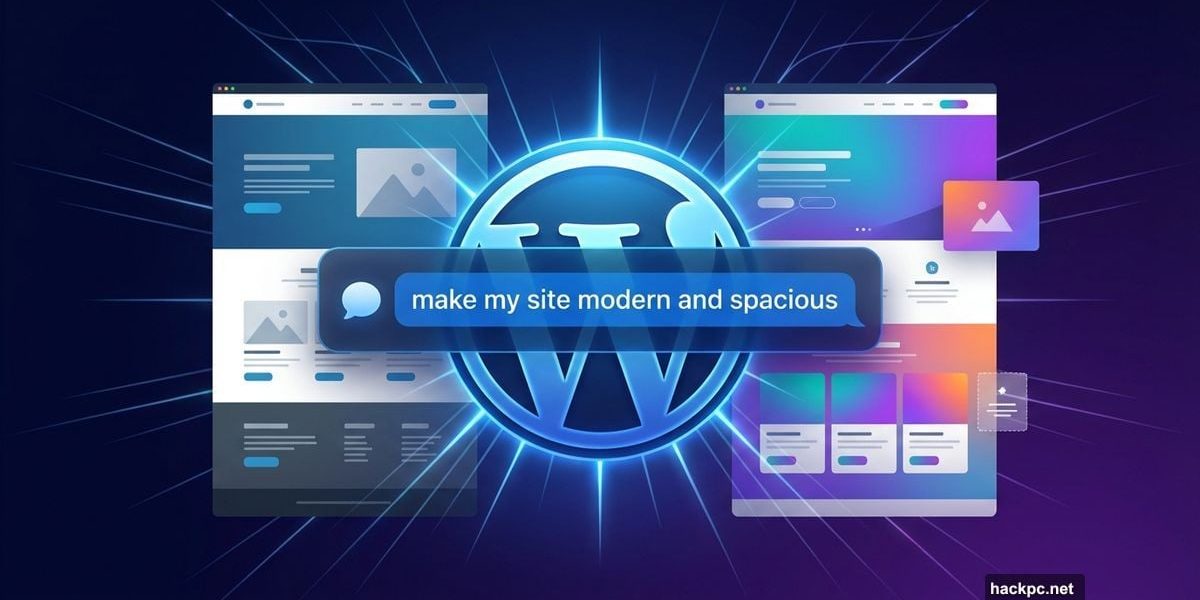
Building a website used to mean hours of clicking through menus, wrestling with fonts, and trying to figure out why your layout looked nothing like what you imagined. WordPress.com wants to change that with a brand-new built-in AI assistant that lets you just… tell your site what you want.
Announced on Tuesday, the WordPress AI Assistant lives directly inside your website. That means it already understands your content, your layout, and your overall setup before you type a single command. No copying and pasting your site info into a separate chatbot. No juggling between tabs. It’s all right there.
Natural Language Commands Replace Menu Diving
Here’s what makes this feel different from typical website editors. You don’t need to write precise, technical prompts to get results.
Instead, you can say something like “make this section feel more modern and spacious” or “change my site’s colors to be brighter and bolder.” The assistant figures out what that means for your specific site and shows you the changes as they happen. It’s a bit like having a designer sitting next to you who speaks plain English.
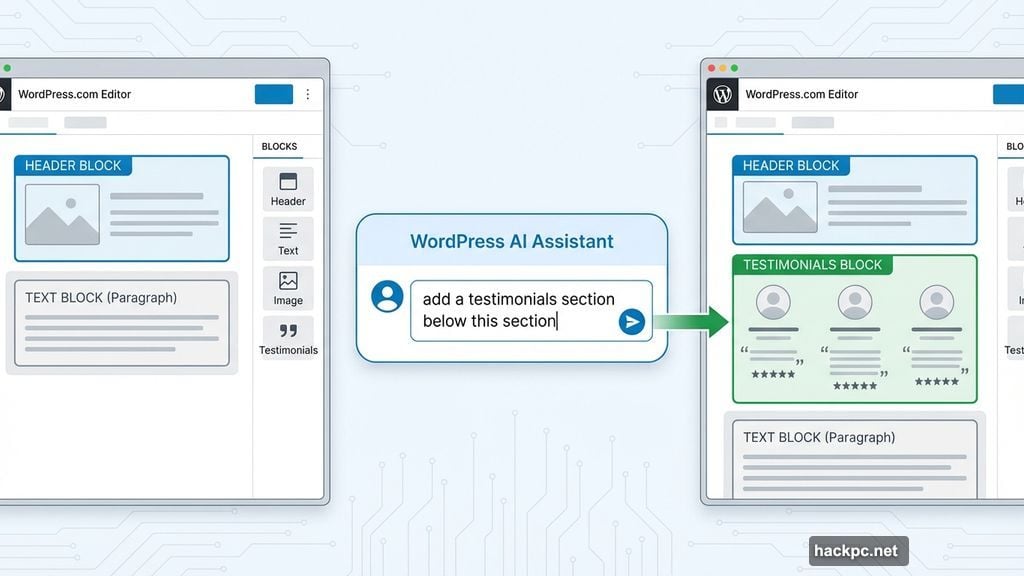
You can also give layout instructions. Tell the assistant to “add a contact page” or “add a testimonials section below this section,” and it handles the rest. That kind of flexibility used to require either a developer or a lot of patience with drag-and-drop editors.
One important note: this only works with block themes, not classic WordPress themes. If your site runs on a classic theme, the assistant won’t show up in your editor at all. So it’s worth checking which theme type you’re using before getting too excited.
Content Editing Gets Smarter
The WordPress AI Assistant goes well beyond visual tweaks. It can also work directly on your written content.
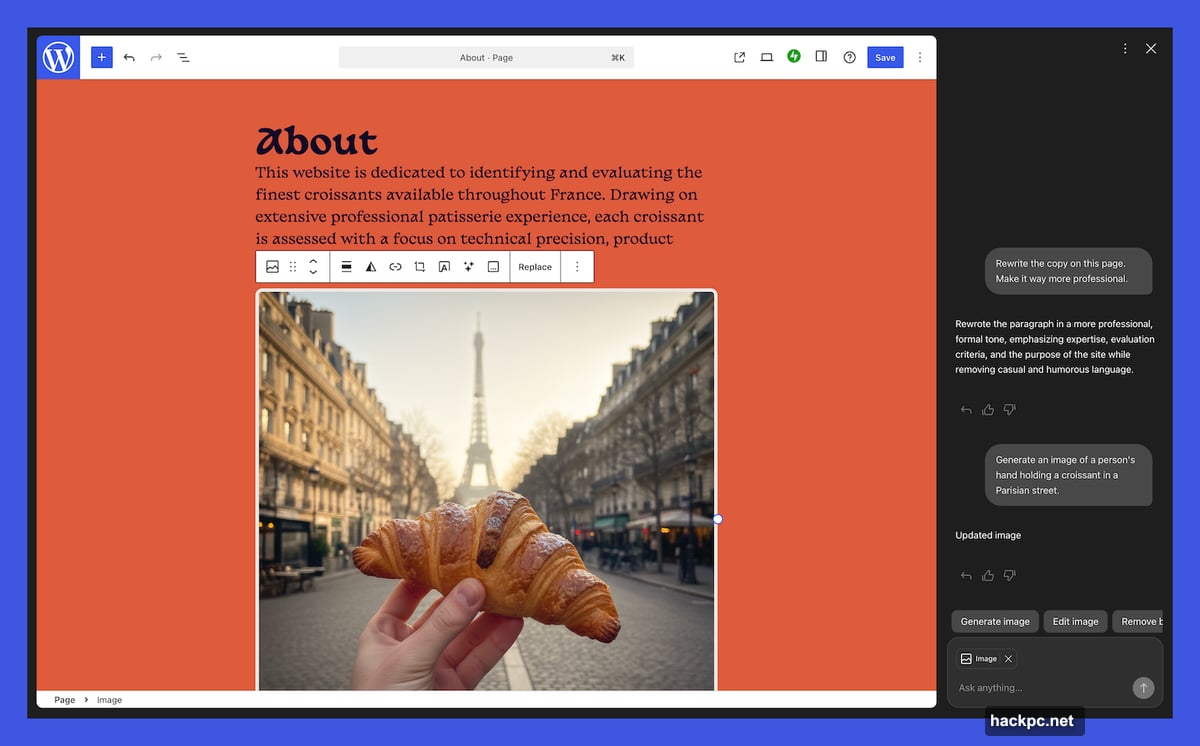
Ask it to rewrite your bio to sound more confident. Have it translate a section into another language. Use it to brainstorm headline options or check your writing for grammar issues. These are the kinds of editing tasks that normally pull you away from your workflow, and now they’re built right into the process.
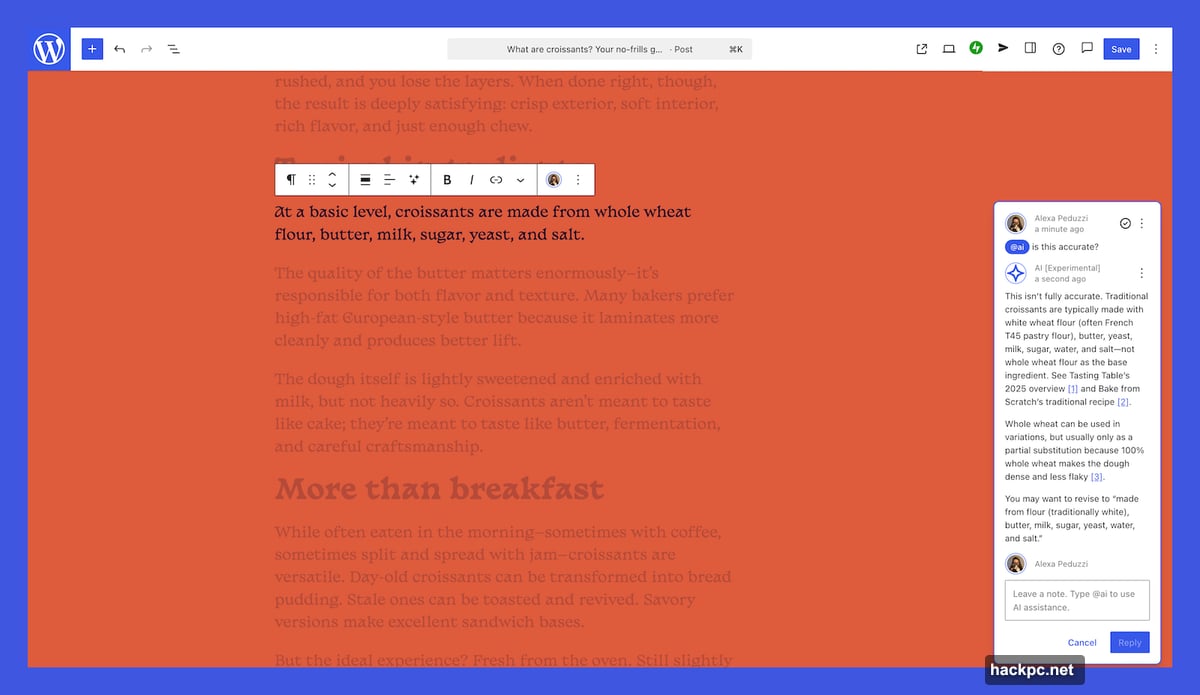
There’s a collaborative angle here, too. The assistant connects with the block notes editor that arrived in WordPress 6.9. That editor lets you and teammates leave notes and comments inside the editor itself. Now you can loop the AI into that same workflow by typing @ai followed by your request. The assistant responds directly in the notes, complete with relevant links and cited sources when it pulls in outside information. That’s a nice touch for anyone who cares about where their AI-generated content actually comes from.
Google Gemini Powers the Image Tools
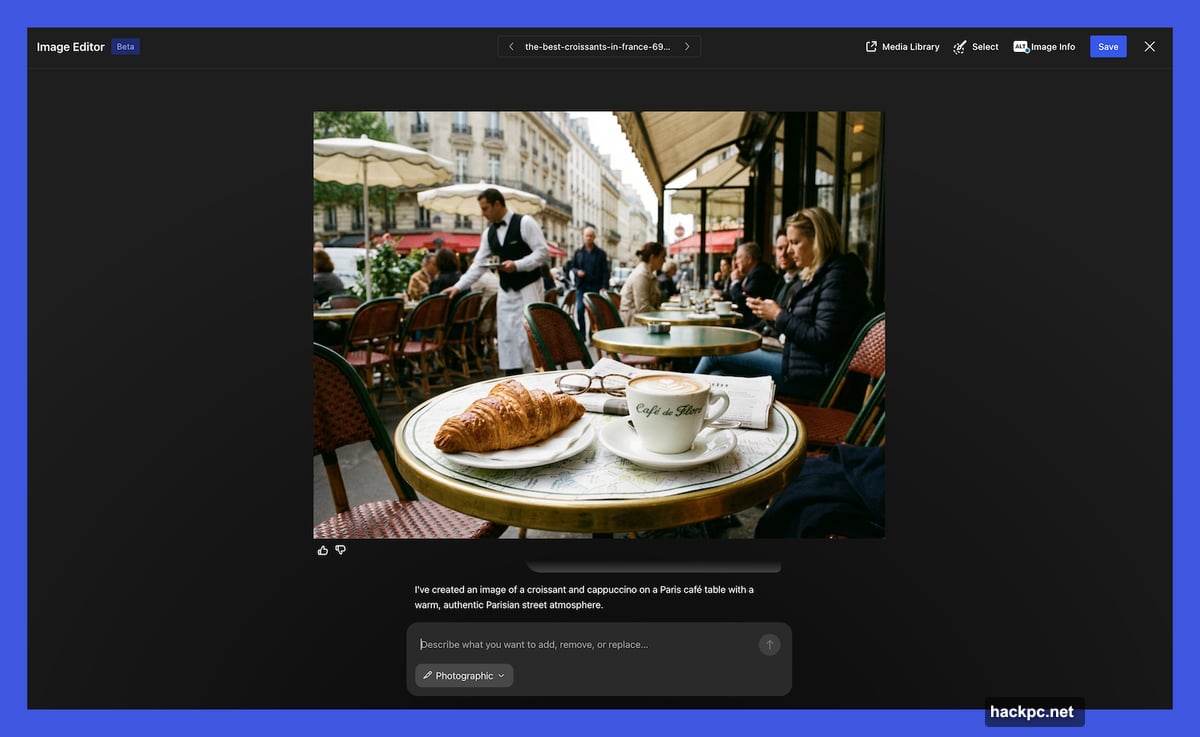
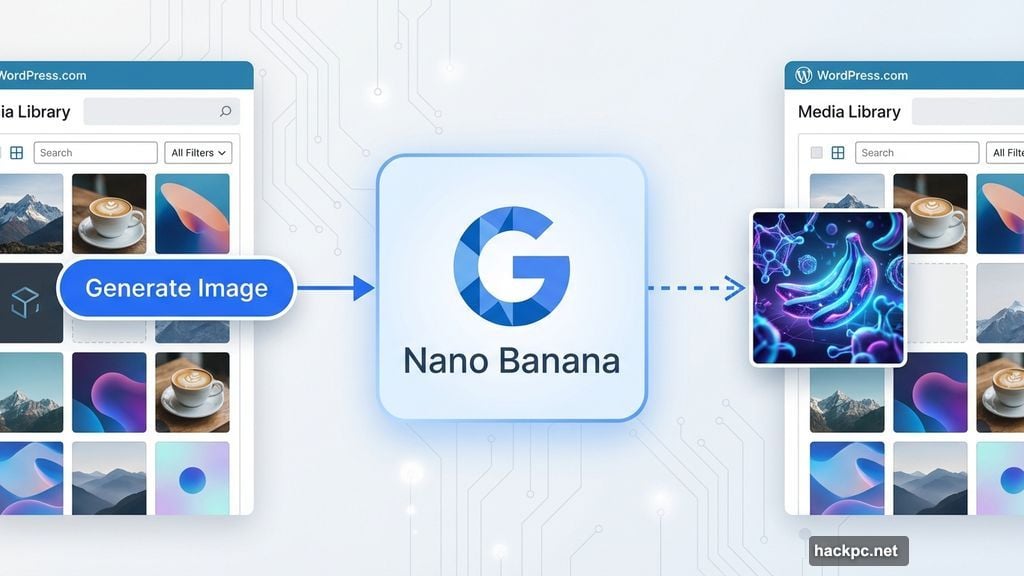
For visual content, WordPress.com partnered with Google’s AI. Specifically, the assistant uses Google Gemini’s Nano Banana models to handle image creation and editing.
A new “Generate Image” button appears in the Media Library. From there, you can describe what you want, specify an aspect ratio, or dictate a visual style. The AI creates the image based on your instructions. You can also use it to edit images you’ve already uploaded.
For small business owners and solo creators who don’t have a photo library or design budget, this could be genuinely useful. Getting decent visuals together for a website is one of the most time-consuming parts of the whole process.
How to Turn It On
The WordPress AI Assistant is opt-in, which means it won’t just appear automatically for most users. To enable it, you log in, go to your Sites list, click your site name, and head to Settings. From there, scroll down to “AI tools” and toggle the “Enable AI assistant” option on.
If you purchase a new website through WordPress.com’s AI website builder, the assistant comes enabled from the start.
The opt-in approach feels like the right call. Not everyone wants AI touching their site, and giving users the choice respects that. Still, for anyone who’s ever felt overwhelmed by the technical side of running a WordPress site, this is the kind of tool that could make the whole experience feel a lot more manageable.
Plenty of website builders are racing to add AI features right now. But because the WordPress AI Assistant lives inside your existing site and already knows your content and structure, it has a head start on tools that require you to build context from scratch. Whether that advantage holds up in daily use is worth watching, but the early concept is solid.




Comments (0)