
If you’ve ever wished you could tweak a PDF or polish a design without leaving your workflow to open a completely different app, Adobe just heard you.
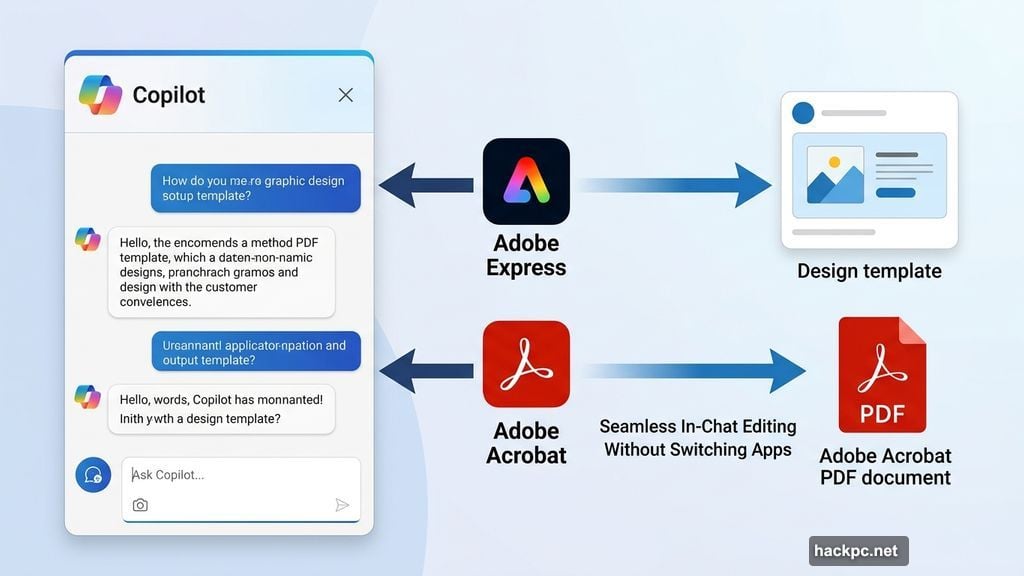
Adobe confirmed it’s bringing both Express and Acrobat directly into Microsoft 365 Copilot. That means the creative and productivity tools millions of people already rely on will soon live right inside the AI assistant many of them use every day. No switching apps. No steep learning curves. Just results.
Adobe Hits the Microsoft 365 Agent Store
The two apps are heading to the Microsoft 365 Agent Store in the coming weeks. That’s according to Govind Balakrishnan, Adobe Express SVP and GM, who shared the news on LinkedIn.
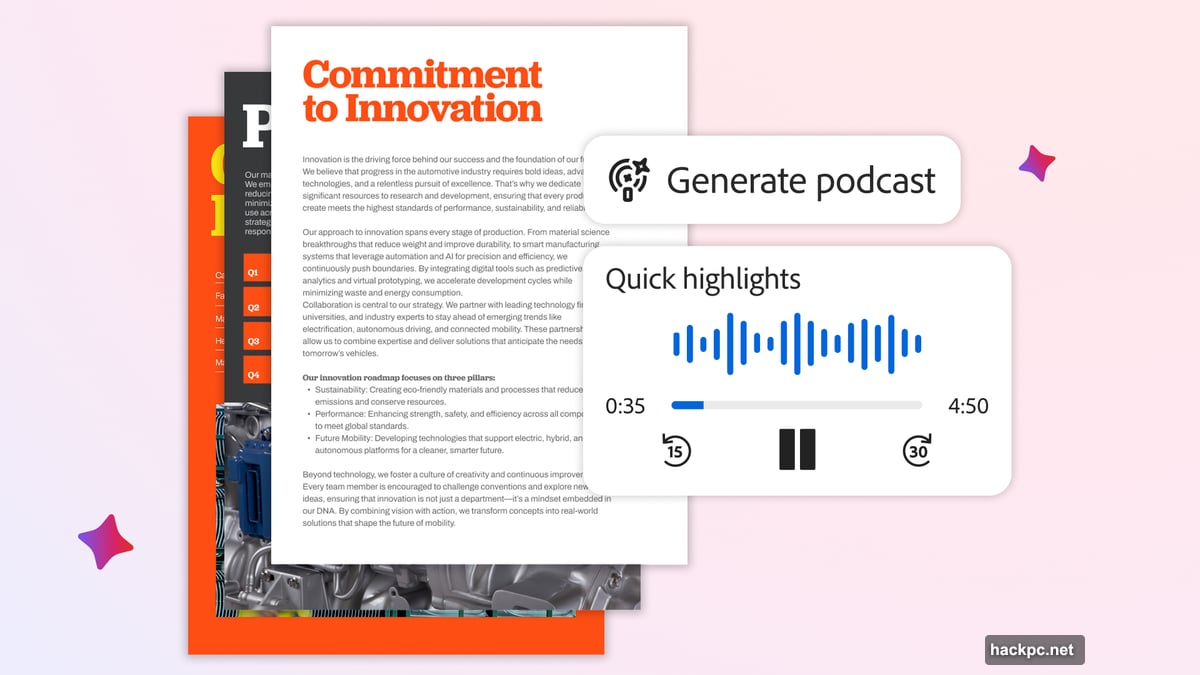
So what does this actually look like in practice? Within the Copilot chat interface, you’ll be able to browse Adobe Express design templates, adjust text and copy, swap out images, generate new ones with AI, and even add animations or motion effects. All without opening Express itself.
But here’s the part that makes this genuinely useful. If you want to go deeper, the files you create or edit through Copilot also exist inside the full Express app. So you get a simplified starting point, with the option to expand into more advanced editing whenever you need it.
PDF Editing Gets a Copilot Boost
On the Acrobat side, the integration lets you create, organize, and edit PDFs straight from the Copilot chat window. That’s a big deal for anyone who regularly works with PDF documents as part of their day-to-day routine.
PDF editing has historically required dedicated software and a bit of patience. Bringing those capabilities into a conversational AI interface lowers that barrier considerably. You can make changes faster, without navigating multiple apps or remembering where you saved that file.
For business users especially, this kind of friction reduction adds up over time.
Adobe’s Bigger AI Strategy
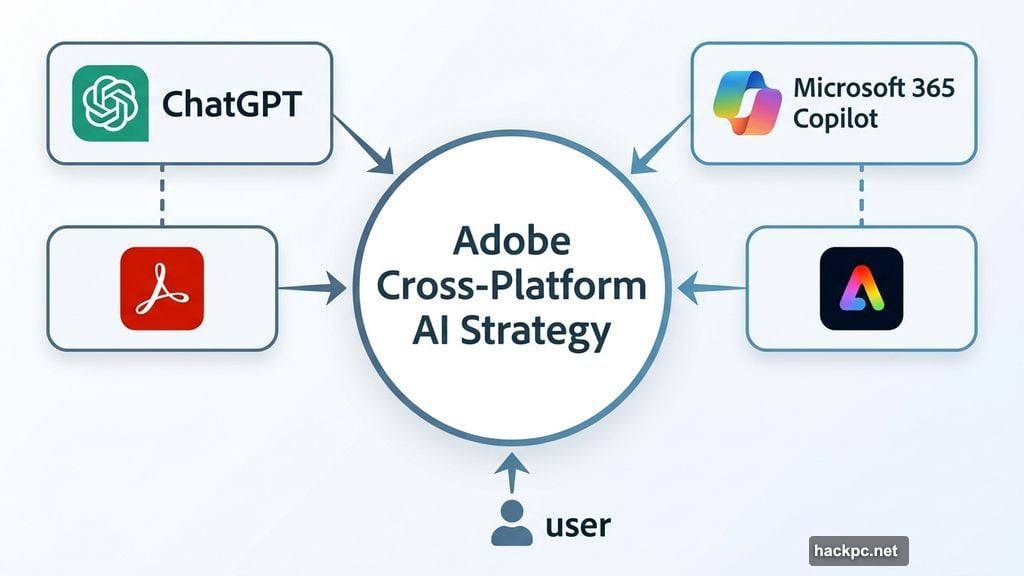
This Microsoft 365 integration isn’t a one-off move. Adobe has been building toward this kind of cross-platform presence for a while now.
Earlier, Adobe brought Acrobat, Express, and Photoshop into ChatGPT. That integration followed the same logic. Rather than asking users to come to Adobe’s apps, Adobe is showing up inside the tools users already live in.
Balakrishnan described the broader goal as part of Adobe’s plan to make “creativity more accessible to everyone.” And honestly, that framing makes sense. Creative tools have always had a reputation for complexity. These integrations chip away at that reputation by meeting people where they already are.
Why This Matters Beyond the Hype
There’s a practical problem these integrations solve that’s worth talking about. AI image generators inside tools like ChatGPT and Copilot have gotten impressively good at creating visuals from text prompts. But refining those visuals has always been clunky. You’d prompt, get something close, prompt again, get something slightly different, and repeat until you either gave up or accepted good enough.
Adding Express into that loop changes things. Now the AI can generate a human-editable file format from the start. So instead of re-prompting endlessly, you get a design you can actually reach in and adjust directly. That’s a meaningful shift in how creative work flows inside AI tools.
For teams that don’t have dedicated designers, this combination of AI generation and human-friendly editing could genuinely expand what’s possible without hiring additional creative staff.
Adobe is making a smart bet that the future of creative software isn’t just better apps. It’s being embedded everywhere people already work. If the Microsoft 365 Copilot integration lands as smoothly as the ChatGPT one did, it’s going to be a genuinely useful addition to a lot of people’s daily workflows.




Comments (0)