
The AI image generation market exploded in 2025. Now dozens of services promise to turn your text prompts into stunning visuals.
But here’s the problem. Most people waste money subscribing to multiple platforms before finding what actually works for their needs. I spent months testing every major AI image generator to save you that hassle.
So let’s break down which tools deliver real value and which ones fall short.
Google’s Nano Banana Pro Dominates Photorealism
Google’s Nano Banana Pro (formerly Gemini 3) changed everything in 2025. This model crushes competitors when it comes to generating realistic images.
The breakthrough? Character consistency. Previous AI models struggled to maintain the same face or style across multiple images. Nano Banana Pro solved that problem.
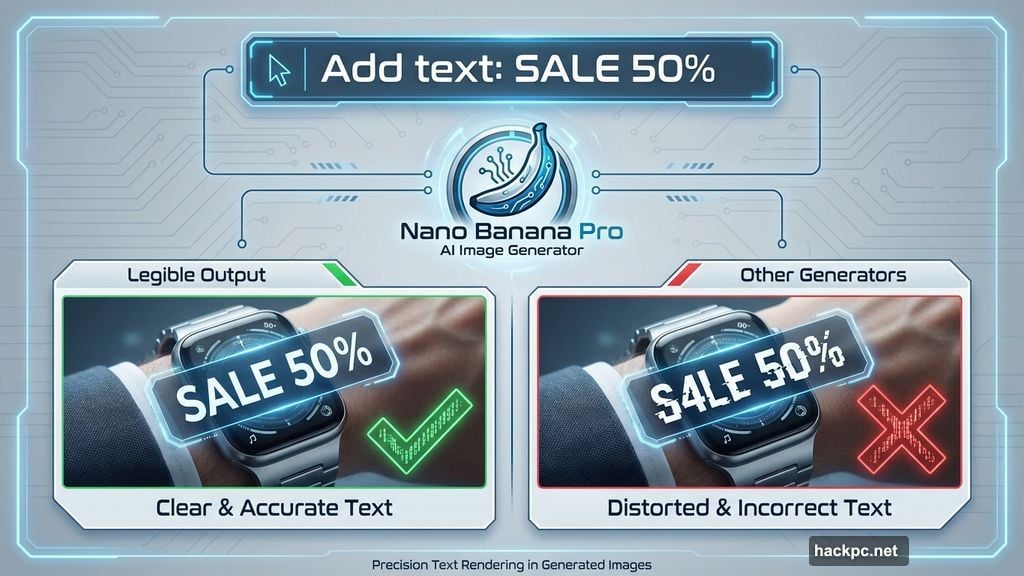
Plus, it can create legible text inside images. That’s huge for infographics or social media posts. Other generators still produce gibberish when you ask for text elements.
However, generation takes longer than competitors. And you need to fact-check any information displayed in those graphics. AI still makes stuff up sometimes.
You get a few free images using Gemini’s “Thinking” pro model. Then subscriptions start at $20 monthly.
Beginners Should Start With Canva
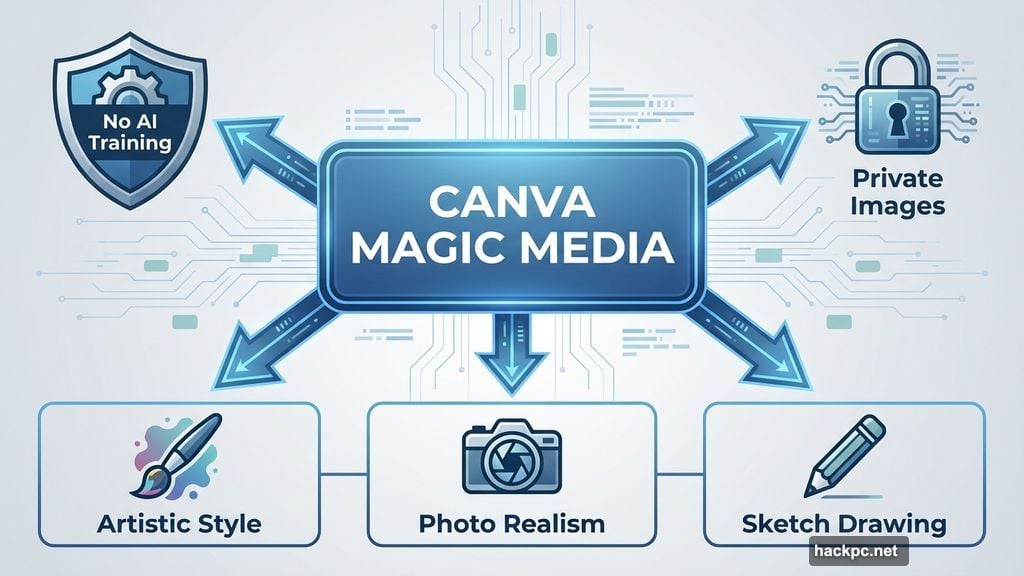
Canva‘s Magic Media tool wins for ease of use. No complicated settings or technical jargon. Just describe what you want and hit generate.
The privacy policy stands out too. Canva doesn’t train its AI on your content. Your generated images stay private. Most competitors can’t promise that.
Magic Media handles multiple artistic styles surprisingly well. Meanwhile, integration with Canva’s design suite means you can instantly drop AI images into presentations or social posts.
The downside? Limited editing tools. Free plans have strict generation limits. But for casual users on a budget, it’s perfect.
Plans start at $13 monthly if you need more capacity.
Adobe Firefly Guarantees Commercial Safety
Professional creators face unique risks with AI imagery. Copyright concerns top that list.
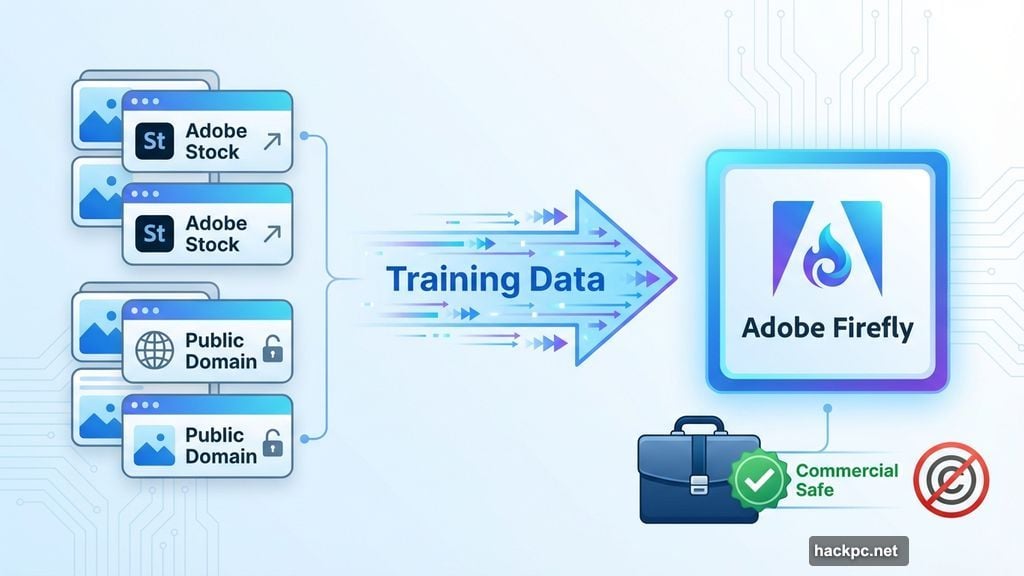
Adobe Firefly solves this by training exclusively on Adobe Stock content. That means licensed and public domain images only. Plus, Adobe won’t train its AI on your work.
Every Firefly output is commercially safe. No copyright infringement worries when you use these images in client projects.
Firefly integrates directly into Photoshop and other Creative Cloud apps. That workflow advantage matters if you’re already in Adobe’s ecosystem.
The catch? Firefly struggles with photorealistic styles compared to Nano Banana Pro. It excels at artistic and illustrative looks instead.
Pricing starts at $10 monthly. Some Adobe subscriptions include Firefly credits.
Stable Diffusion Gives AI Enthusiasts Full Control
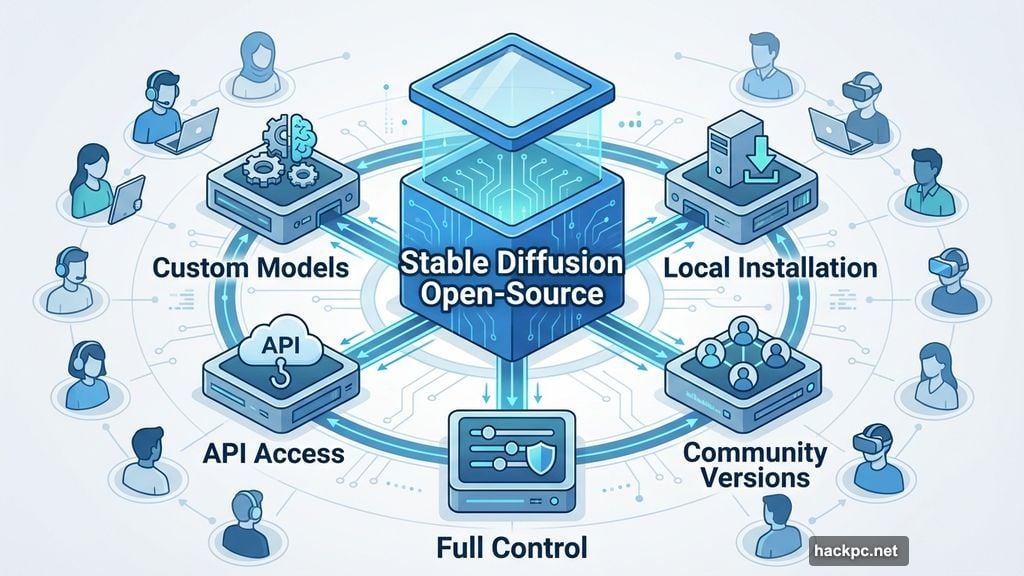
Stable Diffusion remains the go-to open-source option. This family of models offers incredible versatility.
You can access Stable Diffusion multiple ways. Run it locally on your computer. Use Stability AI’s platform. Or tap into third-party services that implement these models.
Stability AI’s platform provides the most comprehensive editing tools I’ve tested. Fast generation times seal the deal.
But open-source means complexity. Privacy policies and pricing vary depending on your access method. Stability AI charges $10 monthly and lets you opt out of model training.
Technical users love the flexibility. Casual creators might find it overwhelming.
Midjourney Excels at Creative Brainstorming
Midjourney‘s signature high-fantasy aesthetic makes it instantly recognizable. This service generates the most creative, imaginative results.
That creativity shines for storyboarding, concept art and brainstorming sessions. But if you need stock photography or photorealism, look elsewhere.
Recent improvements helped Midjourney’s prompt adherence. Upscaling and editing tools work well now.
One major caveat. All your images are public by default. Stealth mode (private generation) requires paid plans starting at $10 monthly.
Plus, Midjourney faces ongoing lawsuits. Disney, Universal and Warner Bros. allege the service infringes copyrights by generating recognizable characters. That legal uncertainty matters if you’re using Midjourney commercially.
ChatGPT Users Get Solid Free Option
OpenAI’s GPT-Image-1 model integrates directly into ChatGPT. That makes it convenient for existing users.
The images lean creative and stylistic. Text generation inside images works sometimes, but it’s inconsistent. And you can’t do advanced editing after generation.
Still, it’s free with any ChatGPT account. Paid users get more generation capacity for $20 monthly. You can disable AI training on your prompts.
For quick, casual AI images, it gets the job done. Just don’t expect professional-grade outputs.
What Actually Matters When Choosing a Generator
Accuracy determines whether the AI understands your prompt. Does it generate what you asked for? Are details clear and correct?
Every generator occasionally “hallucinates” – adding weird elements you didn’t request. Three-armed people. Disappearing objects. Those flaws happen.
Great services minimize hallucinations and provide editing tools to fix them quickly.
Response speed varies. Most generators take under two minutes. The fastest services deliver results in 10-30 seconds. That speed advantage adds up when you’re iterating on designs.
Privacy policies deserve careful review. Many AI companies train their models on user content. Some share your prompts or generated images publicly. Read the fine print before committing.
Copyright Concerns Remain Murky
AI image generation sits at the center of heated legal debates. Artists and copyright owners argue their work trains these models without permission or compensation.
Meanwhile, moderation systems struggle to prevent creation of harmful or illegal content.
You should always disclose AI use when sharing generated images online. That transparency matters as AI content floods social media.
Copyright law for AI-generated content stays complicated. You likely can’t copyright fully AI-made images. But AI-edited content might qualify for protection if you disclose the AI assistance.
Different generators handle brand names and copyrighted characters differently. Test how your chosen service responds to those prompts.
Most People Only Need Two Generators
Here’s my honest take after months of testing. Most users only need access to two tools maximum.
Pick Nano Banana Pro for realistic images and legible text. Add Canva if you want easy social media integration.
Professionals should swap Canva for Adobe Firefly to ensure commercial safety.
Everyone else? Save your money. Don’t subscribe to five different services hoping one magically solves all your problems. The differences between mid-tier options aren’t worth the cost.
Focus on learning one or two tools really well. Master prompt writing. Understand each service’s strengths and limitations.
That focused approach beats platform hopping every time.




Comments (0)