
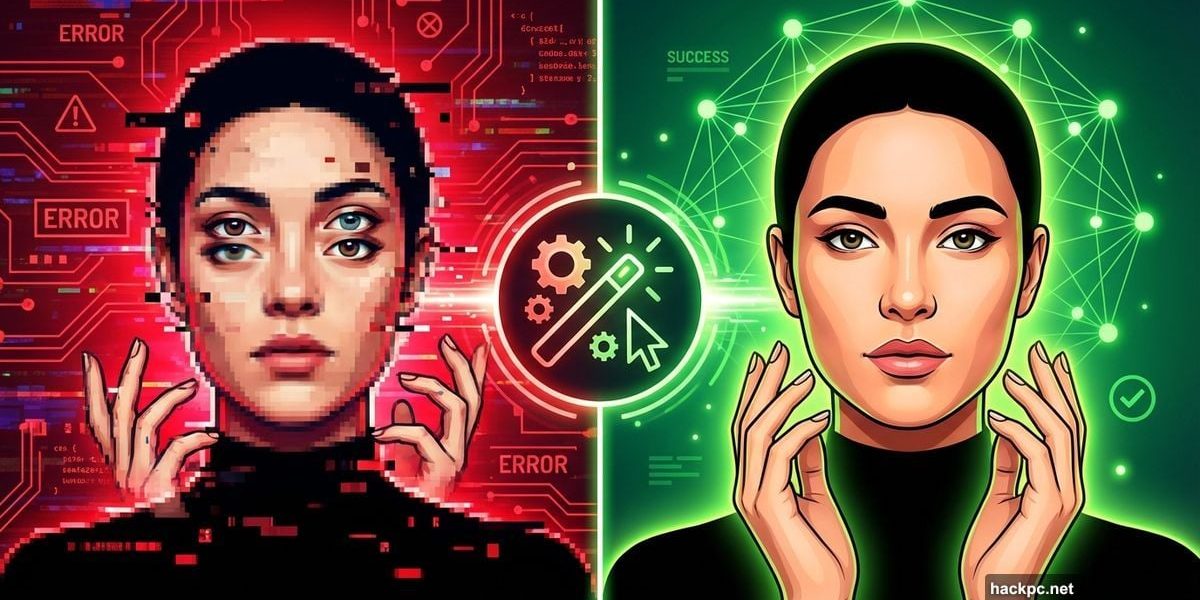
AI image tools produce stunning results sometimes. Other times they spit out nightmare fuel with six fingers and vampire teeth.
I’ve spent months testing every major AI image generator on the market. That means I’ve seen thousands of failed attempts, bizarre hallucinations, and hilariously broken images. Plus, I’ve figured out exactly how to fix the most common problems.
Let’s talk about what breaks AI images and how you can actually fix these issues without starting over completely.
The Face Problem Nobody Warned You About
Human faces trip up AI generators more than anything else. Eyes point in different directions. Teeth multiply like something from a horror movie. Eyebrows float off faces entirely.
I recently generated what should’ve been a simple group photo. Instead, two people sprouted vampire fangs while someone in the background looked like they’d stuck their finger in an electrical socket. The hair alone was terrifying.
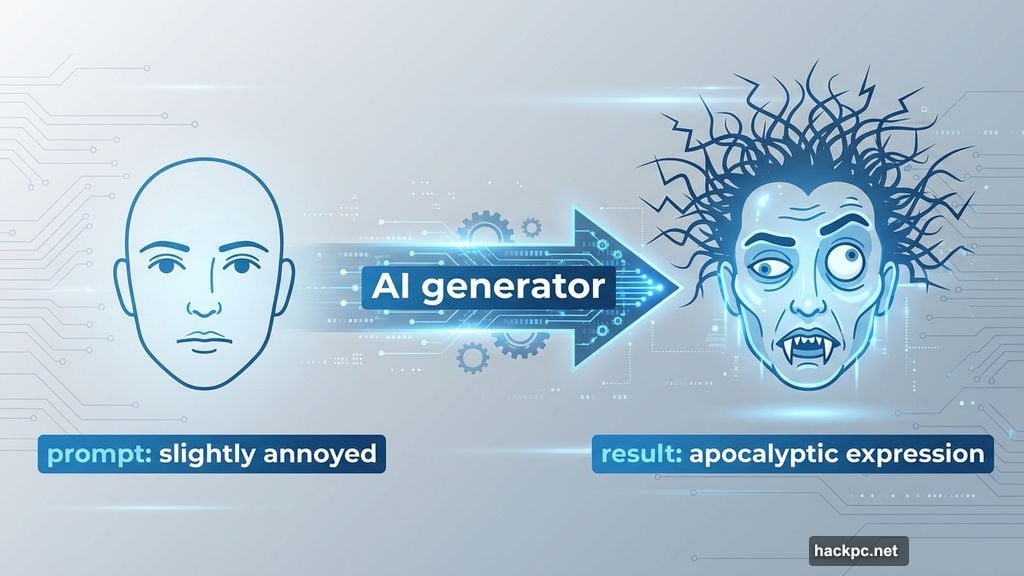
Even cartoon characters struggle with emotional accuracy. One generator gave me a person absolutely losing their mind over cleaning supplies. The prompt asked for “slightly annoyed” but the result looked like someone witnessing the apocalypse. That’s a huge gap between request and reality.
Here’s what works better. Ask for fewer people in your image. More faces mean more chances for things to go wrong. Also, use your generator’s editing tools to fix specific facial features after creation.
Try gentler emotion words too. “Frustrated” instead of “furious.” “Happy” instead of “ecstatic.” AI tends to overdo emotions, so dialing back your language helps prevent melodramatic results.
Brand Logos Are Off Limits
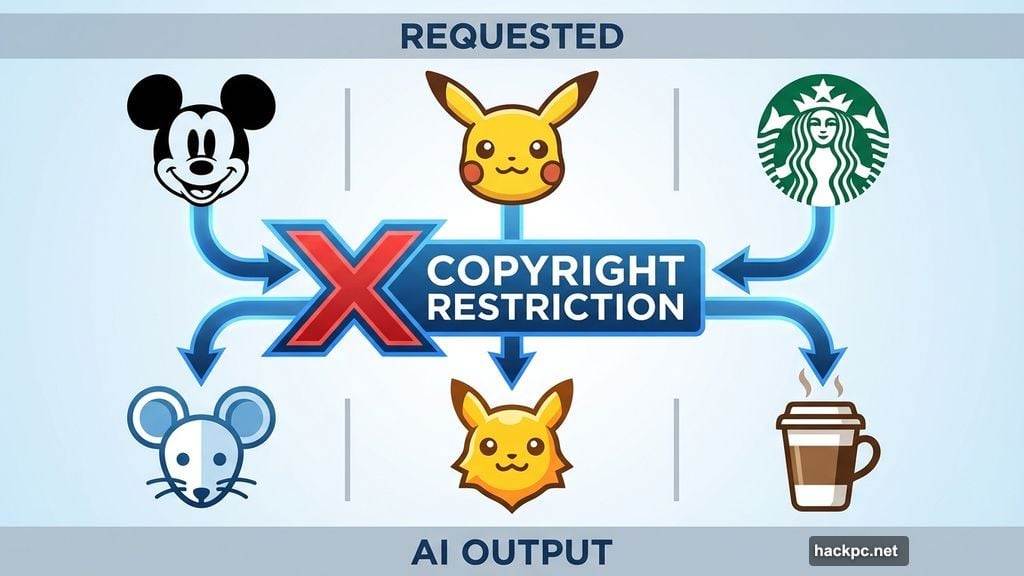
Want Mickey Mouse in your image? Good luck with that. Most generators can’t recreate recognizable logos, characters, or trademarks accurately.
Legal concerns drive this limitation. Companies protect their intellectual property aggressively. Plus, many brands simply aren’t in the training data these generators use.
Two recent exceptions exist. Google’s Pixel 9 phones with Gemini AI can generate surprisingly accurate Mickey Mouse and Pikachu images. Some paying X users report similar success with Grok’s image generation.
But these are outliers. Most generators will give you mangled approximations at best.
The fix? Rethink your concept entirely. Do you actually need the TikTok logo, or would a phone displaying vertical video communicate the same idea? Can you convey “popular coffee chain” without literally showing the Starbucks mermaid?
This limitation protects you from copyright lawsuits anyway. Consider it a feature, not a bug.
Complex Scenes Fall Apart Quickly
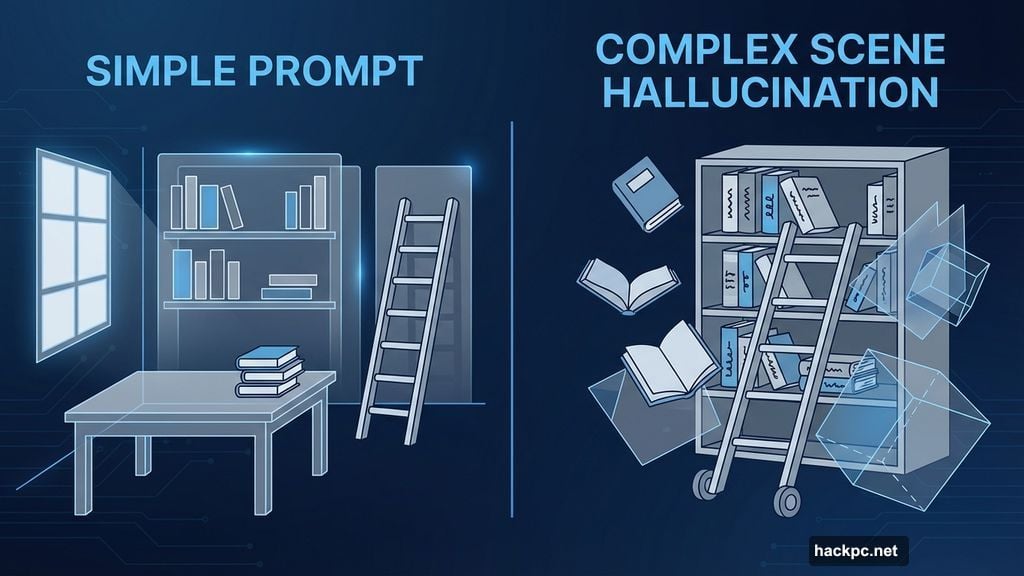
Stack too many elements together and AI generators start hallucinating nonsense. Overlapping objects merge in weird ways. Text becomes gibberish. Physical laws stop applying.
One “dream library” image I created looked perfect at first glance. Then I noticed the rolling ladder disappearing halfway up the shelves. It just ceased to exist mid-climb.
Another kitchen scene seemed photorealistic until I zoomed in. The cookbook displayed random characters instead of actual text. Worse, the book appeared to have two spines and three separate sections. That’s not how books work.
These flaws ruin otherwise usable images. You think you’ve got a winner, then small details destroy everything.
Simplify your prompts when this happens. Remove unnecessary elements. Focus on the core concept you’re trying to communicate.
Most generators offer area-specific editing tools now. Select the problem section and ask the AI to regenerate just that part. Sometimes switching from photorealistic to illustrated styles helps too.
When Editing Makes Things Worse
Here’s something nobody tells you about AI image editing. More edits don’t always mean better results.
I once spent twenty minutes trying to fix a soccer team celebration photo in Midjourney. Each edit introduced new problems. By the end, one player had morphed into an unidentifiable blob. I have no idea what the AI was thinking at that point.
Neither did the AI, probably.
Sometimes you need to abandon ship entirely. Scrap the current batch and start fresh with a refined prompt. Fix the big issues upfront so you only worry about minor tweaks later.
Think of it like this. You can polish a decent sculpture into something great. But you can’t fix a fundamentally broken foundation no matter how much you polish.
The Reality Check
AI image generators improve constantly. Companies race to solve these common problems. But the technology isn’t flawless yet.
These imperfect results prove that AI still needs human guidance and oversight. The tools are powerful but they’re not magic. You can’t just type random words and expect perfection.
One more critical thing. Always acknowledge when images are AI-generated. As these tools get more realistic, that disclosure becomes more important. People deserve to know whether they’re looking at AI art or traditional media.
The distinction matters for trust and transparency. Plus, most platforms now require AI content labels anyway.
Master these fixes and you’ll spend less time fighting with generators and more time creating actually usable images. The technology serves you, not the other way around.




Comments (0)