
AI image tools can create stunning visuals one second and absolute nightmares the next. You’ve probably seen it yourself.
After generating thousands of AI images with tools like Midjourney, DALL-E, and Stable Diffusion, I’ve noticed consistent patterns in what breaks these systems. Despite impressive advances, even the best generators stumble over the same basic problems. And honestly? It’s frustrating when you waste credits on prompts that were doomed from the start.
But here’s the good news. Once you understand what trips up these algorithms, you can work around the limitations and actually get usable results.
Faces Look Wrong Every Single Time
Human faces remain the biggest weak point for AI generators. Eyes point in different directions. Teeth multiply like rabbits. Eyebrows float off faces entirely.
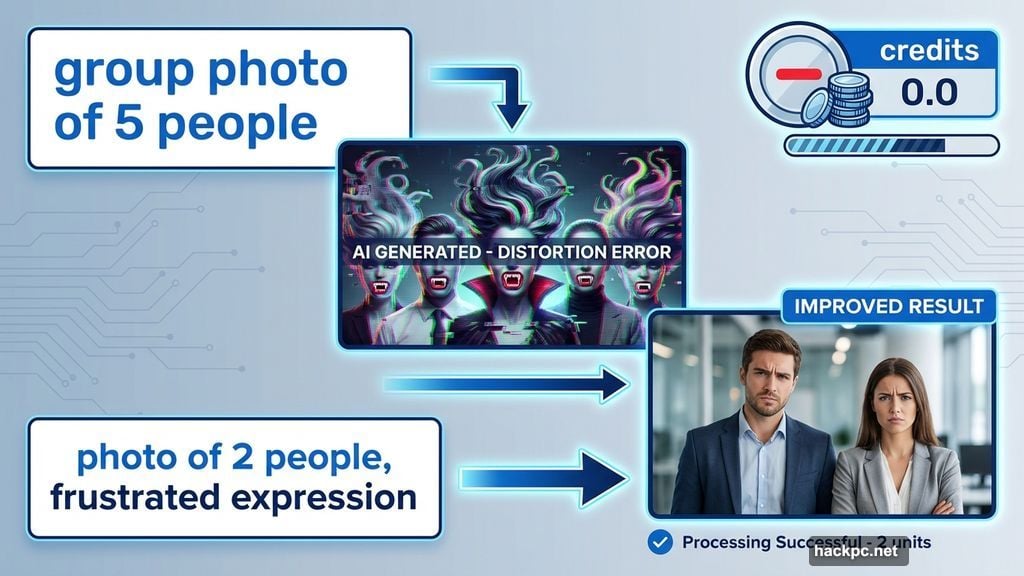
I recently tried generating a simple group photo. The result was hilariously unusable. Two people had vampire fangs. Another person’s hair defied physics. These weren’t subtle flaws. They screamed “AI-generated nightmare.”
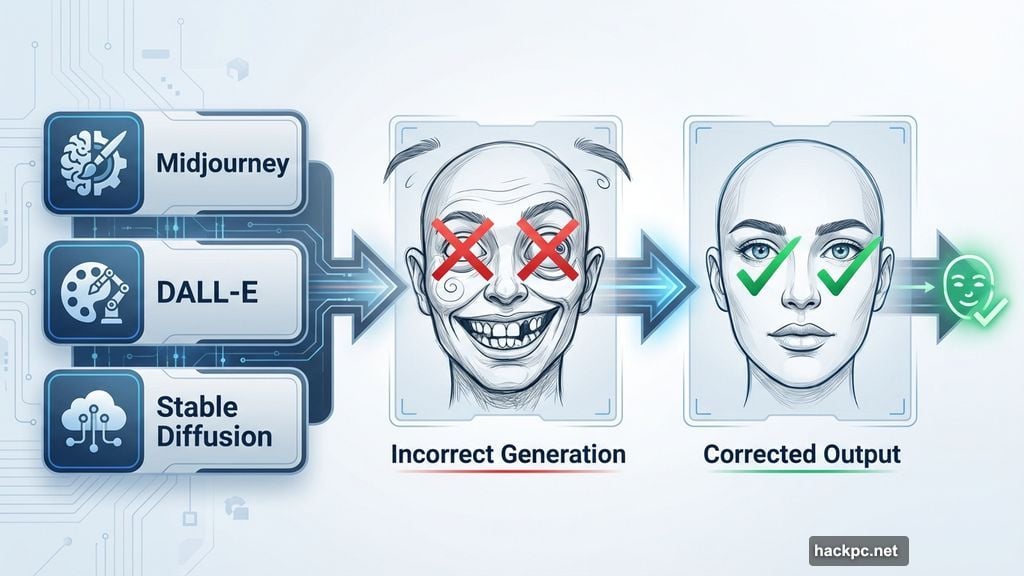
Even cartoon characters suffer from expression problems. DALL-E 3, currently one of the best generators available, created an image where someone looked way too upset about spilled cleaning supplies. The emotional intensity was completely off.
So what’s the solution? First, reduce the number of people in your prompt. Fewer faces mean fewer chances for the system to mess up. Second, use gentler emotion words. Try “frustrated” instead of “furious.”
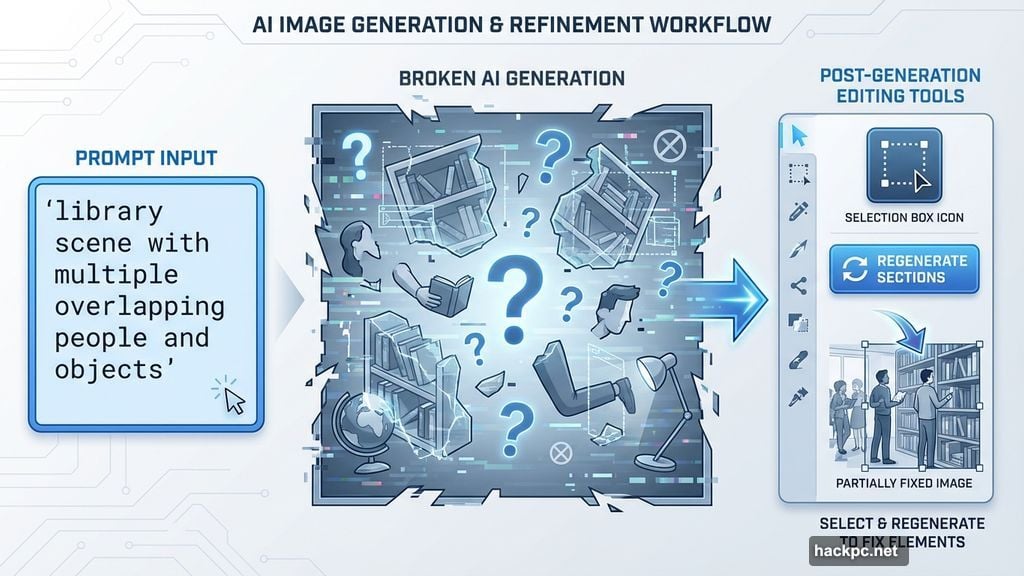
Plus, take advantage of post-generation editing tools when your service offers them. Select problem areas and regenerate just those sections. This targeted approach works far better than scrapping entire images.
Logos and Brand Characters Are Off-Limits
Forget about generating accurate company logos or recognizable characters. AI generators usually fail at this task for good reasons.
Legal concerns top the list. Companies don’t want their intellectual property floating around AI training data. Moreover, if a brand isn’t in the training set, the generator simply can’t understand your request.
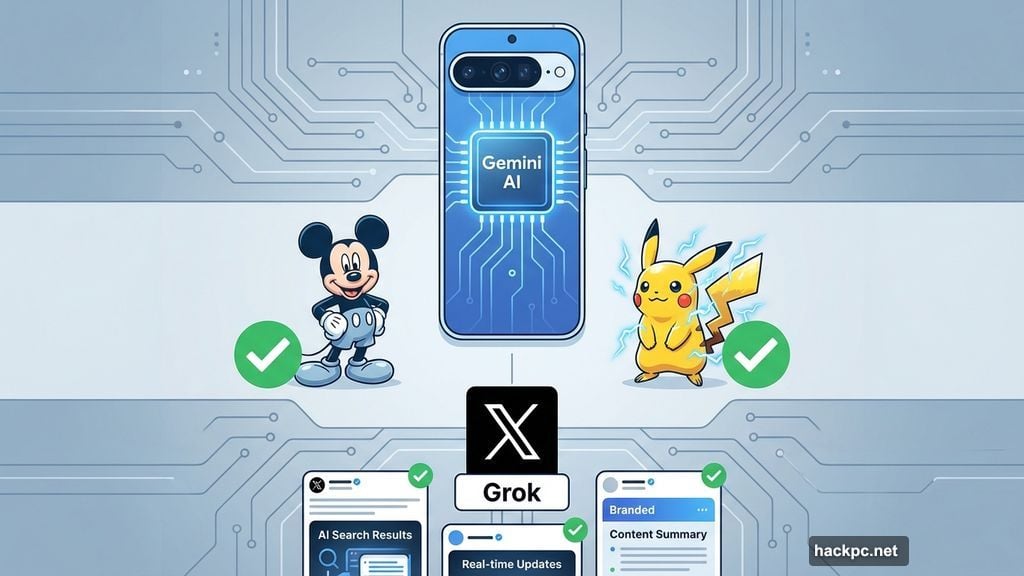
However, some exceptions exist. Google’s Pixel 9 phones with Gemini AI can create decent renditions of Mickey Mouse and Pikachu. Similarly, some X users report that Grok produces realistic-looking branded content. Still, these remain outliers rather than the norm.
Here’s my advice. Rethink your concept entirely. Do you really need the TikTok logo, or would a generic vertical video on a phone screen work just as well? Most of the time, you can convey the same idea without risking copyright issues.
Besides, avoiding trademarked content keeps you legally safe. That’s worth more than any single image.
Complex Scenes Fall Apart Under Pressure
Multiple overlapping elements confuse even premium generators. I’ve seen this break images that should’ve been simple.

Take a library scene I generated with Leonardo AI. The space looked gorgeous at first glance. Then I noticed the rolling ladder that vanished halfway up the bookshelf. Completely unusable.
Another kitchen image seemed photorealistic initially. But zooming in revealed nonsense text on a cookbook. The book itself had two spines somehow. These small flaws ruined otherwise perfect images.
This happens most often with photorealistic styles. The more details you request, the more likely something breaks.
The fix? Simplify your prompt dramatically. Remove unnecessary elements. If your generator offers area-specific editing, select the broken section and ask it to regenerate just that part.
And consider changing your aesthetic entirely. Sometimes switching from photorealistic to illustrated style helps the system handle complexity better.
Too Much Editing Creates Monsters
Over-editing AI images produces increasingly weird results. I learned this the hard way with Midjourney.
I started with a soccer team celebrating a victory. After several editing rounds, one player transformed into an unidentifiable blob. I have no idea what went wrong. Neither did Midjourney, apparently.
The system just kept amplifying errors instead of fixing them. Each edit made things worse rather than better.
So here’s what I recommend. Sometimes you need to start over completely. Stop trying to salvage a broken image through endless edits.
Instead, refine your initial prompt to minimize problems from the start. Then you’ll only need minor touch-ups later. This approach saves time and credits in the long run.
Remember that AI generators work best when humans guide them carefully rather than demanding perfection through brute force editing.
The Reality Check Nobody Wants to Hear
These tools keep improving, but they’re nowhere near perfect. Companies are definitely working to eliminate these consistent failure points.
Yet the improvements come slowly. Meanwhile, you’re stuck dealing with three-armed people and impossible physics.
But there’s a silver lining. These limitations prove AI hasn’t replaced human creativity and judgment. You still need to understand what works, what doesn’t, and how to bridge the gap.
Also, always disclose when you share AI-generated images. As these tools get more realistic, distinguishing AI art from human-created work becomes crucial for transparency and trust.
The technology is powerful but flawed. Work with its strengths, avoid its weaknesses, and you’ll get far better results than just hammering the generate button repeatedly.




Comments (0)