
Vibe coding lets you describe an app in plain English and watch AI generate the code. No programming degree needed.
Sounds like magic. But after spending hours testing these tools myself, I found the reality more nuanced than the hype suggests. Let’s break down what works, what doesn’t and whether you should try it.
What Vibe Coding Actually Means
The term comes from Andrej Karpathy, Tesla’s former AI director. He described it as giving in to the vibes and forgetting code exists. Just tell an AI what you want. It handles the rest.
So instead of learning JavaScript or Python, you write: “Build me a recipe organizer with categories and a search function.” The AI generates the framework, interface and logic. You test it, refine your prompt and repeat until it works.
Collins Dictionary named it Word of the Year. Y Combinator reported 25% of their Winter 2025 startups built codebases almost entirely with AI. This shift happened fast.
The Tools That Make It Possible
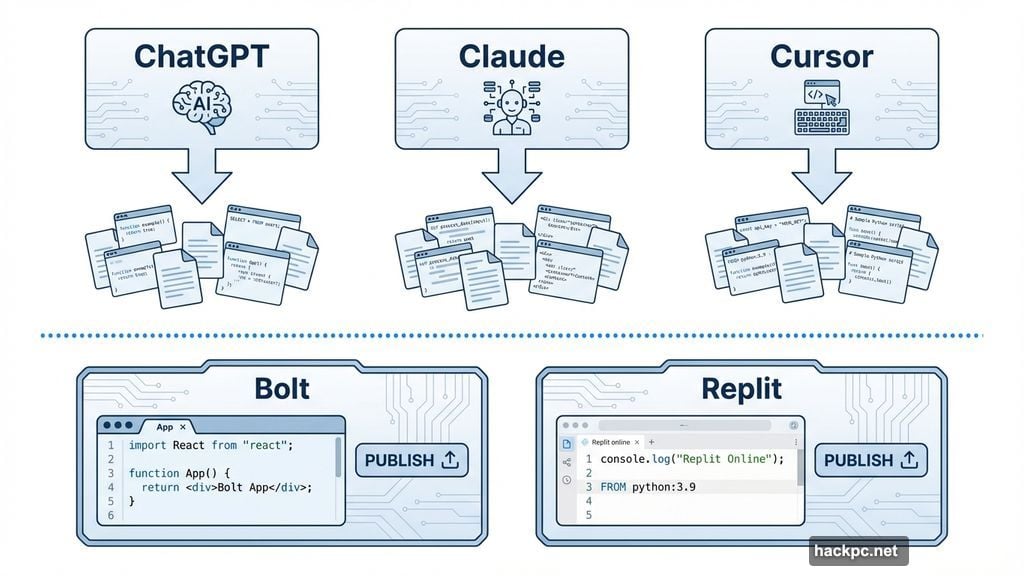
ChatGPT, Claude, Gemini and Cursor all generate code from text prompts. Most offer limited free use. You describe your idea. They spit out code.
But here’s the catch. You still need to know what to do with that code. Copy it where? Save it as what file type? Run it how?
Platforms like Bolt and Replit solve this problem. They generate the project inside their editor. You request changes in plain language. They update the code automatically. You can publish a working site without touching raw code.
Both offer free starter plans. The downside? Less visibility into how things actually work. Plus, you might burn through free tokens faster than expected if you’re a perfectionist like me.
Where Beginners Hit Walls
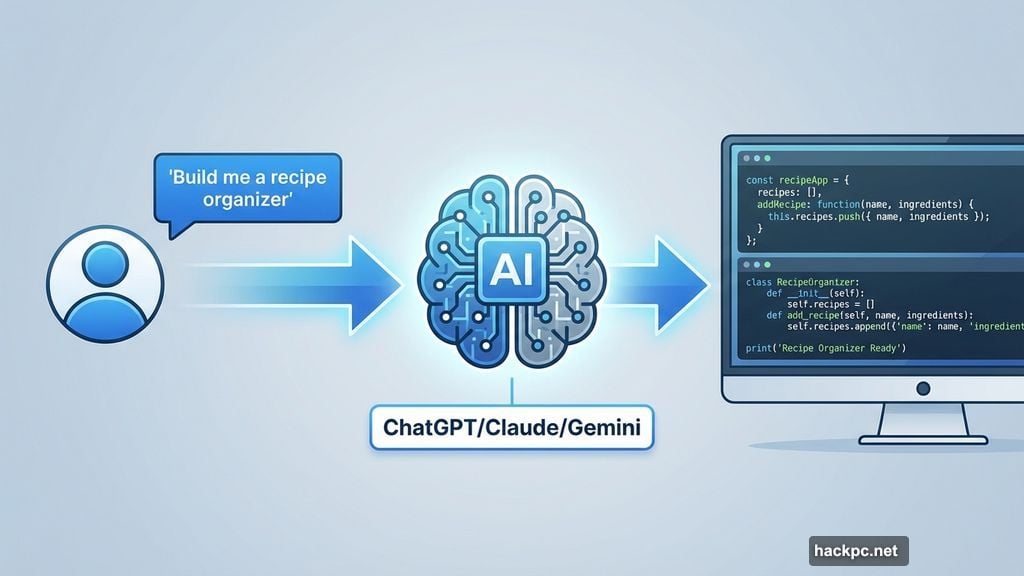
Vibe coding removes the need to understand syntax. It doesn’t remove the need for basic computer literacy.
Someone with zero programming experience won’t automatically know where code goes. They need step-by-step guidance for basic actions like creating a project, opening the correct file or previewing results.
Sam Dhar, former engineering leader at Adobe and Amazon Alexa, told me someone has to evaluate what AI produces. They need to understand it, make decisions about it and adjust things.
“Only someone who has that knowledge and experience can truly effectively use AI to build things that are production-ready,” Dhar explained.
What You Can Actually Build
Developers use vibe coding for prototypes and repetitive work. Beginners build recipe organizers, to-do lists, microblogs, budgeting tools and basic notes apps.
Some try simple games or browser extensions. But even AI-generated browser extensions need manual loading through browser settings. Technical guidance still helps.
I tested this myself. I spent several hours trying to build an X post refiner tool. After countless prompt refinements, it finally worked in Gemini Canvas. But it wouldn’t work as an HTML file. That gap between “works in the tool” and “works in real life” matters.
Real Software Requires Real Decisions
Dhar describes software as a pyramid of decisions. From tiny UI choices like button color to high-level questions like target audience and scale.
You can’t spell out every decision in one giant prompt. AI generates code based on assumptions. Those assumptions might not match your actual needs.
Take my skincare blog example. AI created the structure. But it made choices about color schemes, font sizes and layout that I didn’t specify. Some worked. Some didn’t. Fixing them required understanding what to change and where.
The Cost of Convenience
Bolt and Replit offer free public URLs. You don’t need paid hosting unless you want a custom domain. You can turn projects into progressive web apps by opening them in a phone browser and tapping “Add to Home Screen.” Takes 10 seconds. Costs nothing.
Getting into actual app stores is different. iOS requires a Mac, Xcode, an Apple Developer account at $99 yearly and manual building and testing. Android is simpler with a one-time $25 Google fee. You can build and upload directly from Replit or Bolt via Expo.
But here’s what nobody tells you. The free versions limit how many projects you can create. The free tokens run out fast if you make mistakes. And mistakes happen constantly when you’re learning.
How It Compares to Traditional Coding
Traditional programming means understanding everything you write. You control the entire system. You handle debugging, performance and security.
No-code tools like Webflow let you assemble software through visual interfaces. They’re great for websites and small CRM systems. But you’re limited to predefined templates.
Vibe coding sits between them. You focus on outcomes, not implementation. Describe what you want. AI generates the framework. But you still need to review decisions before shipping anything serious.
Where It Breaks Down
Vibe coding works best for prototypes, personal tools and experiments. Because beginners don’t understand generated logic, errors hide easily. Security issues lurk unnoticed.
Some projects become maintenance nightmares. AI mixes patterns or creates technically correct code that’s hard to read. Plus, vibe-coding tools rely on large language models. They hallucinate code just like chatbots hallucinate answers.
Manageable in small side projects. Serious problem in apps handling user data or supporting many users at once.
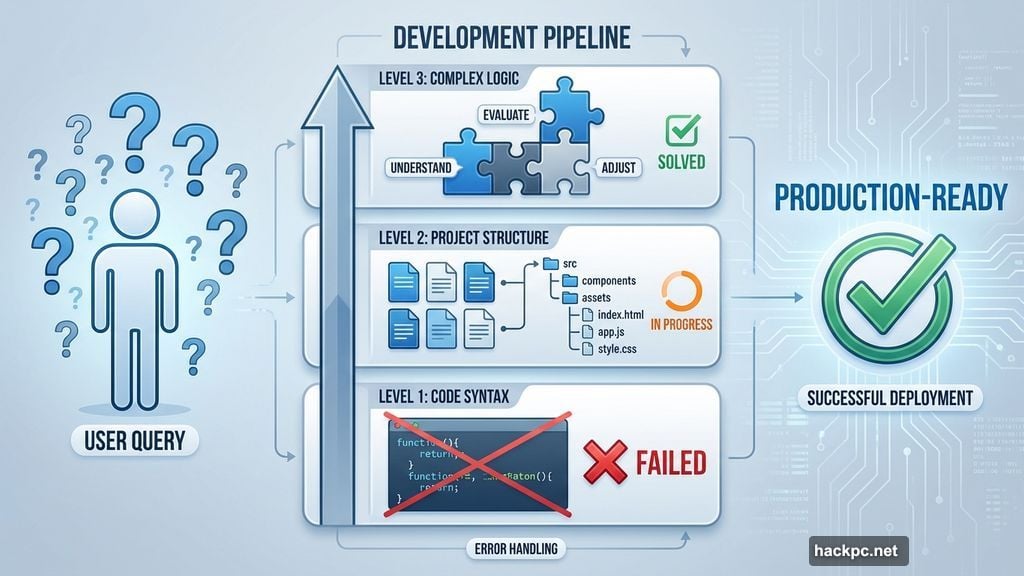
Dhar advises keeping vibe-coded projects “small and controlled” so experienced developers can inspect every decision before launch. We’re not ready to vibe-code production-grade systems yet.
Why This Matters Now
People who couldn’t code before can now build simple apps. Developers who normally spend hours writing code save time by describing what they need instead.
If you can articulate an idea, you can build the first version. If you can’t, AI helps you create a vibe prompt to generate code. It bridges the gap between intention and implementation.
But skilled developers aren’t obsolete. They’re the ones who identify issues and correct them when AI gets things wrong.
“Maybe we might not need as many programmers to do the same amount of work as we used to,” Dhar said. “But that still requires a lot of skill and experience. AI is never going to be able to replace humans because there has to be accountability.”
The Reality Check Nobody Gives You
I tested these tools extensively. They’re impressive. They’re also frustrating. You’ll spend hours refining prompts only to discover the output doesn’t quite match your vision.
You’ll run out of free tokens. You’ll generate code that works in the platform but breaks when you try to use it elsewhere. You’ll discover that “anyone can build apps” really means “anyone can generate code, but not everyone can fix it when it breaks.”
That said, the barrier to entry dropped dramatically. Building software used to require months of learning syntax and debugging skills. Now it requires patience, clear communication and willingness to iterate.
Is that the same as being a developer? No. But it’s enough to build useful personal tools, test business ideas and learn whether you want to dive deeper into actual programming.
The gap between intention and execution got smaller. That alone represents a big change. Just don’t expect it to be effortless.




Comments (0)