
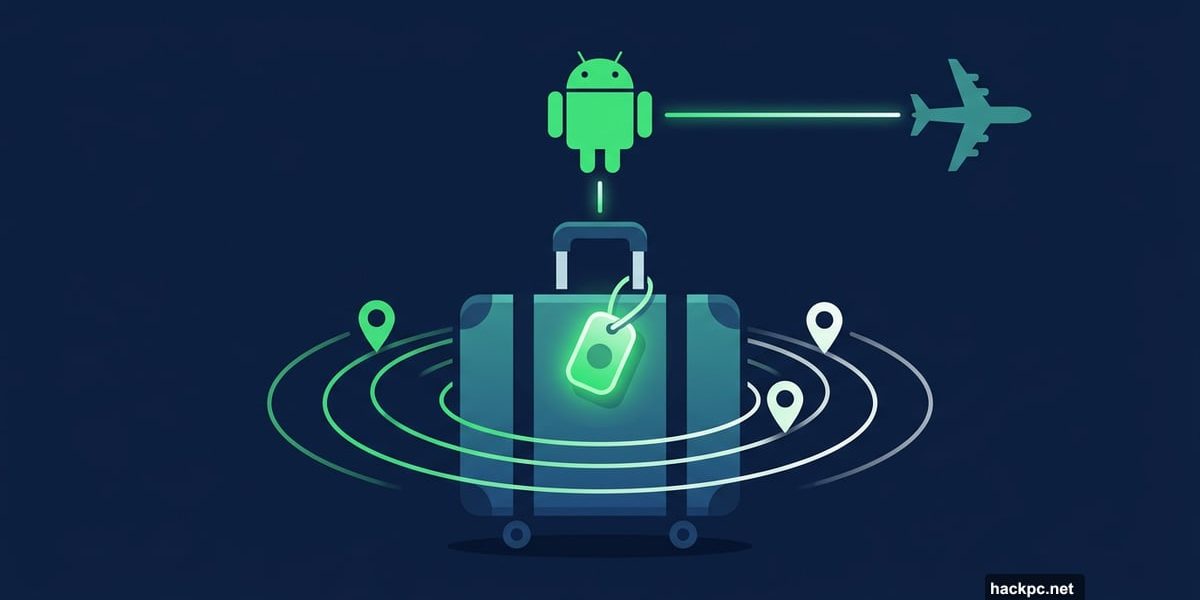
Lost luggage is one of travel’s most frustrating experiences. You land after a long flight, wait at the carousel, and your bag simply never shows up. Now, Google wants to make that nightmare a little easier to survive.
Google announced a clever new feature for Android users that lets you share your tracker tag location directly with airlines. It’s practical, it’s simple, and it might just save your next trip.
Find Hub Tracker Tags Now Talk to Airlines
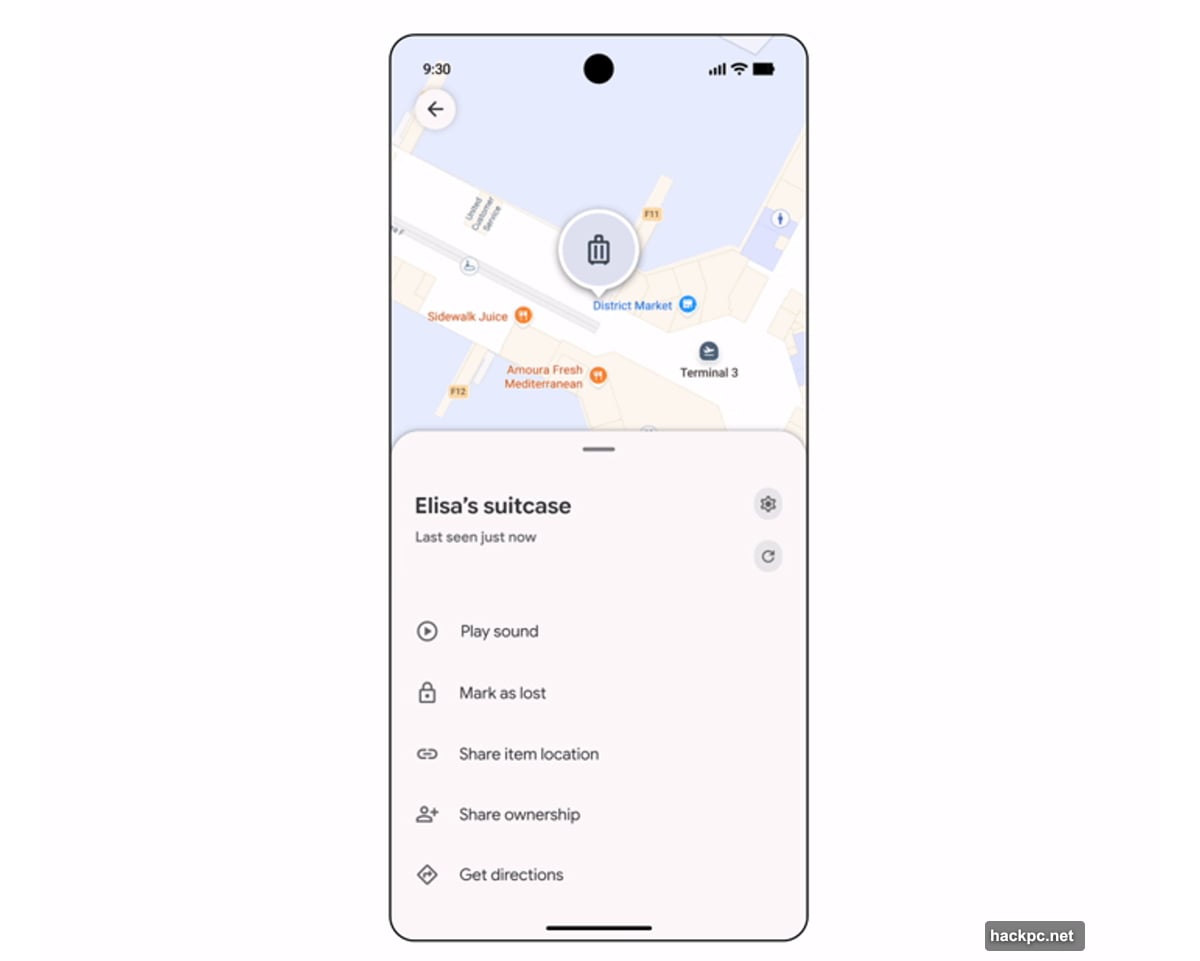
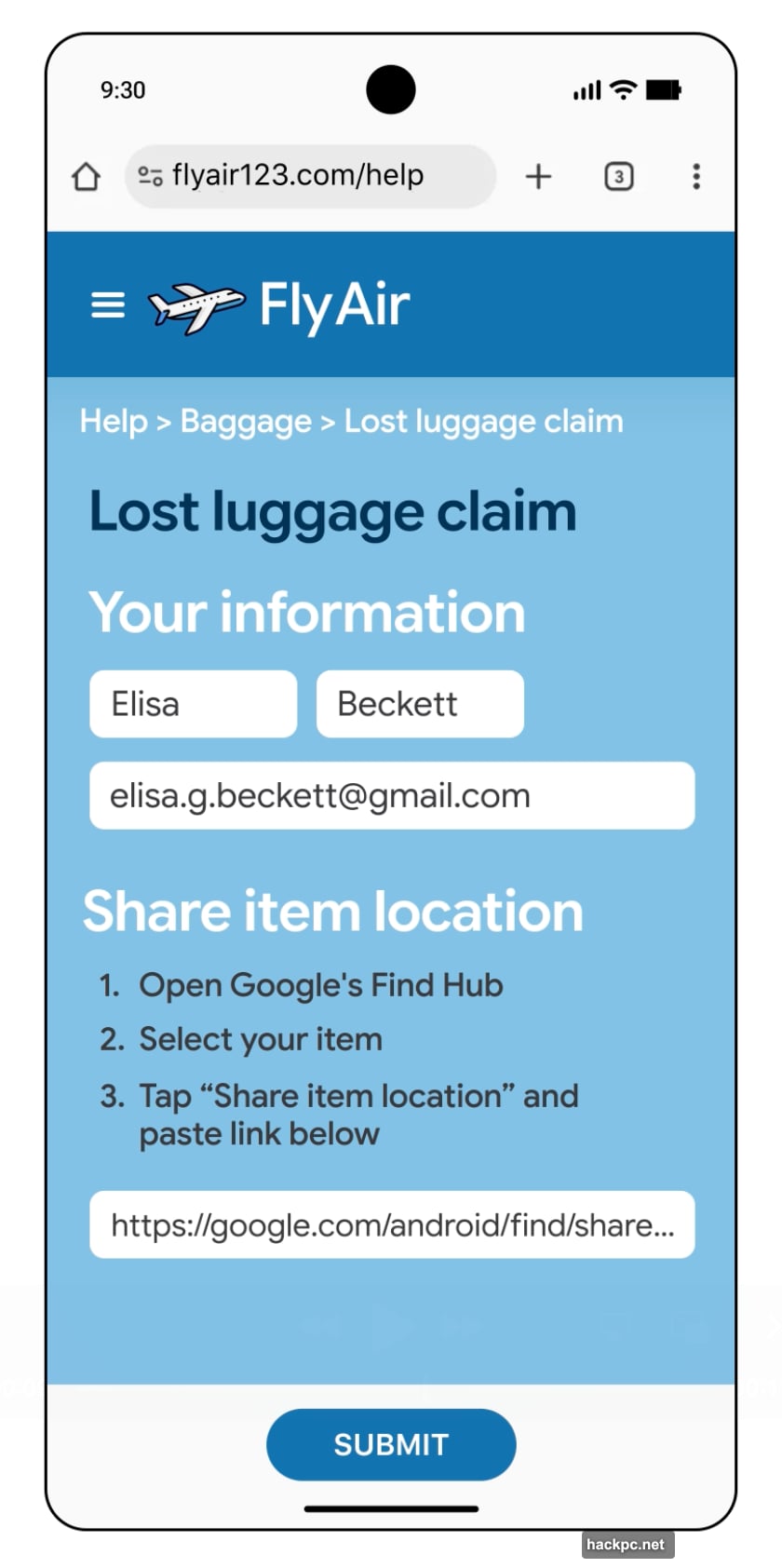
Here’s how the new feature works. If you’ve attached a Find Hub-compatible tracker tag to your luggage, you can now generate a secure link inside the Find Hub app and share it straight with your airline.
Just open Find Hub, select your lost item, and tap “share item location.” The app creates a unique URL that you can copy and paste into the airline’s mobile app or website. From there, the airline can watch your bag move in real time.
Google built some smart privacy protections in from the start. The link expires automatically after seven days. Plus, sharing switches off completely once your phone detects the luggage is back in your hands. So you’re not giving airlines permanent access to your location data.
More than 10 global airlines already support this feature. The list includes Air India, China Airlines, the Lufthansa Group (covering Lufthansa, Austrian Airlines, Brussels Airlines, and Swiss International Airlines), Saudia Airlines, Scandinavian Airlines, Turkish Airlines, and Ajet. Google says it plans to expand that list with more airline partners soon.
Location Sharing Lands in Google Messages
The luggage feature isn’t the only location upgrade rolling out. Android users can now share their real-time location directly inside Google Messages, letting friends and family see exactly where you are on a map within the conversation itself.
This is a genuinely useful addition for coordinating meetups, tracking family members at busy airports, or just letting someone know you’re on your way. It works right inside the messaging thread, so there’s no need to switch to a separate maps app.
Calling Cards Give Incoming Calls a Personal Touch
Google’s Phone app is getting a fun new personalization feature called Calling Cards. Think of it like the Contact Poster feature on iPhones. You can customize how a contact’s screen looks when they call you, adding a bit of personality to what used to be a pretty boring experience.
It’s a small change, but it’s the kind of detail that makes a phone feel more yours.
Android Auto Gets a Kids’ Education Mode
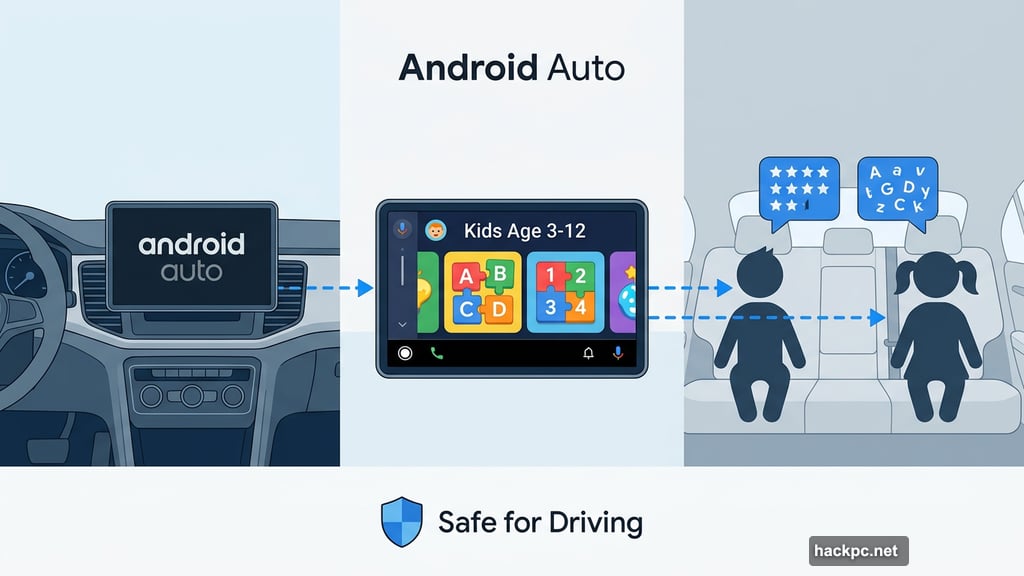
Parents on road trips will appreciate this one. Android Auto now includes an educational play experience built for kids aged 3 to 12. The experience is designed to help young passengers learn through games while you focus on driving.
It’s a thoughtful addition for families who spend a lot of time in the car.
Pixel-Specific Updates Worth Knowing About
The March Pixel Drop brings several exclusive upgrades for Pixel device owners. Circle to Search, Google’s tap-to-search feature, got two notable additions.
First, a “Find the Look” tool identifies individual pieces of an outfit from images, not just the overall style. Second, a “Try It On” tool pulls clothing from videos, social content, or messages so you can see how items might look on you before buying. It’s a shopping feature that feels genuinely useful rather than gimmicky.
The At a Glance widget also received meaningful updates. It can now push real-time transit alerts to your home and lock screens, show live scores for every team you follow during matches, and surface end-of-day updates for stocks in your Google Finance watchlist.
Pixel Watch Features Get Smarter Too
Pixel Watch users aren’t left out of the March update either. The watch now sends an alert when you’ve left your phone behind somewhere, which is incredibly handy for anyone who regularly walks away from their device.
Additionally, Pixel Watch can automatically lock your phone when you’re out of range, preventing unauthorized access if someone else picks it up. And for Pixel Watch 3 users specifically, new gesture controls let you answer calls, take photos, or pause workouts using just one hand through double pinches or wrist turns.
A Thoughtful Set of Upgrades
What stands out about this round of Android updates is how practical they are. Google isn’t chasing flashy features here. Instead, it’s solving real, everyday problems.
Lost luggage recovery has been a headache for decades. Real-time location sharing in messaging reduces friction in daily life. Calling Cards and educational tools for kids add quality-of-life improvements that matter to different types of users.
The tracker tag and airline integration is the headline feature for good reason. Losing a bag is stressful enough without having to play phone tag with airline staff who can’t actually see where your luggage is. Giving users and airlines a direct, secure, time-limited link changes that dynamic completely.
If you travel frequently and haven’t already attached a tracker tag to your checked bags, this update gives you one more strong reason to start.




Comments (0)