
Apple rolled out Creator Studio subscriptions today. The pitch sounds simple: $12.99 monthly for 10 professional apps across Mac and iPad.
But dig into the details and things get messy. Some apps work better than others. Pricing makes sense for specific users but punishes others. Plus, the overlap between free, paid, and subscription versions creates confusion nobody asked for.
Let’s break down what actually matters if you’re considering this bundle.
iPad Users Just Got Hit With Price Hikes
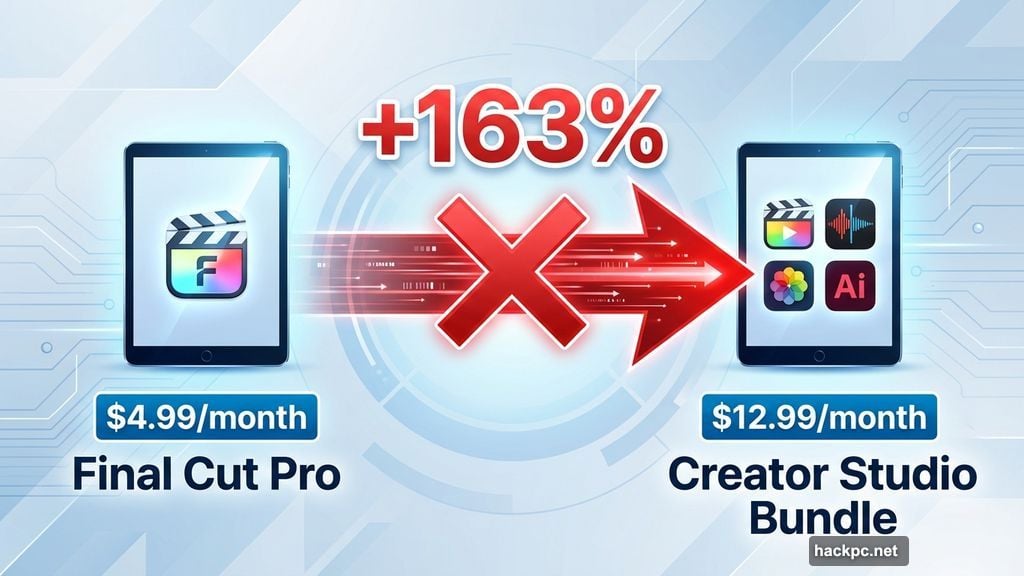
Final Cut Pro and Logic Pro originally cost $4.99 monthly on iPad. That’s $49 yearly per app.
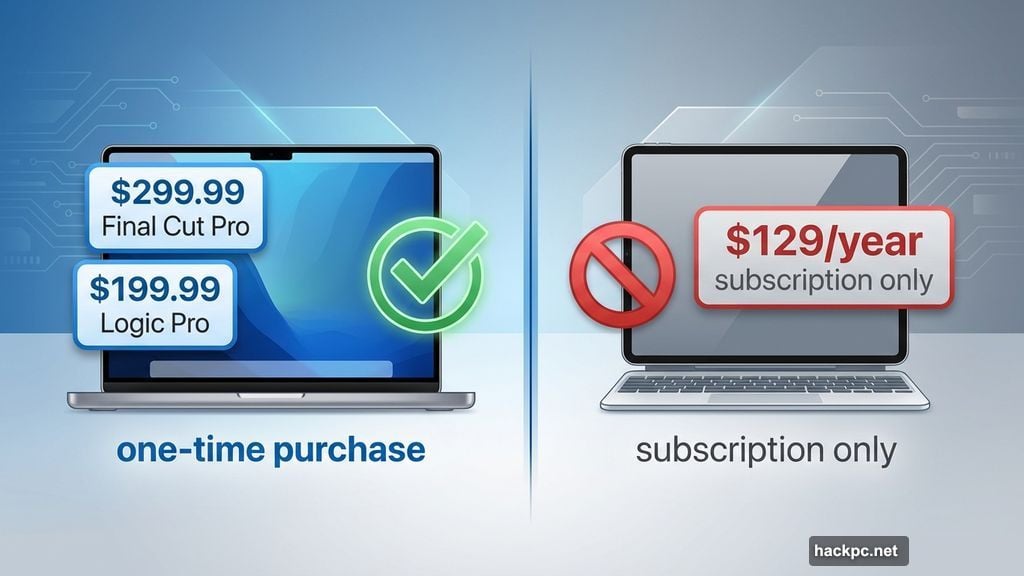
Apple killed those standalone iPad subscriptions. Now your only option is the full Creator Studio bundle at $129 yearly. So if you just wanted Final Cut on your iPad, your bill jumped 163%.
Meanwhile, Mac users kept their standalone purchase options. Final Cut Pro still costs $299.99 as a one-time buy. Logic Pro remains $199.99. Those purchases stick around forever with free updates.
The disparity feels arbitrary. iPad users lose flexibility while Mac users keep options. That’s frustrating when you just need one app on one device.
The Bundle Works If You Use Multiple Apps
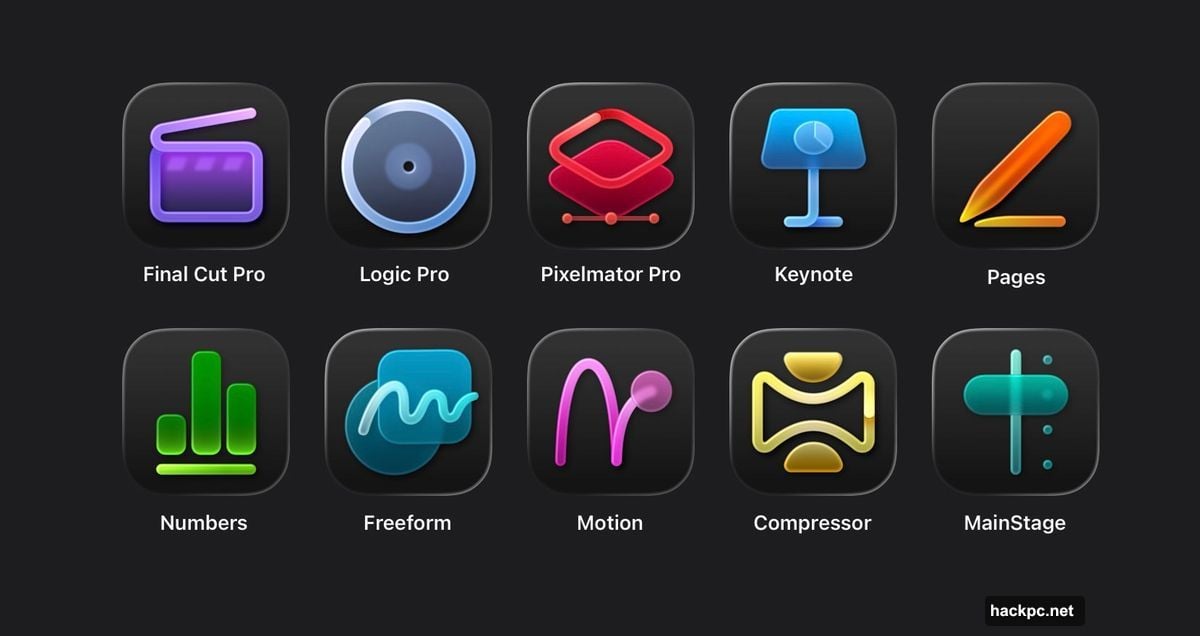
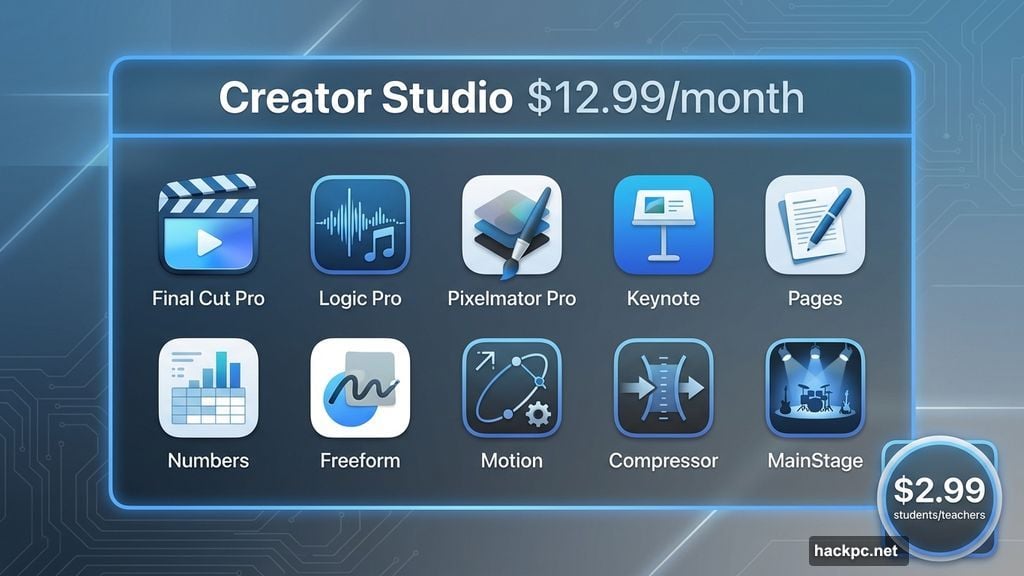
Creator Studio includes access to these 10 apps:
- Final Cut Pro
- Logic Pro
- Pixelmator Pro
- Keynote, Pages, Numbers
- Freeform
- Motion, Compressor, MainStage (Mac only)
Students and teachers pay just $2.99 monthly. That’s genuinely impressive value for education users who need professional tools.
But here’s the catch. The bundle only makes financial sense if you actively use several apps regularly. Someone editing video on Mac and iPad benefits enormously. Someone who just wants Pixelmator Pro on their MacBook gets gouged.
Plus, you can share one subscription across six accounts via Family Sharing. That potentially splits the cost further. However, education subscriptions can’t be shared at all.
Free Apps Now Lock Features Behind Subscriptions
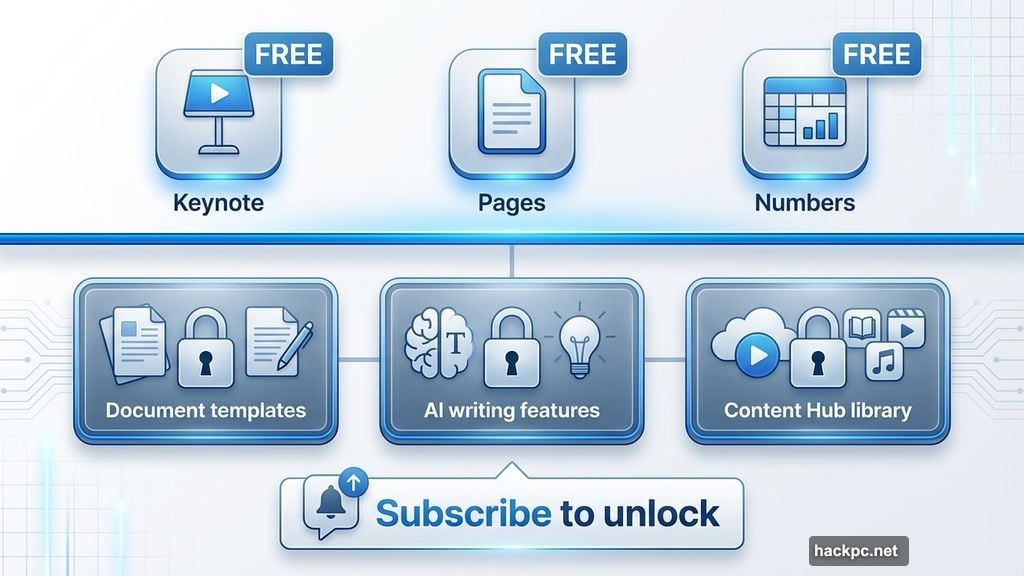
Keynote, Pages, and Numbers always shipped free with every Mac and iPad. Apple maintained that approach.
Sort of.
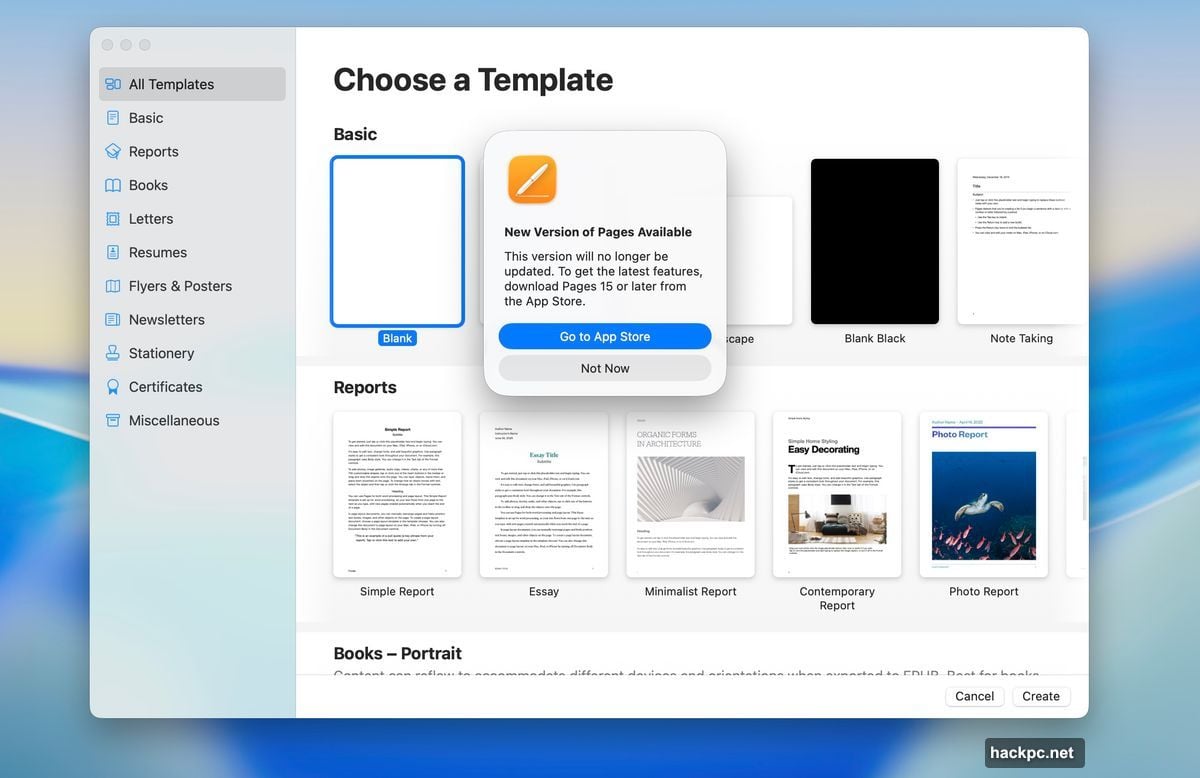
The apps still install for free. But now Apple gates “premium” features behind Creator Studio subscriptions. Want document templates? Subscribe. Need AI writing features? Subscribe. Access to the Content Hub library? Subscribe.
This creates an awkward two-tier experience. The apps look identical whether you subscribe or not. You only discover the restrictions when you try using blocked features. Then pop-ups nag you to upgrade.
It feels like a bait-and-switch. Apple could have labeled these “Creator Studio editions” clearly from the start. Instead they chose friction and confusion.
Two Versions of Everything Create Mac App Store Chaos
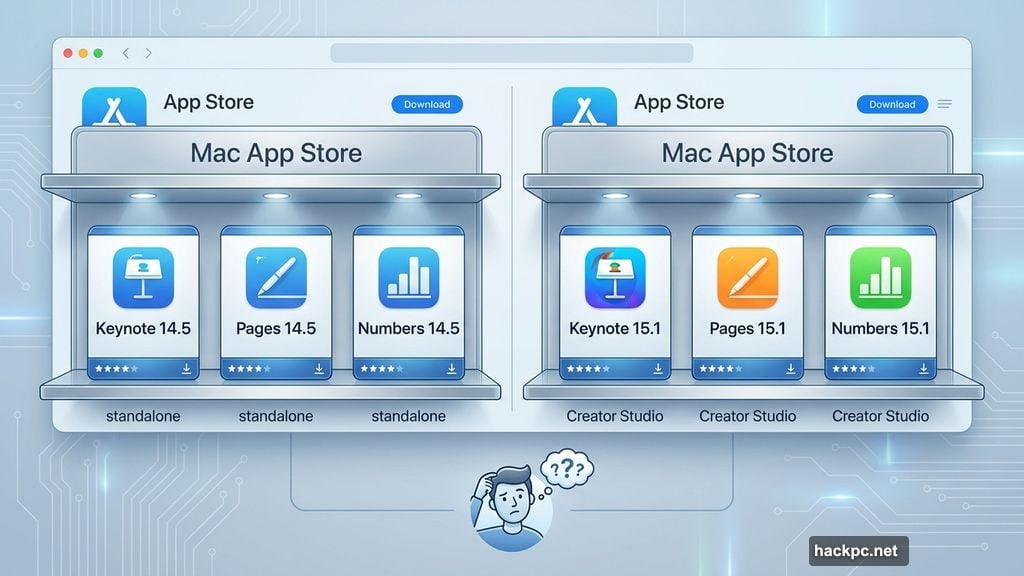
Apple maintained separate App Store listings for many apps. The old Keynote 14.5 coexists with the new Keynote 15.1. Same for Pages and Numbers.
Mac users can install both versions simultaneously. The standalone apps keep their original icons. Creator Studio versions get the controversial high-contrast Liquid Glass redesigns.
Why split them? Apple’s support documentation doesn’t explain the decision. It just adds clutter to the App Store and confusion for users who don’t follow tech news closely.
The paid apps like Final Cut Pro updated to version 12 automatically for existing owners. But Pixelmator Pro remains stuck at version 3.7.1 for standalone purchases. The new version 4.0 requires Creator Studio.
That inconsistency suggests Apple hasn’t fully figured out its own strategy yet.
Standalone Apps Keep Getting Updates
Here’s the good news for Mac users who own standalone versions: Apple committed to updating those apps alongside Creator Studio releases.
Final Cut Pro, Logic Pro, Motion, Compressor, and MainStage all jumped to new version numbers today. Existing owners got those updates free through the Mac App Store.
Apple can’t make that same promise indefinitely. But for now, buying standalone versions doesn’t mean getting left behind on an outdated release. You’re getting the same features as subscribers.
The exception is Pixelmator Pro. As mentioned earlier, version 4.0 requires a subscription. Whether standalone buyers eventually get that update remains unclear.
AI Features Come With Usage Caps
Creator Studio includes generative AI powered by OpenAI technology. You can create images, generate presentation slides, and write presenter notes in Keynote.
Apple sets minimum usage guarantees. Subscribers can generate at least 50 images and 50 presentations (8-10 slides each). Keynote will generate notes for 700 slides minimum.
Beyond those thresholds, availability depends on server capacity and network conditions. Translation: Apple reserves the right to throttle heavy users during peak times.
On the plus side, your content never trains AI models. Apple promises your queries and generated content stay private. You also don’t need your own ChatGPT subscription, even though OpenAI powers the features.
Still, usage caps feel stingy for a paid service. Competitors like Adobe don’t impose such restrictive limits on their AI tools.
The Apps Apple Didn’t Touch
Three major creative apps got completely ignored in this launch: iMovie, GarageBand, and Photomator.
Apple positioned iMovie as “Final Cut Lite” and GarageBand as “Logic Lite” for years. They ship free with every Mac and serve beginners well. Including them in Creator Studio would cannibalize the positioning.
Photomator just joined Apple’s portfolio recently through acquisition. It overlaps with the built-in Photos app. Apple probably hasn’t decided its long-term strategy yet.
All three apps received minor compatibility updates recently. But don’t expect major feature releases anytime soon. Apple shared zero roadmap details for any of them.
Does Creator Studio Make Sense For You?
Run the math carefully before subscribing.
If you already own Final Cut Pro and Logic Pro as one-time Mac purchases, this bundle offers little value. You’re essentially paying $130 yearly for Pixelmator Pro access and some AI features you might never use.
If you split time between Mac and iPad using multiple apps, the bundle delivers strong value. Cross-platform access plus new features justifies the cost.
Teachers and students get exceptional value at $30 yearly. That’s less than one month of standard pricing for professional-grade creative tools.
But casual users who just want one app on one device? You’re better off buying standalone Mac versions or looking at alternatives entirely.
Apple built Creator Studio for a specific power user audience. Unfortunately, the complexity and restrictions suggest the company still hasn’t fully committed to subscription models for creative professionals. The result feels half-baked rather than revolutionary.




Comments (0)