

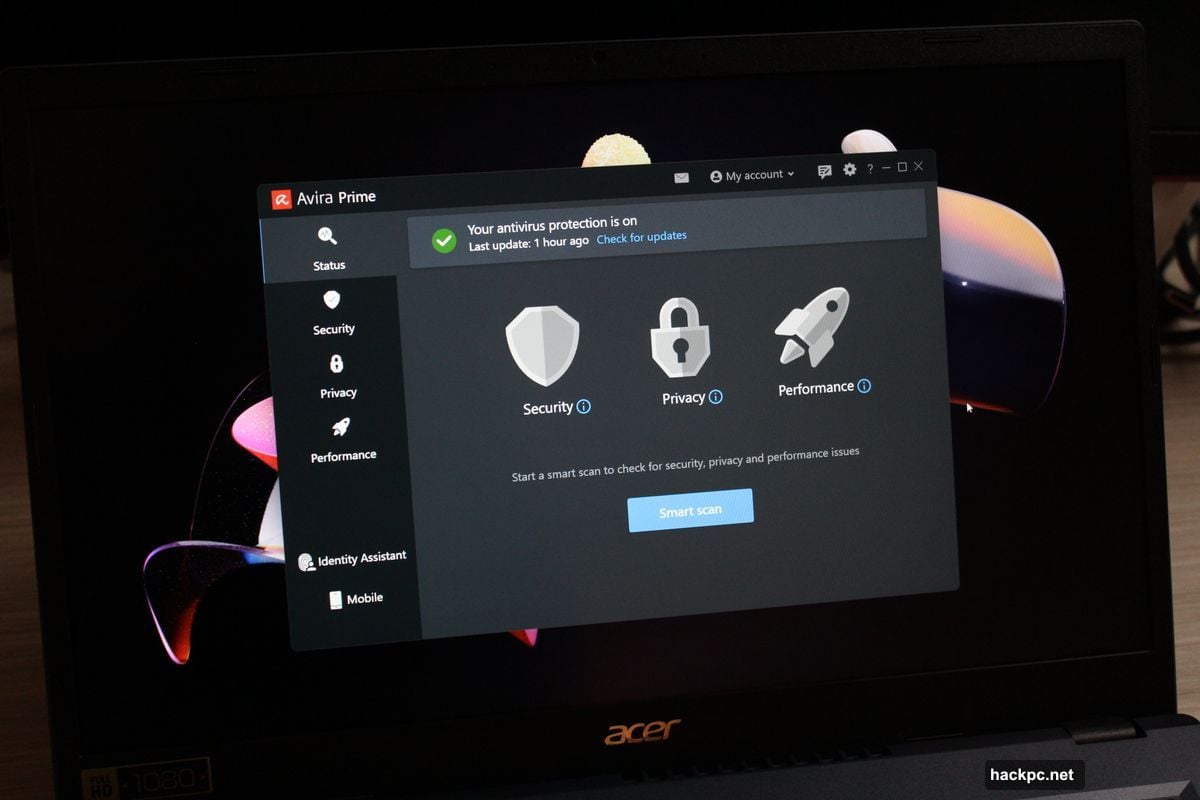
Most antivirus apps pick a lane. Either they dumb everything down or they overwhelm you with settings.
Avira Prime tries both at once. The main interface feels stripped down and approachable. But dig one level deeper and you’ll find PC utilities that would make power users blush. Plus, the real-time protection actually works, catching threats that slip past Windows’ built-in defenses.
That split personality creates an odd situation. Beginners get an easy starting point. Yet the advanced tools require knowledge most newcomers lack. So who’s this for exactly?
Strong Security That Doesn’t Get in the Way
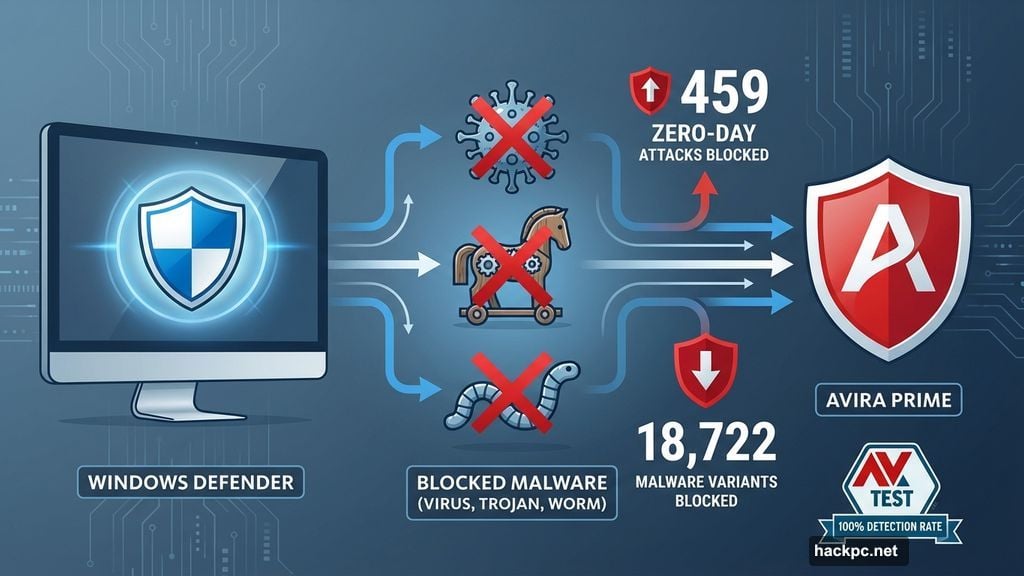
Avira’s malware engine earned solid marks in independent testing. AV-Test results from March and April 2025 show it caught 100 percent of zero-day threats and widespread malware samples. That’s 459 zero-day attacks and 18,722 known malware variants stopped cold.
Real-world protection looks similarly strong. AV-Comparatives tested Avira against 423 live threats between February and May 2025. It blocked 99.3 percent of exploits and malicious URLs during typical web browsing. Only five false positives popped up during that period.
Network protection works well too. The firewall monitors all traffic flowing to and from your PC. It presents app permissions in a simple list format that makes sense at first glance. Most people won’t need to touch the default settings.
However, ransomware protection feels less robust than rivals. Avira relies solely on detection capabilities rather than locking down specific folders. If an attack sneaks through, your important files aren’t separately protected.
Password Manager Covers the Basics
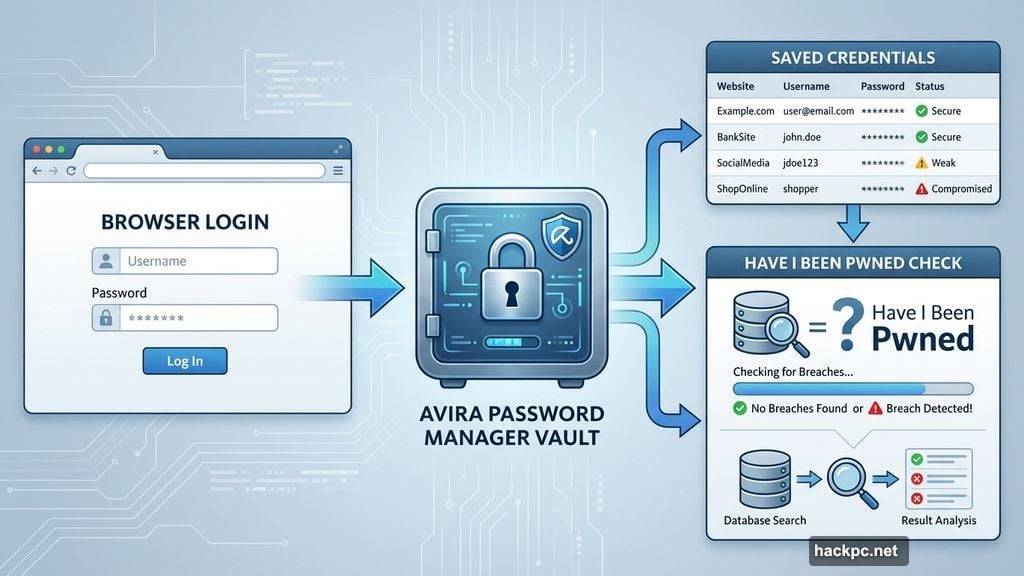
The included password manager handles essential tasks without fuss. Setup takes minutes. You create a master password to secure your vault, then the browser extension automatically offers to save login credentials.
But features stop at the basics. You can only store passwords, notes, and credit cards. Two-factor authentication works through SMS codes alone. No support for authenticator apps or security keys exists.
The extension does check credentials against Have I Been Pwned’s breach database. That’s genuinely helpful for catching compromised accounts. Yet the overall feature set feels thin compared to standalone password managers.
Still, it works fine for simple needs. If you currently reuse passwords everywhere, this provides a safer starting point.
VPN Access Comes With Quirks
Avira Prime bundles unlimited VPN access across 35 countries. Some locations offer specific city selection, including multiple U.S. cities and major hubs in the UK and Australia.

The catch? Accessing advanced settings requires opening a separate app called Avira Phantom VPN Pro. Features like automatic kill switch and malicious content blocking aren’t enabled by default. You must manually activate them through that secondary interface.
Connection speeds work acceptably in testing, though specific numbers weren’t provided. The service handles basic privacy needs during web browsing and streaming. Just don’t expect the performance or server variety that dedicated VPN providers offer.
PC Utilities Go Surprisingly Deep
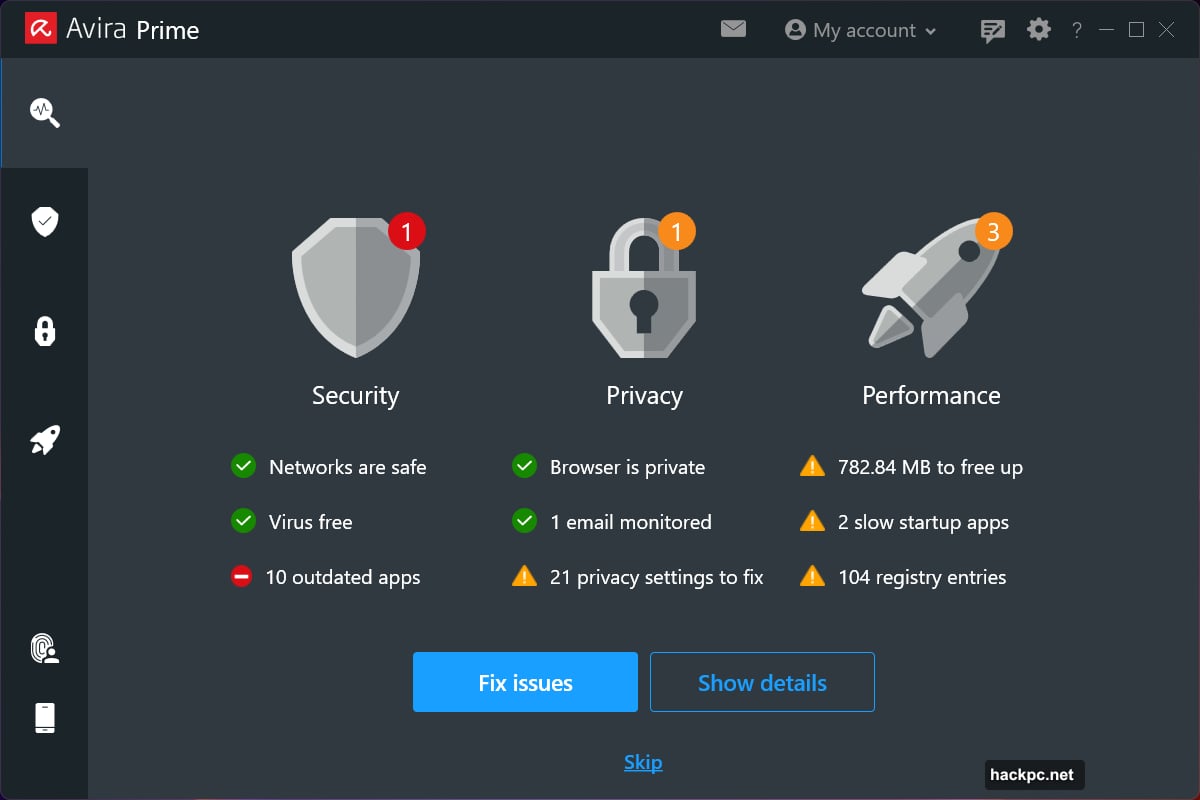
Here’s where Avira Prime gets interesting. The System Speedup Pro app packs in tools that rival standalone PC optimization suites.
You get standard features like duplicate file finding and storage cleanup. Plus utilities to update drivers, optimize battery life, and boost game performance. But it goes further.
Advanced options let you back up the Windows registry and master boot record. You can encrypt specific files, shred sensitive data securely, and run disk diagnostics. One tool even lists all services and drivers currently active on your system.
The problem? Nothing guides you on what’s actually useful. The registry backup sounds important but most people should never touch their registry. Meanwhile, genuinely helpful tools like file encryption hide three menus deep.
So beginners get overwhelmed by options they don’t understand. Yet power users who know what everything does will appreciate the depth.
Performance Impact Varies Wildly
During normal use, Avira Prime barely affects system performance. PCMark 10 benchmark scores stayed identical after installation. Real-time scanning caused only a 9 percent drop in Office productivity tasks.
Full scans hit much harder. When set to check every file (not just new or changed ones), performance tanked. PCMark 10 scores dropped 30 percent. Document editing and video encoding both plummeted nearly 50 percent.
Most users won’t see this extreme impact. Default settings skip files already marked safe, which reduces system load significantly. Schedule comprehensive scans during off-hours and normal work won’t suffer.
But if you regularly add or edit files in bulk, expect noticeable slowdowns during active scanning.
Browser Extensions Feel Half-Baked
Avira automatically installs its Safe Shopping extension in Microsoft Edge. It’s supposed to protect against online threats while hunting for shopping deals.

The security features work only on Bing search results. You get visual badges showing safe links, plus optional ad and tracker blocking. Chrome users need a separate Browser Safety extension instead.
Neither feels essential. Other extensions like uBlock Origin handle content blocking better and work automatically. The shopping assistant adds nothing unique either.
More concerning, Avira also offers its own Secure Browser. It’s basically Chrome with stricter defaults and the company’s search engine baked in. Yet it includes a coupon extension that tracks your shopping, which contradicts the privacy focus.
Pricing Lacks Flexibility
Avira Prime costs $60 for the first year, then jumps to $110 annually. That covers five devices across Windows, macOS, Android, and iOS. Need more? The 25-device plan runs $135 yearly.
But there’s no option for fewer than five devices. Solo users pay the same as families sharing across multiple computers and phones.
A 60-day free trial exists, though you must provide payment information upfront. Annual plans include a 60-day money-back guarantee. Monthly subscribers only get 14 days to request refunds.
Auto-renewal gets enabled automatically at signup. You’ll need to remember to disable it if you want to avoid surprise charges.
Dark Web Monitoring Feels Stingy
Included monitoring watches just one email address for data breaches. That’s the email associated with your Avira account. Nothing more.
Competing security suites often cover multiple addresses, phone numbers, and even credit cards. Some allow family members to monitor their own information separately.
Avira’s implementation checks against legitimate breach databases. It works as advertised. But the single-email limit feels unnecessarily restrictive for a premium security suite.
Support Options Cover the Basics
Help resources include a knowledge base, community forums, and direct support through chat, email, or phone. Finding them requires clicking through the app to the web portal, which adds friction.
One odd quirk: the community forums caused authentication issues in Microsoft Edge during testing. Deleting cookies and re-logging fixed the problem. But it shouldn’t happen in the first place.
Updates happen automatically every two hours by default. You can adjust that frequency anywhere from 30 minutes to 12 hours. Manual update checks hide in the help menu under “About,” which isn’t intuitive.
Who Should Consider Avira Prime
This suite makes sense for specific users. If you want strong malware protection without complexity, the main interface delivers. It’s genuinely less intimidating than most security software.
The included password manager and VPN add value for people just starting to take security seriously. Neither matches dedicated tools but both work adequately for basic needs.
PC enthusiasts who enjoy tinkering will appreciate the System Speedup utilities. Just be prepared to Google unfamiliar features rather than relying on built-in guidance.
However, the five-device minimum makes Avira Prime less appealing for solo users. And the jarring contrast between the simple interface and complex utilities creates confusion for the target beginner audience.
Stronger alternatives exist if you prioritize specific features. Dedicated password managers offer more capabilities. Standalone VPNs provide better performance. Other security suites include parental controls, which Avira Prime skips entirely.
But for users who want to start simple and gradually learn deeper PC management, Avira Prime offers room to grow. The security works. The features exist. You just need patience to navigate the learning curve.




Comments (0)