
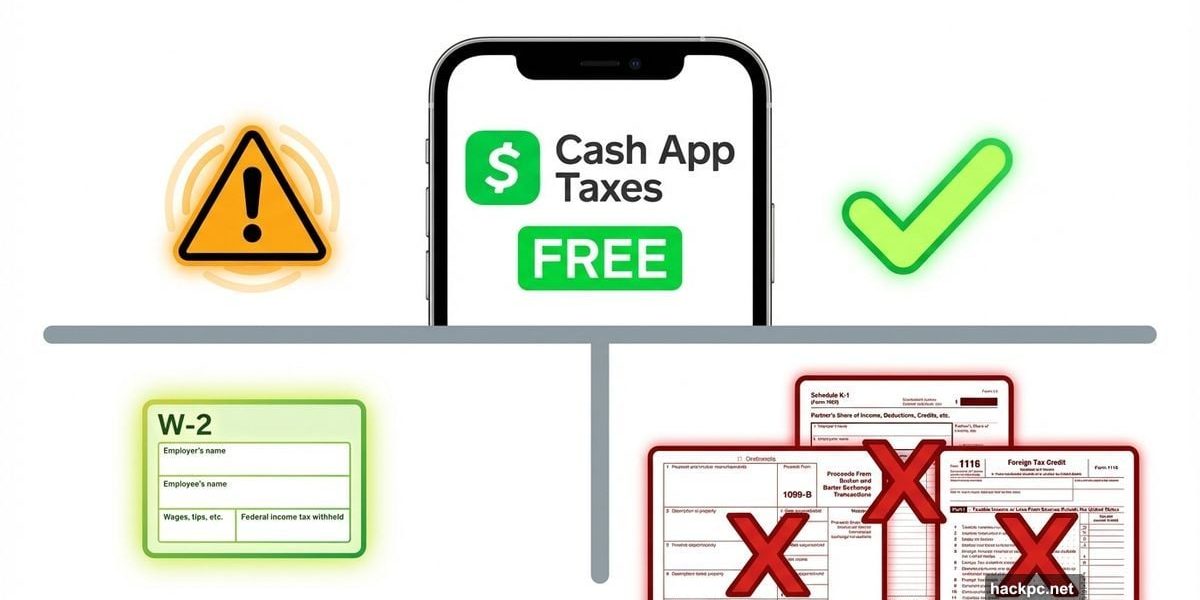
Cash App Taxes promises something rare in tax software: 100% free federal and state filing with zero hidden costs.
No upgrade prompts. No forced add-ons. No surprise fees at checkout.
But free comes with tradeoffs. After testing the platform alongside six other tax services, I found Cash App Taxes excels for simple W-2 filers who take the standard deduction. Beyond that? The limitations add up fast.
What Cash App Taxes Actually Offers
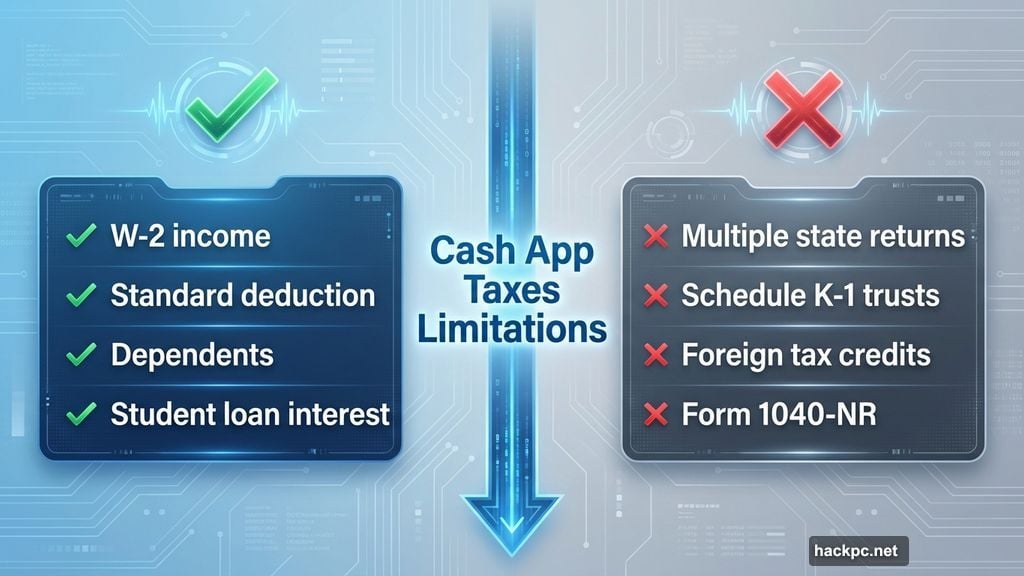
Cash App Taxes supports most standard tax forms. You can file with W-2 income, claim dependents, report student loan interest, and handle basic investment income.
The service supports Schedule C for self-employment income and Schedule E for rental property. Plus, you can itemize deductions if needed. However, the platform defaults to the standard deduction.
That makes sense. Most filers use the standard deduction anyway. But don’t expect the software to dig deep for unusual tax credits or deductions you might qualify for.
The Free Version Isn’t Actually Unlimited
Cash App Taxes works for one federal return and one state return. That’s where the limits start.
You can’t file multiple state returns. So if you worked in one state and lived in another, you’re stuck. Part-year residents and non-resident state filers need different software.
Moreover, you must file your federal return first. Only then can you submit your state return. That’s not how most tax software works.
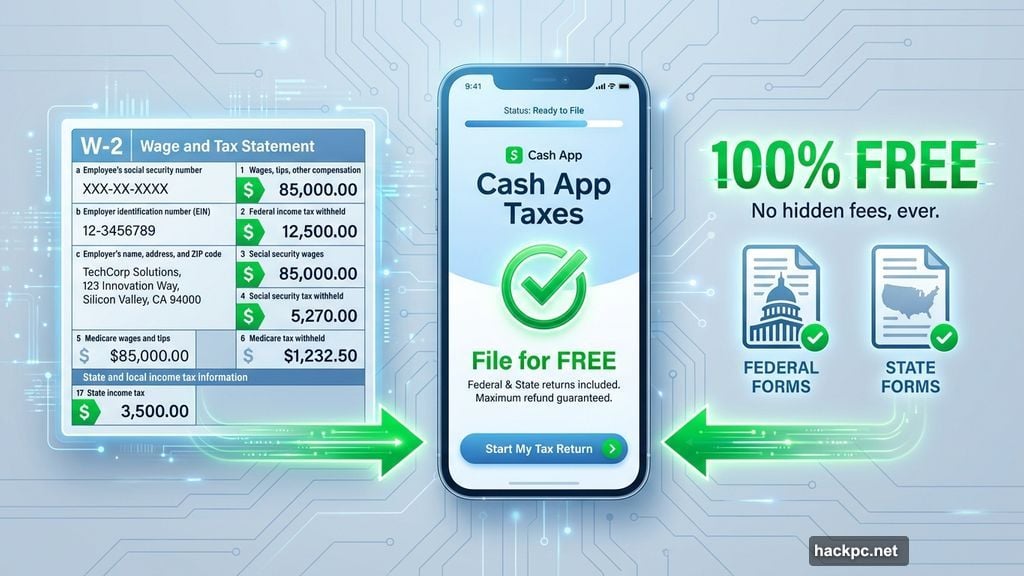
Other situations Cash App Taxes won’t handle:
- Returns for minors under 18
- Schedule K-1 income from estates or trusts
- Foreign tax credits or foreign earned income
- Form 1040-NR for nonresident aliens
- Business tax returns
- Married filing separately in community property states
Manual Data Entry Is the Real Cost
Cash App Taxes pulls data automatically if you use Cash App for stock or crypto trading. It also imports W-2s from photos. Beyond that? You’re typing everything manually.
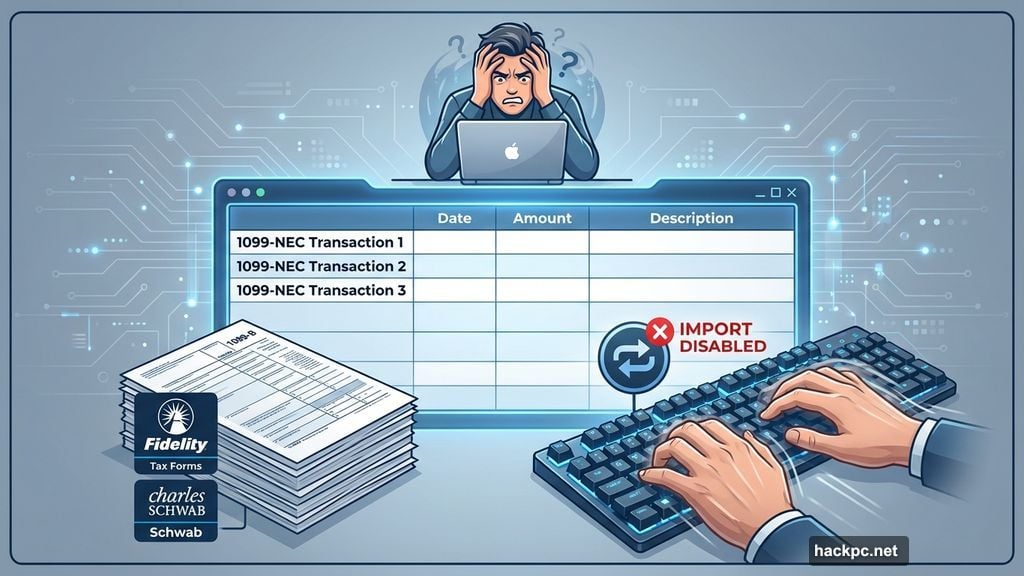
I tested the platform with self-employment income. The process was tedious. Cash App gave me fields to enter each 1099-NEC individually. Then I had to manually total my business expenses and calculate net profit.
No expense categorization. No depreciation calculators. Just empty fields waiting for numbers.
For stock traders using outside brokerages, the problem gets worse. You can’t import 1099-Bs from Fidelity, Schwab, or Robinhood. Instead, you type every transaction by hand.
That’s fine if you made three trades last year. But high-frequency traders? This platform isn’t built for you.
The Interface Works for Basic Returns
Setting up Cash App Taxes is straightforward if you already use Cash App. New users need to download the mobile app first, even to use the desktop version.
You can upload last year’s tax return as a PDF. The software pulls your basic information automatically. Then it walks you through a question-and-answer flow for filing status, dependents, and common tax credits.
Navigation feels smooth for simple returns. But things get clunky if you need to backtrack or make corrections. Sometimes you’ll restart entire sections just to fix one mistake.
The platform works on mobile and desktop. However, mobile filing becomes impractical if you’re manually entering dozens of forms.
What You Don’t Get for Free
Cash App Taxes skips most features found in paid tax software. There’s no final review before you submit. No audit risk assessment. No access to CPAs or enrolled agents.
The software checks for missing fields and basic calculation errors. That’s it. You’re responsible for catching any mistakes before filing.
Cash App offers free audit defense through a third-party partner. Plus, they guarantee accuracy up to $1,000 in IRS penalties and interest—but only for calculation errors on their end. If you made the mistake, you’re on your own.
The maximum refund guarantee is weak too. If another service gets you a bigger refund using the same information, Cash App refunds the difference up to $100 in gift cards. Most competitors offer stronger guarantees.
Support Means FAQ Pages, Not Tax Pros
You get 24/7 chat and email support. But that support covers only the app itself. Have a tax question the FAQ doesn’t answer? You’re stuck.
There’s no option to upgrade for professional guidance. FreeTaxUSA and other competitors let you add CPA support for a fee. Cash App doesn’t.
So if you’re unsure whether you qualify for a specific deduction or credit, you’ll need to research it yourself. The contextual help offers basic explanations when you hover over question marks. But it won’t provide personalized advice.
Who Should Actually Use This Service
Cash App Taxes works best for straightforward situations. You have a W-2 job. You take the standard deduction. Maybe you have a kid or paid student loan interest.
File your return, get your refund, done.
The service also makes sense if you use Cash App for trading and don’t have complicated transactions. The automatic import saves considerable time.
But landlords should look elsewhere. So should self-employed people with significant expenses, especially if you need to calculate depreciation. High-frequency traders will hate the manual data entry.
And if you’re even slightly unsure about your tax situation? The lack of professional support is a dealbreaker. Mistakes cost more than paid tax software.
The Bottom Line on Free Filing
Cash App Taxes delivers on its promise: completely free federal and state filing with zero hidden costs. That’s legitimately rare in tax software.
But free comes with real limitations. The manual data entry for most forms makes filing tedious and error-prone. The lack of professional support means you’re flying solo on complex questions.
For simple returns, Cash App Taxes works fine. For anything more complicated? The time saved by using better software—with features like automatic imports and professional support—easily justifies the cost.
Choose based on your situation, not just the price tag.




Comments (0)