
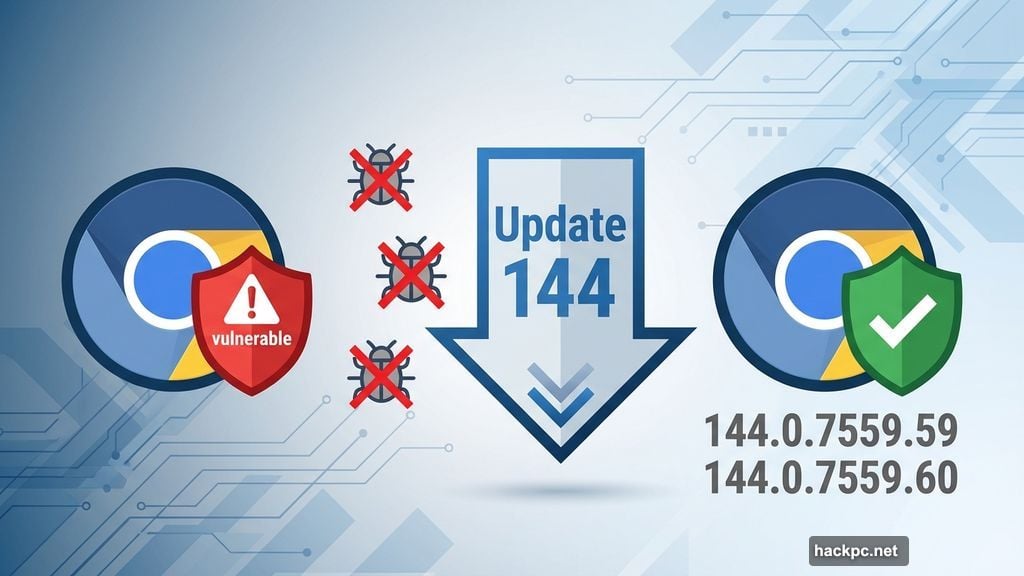
Google dropped Chrome 144 with fixes for 10 security vulnerabilities. Three of them are serious enough that you shouldn’t wait.
The update hit all platforms this week. Windows, macOS, Linux, Android, and iOS all got patched. So no matter which device you use Chrome on, you need to update today.
Here’s the good news. None of these vulnerabilities were exploited in the wild yet. But that won’t last long once hackers know the details.
What Makes These Vulnerabilities Dangerous
Google rated three flaws as high-risk. That means attackers could potentially take control of your browser or steal sensitive data.
The company doesn’t publish specific technical details right away. Smart move. Otherwise, hackers would immediately start exploiting users who haven’t updated yet.
External security researchers found all 10 vulnerabilities. Google rewards these discoveries through its bug bounty program. This time, researchers identified four medium-risk issues and three low-risk ones alongside the critical three.
Plus, Chrome for Android addresses the same vulnerabilities as desktop versions. The Android update rolled out as version 144.0.7559.59, while iOS got 144.0.7559.85.
Chrome Updates Itself, But Check Anyway
Chrome typically updates automatically in the background. But that doesn’t mean you should wait around hoping it happens.
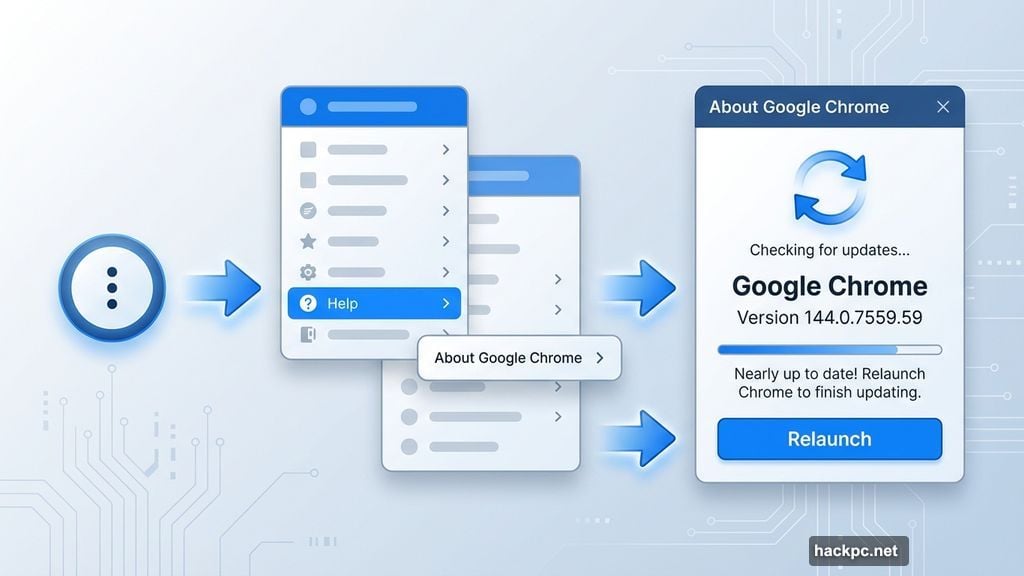
Manual updates take about 30 seconds. Open Chrome, click the three dots in the top-right corner, then go to Help > About Google Chrome. The browser checks for updates immediately and installs them if available.
You’ll need to restart Chrome after the update completes. Close all your tabs first or use the “Relaunch” button Chrome shows you. Your open tabs will restore automatically.
After restarting, check the version number. You want to see 144.0.7559.59 or 144.0.7559.60 on Windows and macOS. Linux users should see 144.0.7559.59.
Other Chromium Browsers Need Updates Too
Chrome isn’t the only browser affected. Microsoft Edge, Brave, Opera, and Vivaldi all use Chromium as their foundation.
These browsers need to release their own updates incorporating the Chrome security fixes. Right now, most of them are still vulnerable.
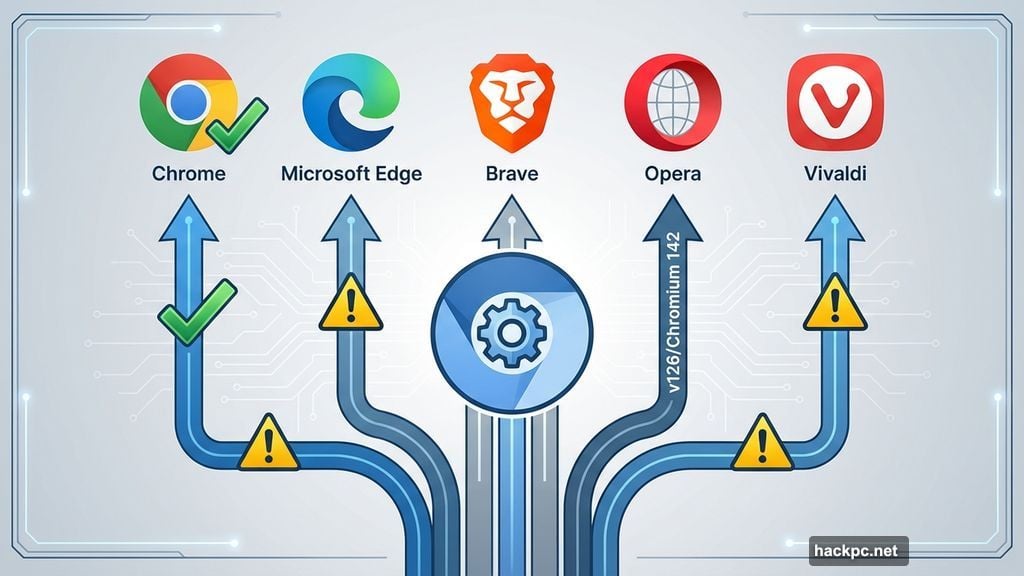
Microsoft Edge, Brave, and Vivaldi currently sit at the security level Chrome had before this update. Opera released version 126 based on Chromium 142 last week, but that’s still one version behind Chrome 144.
So if you use one of these alternative browsers, watch for updates over the next few days. The manufacturers usually follow Google’s lead within a week or two.
However, Opera might lag behind longer. Once the Extended Stable Channel for Chromium 142 ends, Opera will be managing security updates independently again.
What’s Actually New in Chrome 144
The security patches are the headline. But Google also highlighted some features in this release.
Chrome can now read web pages aloud. Although this feature technically launched in Chrome 143, Google promoted it again with 144. The text-to-speech capability works on any webpage.
You can also split your browser window to view two pages side by side in the same tab. Again, this rolled out in the previous version but got more attention this time.
AI integration continues creeping into Chrome. Google keeps adding AI features, though less aggressively than some competitors. The company seems focused on useful tools rather than shoving AI into every corner of the browser.
The Extended Stable Channel for Windows and macOS now includes Chromium 144.0.7559.60. This channel targets enterprise users who need longer testing periods before deploying updates.
Google’s Update Schedule Marches On
Chrome 145 is already scheduled for early February. Google maintains a roughly six-week release cycle for major versions.
That means you’ll be updating again soon. But frequent updates are actually good for security. Smaller, more regular patches are easier to test and deploy than massive updates every six months.
The downside? You need to stay on top of updates. Falling behind by even one version leaves you vulnerable to known exploits.
Set a reminder to check for Chrome updates weekly. Or better yet, enable automatic updates and just let Chrome handle it in the background.
Chrome’s market dominance means its security matters to billions of users worldwide. With over 60% browser market share, vulnerabilities in Chrome affect more people than any other browser.
Don’t put this off. Update Chrome today, then verify the version number to make sure the update actually installed. It takes less time than reading this article did.




Comments (0)