
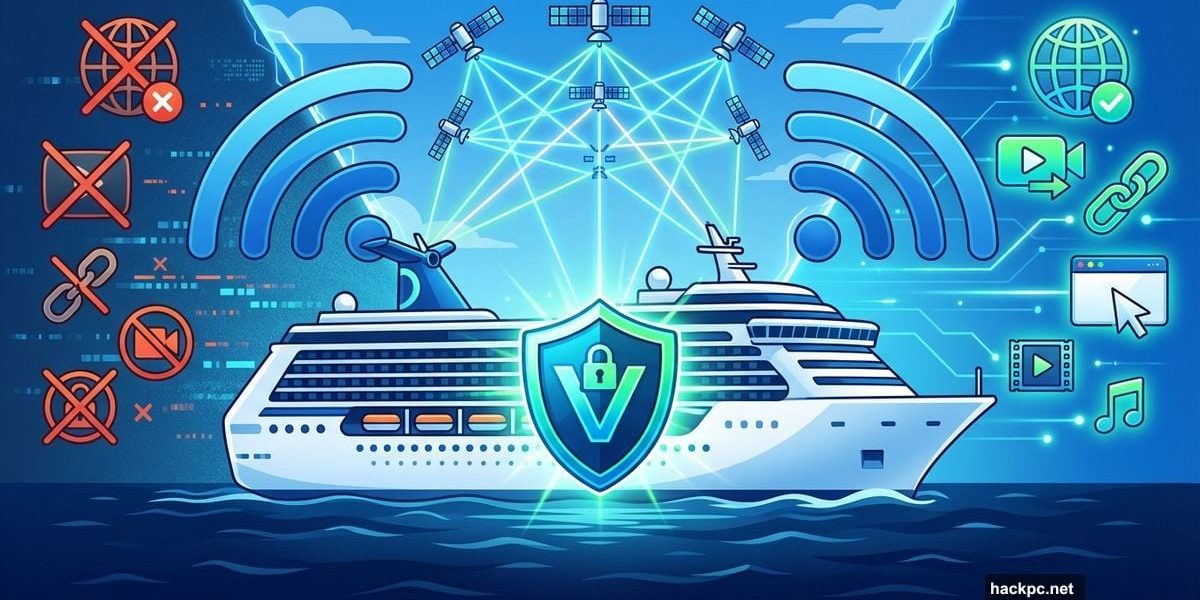
Planning to stay connected on your next cruise? VPNs help with privacy and regional blocks. But they can also kill your speed and break ship apps.
Let’s cut through the confusion. Here’s what actually works when you’re connecting at sea.
Starlink Changed Everything (Sort of)
Cruise internet used to be painfully slow. Royal Caribbean and other major lines now deploy Starlink satellite tech across their fleets. That’s a massive upgrade from the dial-up-era connections that barely loaded email.
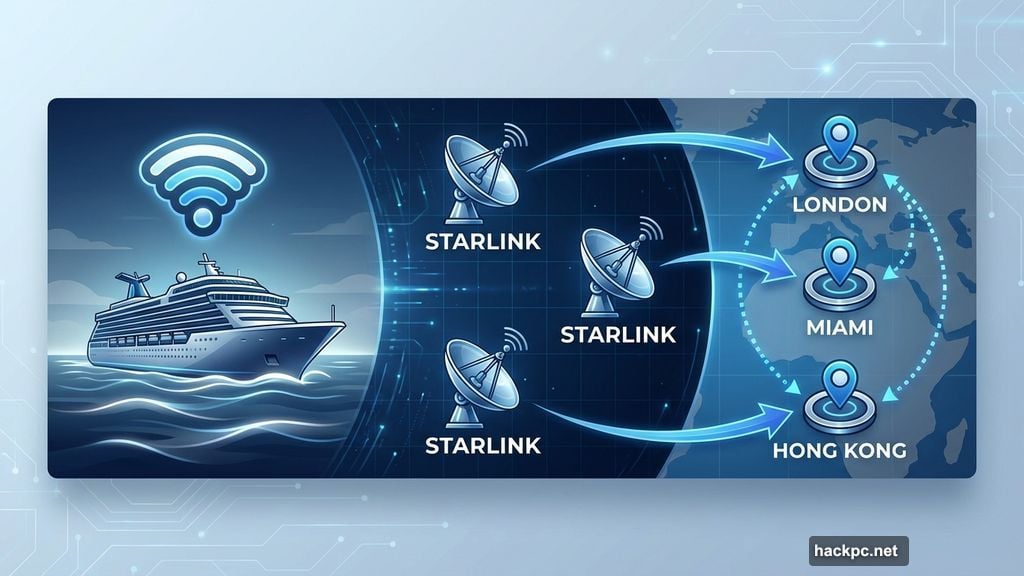
But even with Starlink, cruise Wi-Fi still has quirks. Your traffic bounces through various countries depending on which ground stations are available. One day you might route through London. The next day, Miami or Hong Kong.
That geographic hopping creates access problems. Some websites block you based on where the ship’s traffic appears to originate. Your banking app might suddenly stop working mid-voyage.
Plus, you’re sharing bandwidth with hundreds of other passengers. Speed is always at a premium, even with upgraded connectivity.
Privacy Protection Actually Matters Here
Cruise ships pack hundreds of passengers onto the same network infrastructure. When you connect to ship Wi-Fi, your traffic flows through systems managed by the cruise line before reaching satellites and eventually the broader internet.
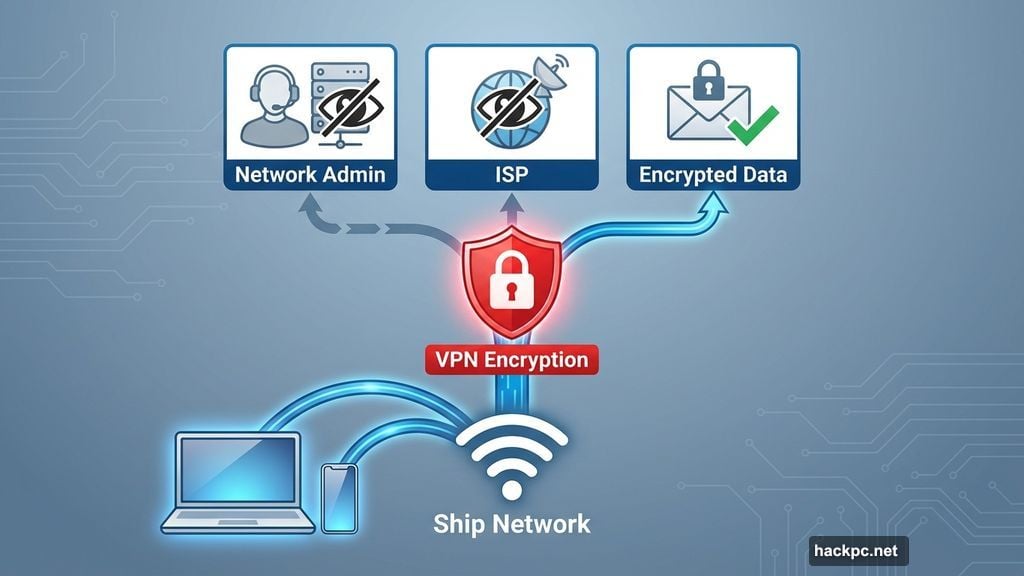
A VPN encrypts your data before it leaves your device. That adds a protective layer between you and network administrators monitoring traffic on that shared network.
Most internet services already use encryption for sensitive information transfers. But a VPN guarantees that all of your data stays unreadable to anyone snooping on network activity. That includes ISPs and network admins.
Guest Wi-Fi on ships qualifies as a public network. If you’re concerned about adversary-in-the-middle attacks, a VPN mitigates select threats. Just remember that VPNs handle privacy, not security. You’ll still want antivirus software and a password manager protecting your devices.
Bypassing Regional Blocks Works Well
Ships route internet traffic through whatever ground stations are available along your route. If your cruise passes through regions with internet censorship policies, you might suddenly lose access to sites that worked fine yesterday.
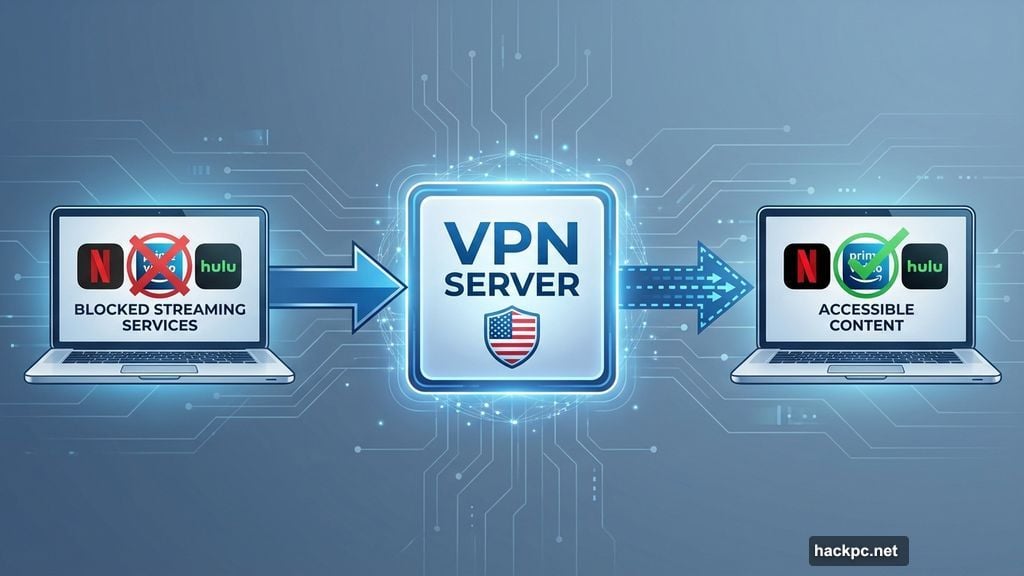
A VPN tunnels your connection through a server in a location you choose. That bypasses regional restrictions. If certain sites become inaccessible mid-voyage, connecting to a VPN server in your home country typically restores access.
Some apps and websites don’t play nicely with VPNs though. You may need to try obfuscated servers or protocols that mask your VPN connection as standard web traffic.
Streaming Services Require VPN Tricks
Want to catch up on your favorite Netflix shows while relaxing in your cabin? Geographic licensing restrictions might get in the way.
Because your connection routes through ground stations across the globe, streaming services may think you’re in a completely different country from where your account is registered. By connecting to a VPN server in your home country, you can access the content available there.
Just budget plenty of time for downloads or buffering. Cruise streaming speeds lag significantly behind what you’re used to on land. Even with Starlink upgrades, satellite bandwidth has limits.
Speed Takes a Major Hit
Cruise Wi-Fi won’t match your home broadband, even with Starlink. You’re sharing limited satellite bandwidth with many other passengers. Your connection travels from the ship’s antenna to satellites orbiting Earth, back to a ground station, and then across the internet to its destination.
Adding a VPN introduces additional overhead. Even the fastest VPNs typically slow down your internet connection marginally. Your data must now travel to a VPN server before reaching its final destination. Plus, encryption overhead uses up some of your valuable bandwidth.
On an already constrained connection, using a VPN on cruise Wi-Fi can significantly slow down internet traffic. If speed is your primary concern, a VPN might not be worth it.
This especially affects services where latency matters, like video calls. Many cruise lines explicitly state that VPN usage impacts performance. Carnival outright states they don’t support VPN usage.
Ship Apps Will Break
Most cruise lines rely on apps and local network services that expect you to connect directly to the ship’s Wi-Fi. If you’re routing traffic through a VPN, your digital cruise card, onboard booking systems, or shore reservations might stop functioning correctly.
This mirrors problems with airline apps while connected to a VPN. When your VPN masks your connection to the ship’s local network, apps can’t reach the services they need.
Check your VPN’s settings for an option to allow local network traffic. That can fix some issues without disabling your VPN entirely.
Split Tunneling Solves the Problem
You don’t have to choose between VPN protection and access to cruise ship services. All top-tier VPN providers offer split tunneling, a feature that routes some traffic through an encrypted VPN tunnel while allowing other apps to connect directly to the local network.
With split tunneling enabled, you could send your web browser and banking apps through the VPN for enhanced privacy. Meanwhile, your cruise line’s app connects directly to the ship’s network.
Look for split tunneling options in your VPN app’s settings. You’ll typically either choose which apps bypass the VPN or specify that certain apps should always use the VPN while everything else connects normally.
Note that some operating systems don’t support split tunneling. Only a handful of providers like Surfshark offer split tunneling on macOS and iOS.
Set Up Split Tunneling Before You Sail
Play around with split tunneling settings before you embark. That prevents losing access to cruise line services you need while still protecting your privacy.
Test your configuration on a public Wi-Fi network before boarding. Make sure your banking apps route through the VPN while your test “cruise app” (pick any location-based app) connects directly to the local network.
Document which apps need direct access versus VPN protection. That saves troubleshooting time when you’re already at sea with limited connectivity.
The Verdict on Cruise VPNs
If you’re concerned about privacy or need to control where you’re connecting from to access geo-blocked content, yes, use a VPN on cruise ship Wi-Fi. Just accept slower internet speeds than connecting directly to the wireless network.
Have realistic expectations about connection performance. Satellite internet has physical limitations that no VPN can overcome. Your connection will be slower than home broadband regardless.
Split tunneling provides the best balance between privacy and functionality. But you need to configure it properly before sailing. Otherwise, you’ll spend precious connectivity time troubleshooting instead of enjoying your cruise.




Comments (0)