

Discord may have hit pause on its age verification rollout, but don’t mistake that for good news on the privacy front.
The platform still openly states that more than “90% of users will never need to verify their age.” What Discord won’t say clearly is how it figures that out. What we do know is that Discord uses markers like your account age, payment method, servers you’ve joined, and what it vaguely calls “general patterns of account activity.” That last part? That’s AI trained on your usage data making guesses about you.
And here’s the part that should give you pause. You have no idea what your data is actually revealing, or what it’s helping build over time.
Discord’s AI Reads More Than You Think
Discord has promised not to scan your messages to determine your age. That sounds reassuring at first.
But the platform is still analyzing plenty else. Your payment history, server memberships, how active you are, and your overall behavioral patterns are all fair game. An AI system processes that information and draws conclusions about you.
So even without reading your messages, Discord can build a surprisingly detailed picture of who you are. And if you’re paying for Nitro, that’s an especially uncomfortable deal. You’re paying a company that’s simultaneously harvesting your data for profiling purposes.
The good news is you can fight back without deleting your account entirely. A handful of privacy settings, once turned off, significantly reduce how much Discord collects and uses your data.
Where to Find These Settings
On a PC, click the gear icon to open User Settings, then navigate to the Data and Privacy section.
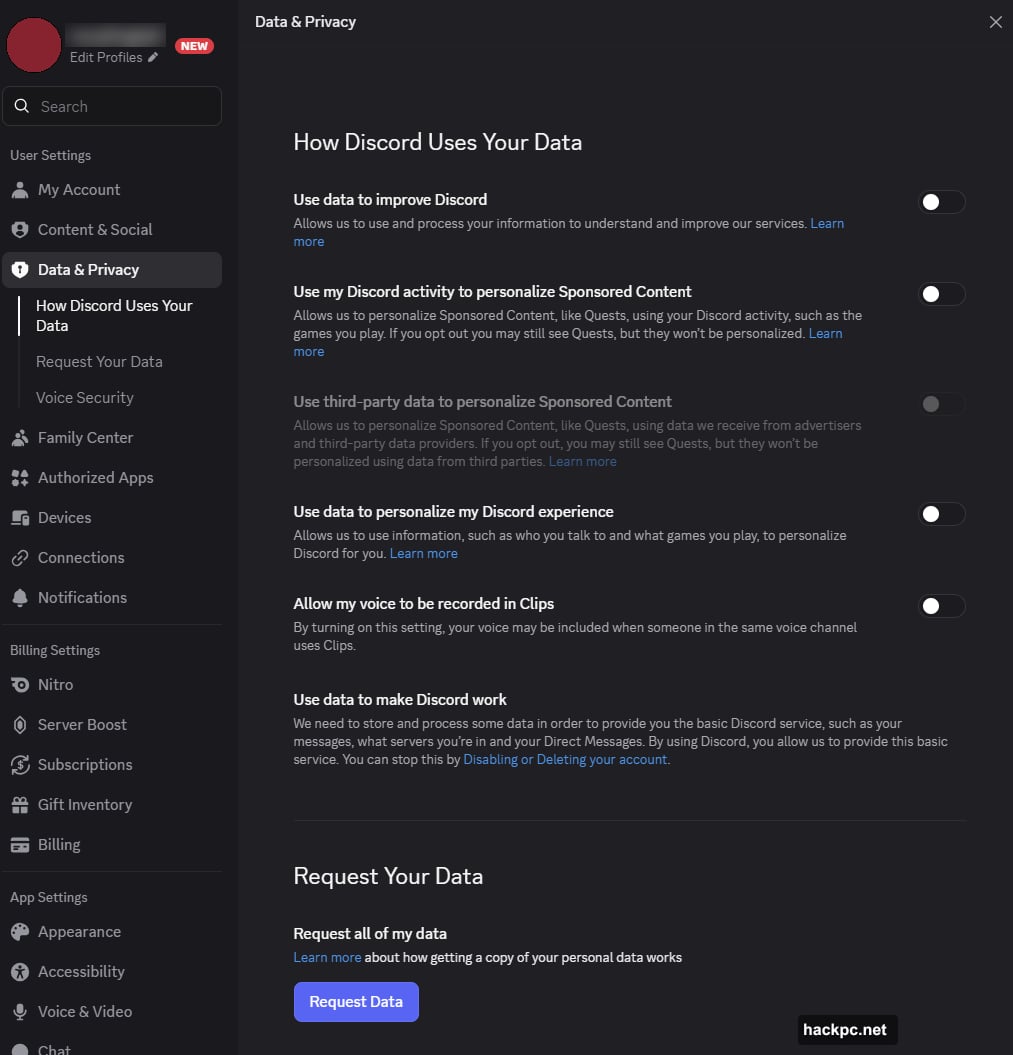
On mobile, tap the You tab at the bottom of the main screen, then hit the gear icon. You’ll need to visit two separate sections: Data and Privacy, and then Clips.
The Four Settings to Switch Off Immediately
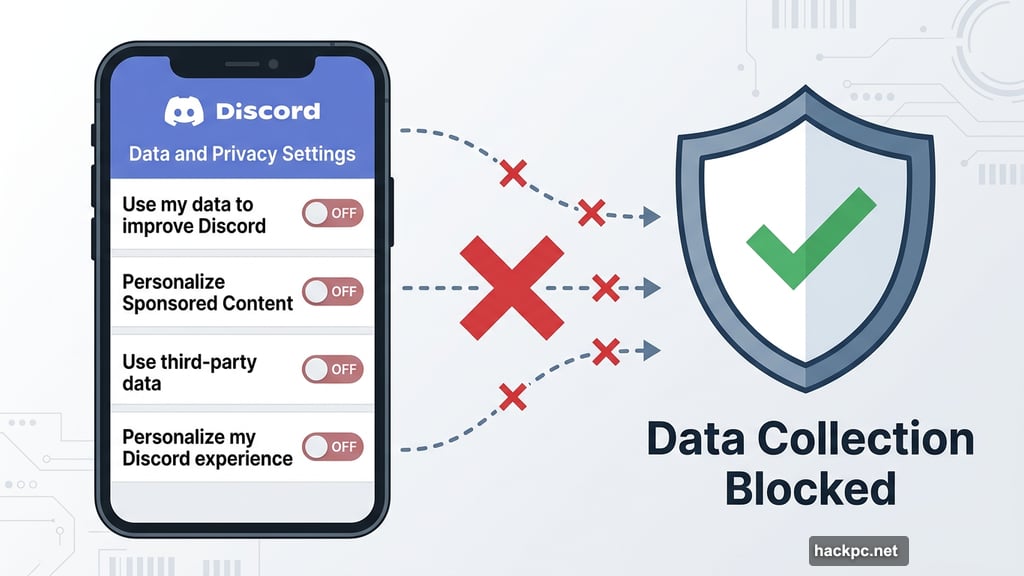
Inside Data and Privacy, you’ll find the toggles that matter most. Turn these off:
- Use my data to improve Discord — This feeds your activity directly into Discord’s improvement pipeline.
- Use my Discord activity to personalize Sponsored Content — This lets Discord use what you do on the platform to target you with ads.
- Use third-party data to personalize Sponsored Content — This brings outside data into the mix to refine ad targeting even further.
Plus, there’s a fourth worth considering. The setting labeled Use data to personalize my Discord experience is worth switching off too. Fair warning, though: disabling this one may affect small quality-of-life features. For instance, friends you talk to most often might stop appearing at the top of your Active Now list. It’s a minor trade-off for meaningful privacy gains.
Don’t Forget About Voice Recording in Clips
This one lives in a separate section on mobile and is easy to overlook. Inside the Clips settings, you’ll find a toggle called Allow my voice to be recorded in Clips.
Turning this off means nobody in a voice channel can record your voice through the Clips feature. Not friends, not strangers in a shared server. No one. If you ever want to participate in Clips yourself, you’d need to flip it back on manually.
That might sound strict. But it’s the only way to have genuine control over who captures your voice.
Should You Just Quit Discord?
Quitting entirely would stop the data collection cold. For many people, though, Discord is too embedded in their daily communication, gaming communities, or work channels to abandon.
The settings above won’t make Discord a privacy-first platform. But they do reduce the amount of data flowing out and limit how the company builds a profile around you. That’s worth doing regardless of where you land on the age verification debate.
Take five minutes today and check each of these toggles. You might be surprised how many were quietly switched on by default.




Comments (0)