

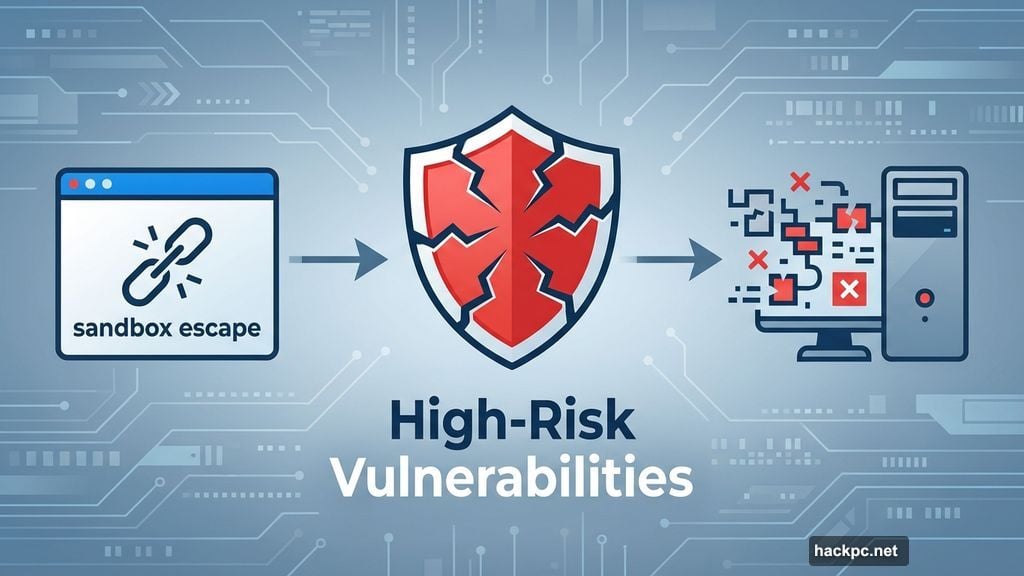
Firefox just patched 16 security holes in its latest update. Six of them ranked as high-risk threats that could let attackers break out of your browser’s sandbox and run malicious code directly on your system.
But security fixes aren’t the only reason to update. Firefox 147 brings AMD GPU video playback up to speed with Intel and Nvidia graphics. Plus, picture-in-picture mode got smarter about when it activates automatically.
Mozilla won’t release Firefox 148 until February 24th. That’s a standard six-week update cycle. Meanwhile, the question lingers whether extended support for Windows 7/8 and older macOS versions will continue past Firefox 115.
Picture-in-Picture Mode Gets Automatic Switching
Firefox’s picture-in-picture feature has existed for years. Now it activates automatically when you switch away from a video tab.
Here’s how it works. You’re watching a video in Firefox. Then you click to another tab to check something else. The video pops out into a floating window automatically. Switch back to the video tab and Firefox exits picture-in-picture mode on its own.
YouTube users might recognize this behavior already. But now it works across all video sites in Firefox. The browser handles the transition without requiring manual clicks.
This makes multitasking smoother. You don’t lose your place in a video just because you need to reference another tab briefly.
AMD GPU Performance Finally Matches Competition
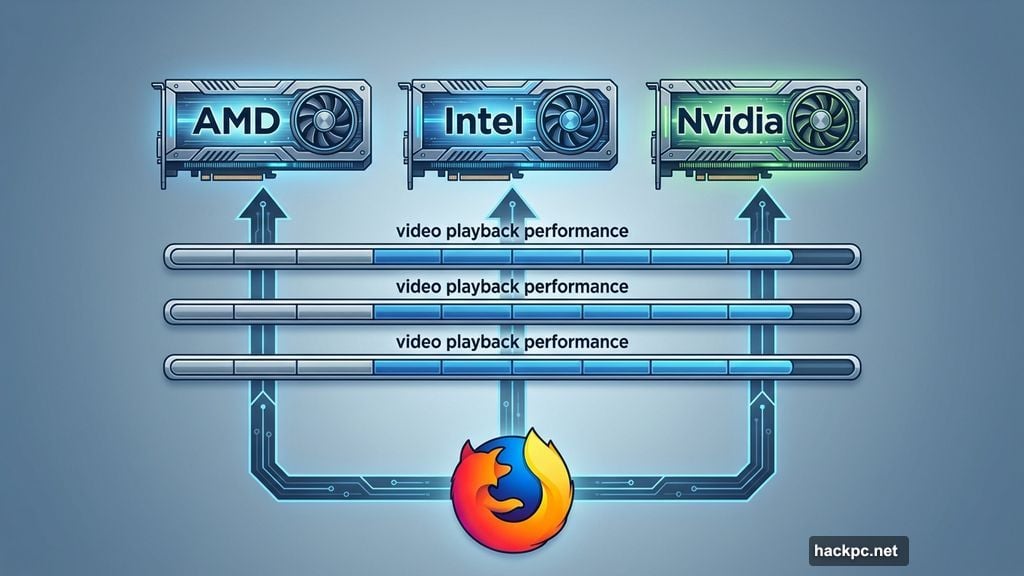
Mozilla aligned video playback performance on AMD graphics cards with Intel and Nvidia GPUs. Previously, AMD users experienced slower or less smooth video rendering compared to other graphics manufacturers.
The performance gap frustrated AMD GPU owners. Now Firefox treats all major GPU vendors equally when decoding and displaying video content.
This matters for anyone running AMD graphics hardware. Whether you’re streaming content or watching locally stored videos, playback should feel noticeably smoother after updating to Firefox 147.
Safe Browsing v5 Reduces Cloud Queries
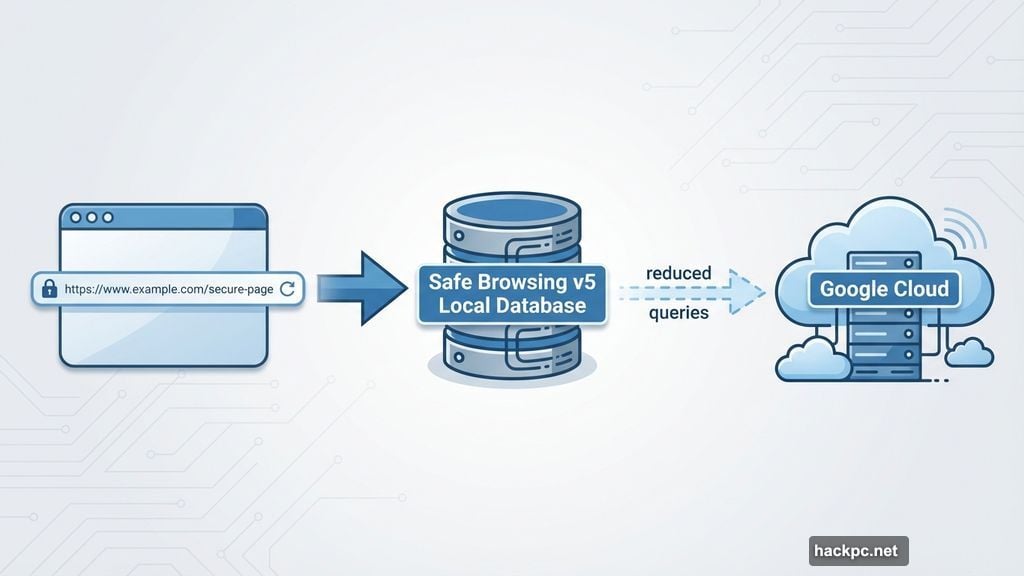
Firefox implemented Google’s Safe Browsing v5 protocol. This dramatically cuts down how often your browser queries cloud services about potentially dangerous websites.
The previous system sent URL information to Google’s servers frequently. Safe Browsing v5 maintains a regularly updated local database of known fraudulent and malicious sites instead.
When you navigate to a new URL, Firefox checks its local list first. Only suspicious matches trigger a cloud query. This approach keeps more of your browsing activity private while maintaining security protection.
Fewer cloud queries mean two benefits. First, your browsing patterns don’t get shared with external services as often. Second, security checks happen faster since they’re handled locally.
Six High-Risk Security Vulnerabilities Patched
Mozilla’s Security Advisory 2026-01 details 16 fixed vulnerabilities in Firefox 147. Six earned high-risk classifications from external security researchers.
Four of these high-risk flaws involved sandbox escape techniques. Attackers could potentially break out of Firefox’s security container and inject malicious code directly onto your system.
The remaining high-risk vulnerabilities enabled code execution through different attack vectors. All six represented serious threats if exploited by attackers.
Good news though. Mozilla reports no known active attacks exploiting any of these vulnerabilities. Security researchers discovered them before malicious actors could weaponize the flaws.
The final two entries in Mozilla’s advisory list internally discovered vulnerabilities. These carry CVE identifiers CVE-2026-0891 and CVE-2026-0892. Both affect Firefox ESR and Thunderbird as well as the main Firefox browser. Some rank as high-risk while others fall into medium-risk categories.
Extended Support Release Gets Security Updates Too
Firefox ESR received corresponding security patches. Version 140.7.0 rolled out alongside the main Firefox 147 release.
Users still running Firefox ESR 115.32.0 on Windows 7/8.1 or macOS 10.12-10.14 also received security updates. Mozilla continues supporting these older operating systems through the ESR 115 branch.
The February 24th Firefox 148 release will test whether Mozilla extends ESR 115 support again. Users on legacy operating systems watch these update cycles closely since their browser security depends on continued patches.
Tor Browser Updated With Firefox Security Fixes
Tor Browser 15.0.4 incorporates Firefox ESR 140.7 as its foundation. It includes the NoScript 13.5.7 extension for additional security.
Users on Windows 7/8.1 and macOS 10.12-10.14 can access Tor Browser 13.5.27 based on Firefox ESR 115.32. This version also includes NoScript 13.5.7.
The Tor Project now hosts NoScript directly for its browser. You can identify Tor Project versions by the “.1984” suffix appended to version numbers. The current release shows as 13.5.7.1984. That’s a cheeky Orwell reference from the privacy-focused browser team.
Functionally, the Tor Project version matches NoScript available through Mozilla’s add-on store. The separate hosting arrangement gives Tor Browser users guaranteed compatibility.
Thunderbird Patches Inherited Firefox Vulnerabilities
Thunderbird 147.0 and 140.7.0 ESR launched with similar security fixes. The email client shares code with Firefox, so it inherited some of the same vulnerabilities.
Mozilla patched these security gaps in Thunderbird to prevent potential attacks through email content or malicious attachments. Email clients face unique security challenges since they process untrusted content automatically.
Thunderbird users should update promptly. Email remains a primary attack vector for malware distribution and phishing campaigns.
Why This Update Matters Beyond Security
Security patches alone justify updating immediately. But Firefox 147 brings tangible performance improvements too.
AMD GPU owners get better video playback. Picture-in-picture mode works smarter with less manual intervention. Privacy protection strengthens through reduced cloud queries.
These aren’t flashy marketing features. They’re practical improvements that make daily browsing smoother and more secure. Firefox continues refining the fundamentals that matter most for actual browser usage.
The six-week update cycle keeps Firefox responsive to emerging threats. While some users find frequent updates annoying, this cadence ensures security fixes reach browsers quickly before vulnerabilities can be exploited at scale.




Comments (0)