
Browser makers keep forcing artificial intelligence into our daily web surfing. Fortunately, Mozilla just offered a brilliant escape route.
The new Firefox 148 update brings a massive change to how we handle these tools. Plus, it patches over 50 dangerous vulnerabilities that could compromise your computer. So your browser gets safer and less annoying all at once.
Let’s explore what makes this specific release so important for everyday users.
Take Back Control With New AI Settings
Indeed, nobody likes unwanted chatbots watching their search history. So Firefox 148 introduces a dedicated AI Settings menu. Now, you can finally disable every single AI feature with one simple click.
But you don’t have to lose the good stuff. Instead, you can selectively re-enable helpful tools like the local translation function. Because it runs locally, your private data never goes to the cloud.
Also, you get to pick exactly which chatbot lives in your sidebar. Of course, if you hate them all, just leave everything turned off completely.
Severe Sandbox Escape Vulnerabilities Finally Patched
Furthermore, beyond the flashy features, this update delivers critical under-the-hood repairs. In fact, Mozilla’s security advisory lists over 50 fixed flaws. More than half of these externally reported bugs carry a high-risk rating.
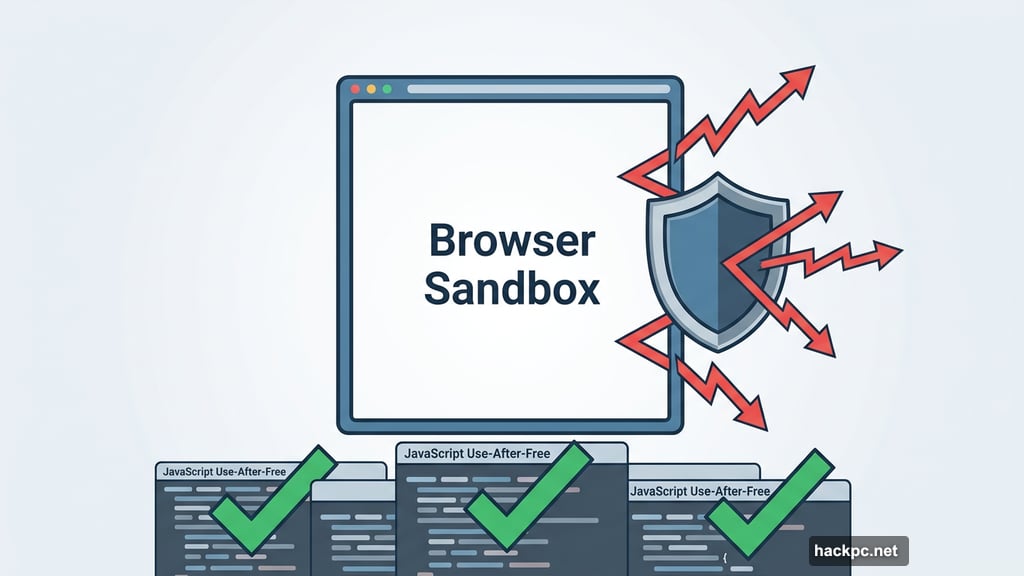
Specifically, developers patched five ways hackers could break out of the browser sandbox. Furthermore, they fixed eight dangerous use-after-free bugs hidden inside the JavaScript components. These specific vulnerabilities could let bad actors execute malicious code right on your machine.

Fortunately, experts haven’t seen anyone exploiting these flaws in the wild yet. Still, you shouldn’t wait around to find out.
Mozilla Firefox ESR and Thunderbird Get Crucial Updates
Meanwhile, Mozilla’s own team found several nasty bugs internally. These memory access errors affect more than just the main browser. As a result, the company had to push emergency patches to other popular products.
So if you use Firefox ESR or the Thunderbird email client, you need to update those too. Specifically, Firefox ESR 140.8 fixes 37 vulnerabilities. Meanwhile, the older ESR 115.33 patches 21 flaws for users still on Windows 7 or older Macs.
Remember, this is the final security release for the 115 branch. Therefore, users on those older operating systems really need to upgrade their machines soon.
Windows 10 Users Gain Better Data Backup Options
The development team also tweaked how synchronization works for privacy-focused folks. Previously, Windows 10 users faced issues if they set Firefox to wipe data upon closing. Now, those same users can finally use the built-in backup feature without conflicts.
However, the browser still respects your privacy choices. Therefore, any data you scheduled for deletion won’t get backed up to Mozilla’s servers. You can find these helpful new controls tucked away in your synchronization settings.
I genuinely love seeing a browser prioritize user choice over forced trends. The new kill switch proves Mozilla still listens to what real people actually want.
However, the massive list of patched security holes is the real reason you must act today. So don’t put off this installation for another week.
First, go to your browser menu. Next, click “Help” and select “About Firefox” to trigger the download. The update takes just thirty seconds, and it keeps your digital life secure until Firefox 149 arrives on March 24th.




Comments (0)