
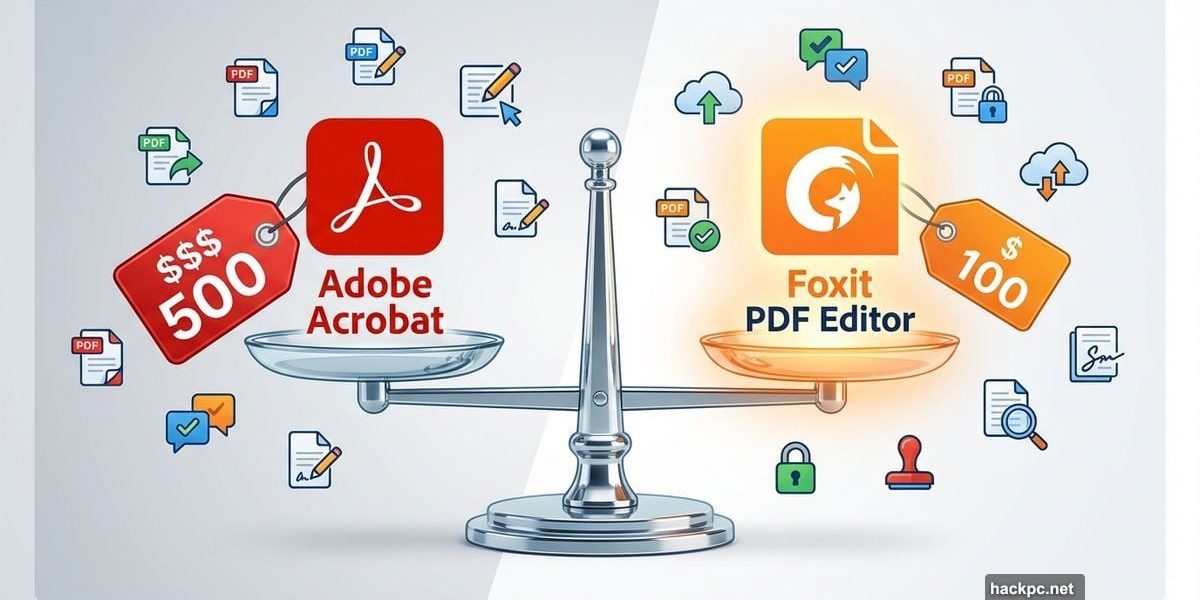
Adobe Acrobat dominated PDF editing for decades. But here’s the thing—most businesses don’t need to pay Adobe’s premium prices.
Foxit PDF Editor 13 changed that calculation. After testing it for three months across real business workflows, I found a capable alternative that costs significantly less while delivering the tools most teams actually use daily.
Let’s break down what works, what doesn’t, and whether your business should make the switch.
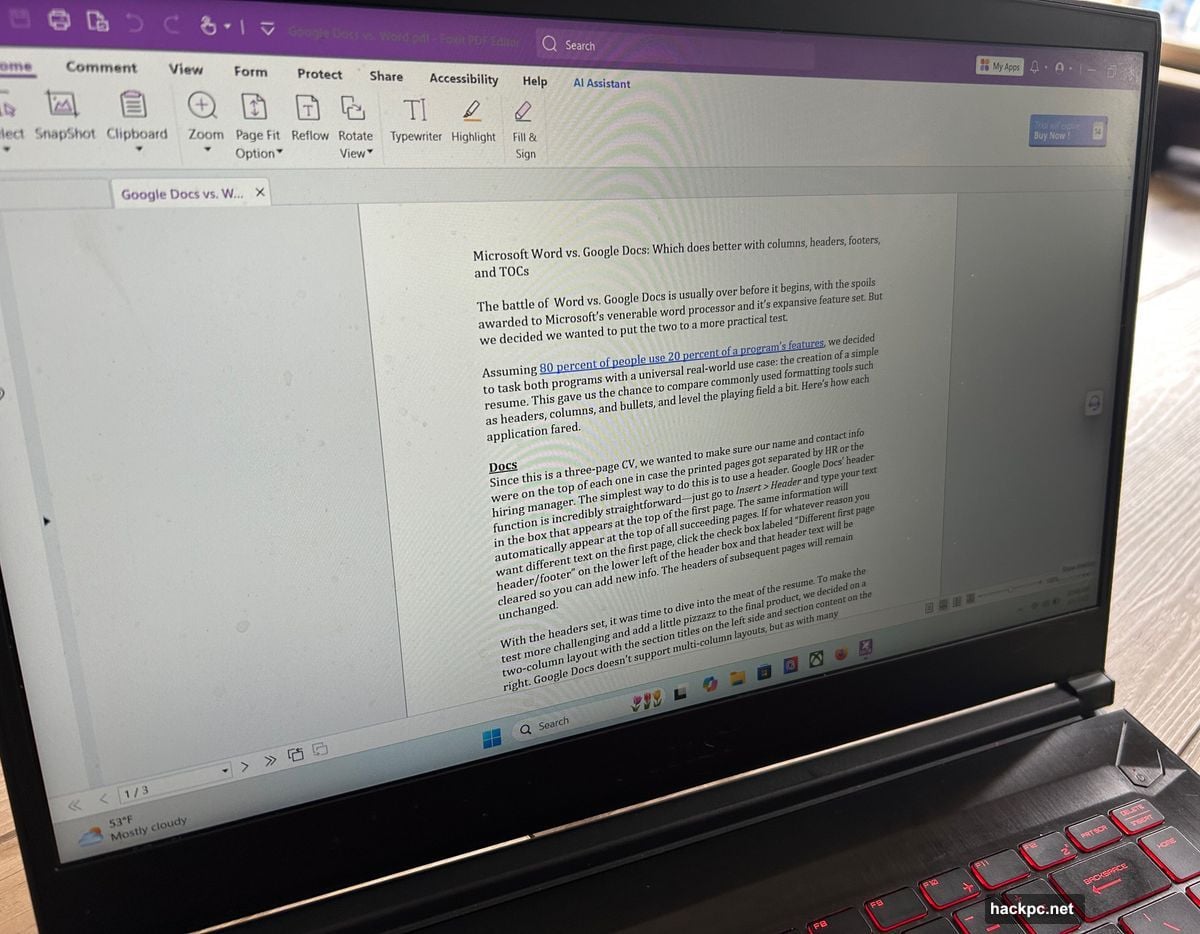
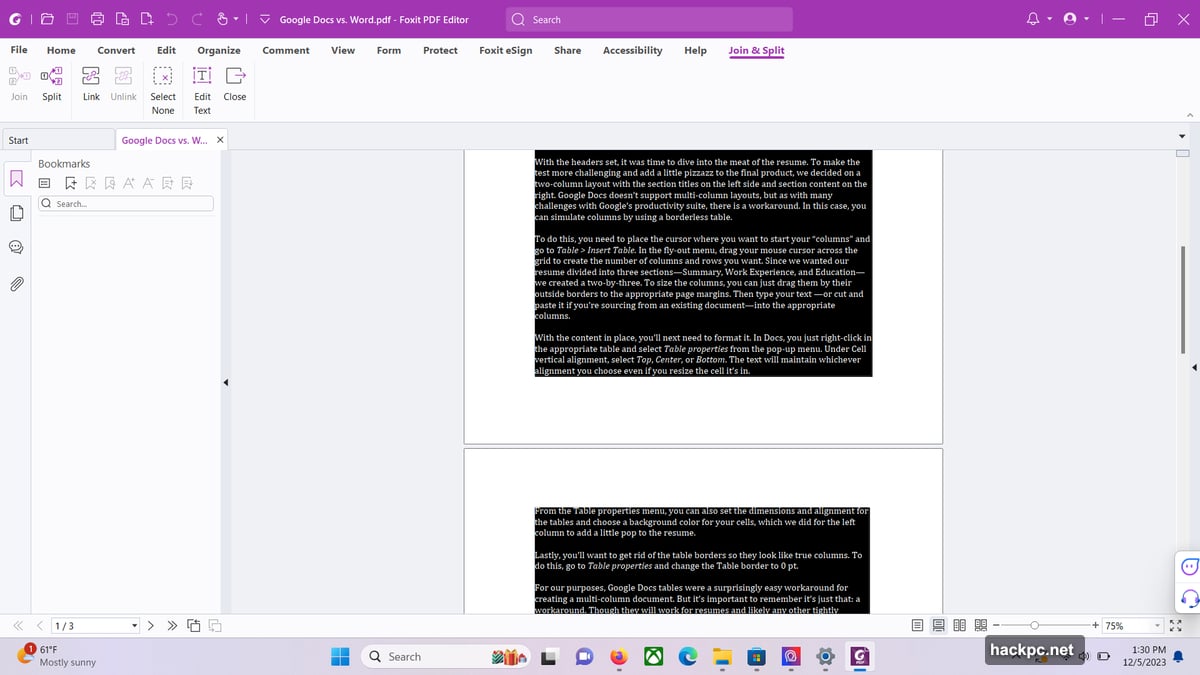
The Interface Actually Makes Sense
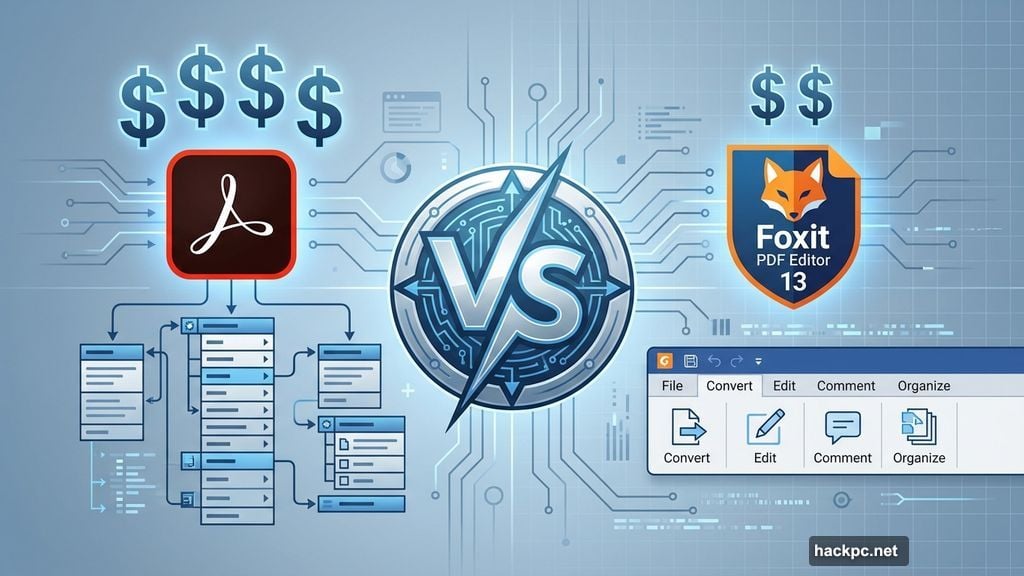
Foxit borrowed heavily from Microsoft Office’s ribbon design. Smart move.
The top row displays task-specific tabs like Convert, Edit, Comment, and Organize. Click a tab and you get exactly the tools you need for that job. Nothing more, nothing less.
This matters more than it sounds. Adobe Acrobat buries features in nested menus that require training to navigate. Foxit’s approach? If you’ve used Word or Excel, you already know how to find what you need.
The home dashboard shows recent files, cloud documents, and workflow shortcuts. Close a document and you return to this hub. It’s simple but effective for jumping between projects.
Text Editing Works Like Word Processing
Editing PDFs traditionally felt clunky. Foxit changed that.
Click the Edit tab, select Edit Text, then click any text block. You type directly into the document just like a word processor. Plus, you can highlight text, adjust fonts, and modify formatting from the right-side panel.
Text boxes remain the one limitation. Content stays confined to its original container. Want text to flow between boxes? You’ll need the Link & Join Text tool to connect them manually.
Flowing text across pages requires the same linking approach. It’s not seamless like a native word processor. But for editing existing content within established layouts, it works smoothly.
PDF Creation Covers All the Bases
Foxit handles multiple PDF creation methods without complaints.
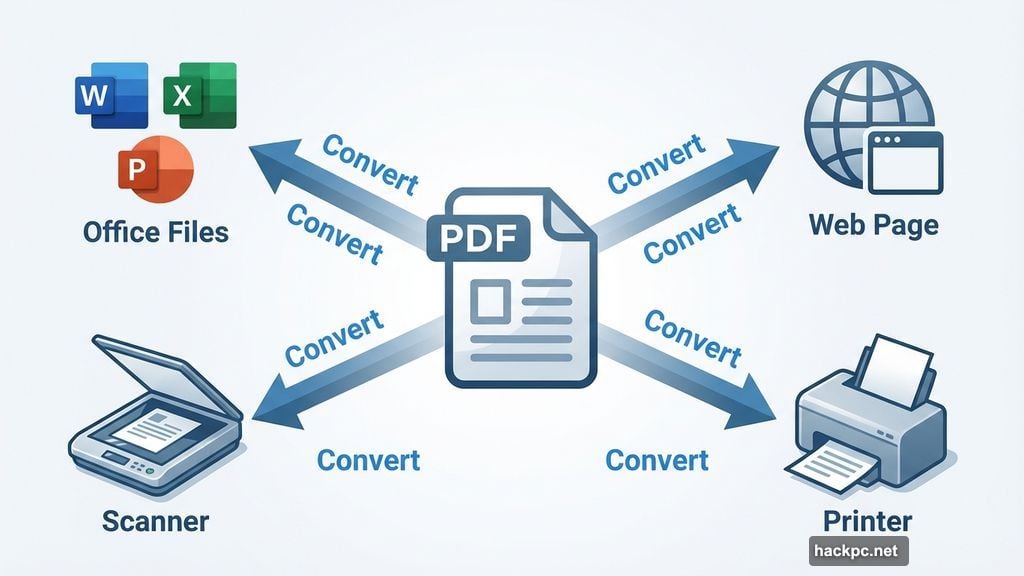
You can convert Microsoft Office files, capture web pages, scan paper documents, or print from any application. The conversion process runs fast and produces clean results.
Going the other direction works equally well. Export PDFs to Word, Excel, HTML, or plain text formats. The converted documents maintain reasonable formatting, though complex layouts sometimes need minor cleanup.
Moreover, batch processing lets you convert multiple files simultaneously. That feature alone saves hours when processing invoices, contracts, or reports in bulk.
Collaboration Tools Match Team Needs
The Comment tab includes everything teams need for document reviews.
Sticky notes, callouts, text markups, drawing tools, and stamps all work as expected. You can highlight passages, strike through outdated text, or mark sections for replacement.
Foxit Cloud integration improved significantly in recent versions. Documents sync across devices smoothly. Team members can access shared files from desktop, web, or mobile apps without conflicts.
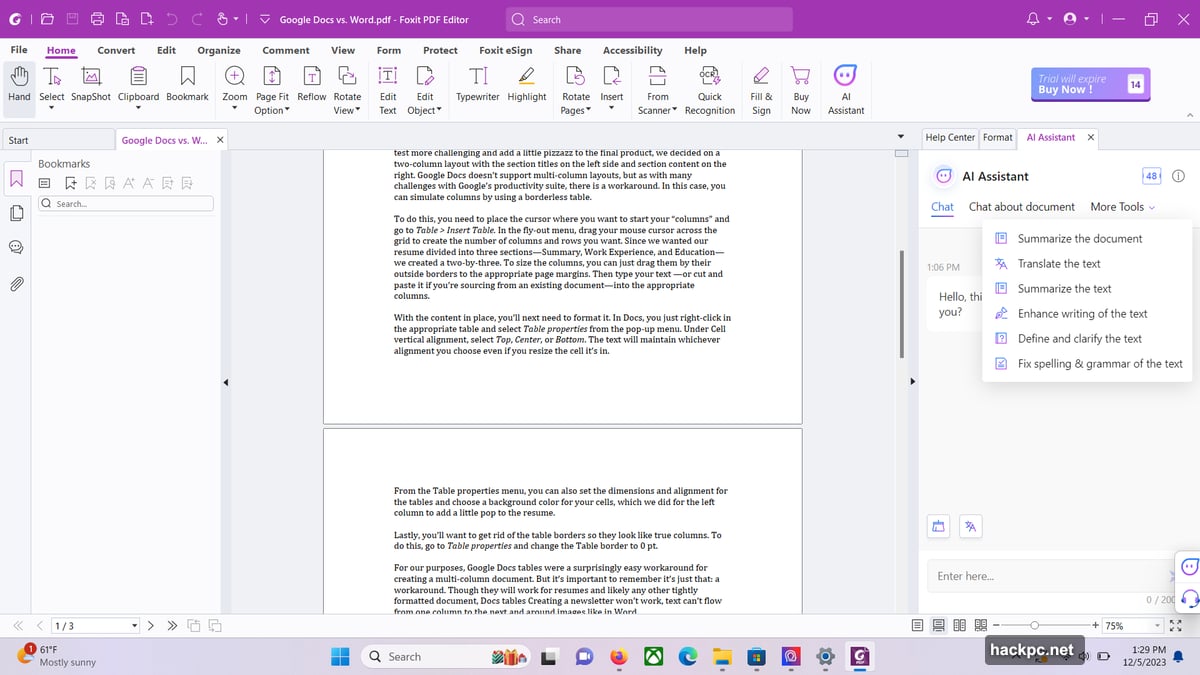
The Editor+ plan adds AI Assistant features. It summarizes long documents, rewrites sections, and translates selected text. These tools use ChatGPT integration to provide genuinely useful assistance beyond simple find-and-replace functions.
Security Features Protect Business Data
Foxit takes document protection seriously.
The Protect tab offers multiple redaction options. Whiteout permanently erases content and replaces it with blank space. Mark for Redaction blacks out sensitive text or images before finalizing the redaction.
Document sanitization strips hidden metadata, embedded links, and bookmarks that might contain sensitive information. This matters when sharing contracts or financial documents externally.
Password protection, encryption, and custom security policies provide additional layers. Administrators can apply these settings across multiple files using batch processing. That’s essential for businesses handling confidential client information.
Cloud Integration Actually Works
Foxit connects directly with major cloud storage platforms.
Google Drive, OneDrive, SharePoint, Box, and Dropbox all integrate natively. You access files stored in these services directly from within the editor without downloading them first.
This approach streamlines workflows for remote teams. Everyone works from the same cloud-stored version. No more email attachments creating version confusion or sync conflicts.
The integration feels natural rather than bolted on. Files open quickly and save changes back to cloud storage automatically.
Two Plans Serve Different Needs
Foxit PDF Editor costs $129.99 annually or $10.99 monthly. That includes the full desktop editor, 20GB cloud storage, and web-based access.
Foxit PDF Editor+ runs $159.99 yearly or $13.99 monthly. You get Smart Redaction, eSign with 150 envelopes per year, AI Assistant, full mobile app access, and 150GB cloud storage.
Both plans include seven-day free trials with complete feature access. That’s enough time to test it against your actual workflows before committing.
Compare those prices to Adobe Acrobat’s standard plan at $239.88 annually. Foxit delivers 46% cost savings while providing the features most businesses use daily.
What’s Missing From the Picture
Foxit isn’t perfect for every situation.
Advanced form creation tools lag behind Adobe’s offerings. If your business builds complex fillable forms regularly, Acrobat remains stronger in this area.
OCR accuracy sometimes struggles with poor-quality scans or unusual fonts. Adobe’s OCR engine handles difficult documents more reliably.
Integration with Adobe-specific workflows like Experience Manager requires workarounds. Companies deeply embedded in Adobe’s ecosystem might face friction switching.
The mobile apps work well for viewing and basic edits. But complex editing tasks still require the desktop version. That limitation affects field teams working primarily from tablets.
Real Business Value Shows Up
Here’s what matters most: Foxit PDF Editor delivers genuine business value at significantly lower cost than Adobe Acrobat.
Independent professionals and small business teams get robust PDF editing, security tools, and collaboration features without Adobe’s premium pricing. The interface requires minimal training. Cloud integration works smoothly across devices.
The AI Assistant in the Editor+ plan adds real utility for document-heavy workflows. Summarizing lengthy contracts or translating technical documents saves meaningful time.
Security and redaction tools meet business compliance needs. Password protection, encryption, and metadata stripping protect sensitive information adequately for most use cases.
For businesses questioning whether they need Adobe Acrobat’s full capabilities, Foxit provides a compelling alternative worth testing. Download the seven-day trial and run it through your actual workflows. The cost savings alone justify the evaluation.




Comments (0)