
Streaming subscriptions pile up fast. Netflix, Hulu, Max—suddenly you’re paying $80 monthly just to watch TV.
But free streaming services changed the game. Platforms like Tubi, Pluto TV and Roku Channel offer thousands of shows and movies without charging a dime. Sure, you’ll sit through ads. But that’s the tradeoff for keeping your wallet closed.
Let’s break down which free services actually deliver.
Tubi Dominates With Massive Content Library
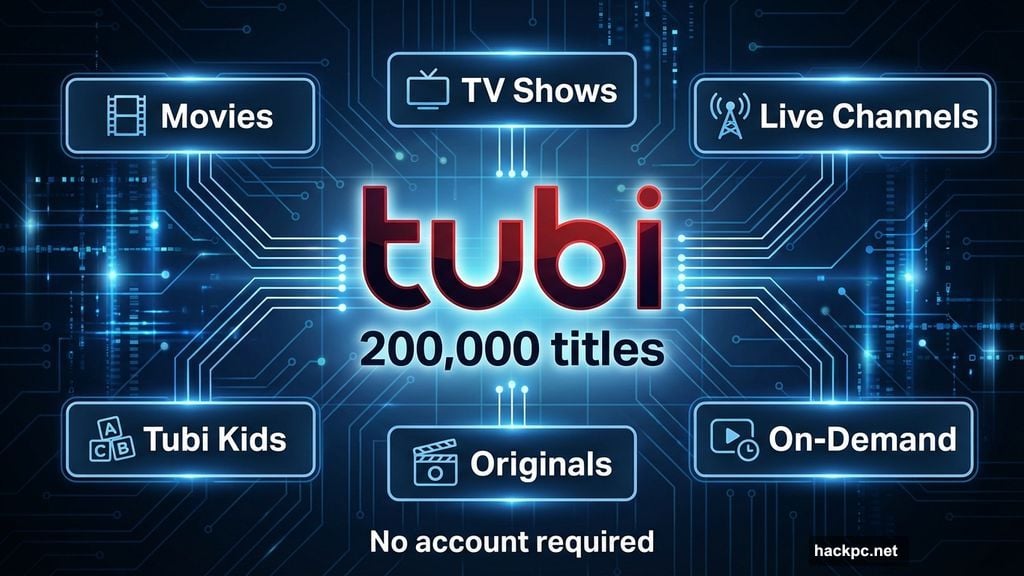
Tubi owns the free streaming crown. Fox’s ad-supported platform serves up over 200,000 titles spanning movies, TV shows and live channels.
The interface works smoothly. Browse by genre, network or mood. Plus, Tubi keeps adding original series that rival paid streaming content.
What makes Tubi special? No account required to start watching. However, signing up lets you save favorites and resume playback across devices. That’s crucial when you’re binging a show on your phone during lunch then switching to your TV at home.
The live channel selection grew significantly. News, sports, weather and entertainment streams run 24/7. You’ll find nationwide broadcasts plus local options depending on your location.
Tubi Kids deserves mention. Parents get a dedicated section with age-appropriate content that filters out mature titles automatically.
One downside exists. Not every TV series includes full seasons. You might find seasons 1-3 of a show but not season 4. Still, the sheer volume of content makes up for these gaps.
Pluto TV Excels for Channel Surfers
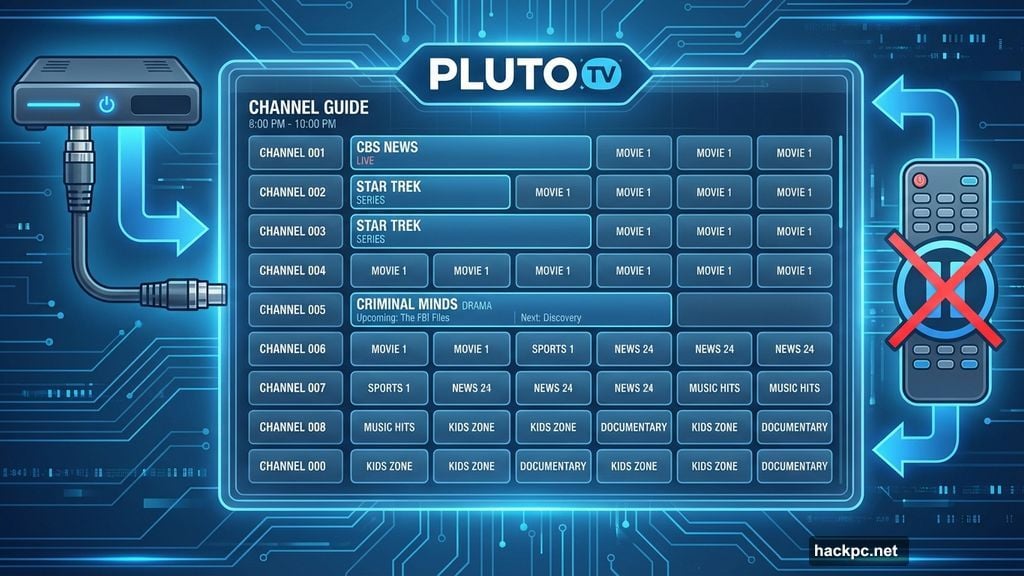
Miss flipping through cable channels? Pluto TV recreates that experience with over 250 live streams.
Paramount owns Pluto, which explains why you’ll find CBS News, Star Trek channels and Criminal Minds marathons. The platform organized channels into clear categories—news, sports, comedy, reality TV, movies and more.
Here’s the catch. You can’t pause live streams. Only mute them. That feels outdated compared to other services.
The on-demand section exists but doesn’t match Tubi’s depth. Pluto focuses primarily on live channels, treating on-demand as a secondary feature. That strategy works if you prefer background TV while cooking or working.
Navigate the grid guide just like cable. Scroll through what’s playing now and coming up next. Familiar and simple.
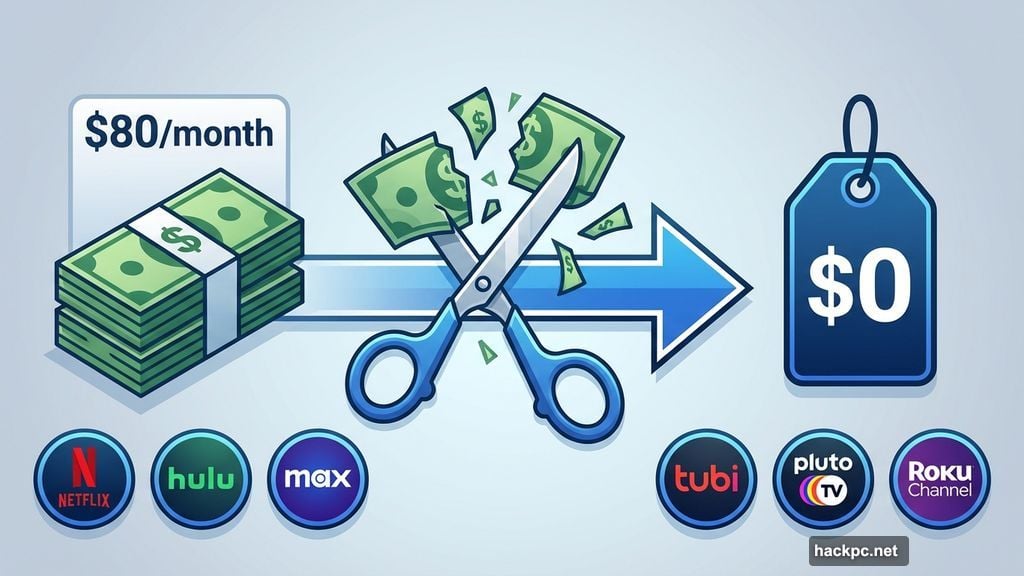
Roku Channel Works Best on Roku Devices
Roku Channel launched as a perk for Roku device owners. Now anyone can access it via mobile apps or web browsers.
The service offers 500+ live channels plus thousands of on-demand titles. You’ll find Roku originals like the Weird Al biopic, reality shows including Kitchen Nightmares and popular series such as Castle.
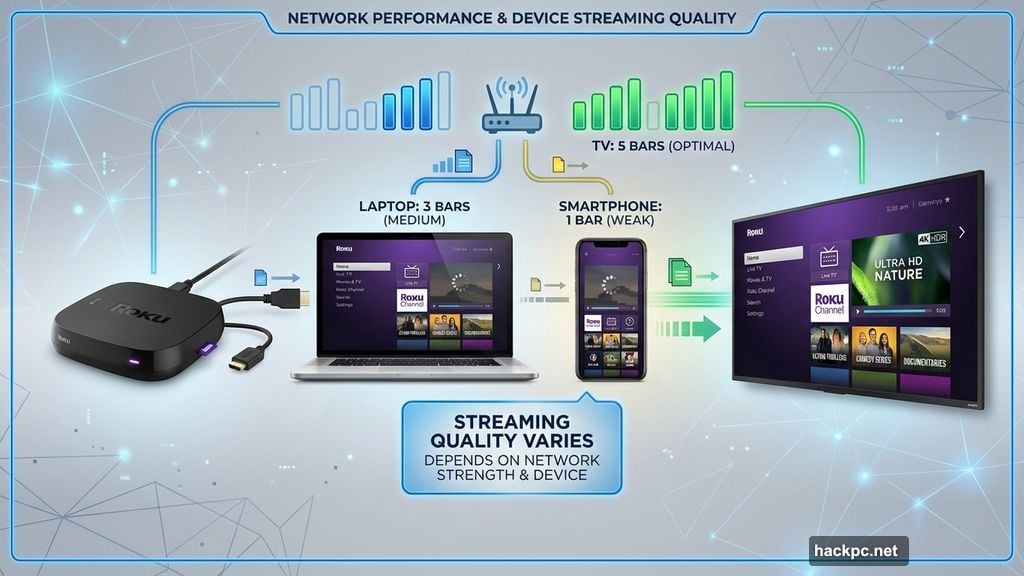
But streaming quality varies. The mobile app performs noticeably worse than watching on actual Roku devices or through web browsers. Stick to TVs and computers for the best experience.
Roku’s interface integrates premium subscriptions too. Add Paramount Plus or other services through Roku Channel, managing everything in one place. That convenience matters if you juggle multiple streaming accounts.
Kids content gets its own section. Parents can browse age-appropriate shows without wading through mature titles.
Sling Freestream Lets You Record Shows
Sling’s free tier separated itself with one killer feature—cloud DVR.
Most free services force you to watch content when they schedule it. Sling Freestream provides 10 hours of recording space. See a movie starting at midnight? Record it and watch tomorrow morning.
The platform includes 600+ live channels and 40,000 on-demand titles. News, entertainment, sports and kids programming all make the lineup.
Creating an account unlocks personalization. Build up to five profiles for family members. Set parental controls. Customize your channel guide.
The on-demand movie selection disappoints compared to Tubi or Pluto. But the DVR capability compensates for that weakness if recording matters to you.
Prime Video Absorbed Freevee Content
Amazon collapsed its Freevee brand into Prime Video. Now ad-supported content lives alongside paid Prime offerings.
This consolidation created confusion. Some Prime Video originals stream free with ads. Others require Prime membership. You won’t know until you click a title.
Free selections include Schitt’s Creek, Lethal Weapon, Edge of Tomorrow and Freevee originals like Jury Duty. Full seasons of shows like Homecoming and Upload also stream free.
The mixed model feels messy. Browse carefully to avoid accidentally clicking paid content when you’re hunting for free options.
Plex Adds Unique Server Features
Plex started as software for streaming content from your computer. Then it added free TV channels and on-demand titles.
Over 600 channels populate the live TV section. AMC Stories, Hallmark and niche 24/7 streams for specific series like MythBusters fill the grid.
On-demand content includes Ex Machina, Weeds and Kitchen Nightmares. Browse themed collections like Most Watchlisted or decade-specific categories.
What separates Plex? The platform still supports personal media servers. Store your own digital library and access it anywhere. That feature matters if you’ve ripped DVDs or downloaded content legally over the years.
The movie selection trails Tubi and Pluto. But Plex’s extra capabilities make it worth trying alongside other free services.
Hoopla Requires Library Card Partnership
Got a library card? Check if your local library partners with Hoopla.
This digital service lets you “borrow” movies and TV shows for 72 hours. Your library sets monthly borrowing limits, typically 5-10 titles.
Hoopla’s killer advantage? Zero ads. No commercials interrupt your viewing at all.
The TV selection skews toward documentaries, self-help content and family programming. But you’ll also find Ken Burns series, both seasons of The Jim Gaffigan Show and Acorn TV content that normally requires paid subscriptions.
Film selections rotate regularly. Browse weekly to catch movies before they cycle off the platform.
Availability depends entirely on your library system. Urban libraries tend to offer Hoopla more often than rural ones. Worth checking though—completely ad-free streaming beats every other option on this list.
Ad Tolerance Determines Your Experience
Every service here runs commercials except Hoopla. That’s how they keep content free.
Ad frequency varies. Tubi keeps commercial breaks light—typically 2-3 minutes every 20 minutes of viewing. Pluto loads heavier ad breaks, sometimes hitting 4 minutes.
You’ll also see repetitive ads. Free streaming platforms work with smaller advertiser pools than cable or paid streaming. Expect to watch the same car commercial five times during a movie.
Kids content poses special concerns. Ads targeting children appear on most platforms. Only Hoopla avoids this entirely through its library partnership model.
Mix Services Based on Your Habits
These free platforms serve different purposes. Use multiple services to cover all bases.
Tubi for movie nights and binge-watching complete series. Pluto for background TV and news channels. Roku Channel if you already own Roku devices. Sling Freestream when you need DVR functionality.
Juggling apps seems annoying. But remember—you’re paying nothing. Cable bills used to run $100+ monthly. Now you’re just tapping different app icons.
Most smart TVs and streaming devices support all these services. Install them once and browse content across platforms when deciding what to watch.
Content Quality Surprises Skeptics
“Free streaming must be terrible quality” sounds logical. Wrong.
These platforms license genuine Hollywood movies and network TV shows. You’ll find The Dark Knight, Broadchurch, Mr. Robot and other acclaimed titles mixed with B-movies and reality TV.
Original productions improved dramatically. Tubi’s originals like Terror Train and The Freak Brothers compete with content on paid services. Roku’s Weird Al biopic earned positive reviews.
Picture and audio quality match paid streaming. These aren’t bootleg files—platforms secure proper licensing and deliver standard HD streaming.
The catch comes with selection age. Most free content arrived on these platforms after exhausting paid streaming windows. You won’t find new releases here. But if you’re two years behind on popular shows anyway, that timing works perfectly.
Library Size Matters Less Than You Think
Tubi boasts 200,000+ titles. Impressive number. But you won’t watch 200,000 things.
Focus instead on whether services carry content you actually want. Browse each platform’s catalog before committing time to the interface.
Search for specific shows or movies you’ve been meaning to watch. See which free services host them. That targeted approach beats drowning in massive catalogs of content you’ll never touch.
Niche preferences might favor different services. Love anime? Pluto TV runs dedicated anime channels. Into true crime documentaries? Tubi’s selection dominates.
Your viewing habits should guide platform choices, not raw title counts.
News Coverage Expanded Significantly
Free streaming filled gaps left by cord-cutting. Many platforms now offer 24/7 news channels.
Tubi carries local news streams for major cities plus nationwide channels. Pluto serves CBS News and several opinion channels. Roku Channel includes NBC News Now and ABC News Live.
This news access rivals cable. You’re not sacrificing current events coverage by dropping paid TV subscriptions.
Live news streaming performs reliably across these platforms. No buffering issues during breaking news situations. The technology matured enough to handle simultaneous viewers without crashing.
Device Compatibility Covers Everything
Worried about whether free streaming works on your setup? Don’t be.
Every service listed supports:
- Smart TVs (Samsung, LG, Vizio, etc.)
- Streaming devices (Roku, Fire TV, Apple TV, Chromecast)
- Gaming consoles (PlayStation, Xbox)
- Mobile devices (iOS and Android)
- Web browsers
Installation takes seconds. Search your device’s app store, download and start watching immediately.
No special equipment required. No cables to run. No technician visits. Just apps that work across everything you already own.




Comments (0)