
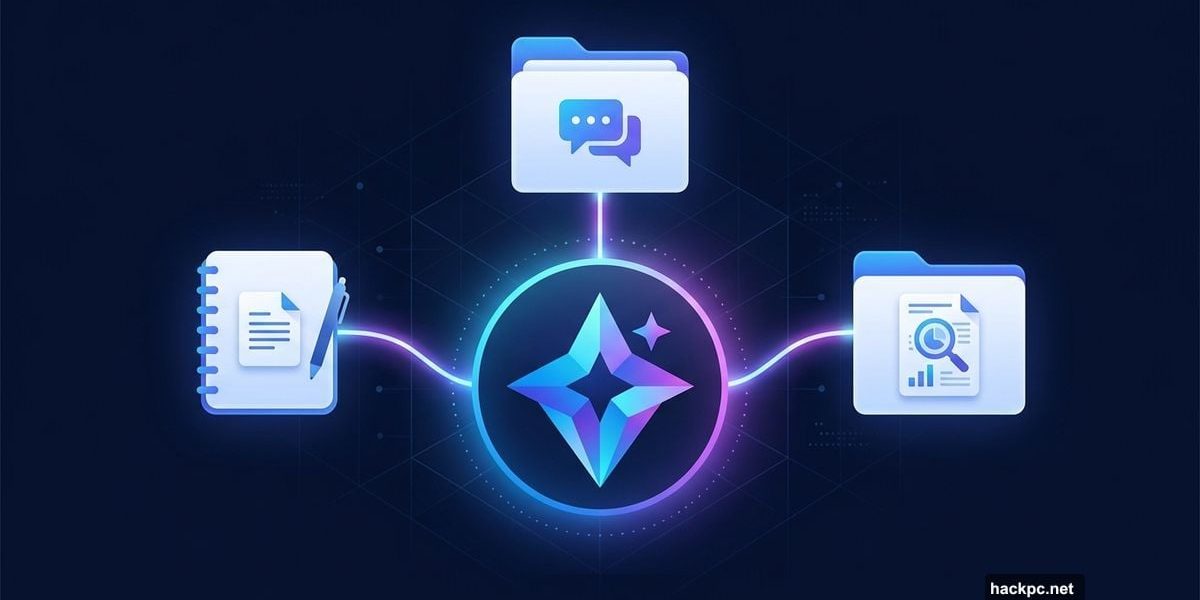
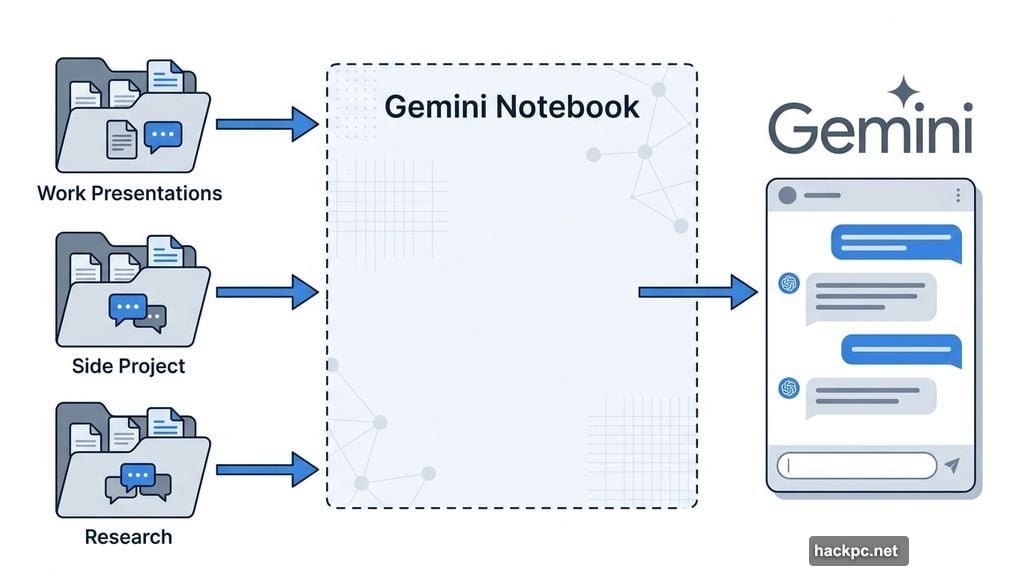
Google just made Gemini a lot more useful for people juggling multiple projects at once. The company announced a new feature called “notebooks” that lets you bundle files, past conversations, and custom instructions into one tidy workspace — so Gemini always knows exactly what you’re working on.
Think of it like having a dedicated folder for each area of your life. One notebook for your work presentations. Another for your side project. A third for that research rabbit hole you keep falling into. Gemini taps into whichever notebook is relevant and uses everything inside as context while you chat.
ChatGPT Already Does This — Now Gemini Catches Up
If this sounds familiar, it should. ChatGPT launched a very similar feature called Projects back in 2024. It works on the same basic idea: keep everything related to a topic in one place so your AI assistant stays in the loop without you having to re-explain everything every single time.
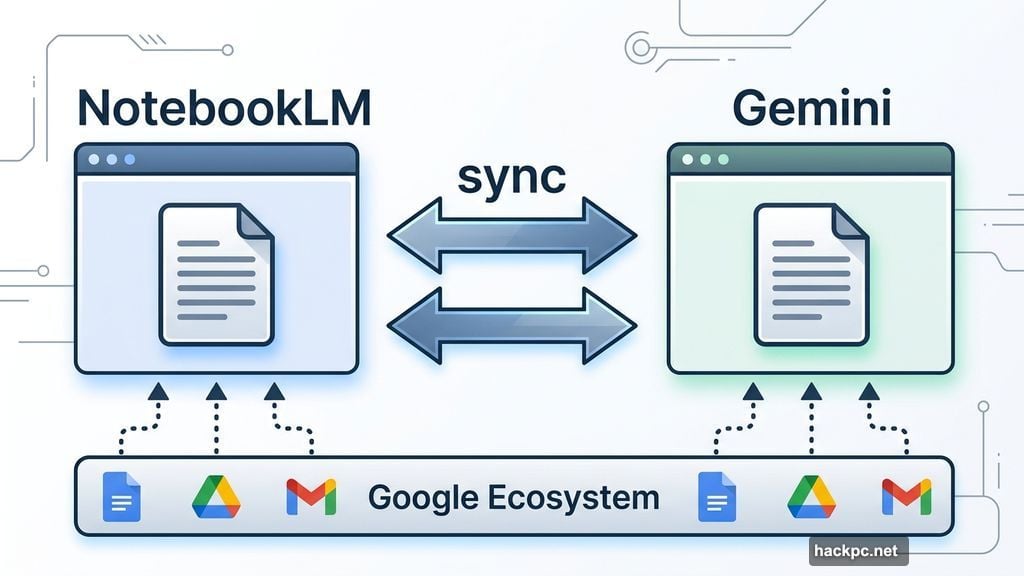
Google’s version brings its own twist, though. Gemini notebooks sync directly with NotebookLM, Google’s dedicated AI research tool. So if you add a source in NotebookLM, it shows up in Gemini too. And vice versa. For anyone already deep in the Google ecosystem, that kind of connection between apps is genuinely handy.
Google describes notebooks as “personal knowledge bases shared across Google products, starting in Gemini.” That framing suggests bigger plans down the road — maybe deeper integration with Google Docs, Drive, or Gmail at some point.
Who Gets It First
Right now, notebooks are rolling out this week on the web for paid Gemini subscribers. That covers Google’s AI Ultra, Pro, and Plus plans. If you’re on a free plan, you’ll need to wait a bit — Google says mobile support and free user access are both coming in the “coming weeks.”
So if you’re already paying for Gemini, it’s worth checking your account soon. The rollout started this week, which means some subscribers may already see the option in their interface.
Why This Kind of Feature Matters
The honest truth about AI chatbots is that memory and context are their biggest practical limitations. You can have a great conversation, get exactly the advice you need, and then start a fresh chat the next day where the AI has absolutely no idea what you discussed before.
Notebooks solve that in a pretty elegant way. Instead of re-uploading documents or re-explaining your situation every session, you build up a context layer that persists. Your AI assistant gets smarter about your specific needs over time — at least within the projects you’ve set up.
For students, researchers, writers, and anyone managing multiple ongoing projects, that’s a meaningful quality-of-life improvement. It’s the difference between a tool that helps you occasionally and one that genuinely fits into your workflow.
Whether Google’s implementation holds up as well as ChatGPT’s Projects in day-to-day use is something we’ll learn as more people get access. But the foundation here looks solid — especially with the NotebookLM sync adding something ChatGPT doesn’t currently offer.
If you’re subscribed to Gemini, keep an eye on your account. And if you’ve been on the fence about upgrading, this feature might just tip the decision.




Comments (0)