
Not everyone fell in love with AI-powered photo search. Google finally took that hint.
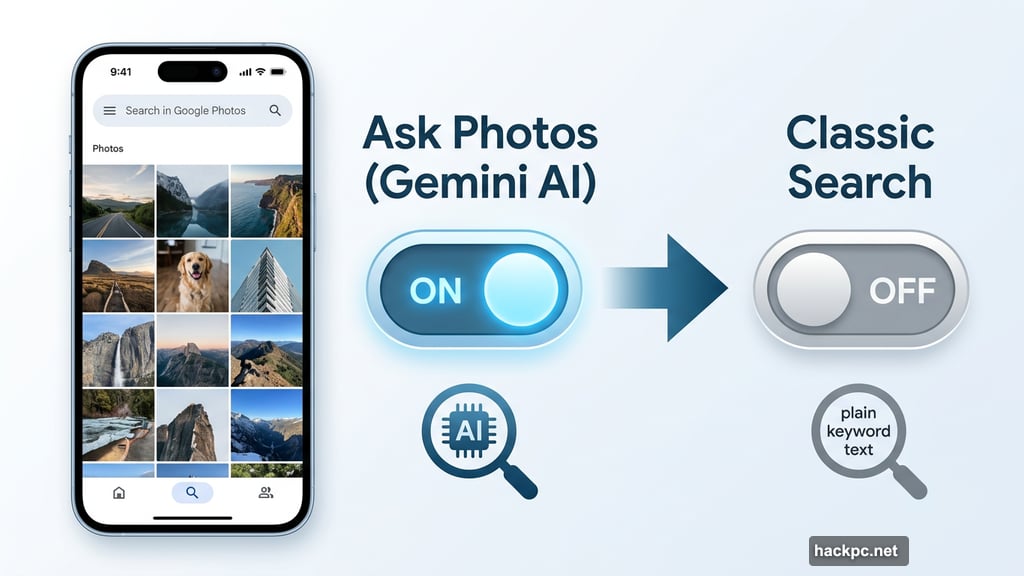
The company just added a toggle button to Google Photos that lets you flip back to the classic search experience instead of the AI-powered “Ask Photos” feature. It’s a small change, but it’s a pretty meaningful one. For anyone who’s been frustrated watching AI rummage through their photo library and come up empty, this is genuinely good news.
Ask Photos Never Quite Won Everyone Over
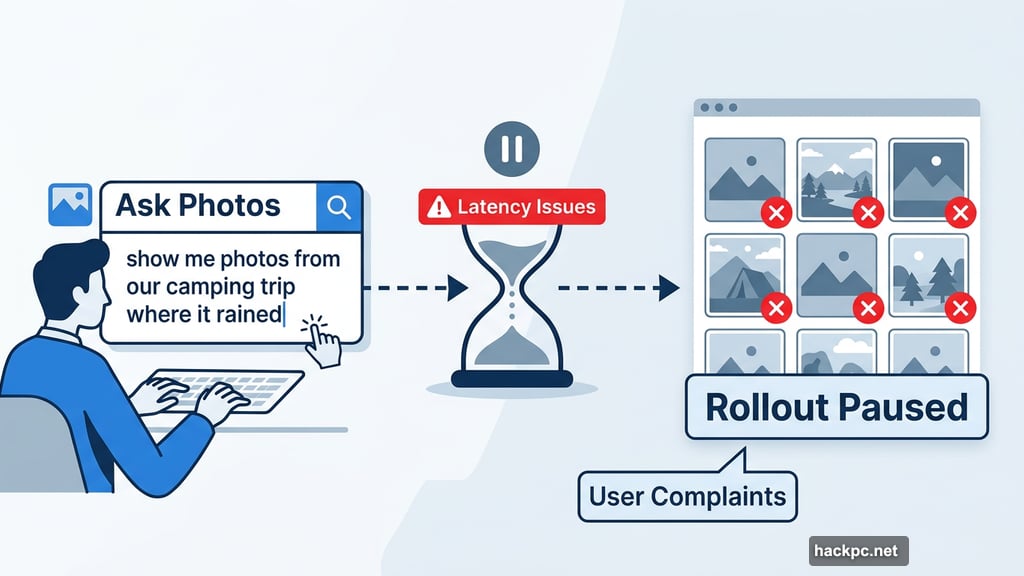
When Google launched Ask Photos in the U.S. in 2024, the idea sounded fantastic. Type a natural language question like “show me photos from our camping trip where it rained” and the AI would find exactly what you need. Smart, right?
In practice, though, plenty of users ran into problems. Searches felt slower than before. Photos that should have surfaced didn’t. And for a lot of people, the old keyword-based search simply worked better and faster.
Google even had to pause the Ask Photos rollout briefly last summer. The culprit? Latency issues that users flagged pretty loudly. So the feature came back, but the complaints kept coming.
The Settings Workaround Nobody Could Find
Here’s the thing that makes this update genuinely useful. Google technically already offered a way to turn off Gemini’s involvement in Google Photos search. But it was buried deep in settings, and most people either didn’t know it existed or couldn’t find it when they needed it.
That’s a usability problem, not just a features problem. Hiding an option doesn’t count as giving users control. It just means people get stuck with an experience they don’t want.
So the new toggle button sitting right on the search screen is a real improvement. No digging through menus. No hunting for the right setting. Just tap and switch.
Google’s Response to User Feedback
Google Photos lead Shimrit Ben-Yair announced the change on X, and her message was pretty direct about what drove it. “We’ve heard your feedback that you want more control over the type of results you see when searching in Google Photos,” she wrote.
She also mentioned that Google improved the quality of some of the most popular searches based on that same user feedback. And she encouraged people to keep sending it. “We know search in Photos is one of the most loved and used features and we’re committed to getting this experience right, so please keep the feedback coming! It helps us build a more magical experience for everyone.”
Worth noting: Google says it will still lead with whichever results best fit your query. So the system isn’t completely stepping aside. But now you can pull the lever yourself if you prefer the classic view.
What This Tells Us About AI Rollouts
This situation is a useful reminder that faster and smarter don’t always feel better to users. Classic search in Google Photos worked really well for a lot of people. When AI-powered search arrived and felt slower or less accurate, that felt like a downgrade, even if the technology behind it was more sophisticated.
The good companies listen when that happens. They don’t just push forward and assume users will eventually come around. Google pumped the brakes, worked on the issues, and now it’s giving people a clear, easy choice. That’s the right call.
Plus, it sets a decent precedent. As AI features keep rolling into everyday apps, the ability to opt out or switch back should be a standard part of the design, not an afterthought buried in settings.
If you’ve been avoiding Google Photos search because Ask Photos wasn’t doing it for you, it’s worth giving the app another look. The toggle should make your experience much less frustrating, and the classic search you probably relied on before is still there, ready to go.




Comments (0)