
Phone theft just got a lot less profitable. Google rolled out serious security upgrades that turn stolen Android devices into expensive paperweights.
The updates hit Tuesday with features that lock down your phone before thieves can access your banking apps, photos, or personal data. Plus, these protections work even if someone bypasses your lock screen.
Here’s what changed and why it matters for your digital security.
Biometric Checks Now Block Everything That Matters
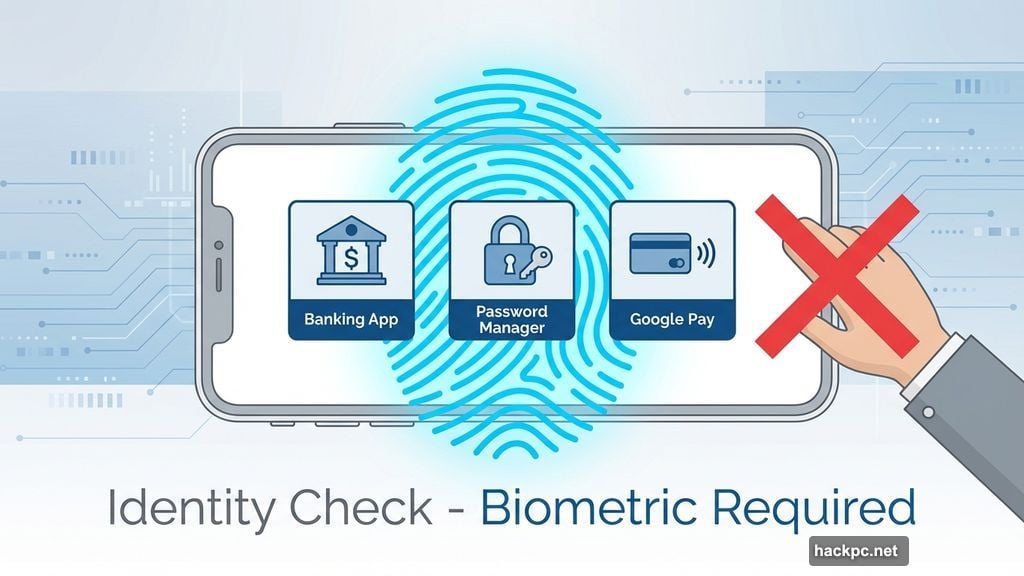
Google expanded Identity Check across all apps using Android’s biometric system. That includes third-party banking apps and password managers.
Previously, this feature worked on select Google services. Now it covers everything. So even if a thief cracks your lock screen somehow, they hit another wall trying to open sensitive apps.
Every important app requires your fingerprint or face scan. No exceptions. That makes stolen phones far less valuable to criminals who want quick access to accounts.
Think about it. Most phone theft involves immediate attempts to drain bank accounts or access payment apps. These biometric barriers shut down that window of opportunity.
Failed Logins Trigger Automatic Lockouts
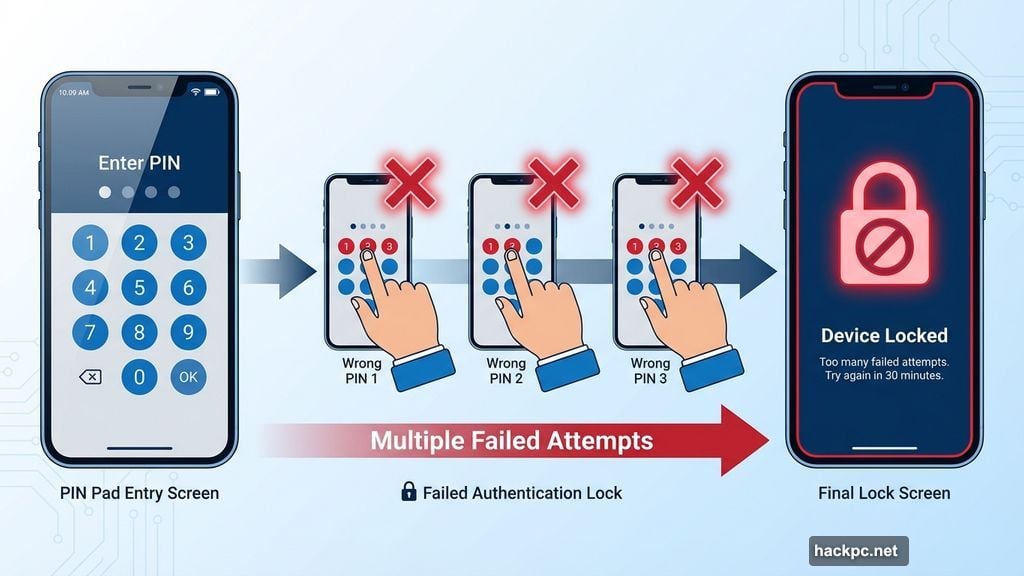
The Failed Authentication Lock got smarter. Google introduced this in Android 15 but now gives you direct control through a dedicated toggle.
Your phone tracks wrong PIN attempts and failed biometric scans. After repeated failures, it locks itself down completely. You decide how aggressive this protection gets.
This stops brute-force attacks cold. Thieves often try common PINs or patterns hoping to get lucky. But now, those attempts trigger lockouts before they succeed.
Moreover, the feature works automatically once enabled. You don’t need to remember special steps or activate anything during a crisis.
Remote Lock Gets Stronger Verification
Google beefed up Remote Lock with an optional security challenge. You can lock a lost phone from any web browser using your verified phone number.
The security challenge prevents misuse. Someone can’t just lock your phone maliciously if they know your number. You need to prove ownership first.
This matters because Remote Lock works even when Find My Device doesn’t. Maybe you forgot to enable location services. Or perhaps network issues prevent normal tracking. Remote Lock still functions as a backup option.
One major improvement: the process now completes faster. Previous versions sometimes lagged during verification. The updated system responds nearly instantly once you submit the correct information.
AI Detects Snatch-and-Run Theft
Brazil gets special treatment with default activation of Theft Detection Lock. Google chose Brazil because phone theft rates run particularly high there.
The feature uses on-device AI to recognize sudden movements consistent with theft. Someone grabs your phone and runs? The screen locks immediately.
Here’s the clever part. The AI distinguishes between normal movement and suspicious patterns. Dropping your phone won’t trigger it. But rapid directional changes plus acceleration match theft scenarios.
Google says this AI runs entirely on your device. No data gets sent to servers. The processing happens locally, which keeps your movement patterns private while maintaining protection.
Default Protection for New Devices
Both Theft Detection Lock and Remote Lock now activate automatically on new Android devices in Brazil. Users in other regions can enable these features manually through security settings.

Why Brazil first? The country reports some of the highest phone theft statistics globally. Google’s testing ground makes sense. If protections work there, they’ll work anywhere.
Expect wider rollouts soon. Google typically tests major security updates in high-risk markets before global deployment. Other regions with serious theft problems likely get priority next.
Meanwhile, existing Android users should check their settings. These features exist on Android 15 and 16 but require manual activation outside Brazil.
The Real Problem Google’s Solving
Stolen phones used to be goldmines for criminals. They’d grab a device, race to transfer money, and dump the phone within hours.
That window of opportunity is closing. Biometric barriers, smart lockouts, and AI detection make immediate exploitation nearly impossible. Thieves get locked out before accessing anything valuable.
But here’s what strikes me. These protections only work if people actually enable them. Google made smart defaults for Brazil. Yet millions of Android users in other countries never dig through security settings.
So yes, the technology exists. The features are solid. But adoption remains the real challenge. Google should probably roll these defaults out globally rather than region by region.
Your phone carries your entire digital life. These protections are worth the three minutes it takes to enable them. Don’t wait until after a theft to wish you’d turned them on.



Comments (0)