

Google’s Trends Explore page got a serious upgrade. Now AI does the heavy lifting when you’re researching what people actually search for.
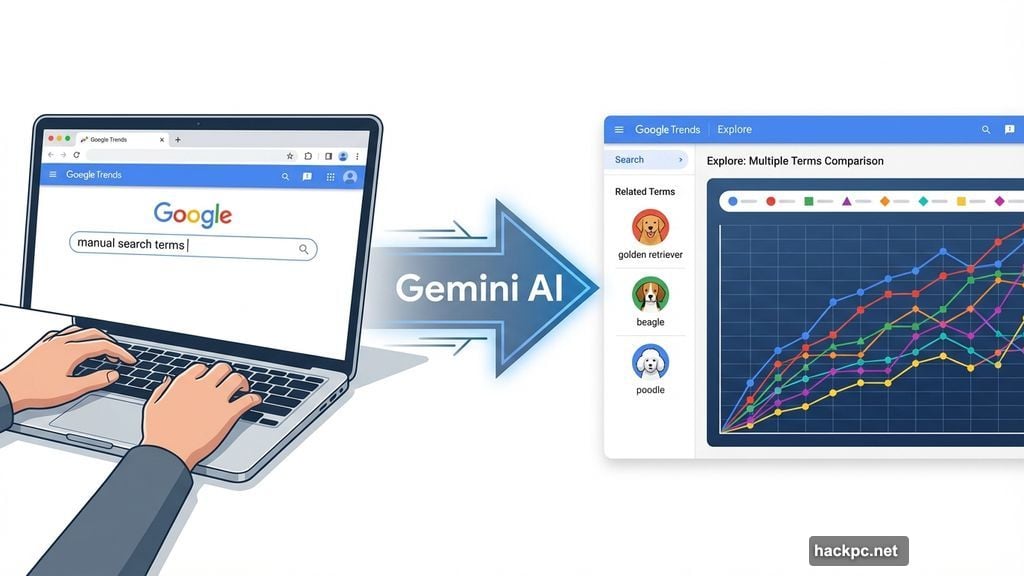
The company rolled out Gemini-powered features that automatically spot related trends and make comparisons you might miss. So instead of manually piecing together search patterns, the AI surfaces connections for you. Plus, it cuts down research time significantly.
This matters for anyone who tracks search behavior. Content creators, journalists, and researchers rely on Google Trends to understand what topics gain traction over time. The new AI capabilities make that process less tedious and more thorough.
Gemini Takes Over the Manual Work
The redesigned Explore page now features a side panel that automatically identifies relevant trends in your search area. You don’t have to hunt for related topics anymore.
When you search for something, Gemini populates suggestions instantly. It also offers prompts to help you dig deeper into the data. So you can explore angles you hadn’t considered without starting from scratch each time.
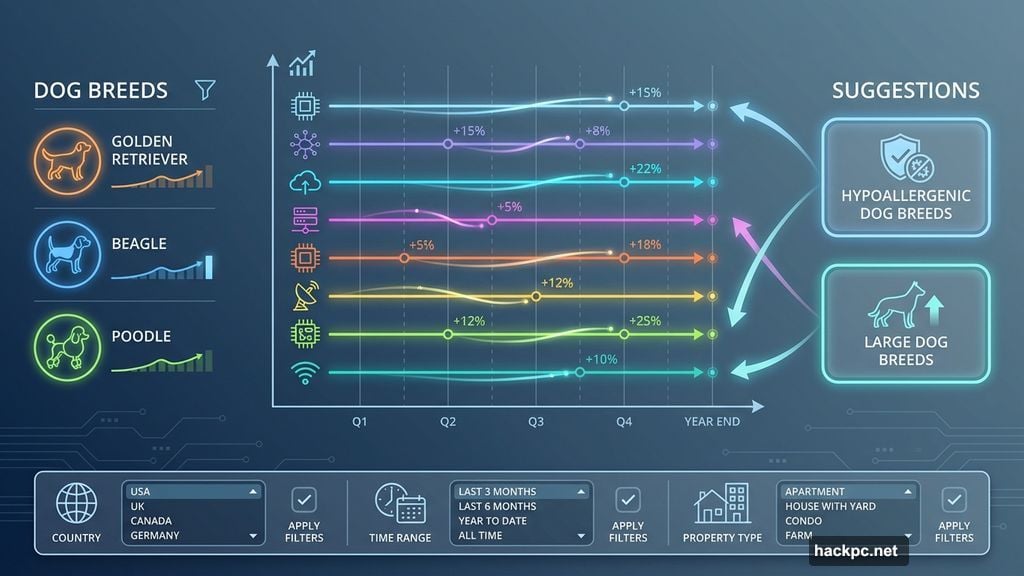
Take dog breeds as an example. Search for “golden retriever” and the AI automatically adds related terms like “beagle” or “poodle” to the graph. Then it suggests broader topics like “hypoallergenic dog breeds” or “large dog breeds” for further exploration.
You can compare up to eight search terms now. That’s up from the previous limit. Plus, Google doubled the number of rising queries displayed on each timeline. More data, less clicking around.
The Interface Got Clearer Too
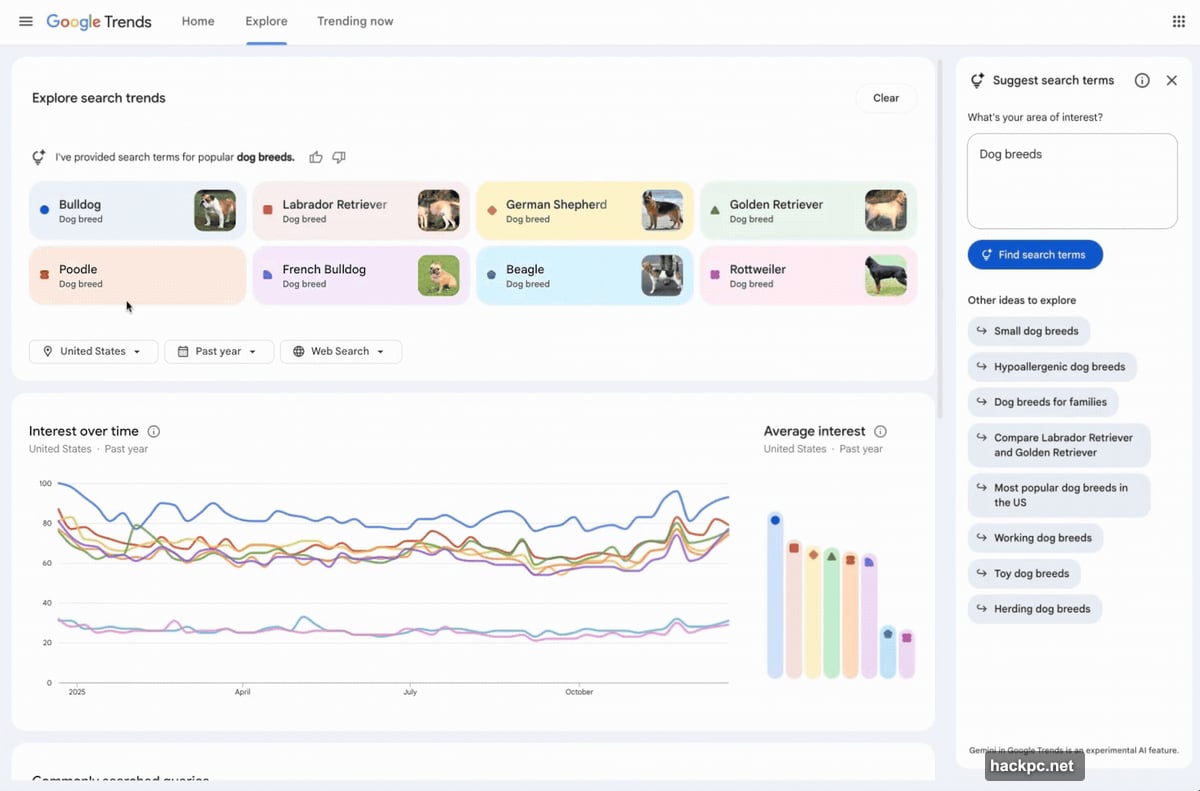
Google redesigned the visual layout to make sense of multiple search terms at once. Each term gets its own dedicated icon and color. So you can easily match terms to their corresponding lines on the graph.
No more squinting at overlapping lines trying to figure out which trend is which. The color coding makes comparisons obvious at a glance.
Moreover, you can hover over any term to edit it directly. The filters for country, time range, and property type let you customize the timeline without navigating away from your current view. Everything stays in one place.
Why This Update Matters Now
Google continues embedding Gemini across its entire product lineup. The company already added AI capabilities to Search, Gmail, Maps, and Docs. Now Trends gets the same treatment.
But this isn’t just about adding AI for the sake of it. Trends Explore serves specific use cases where AI actually helps. Identifying patterns across massive amounts of search data? That’s exactly what AI excels at.
For content creators, this means spotting rising topics before they peak. For journalists, it means finding story angles backed by real search behavior. For researchers, it means making connections between trends that aren’t immediately obvious.
The update rolls out on desktop starting today. Mobile users will probably see it soon, though Google hasn’t specified a timeline for that yet.
AI That Actually Saves Time
Most AI features feel like solutions searching for problems. This one tackles a real pain point. Anyone who’s used Google Trends extensively knows how much manual work goes into comprehensive research.
You’d search for one term, then brainstorm related terms, then search each one individually. Then you’d try to remember which combinations showed interesting patterns. The process took forever.
Now Gemini handles that exploration automatically. It suggests terms you might not think of. It shows you rising queries that relate to your topic. And it organizes everything visually so you can spot patterns quickly.
That’s the kind of AI implementation that makes sense. It doesn’t try to replace human judgment. Instead, it speeds up the tedious parts so you can focus on analysis and decision-making.
Google’s clearly betting that Gemini integration across products will keep users in its ecosystem. Whether that strategy pays off depends on execution. But this Trends update shows promise. The AI enhances a useful tool without fundamentally changing what made it valuable in the first place.




Comments (0)