
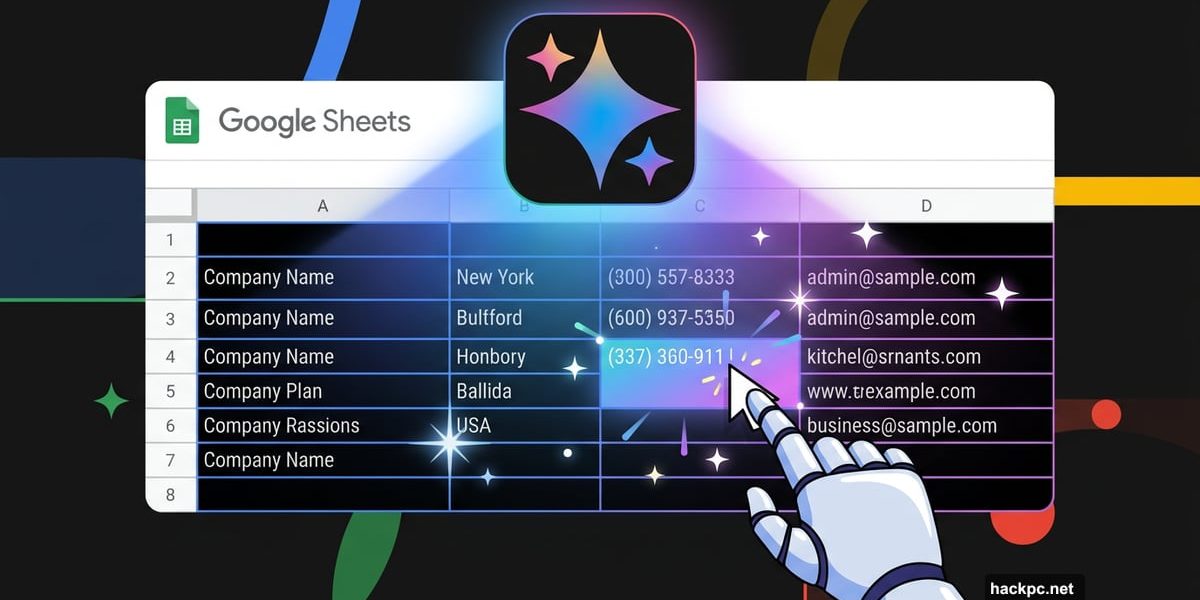
Manual data entry might finally be on its way out. Google just announced a fresh wave of AI-powered updates to its Workspace tools, and the goal is pretty clear: let Gemini handle the tedious stuff so you don’t have to.
The updates cover Google Docs, Slides, Sheets, and Drive. And what makes them different from generic AI assistants? Gemini pulls answers from your own files, emails, and chats instead of guessing based on random web searches.
Sheets Gets the Most Impressive Upgrade
The new Google Sheets features are honestly the highlight of this whole update.
Picture this: you have a spreadsheet listing local businesses, but half the columns are empty. Instead of spending hours hunting down company locations, CEO names, and contact details, you just click an empty cell. A pop-up appears saying “Drag to fill with Gemini.” You highlight the cells you want filled, and an AI agent searches the web to complete each one automatically.
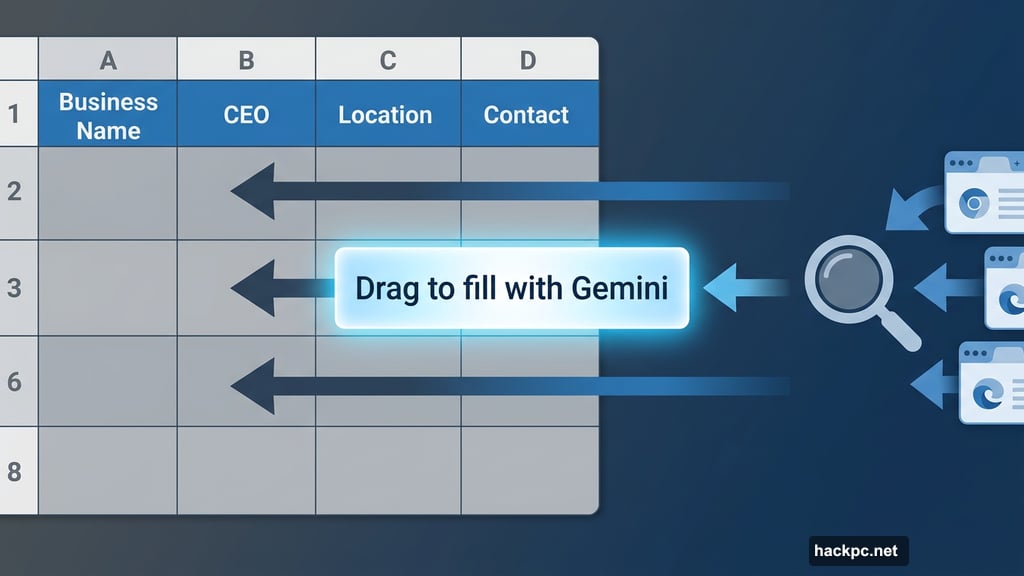
That’s a significant shift in how spreadsheet work actually feels. No more copy-pasting information from browser tabs into cells one by one.
Plus, Gemini can now summarize raw data, sort it into categories, and build charts using plain-language prompts. So if pivot tables have always confused you, good news: you can just describe what you want to see and Gemini figures out the rest.
You can also chat directly with Gemini inside Sheets. Ask it to scan your data and generate custom reports or visualizations. No formulas required.
Docs and Slides Get Smarter Source Tracking
The Gemini side panel in Google Docs now shows a “sources” tab after each query. So if you ask Gemini to fill out a travel itinerary template, it pulls details from your flight confirmation email and relevant chat messages. Then it tells you exactly where each piece of information came from.
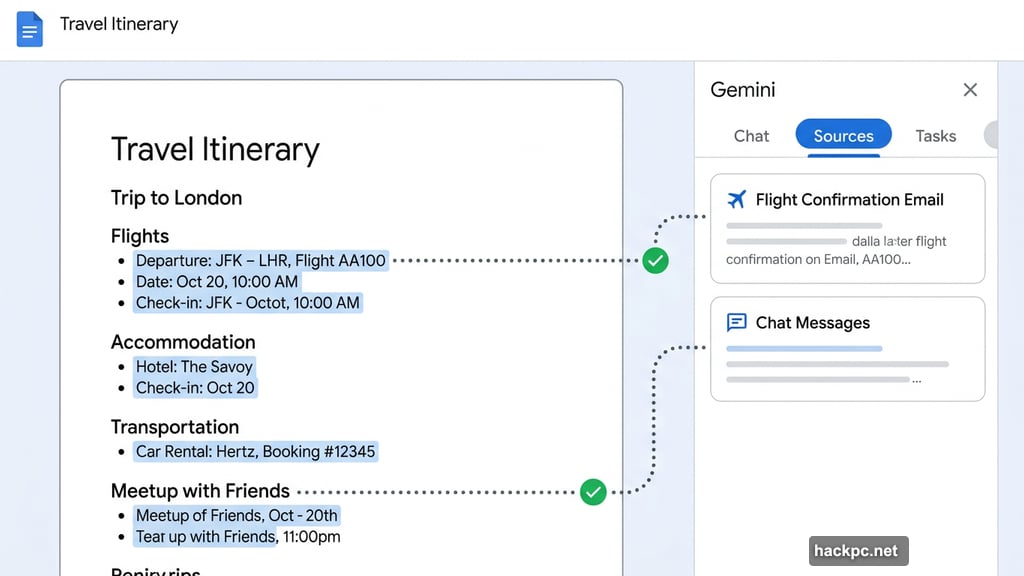
That sourcing feature matters more than it might seem at first. It gives you a quick way to double-check Gemini’s work without having to manually verify every detail from scratch.
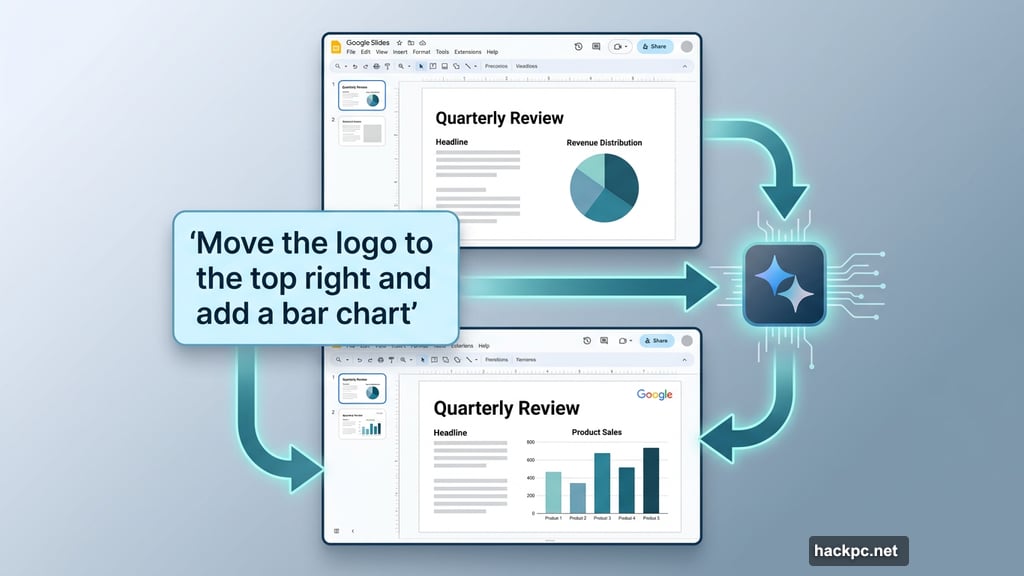
Google Slides gets a similar treatment for design and content. You can now describe what you want on a slide in plain language, and Gemini creates it while matching your existing slide style. Need to move some design elements around but don’t want to drag things pixel by pixel? Just ask Gemini to edit the layout instead.
Because Gemini has access to your work files, the slides it generates should come pre-filled with relevant content. No placeholder text to replace, no filler headlines to rewrite.
The Bigger Picture Behind These Updates
These Workspace upgrades fit into a broader trend Google has been building toward: personalized AI that learns from your context rather than delivering generic answers.
Tools like Anthropic’s Claude Code and OpenAI’s Codex have already shown what more capable, task-focused AI agents can do. Google is pushing in the same direction with Workspace. Gemini isn’t just answering questions anymore. It’s handling actual workflow steps, acting more like an assistant who knows your projects than a search engine that returns general results.
That’s a meaningful difference in day-to-day use.
Who Gets Access Right Now
These features are rolling out in beta at the moment, with a few limitations worth knowing. English only for now, and availability is limited to Google AI Ultra and Pro subscribers in the US. Some Google Workspace customers participating in the Gemini Alpha testing program also get access.
If you access Docs, Sheets, or Slides through a company Workspace account, your employer controls whether AI features are enabled. You won’t be able to switch them off individually. Personal account users have more flexibility and can adjust their Gemini settings directly.
Whether you’re thrilled about AI handling your spreadsheets or still a bit skeptical, the direction is obvious. Google is betting that automating the mundane parts of office work will keep users invested in its ecosystem. For anyone who has spent an afternoon doing manual data entry, that bet feels pretty reasonable.




Comments (0)