
Google’s AI image model lineup just got a refresh. Nano Banana 2 landed in late February, and the big promise was simple: keep the speed of the original, but add the smarts of the pro model.
That sounds great on paper. But does it hold up in real testing? After putting all three models through their paces, the answer is more nuanced than Google’s marketing suggests.
What Google Actually Promised
Nano Banana Pro is already a standout. It’s currently the top overall pick in a crowded field of AI image tools. So when Google announced a second-generation base model, the bar was already set high.
The pitch for Nano Banana 2 was straightforward. Google said it would combine the speed of the original model with the world knowledge behind the pro version and Gemini 3. More realistic outputs, faster delivery. Sounds like a win.
But real-world testing tells a slightly different story.
The Reflection Problem Nobody Could Solve
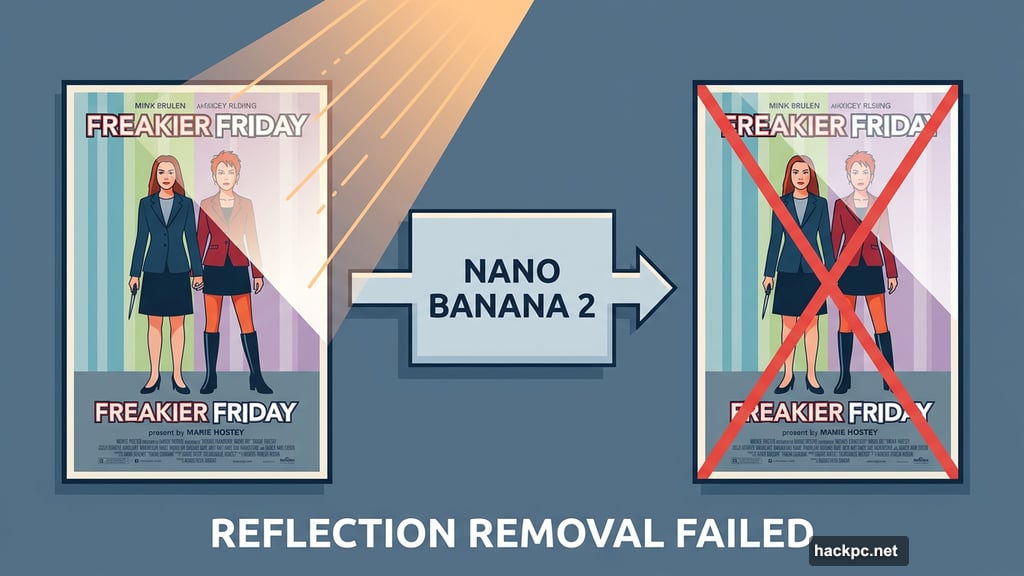
Here’s where things get honest. There’s a photo of the Freakier Friday movie poster that’s become a personal test case. Evening sunlight hit the glass at just the wrong angle, creating a reflection that covers a chunk of the poster.
Nano Banana 1 failed completely. Nano Banana Pro barely did better. So naturally, Nano Banana 2 had to face the same challenge.
It also failed.
To be fair, reflections are genuinely difficult to remove in photo editing. Even professional editors wrestle with them. But one of the main selling points of AI image tools is fixing exactly these kinds of human errors. When the toughest cases still stump the model, that’s worth noting.
Where Nano Banana 2 Shines
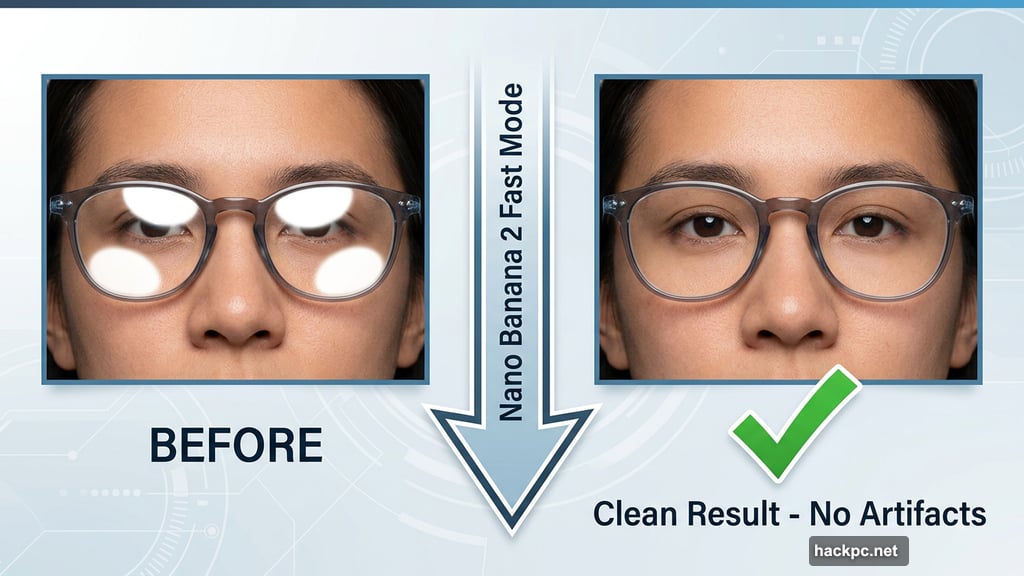
On smaller, more manageable edits, the story improves considerably. Removing modest reflections from eyeglasses? Nano Banana 2 handles that cleanly. Both reflections from a pair of lenses disappeared without leaving weird artifacts or blurry patches behind.
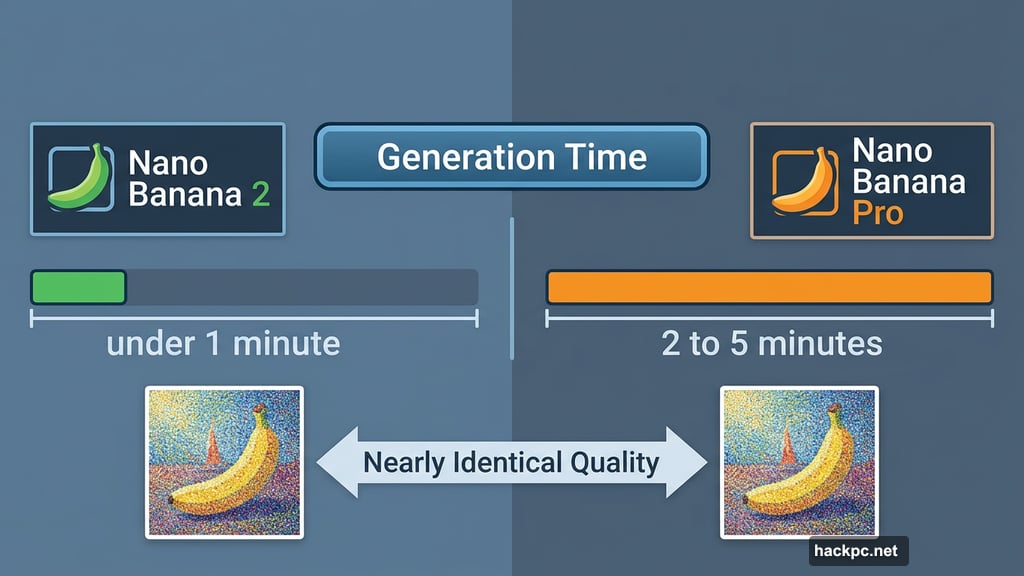
For style transformations, Nano Banana 2 and the pro model performed almost identically. Converting a photo to Pointillism style, for instance, produced very similar results. Zooming in reveals slightly more fine detail in the pro’s output, but most users won’t notice the difference at normal viewing sizes.
Speed vs. Precision: The Real Trade-Off
Here’s the clearest difference between the two current models. The pro model takes two to five minutes to generate an image. Nano Banana 2 in fast mode delivers results in under a minute.
That speed advantage is real and useful. For quick creative ideation or social media drafts, waiting five minutes per image gets frustrating fast. Nano Banana 2 removes that friction entirely.
But speed costs you precision. When asked to place a family photo on a specific football field in North Carolina, Nano Banana 2 did a decent job with the overall composition. However, the pro model went further without being prompted, adding legible text like the stadium name and refining small details.
For text accuracy and fine detail work, the pro model still wins. And that gap matters if your project requires precision.
Which Model Should You Use?
Google removed the original Nano Banana from its lineup when Nano Banana 2 launched. So the choice now comes down to just two options.
If you need quick results and aren’t sweating the small stuff, Nano Banana 2 is your go-to. It’s fast, capable, and handles most editing tasks confidently.
If your work demands precision, readable text, or refined detail, the pro model is worth the longer wait. Just be ready for that two-to-five minute generation window.
It’s also worth acknowledging the broader conversation happening around these tools. The surge in AI image generation has raised real concerns among artists and creators, covering everything from legal rights to environmental impact to ethical questions about creative work. Some creators have embraced AI as a tool. Many others remain skeptical, and their concerns deserve serious consideration.
Nano Banana 2 is a capable, fast model that improves on the original in meaningful ways. It’s not perfect, and some problems remain stubbornly unsolvable regardless of which model you use. But if you’re exploring AI-assisted photo editing, it’s a solid starting point. Just don’t expect it to work miracles on your worst photos. Some shots are better off left as happy accidents.




Comments (0)