
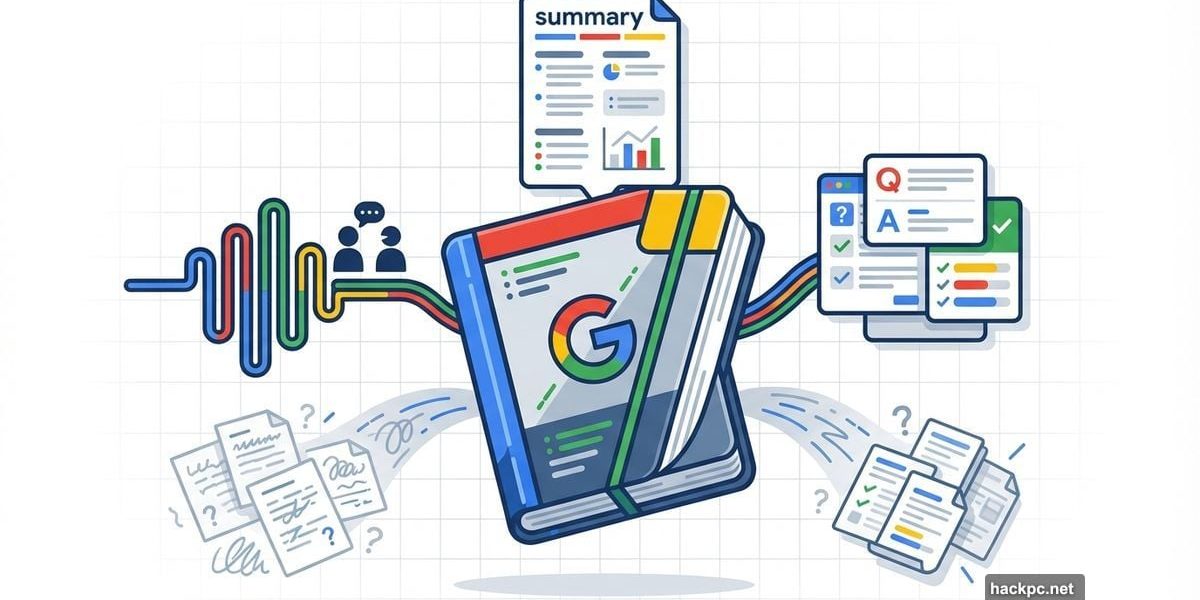
Most AI tools promise magic but deliver mediocre chatbots. NotebookLM breaks that pattern completely.
Unlike ChatGPT or Claude, NotebookLM refuses to guess. It only works with sources you provide—your documents, recordings, notes. That constraint makes it surprisingly powerful for students, professionals, and anyone drowning in information they need to understand.
Plus, Google keeps adding features that transform how you work with your own data.
Your Sources Define Everything
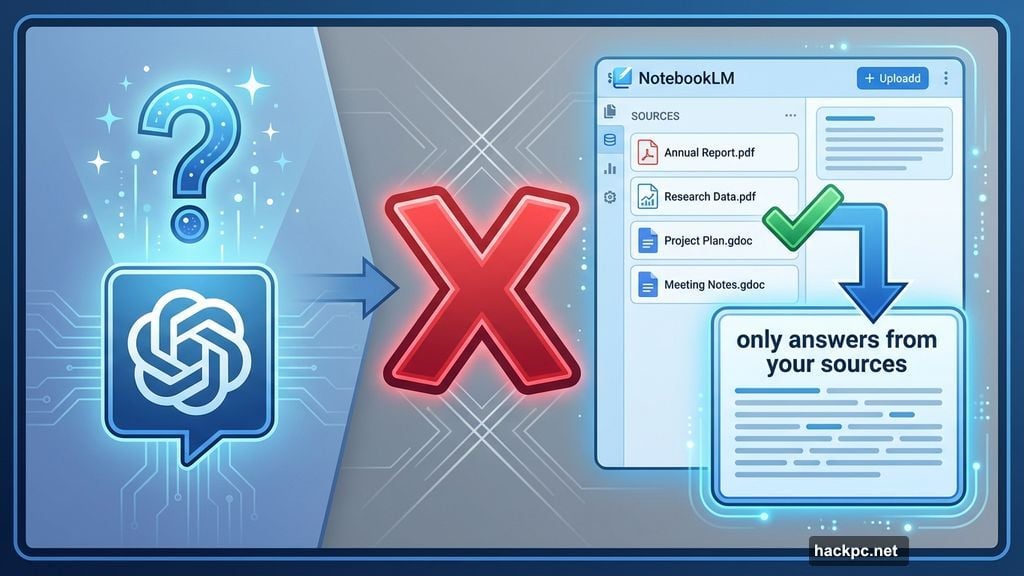
NotebookLM treats your uploaded materials as absolute truth. Feed it research papers, meeting recordings, or class notes, and it analyzes only that content. Ask a question outside your sources? It admits it doesn’t know.
That honesty matters. Standard AI chatbots hallucinate answers when stumped. NotebookLM simply says “your sources don’t contain that information.” This makes it trustworthy for academic work and professional projects where accuracy beats creativity.
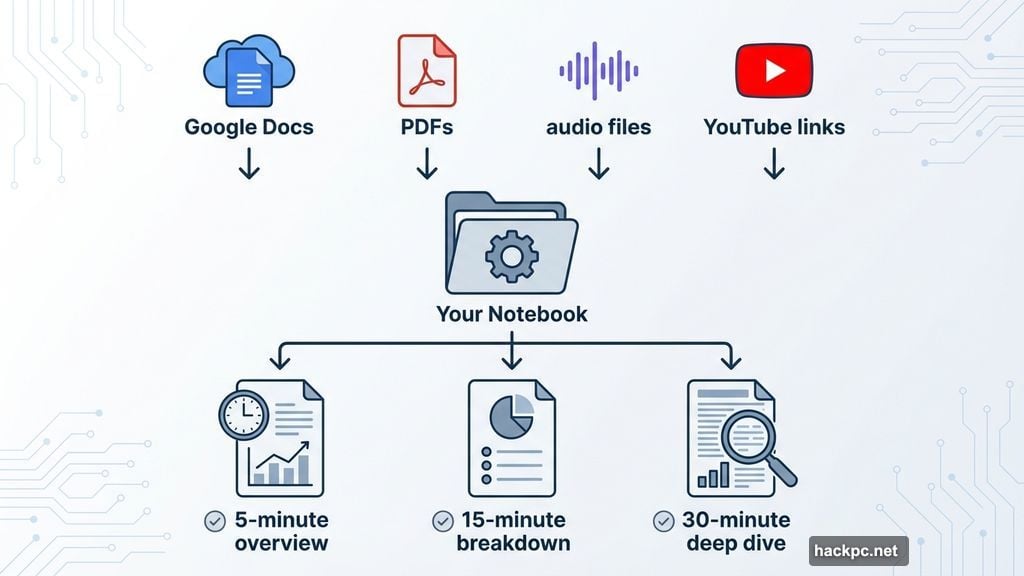
You can upload Google Docs, PDFs, audio files, YouTube links, and more. Each addition triggers a fresh analysis of everything in your notebook. The tool generates summaries automatically, pulling themes and key points from your entire collection.
However, garbage in equals garbage out. Upload sloppy notes or unreliable sources, and NotebookLM can’t fix that. The quality of your inputs directly determines the value of outputs.
Audio Overviews Sound Surprisingly Human
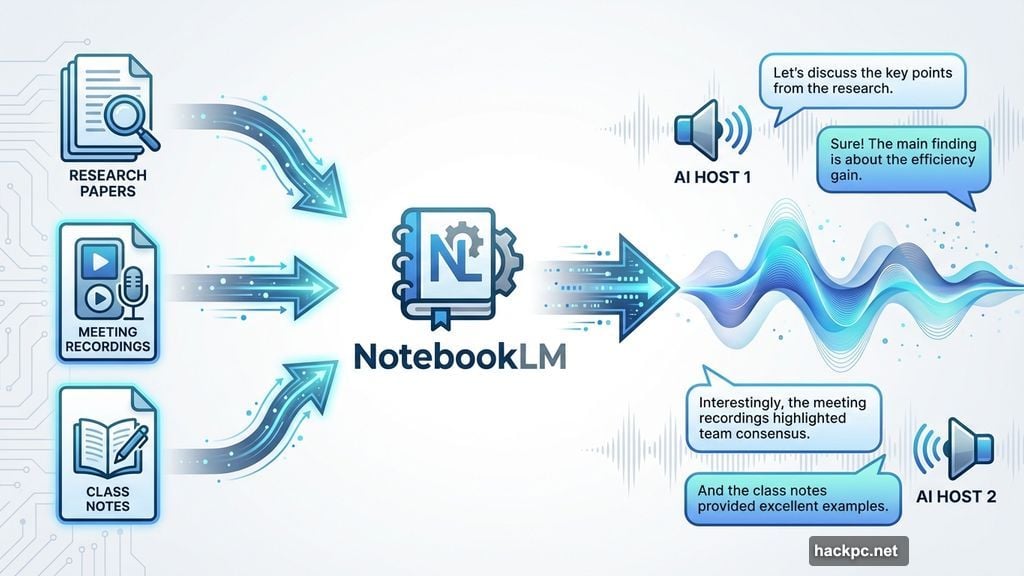
NotebookLM’s standout feature converts your sources into podcast-style conversations. Two AI hosts discuss your material with genuine personality and comprehension.
These Audio Overviews helped NotebookLM explode in popularity last year. The hosts don’t just read bullet points—they explain concepts, debate interpretations, and make dense information digestible. You can customize what topics they cover or let the AI decide.
For lengthy reports or thick textbooks, this feature becomes invaluable. Instead of rereading 50 pages, you get a 15-minute audio breakdown while commuting or exercising. The conversational format makes complex subjects stick better than traditional study methods.
Moreover, you can generate multiple versions. Create a quick 5-minute overview for main points, then a 30-minute deep dive covering everything. Each audio focuses on different aspects of the same sources.
Students Get Instant Study Tools
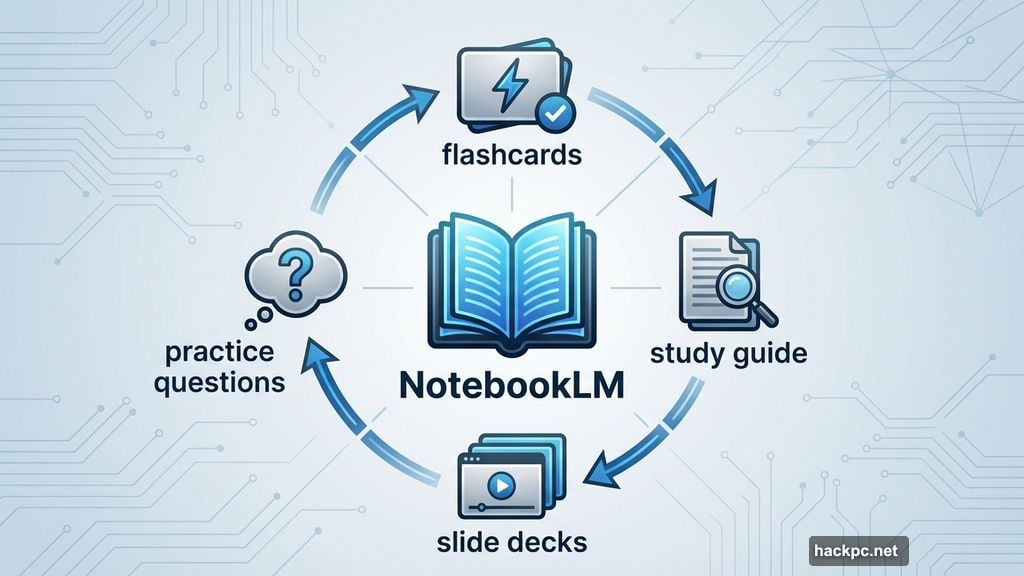
Throw class handouts, lecture notes, and textbook chapters into one notebook. NotebookLM instantly becomes your personal tutor.
Need flashcards for tomorrow’s quiz? One click generates them from your sources. Prefer practice questions? It creates those too. Want a study guide highlighting key concepts? Done in seconds.
Different learning styles demand different formats. NotebookLM accommodates visual learners with slide decks, auditory learners with podcasts, and kinesthetic learners with interactive Q&A sessions. The chat interface lets you drill down on confusing topics until concepts click.
Schools increasingly integrate AI into education. NotebookLM stands out because it doesn’t do homework for you—it helps you understand material better. That distinction matters for actual learning versus academic shortcuts.
Professionals Use It for Meeting Prep
Business reports and dense presentations become manageable with NotebookLM. Upload quarterly earnings documents, competitive analyses, or research reports, then extract what matters.
Say you’re prepping for a big presentation. Feed NotebookLM the source materials and ask for bullet points covering key findings. Then generate a slide deck visualizing that data. Finally, create an Audio Overview to rehearse your talking points while driving.
One particularly useful workflow: Upload meeting recordings along with related documents. NotebookLM can pull action items, decisions made, and unresolved questions. This saves hours compared to manual note-taking and review.
The Studio tab offers one-click generation for charts, timelines, and other visual assets. These aren’t perfect, but they provide solid starting points that beat staring at blank slides.
Creative Projects Get Weird and Wonderful
Personal projects reveal NotebookLM’s unexpected charm. The tool doesn’t judge how you use it, so experimentation pays off.
Take this example: Recording a phone call with family about a recipe, then uploading that audio as the only source. Asking for a standard recipe document worked fine. But requesting a slide deck produced something magical.
NotebookLM created “Aunt Carol’s Gumbo Gospel”—a personality-filled presentation that captured the conversation’s warmth. It quoted the call verbatim: “They’re coming if you got the gumbo, honey.” The slides had character, humor, and context that pure recipe instructions couldn’t capture.
These wildcard moments showcase NotebookLM’s hidden strength. It understands nuance and context from your sources in ways that surprise users. Feed it journals, creative writing drafts, or brainstorming recordings to see what emerges.
Recently, NotebookLM added Nano Banana as an image generator. Now you can create visuals based on written descriptions in your sources. This rounds out the creative toolkit significantly.
Privacy Trade-Offs Come With Google
NotebookLM requires a Google account. That means trusting Google with potentially sensitive information from your sources.
Google claims it doesn’t train AI models on your NotebookLM data. Still, some users feel uncomfortable uploading confidential materials to any cloud service, especially one owned by an advertising company.
If you’re already using Gmail, Drive, and other Google products, this probably doesn’t change your risk profile. But privacy-conscious users should consider alternatives like Open Notebook—a self-hosted option that keeps data on your own servers.
Setting up Open Notebook takes technical knowledge and doesn’t match NotebookLM’s polish. But it puts you in complete control of your information. The trade-off between convenience and privacy remains personal.
Gemini Powers Everything Behind the Scenes
NotebookLM exclusively uses Google’s Gemini AI models. You can’t swap to GPT-4, Claude, or other alternatives.
For most users, this doesn’t matter. Gemini handles the NotebookLM workload effectively. However, power users might prefer mixing different AI models for specific tasks.
The free version works great for casual use. Heavy users can upgrade to Google One AI plans for higher limits—600 sources per notebook versus 50 on free tier. Priority feature access and expanded Gemini usage come with paid subscriptions.
Realistically, 50 sources handles most projects fine. Students working on semester-long research or professionals managing massive documentation might hit that ceiling.
What NotebookLM Can’t Do Yet
Despite impressive capabilities, gaps remain. No mobile app exists, limiting access to desktop browsers. That’s frustrating when you want to work on phones or tablets.
Export options feel limited too. You can download generated content, but integrations with other tools remain basic. Direct publishing to platforms like Medium or automatic syncing with note-taking apps would boost utility.
Collaboration features need work. While you can share notebooks, real-time co-editing and commenting aren’t robust. Teams working together face friction compared to dedicated collaboration tools.
Finally, source limits constrain ambitious projects. Even 600 sources on paid plans might not suffice for PhD research or enterprise documentation systems.
The Learning Curve Is Gentle
NotebookLM rewards exploration without punishing beginners. The interface stays clean and intuitive. Upload sources, ask questions, generate outputs—that’s basically it.
However, experienced users unlock more value. Learning to craft effective prompts for Audio Overviews or understanding which source combinations work best takes practice. The chat interface accepts follow-up questions and refinements, building on previous responses.
Experimentation costs nothing. Try different source types, test various output formats, and see what works for your specific needs. NotebookLM doesn’t penalize creative approaches.
Google keeps adding features regularly. Early adopters saw the tool evolve from basic Q&A to today’s comprehensive creation suite. That development pace suggests more capabilities coming soon.
It Actually Solves Real Problems
Most AI tools feel like solutions searching for problems. NotebookLM addresses genuine pain points people face daily.
Students struggle to synthesize information from multiple sources. Professionals drown in reports and meetings. Creators need better ways to organize scattered ideas. NotebookLM tackles all three scenarios effectively.
The tool’s constraint—only working with your sources—becomes its superpower. By refusing to improvise, it builds trust. By focusing on your specific materials, it delivers relevant results instead of generic responses.
That combination makes NotebookLM worth trying even if you’ve dismissed other AI tools. It occupies a unique niche without direct competition. Other options either lack features, require technical setup, or compromise on quality.
Nothing else lets you upload a family recipe call and get a charming slide deck titled “Aunt Carol’s Gumbo Gospel.” That’s the kind of unexpected magic that keeps users coming back.




Comments (0)