
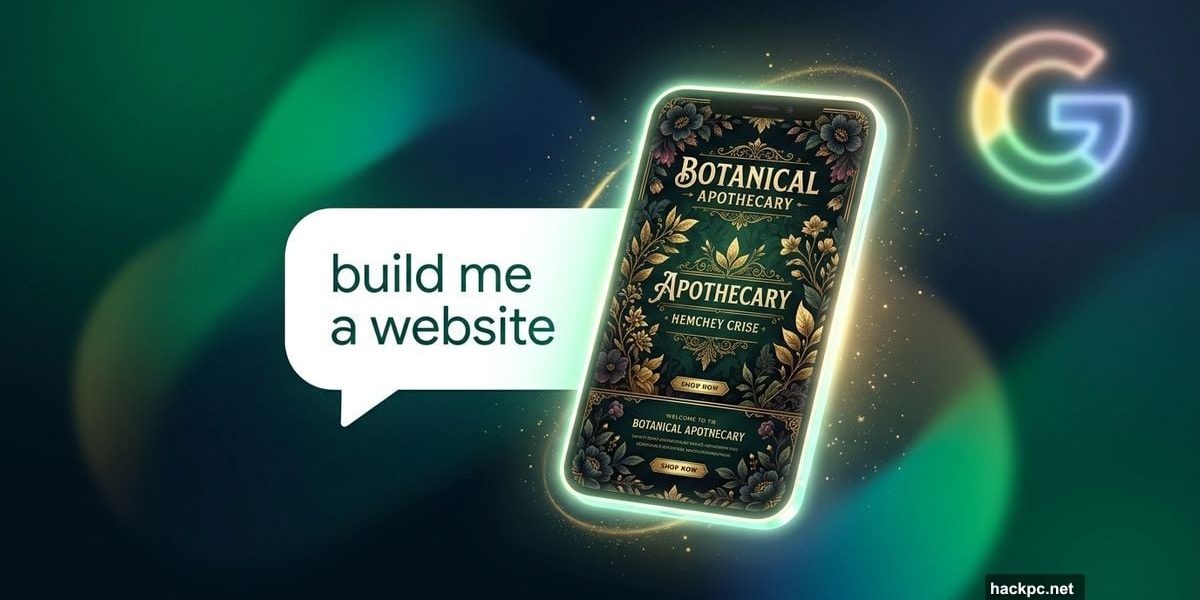
Vibe coding has been buzzing around the AI world for a while now. You describe what you want, a chatbot builds it, and suddenly you have a working app or game without writing a single line of code.
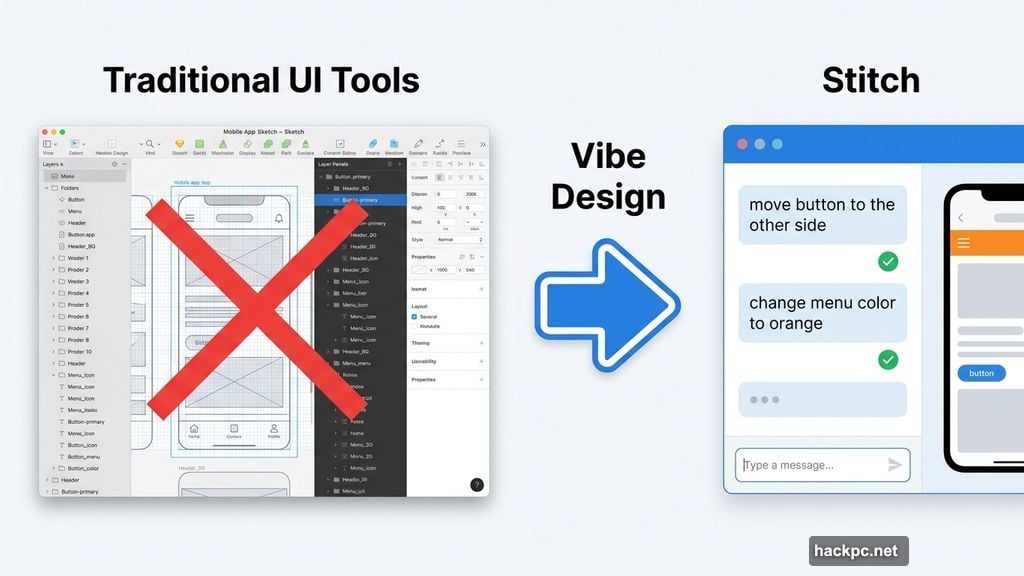
Google just took that idea in a fresh direction. Their new Stitch tool, built inside Google Labs, applies the same concept to design. And yes, they have a name for it: vibe design.
What Stitch Actually Does
Stitch is Google’s AI-powered user interface (UI) design platform. It lets you build mobile apps and websites by simply describing what you want, no technical background needed.
Instead of wrestling with wireframes or design software, you just talk. You might describe a mood, a visual style, or your business goals. Stitch interprets your words and generates a design from scratch.
That flexibility is a big deal. Traditional design tools expect you to know what you want before you start. Stitch lets you figure it out as you go.
Gemini Powers the Conversation
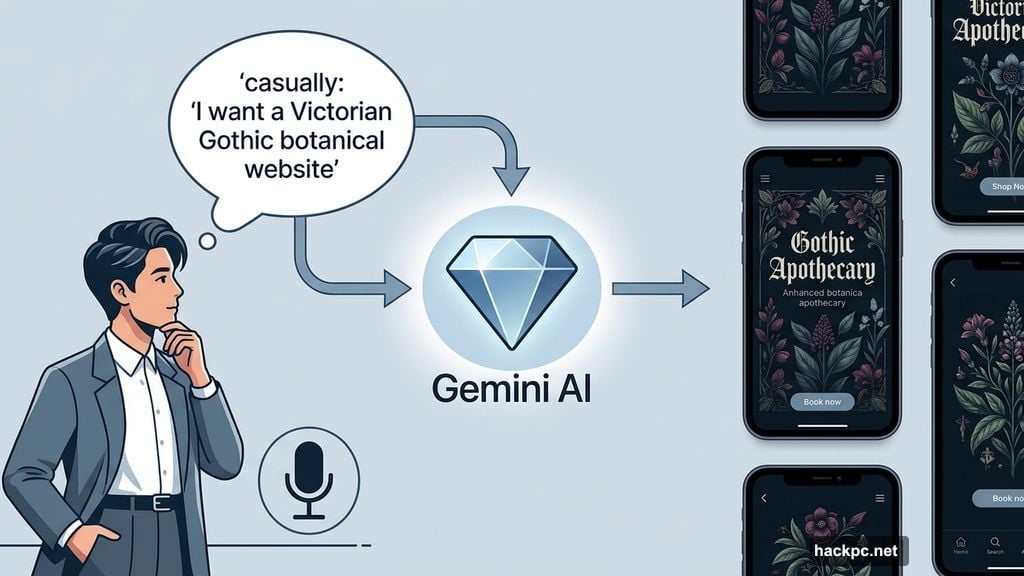
Stitch runs on Google’s Gemini models, which means you can communicate in plain, everyday language. You don’t need to know design terminology to get results.
The tool is also multimodal, meaning it accepts both typed text and voice input. So you can literally talk your way through the design process.
Real-time feedback makes the experience feel collaborative. If a button is in the wrong spot, just say “move it to the other side.” Don’t like the menu color? Say “change it to orange.” Stitch handles the rest.
That kind of back-and-forth feels less like using software and more like working with a designer who actually listens.
Design System Flexibility
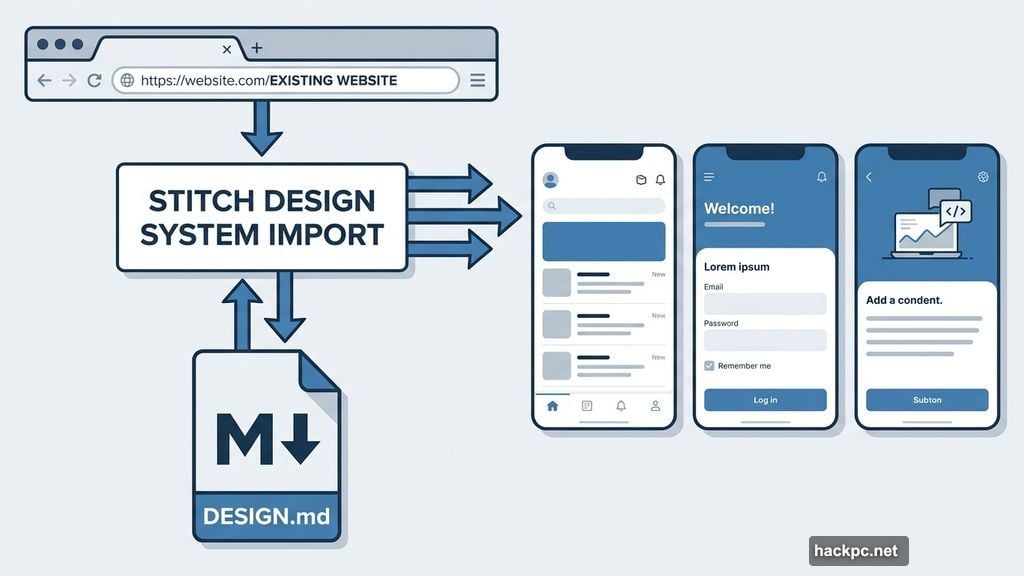
One of Stitch’s stronger features is how it handles consistency across projects. You can pull a design system from any existing URL, which means you can start with a real website’s visual language as your foundation.
Google also introduced DESIGN.md, an agent-friendly markdown file that lets you import and export your design rules. If you’ve built something in Stitch before, you can carry those design decisions into new projects without starting from zero.
That kind of portability is genuinely useful, especially for anyone managing multiple apps or websites with a consistent brand.
I Tested It. Here’s What Happened
I’m not a designer. I have no designer’s eye, no background in UI, and no patience for complicated software. So I figured I was the perfect test case.
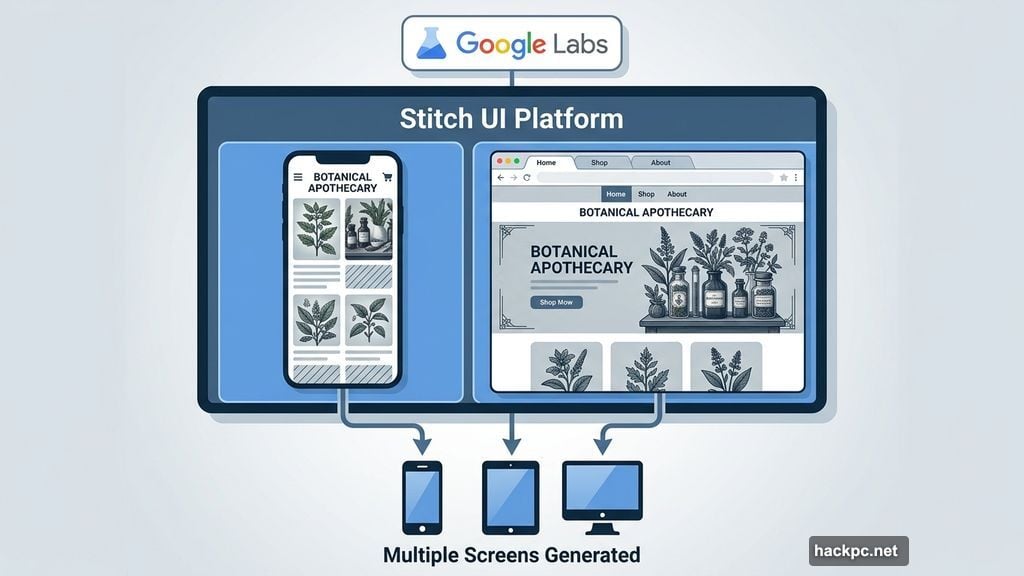
I asked Stitch to build a botanical apothecary website with a Victorian Gothic aesthetic. I had no idea what it would produce.
The result genuinely surprised me. Stitch built out multiple screens, covering what a full mobile app or website would look like across different pages. The layout matched the prompt well, and the overall visual style had a coherent feel. The content was all placeholder material, AI-generated images and filler text meant to be swapped for real content, but the structure looked polished.
A few pages felt unnecessary, and I think a tighter prompt would have fixed that. Editing individual elements or removing entire pages is easy enough, so nothing felt permanent.
Where the Beta Shows
Then I asked for a new color palette.
Stitch generated one, but that’s where the cracks appeared. Some screens got stuck in a “generating” loop. Others ignored the new palette entirely and kept using the original colors. Nothing was broken beyond repair, but it was clear this tool still has rough edges to smooth out.
That said, these are typical beta issues. They’re annoying but not dealbreakers for a tool still in early testing.
The Figma Factor
It’s worth noting that Figma’s stock dropped sharply right after Google announced Stitch. That reaction says something about how the design world perceives this tool’s potential.
Right now, Stitch feels a lot like a DIY website builder, but with serious AI muscle and a design-first mindset. The experience is smoother than most traditional builders and more accessible than professional design software.
If Google keeps developing this at its current pace, the gap between what designers build and what anyone can build is going to shrink fast. That’s exciting for people who have ideas but not the skills to execute them, and a genuine challenge for tools that have dominated the design space for years.




Comments (0)