
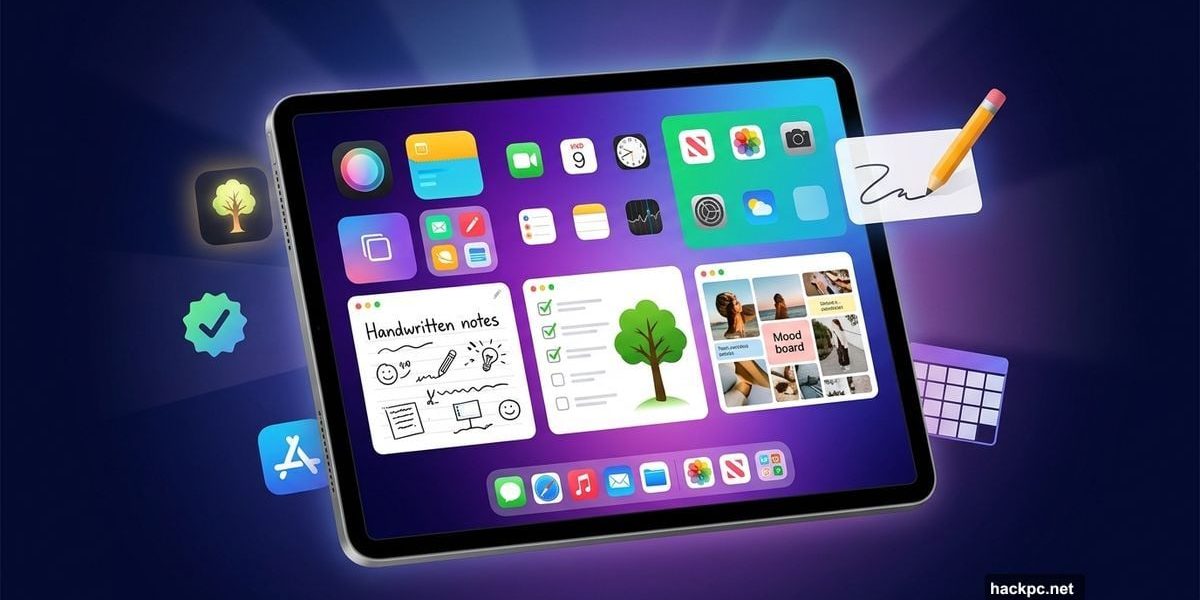
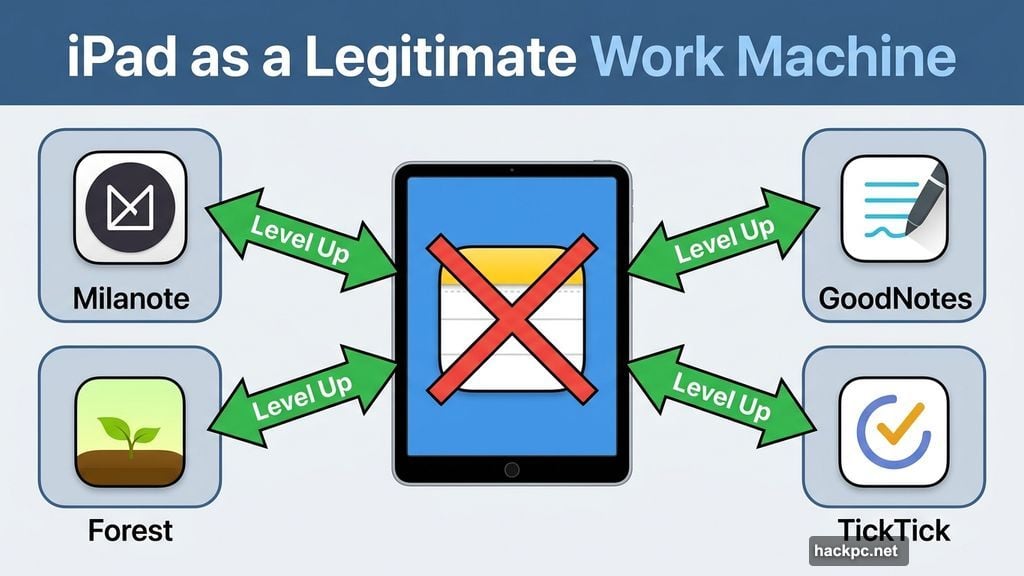
Apple’s built-in tools are fine. Notes, Calendar, Reminders — they get the job done. But if you want to seriously level up how you manage your day, there’s a whole world of iPad apps designed to help you think clearer, focus longer, and stay organized without losing your mind.
The iPad has come a long way from its “Netflix on the couch” reputation. Today it’s a legitimate work machine. And the right apps make all the difference. Here are ten worth adding to your home screen.
Milanote Turns Messy Ideas Into Visual Plans
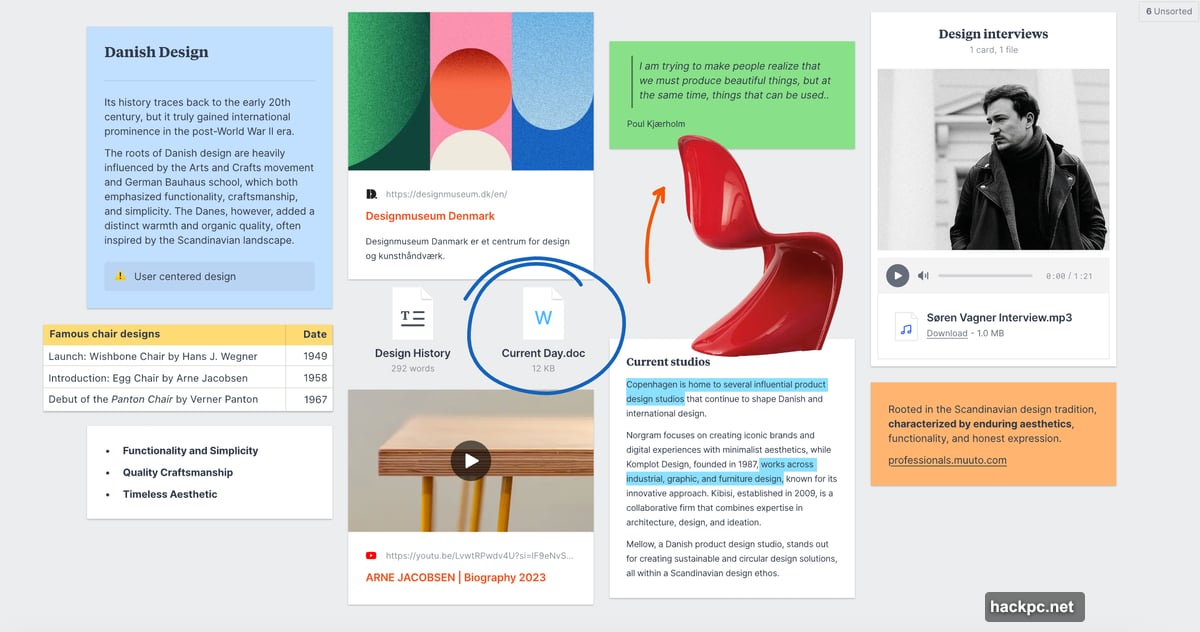
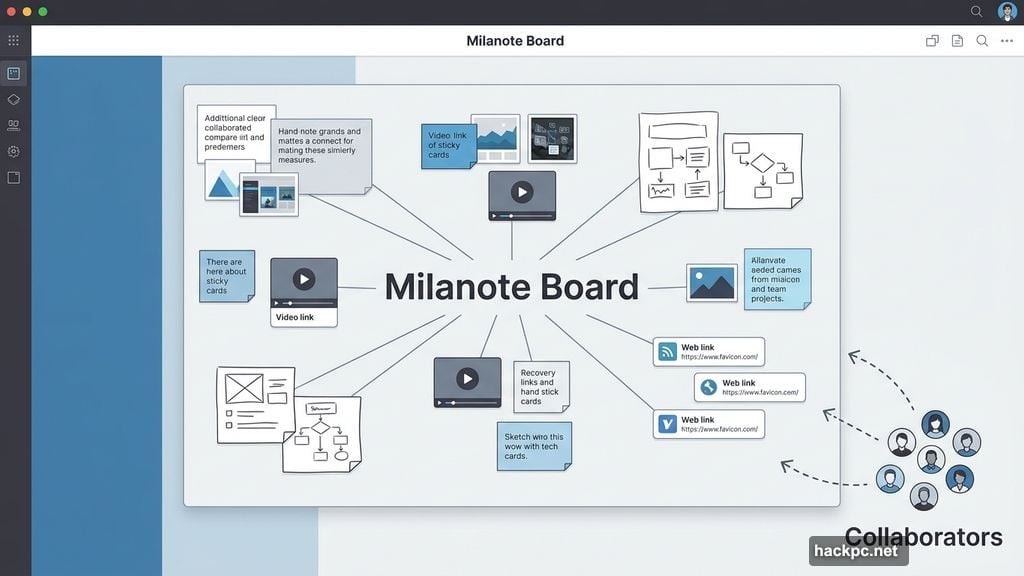
If bullet-point lists make your eyes glaze over, Milanote might be exactly what you need. It gives you a visual canvas to map out projects, gather inspiration, and organize tasks the way your brain actually works.
You can mix notes, images, videos, sketches, and links on a single board. Planning a marketing campaign? Storyboarding a script? Building a mood board? Milanote handles all of it. You can also invite others to collaborate, so it works well for team projects too.
The free plan covers the basics. Unlimited notes and file uploads cost $9.99 per month.
Goodnotes Is the Best Apple Pencil Companion
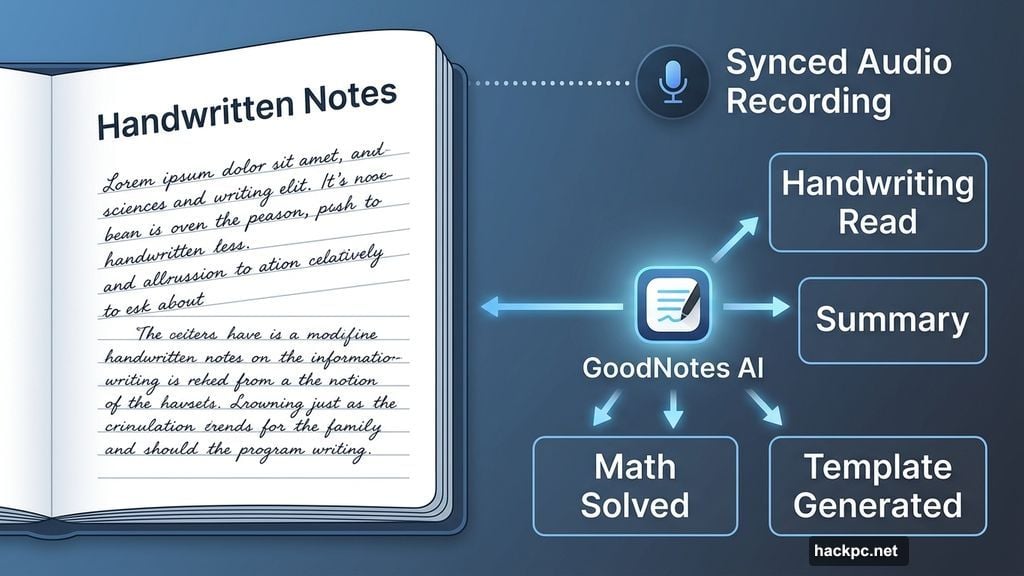
Goodnotes consistently ranks among the most popular iPad apps, and spending five minutes with it shows you exactly why. The app lets you mix handwritten notes with typed text, add images and doodles, and organize everything into digital notebooks.
Its AI assistant stands out. It reads your handwriting, summarizes your notes, solves math problems, generates templates, and answers questions based on what you’ve written. For students and professionals alike, that’s genuinely useful.
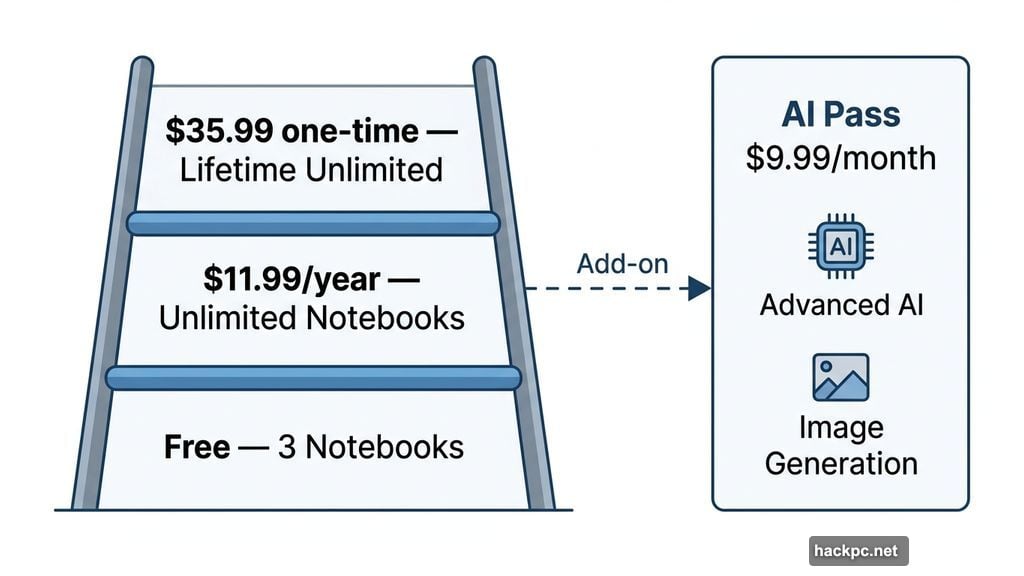
You also get synced audio recording, so your voice notes match exactly what you wrote at that moment. The free tier includes three notebooks and basic AI features. Unlimited notebooks run $11.99 per year or a one-time $35.99 payment. A $9.99 monthly AI Pass unlocks advanced features including image generation.
TickTick Handles Task Management and Habit Tracking
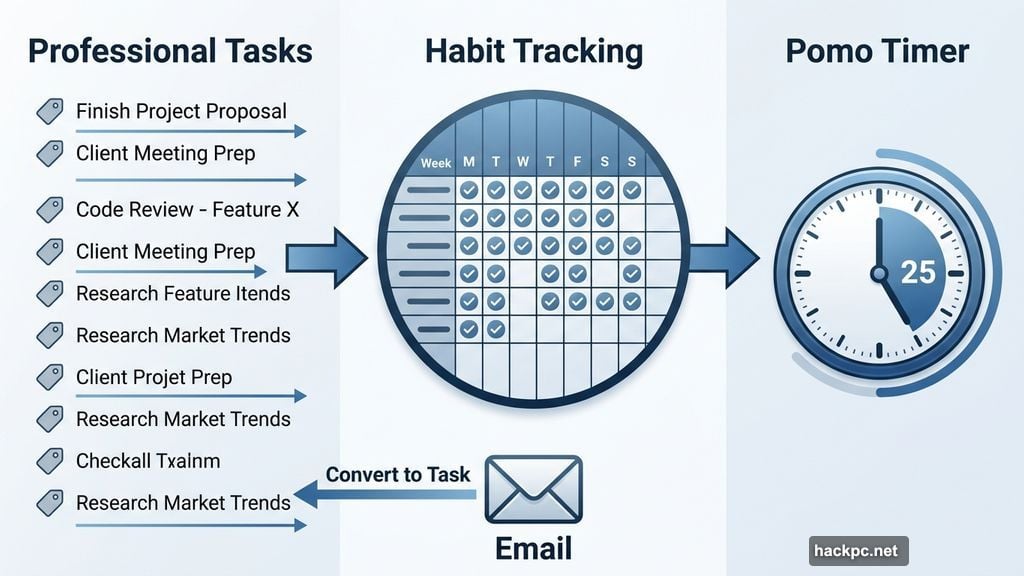
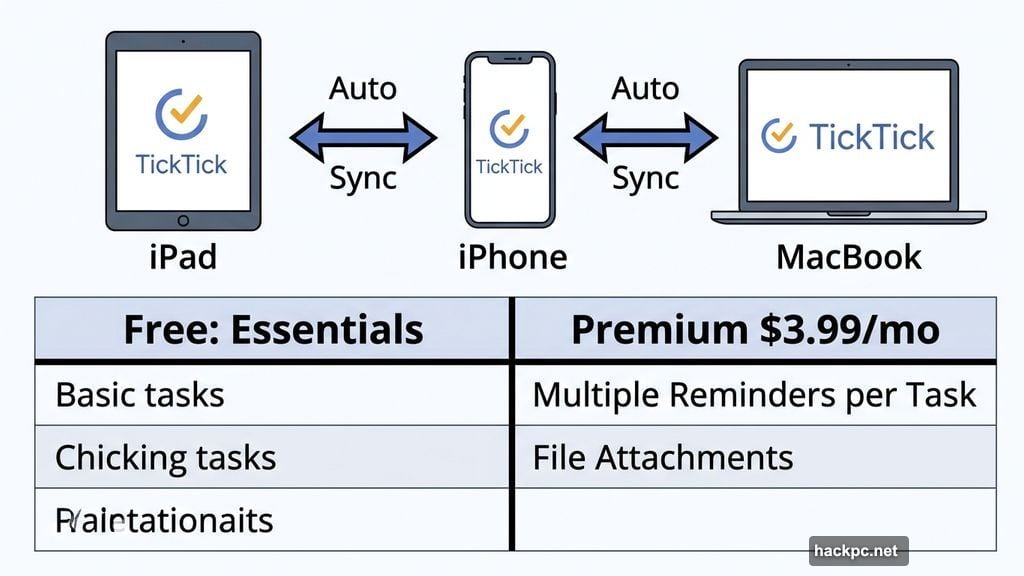
The iPad’s built-in Reminders app is decent. TickTick is better. It handles professional tasks, personal goals, and habit building all in one place, and it syncs across all your devices automatically.
You can set recurring tasks, attach files, share lists with others, and tag everything to keep it tidy. The Pomodoro Technique integration — called “pomo timer” in the app — breaks your work into focused intervals. It’s a proven method for pushing through distraction-heavy days.
One clever feature lets you convert emails into tasks so nothing slips through the cracks. The free version covers the essentials. Premium features like multiple reminders per task cost $3.99 per month or $35.99 per year.
Forest Makes Focus Feel Like a Game
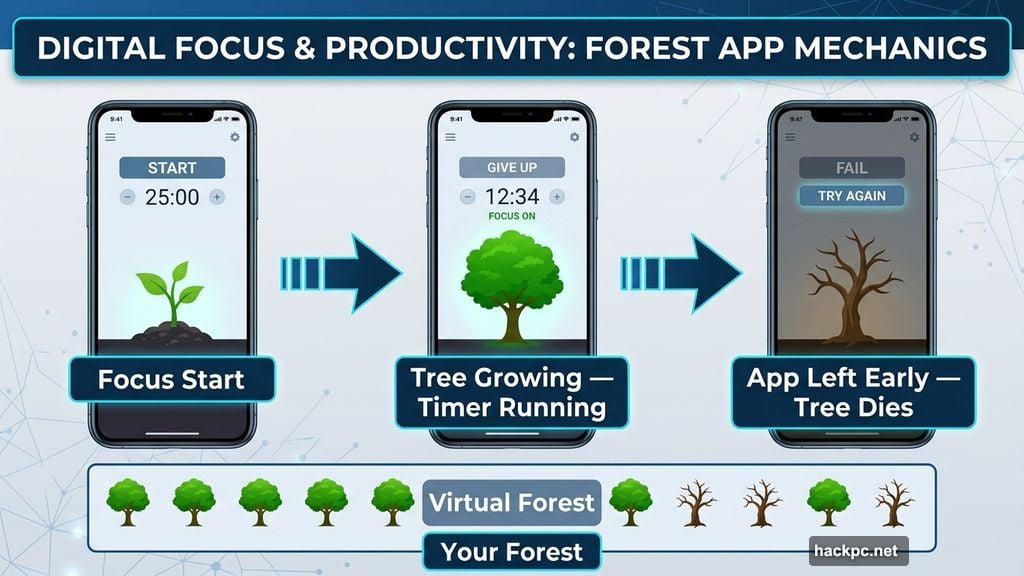
Forest is the rare productivity app that’s also genuinely fun. You plant a virtual tree when you need to focus. The tree grows while you work. Leave the app before the timer ends, and the tree dies.
Over time, your completed focus sessions build a digital forest — a visual record of your productive work. You can compare forests with friends, which adds a competitive layer if that motivates you. The app also lets you earn coins to help plant real trees through the nonprofit Trees for the Future.
Forest costs $3.99 to download, with optional in-app purchases to grow your forest faster.
Notion Does Almost Everything in One Place
Notion is the Swiss Army knife of productivity apps. It handles notes, task management, habit tracking, databases, project planning, and team collaboration — all inside a single workspace. Instead of juggling five different apps, you can pull everything into Notion and customize it to fit exactly how you work.
The built-in AI assistant writes drafts, summarizes notes, answers questions, and turns big piles of data into clear action items. You can also integrate Slack, Dropbox, and dozens of other tools to keep all your workflows in one spot.
Notion offers a free personal plan with a trial of Notion AI. Small groups can upgrade to the Plus plan at $10 per month, while the Business plan runs $20 per month.
Crouton Solves Meal Planning Frustration
Meal planning sounds small, but it quietly eats up a surprising amount of mental energy every week. Crouton fixes that by giving you one organized place for all your recipes, meal plans, and grocery lists.
You can import recipes directly from websites or scan them from physical cookbooks. Once your week is planned, the app auto-generates a grocery list with every ingredient you need. A built-in timer means you don’t have to juggle multiple apps while cooking. Crouton even generates meal plan suggestions when you’re stuck on ideas.
Basic features are free. Unlimited recipes and full functionality cost $14.99 per year.
Freedom Blocks Distractions Across Every Device
Freedom takes a no-nonsense approach to focus. You start a session, choose which apps and websites to block, and those distractions disappear across all your connected devices simultaneously. So if you’re deep in work on your iPad but reach for your phone to open Instagram, you’ll hit a green screen instead.
Sessions can start immediately, be scheduled in advance, or recur automatically at set times each day. The app also offers a solid library of ambient sounds — coffee shop noise, birdsong, calm instrumentals — if you focus better with background audio.
Freedom costs $3.99 per month and includes a collection of productivity articles for extra motivation.
Notability Fits Students and Professionals Equally Well
Notability is a polished note-taking app that covers everything from class notes to professional annotations. You can write with an Apple Pencil, type, or record audio, and the app syncs your voice recording to the exact moment you put pen to screen.
Search works across handwritten notes and uploaded documents, which is a real time-saver. AI-generated summaries help you review content faster, and the split-screen mode lets you work on two notes simultaneously. There’s also a quiz feature that tests you on your own material — smart for students cramming before exams.
Notability is free to download. A $4.99 monthly subscription unlocks automatic audio transcription, math conversion, unlimited notes, and more.
Todoist Organizes Tasks Using Natural Language
Todoist keeps things simple. You type tasks in plain English — “Do homework every Wednesday at 6 p.m.” — and the app figures out the scheduling automatically. No fiddling with menus or dropdowns.
Tasks sort into Today, Upcoming, or custom filters so you only see what’s relevant right now. The app connects with Gmail, Outlook, Slack, your calendar, and your voice assistant, so everything stays in sync. You can access it from your iPad, iPhone, Apple Watch, and desktop all at once.
Basic features are free. The Pro plan at $4 per month adds an AI assistant and a calendar layout view.
Trello Works Like Digital Sticky Notes
If you’ve ever covered a wall with sticky notes to plan a project, Trello will feel immediately familiar. You build boards for different areas of your life, then drag cards through columns like “To Do,” “Doing,” and “Done” as work progresses.
Each card holds descriptions, due dates, checklists, and notes. Color labels let you assign priorities at a glance. The Calendar view gives you a clean overview of upcoming deadlines. Trello is simple enough to set up in minutes but flexible enough to handle complex projects.
The free plan includes unlimited cards and up to 10 boards. The Standard plan at $5 per month removes the board limit and adds email and Slack integration for capturing tasks.
Any of these apps can reshape how you use your iPad. The best approach is to pick one or two that match how you already think and work, rather than installing all of them at once. Start with the problem that slows you down most, find the app that addresses it, and build from there.



Comments (0)